Production & shooting
Pre-production: plan before you hit record
Most people hit record and figure out the rest later. But the videos that work are decided beforehand — in the stage almost no one sees: the planning. That's where you save time, money and headaches.
~9 min read
1. Every video has 3 stages
From big cinema productions to a video shot in a bedroom, the process is the same. You can split the making of any video into three stages — and it's when all three work in harmony that a high-quality video is born:
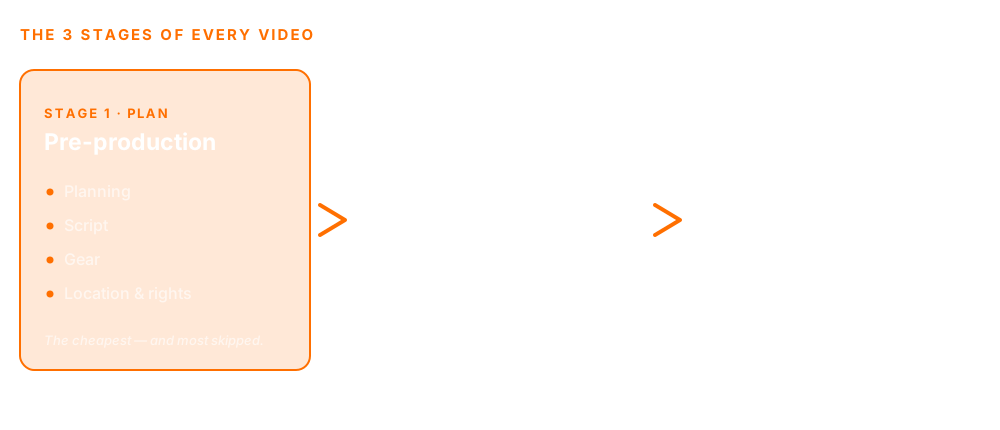
- Pre-production — the planning: everything you decide before you shoot. The least known of the three — and, by far, the most underrated.
- Production — the “hands-on” part: the shoot itself. The part everyone knows and most people enjoy most.
- Post-production — the finishing — editing, color, music, effects, mixing. Famous, even when we don't call it by name.
2. What pre-production actually is
Pre-production is everything you decide before you shoot. It's where you think about the video's length, where you'll film, what gear you need, who's involved, the logistics, the permissions — and the script. None of it shows up on screen, but all of it decides what does.
It looks like extra work. In practice, it's the opposite: planning is what makes the shoot flow and the edit pay off. The video you shoot without thinking is the same one that gives you triple the work later.
3. Why planning ahead is worth its weight in gold
Preparing before you hit record is, all at once, smart, effective and economical:
- Smart — it avoids the silly mistakes that only show up too late — once the person has already left and the scene can't be redone.
- Effective — it makes the next two stages (shooting and editing) flow without rework and without winging it.
- Economical — getting it right once saves hours — and cuts the work in post, which tends to be the most time-consuming stage (whether you edit it or a pro does).
For anyone who does this for a living, the math is direct: every hour of planning saves several hours in front of the computer. It's the highest-return tweak in the whole process — the same principle engineers call “fixing early costs a fraction of fixing late.”
4. The example everyone gets
Picture a video where text will appear beside the person speaking. For the text to fit, you need to frame that person more to one side, leaving open space on the other — space that gets filled in later, in the edit. Want to master this for good? See the guide on framing and composition.
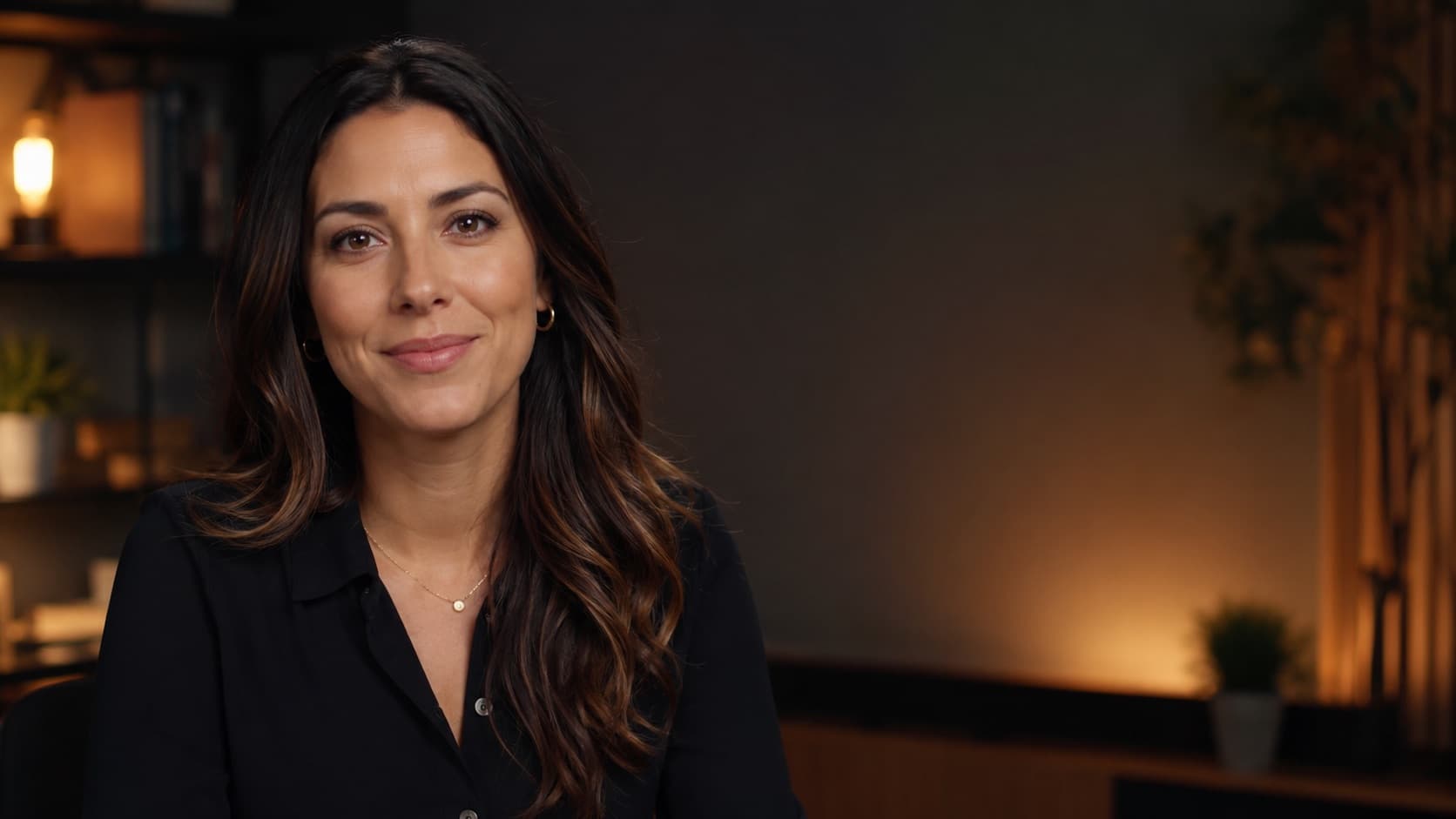
It's a tiny detail. But if it gets forgotten in the rush of the shoot, you only find out in the edit — and then there are just two ways out: reshoot, or force a fix that costs several times more work and never looks as good. A ten-second decision in pre-production becomes half an hour of trouble in post.

5. The script is the heart of pre-production
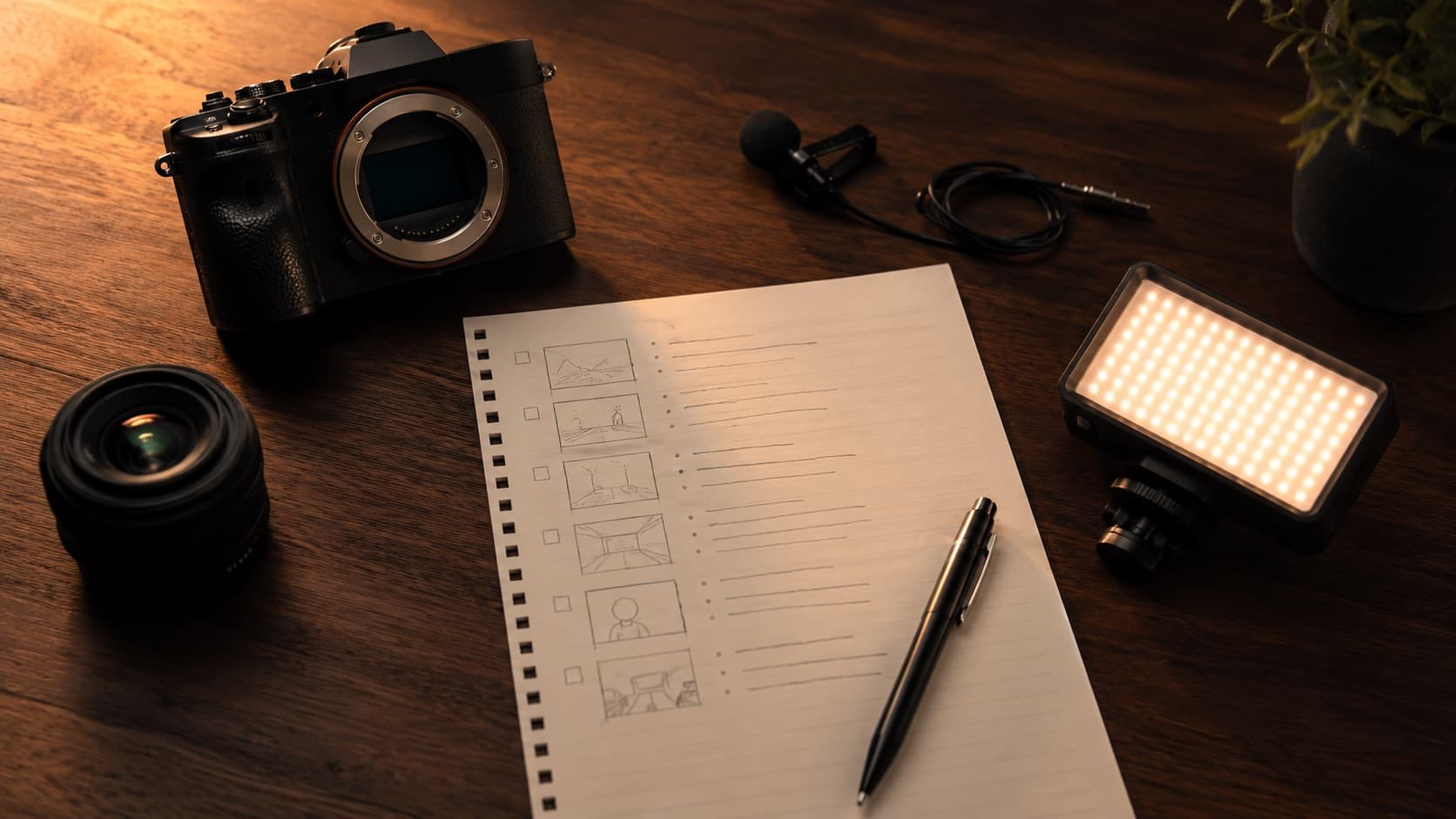
A script isn't just “memorized lines.” It's the map of the video: what goes in, in what order, and where each thing will fit. Even a simple script — a few topics on a sheet — already prevents the rambling, the forgotten bits and that “let me start over.”
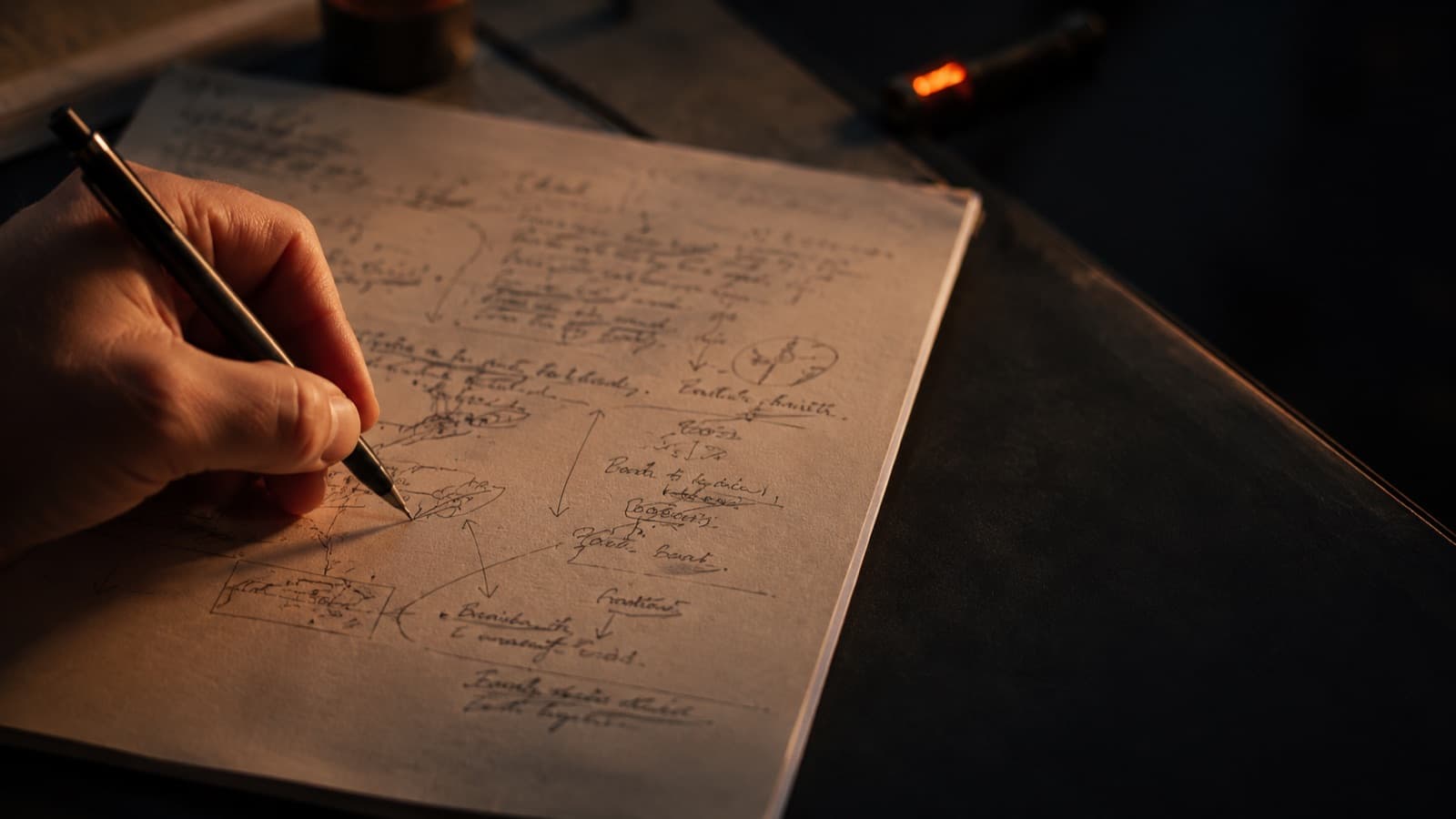
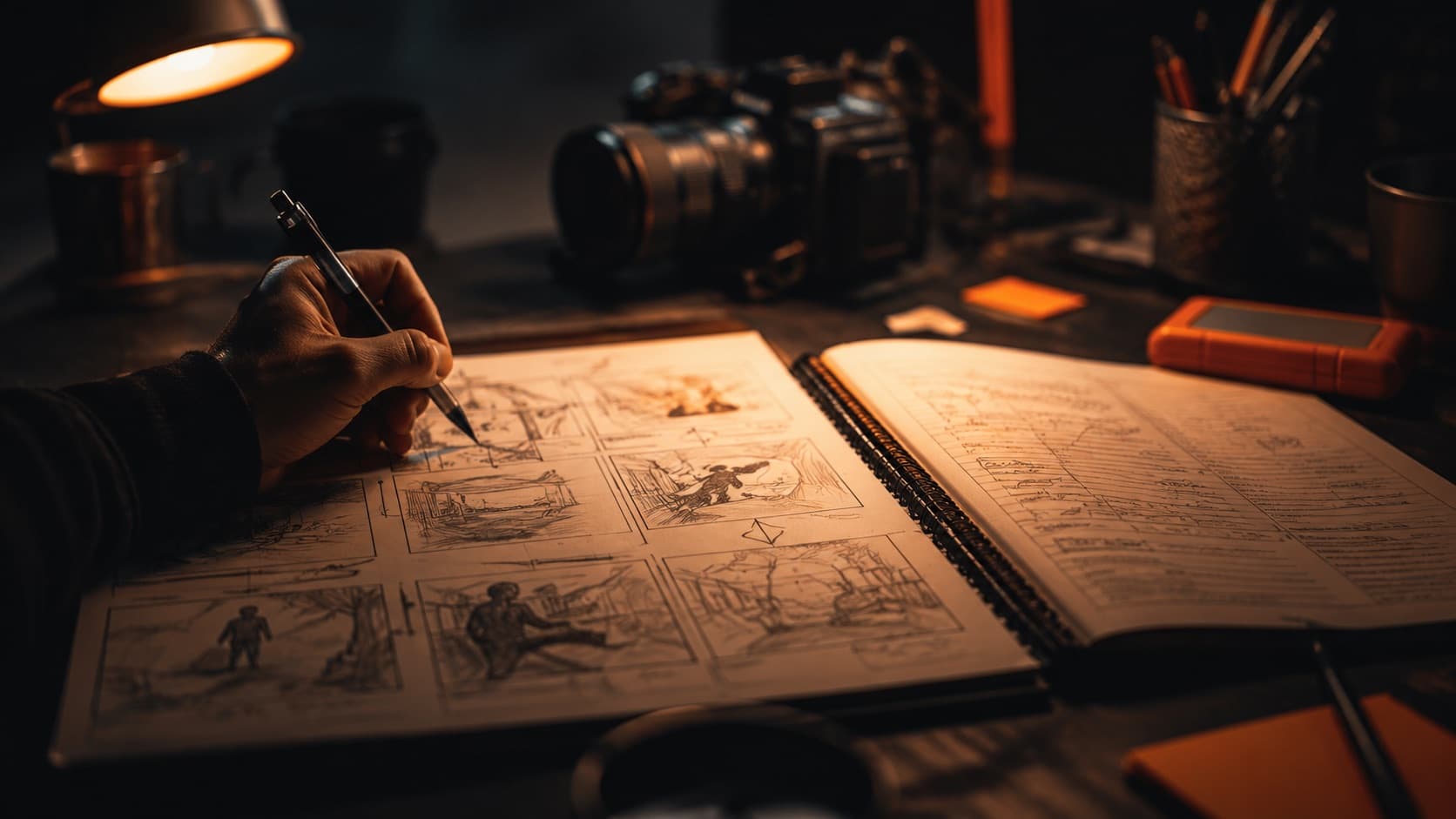
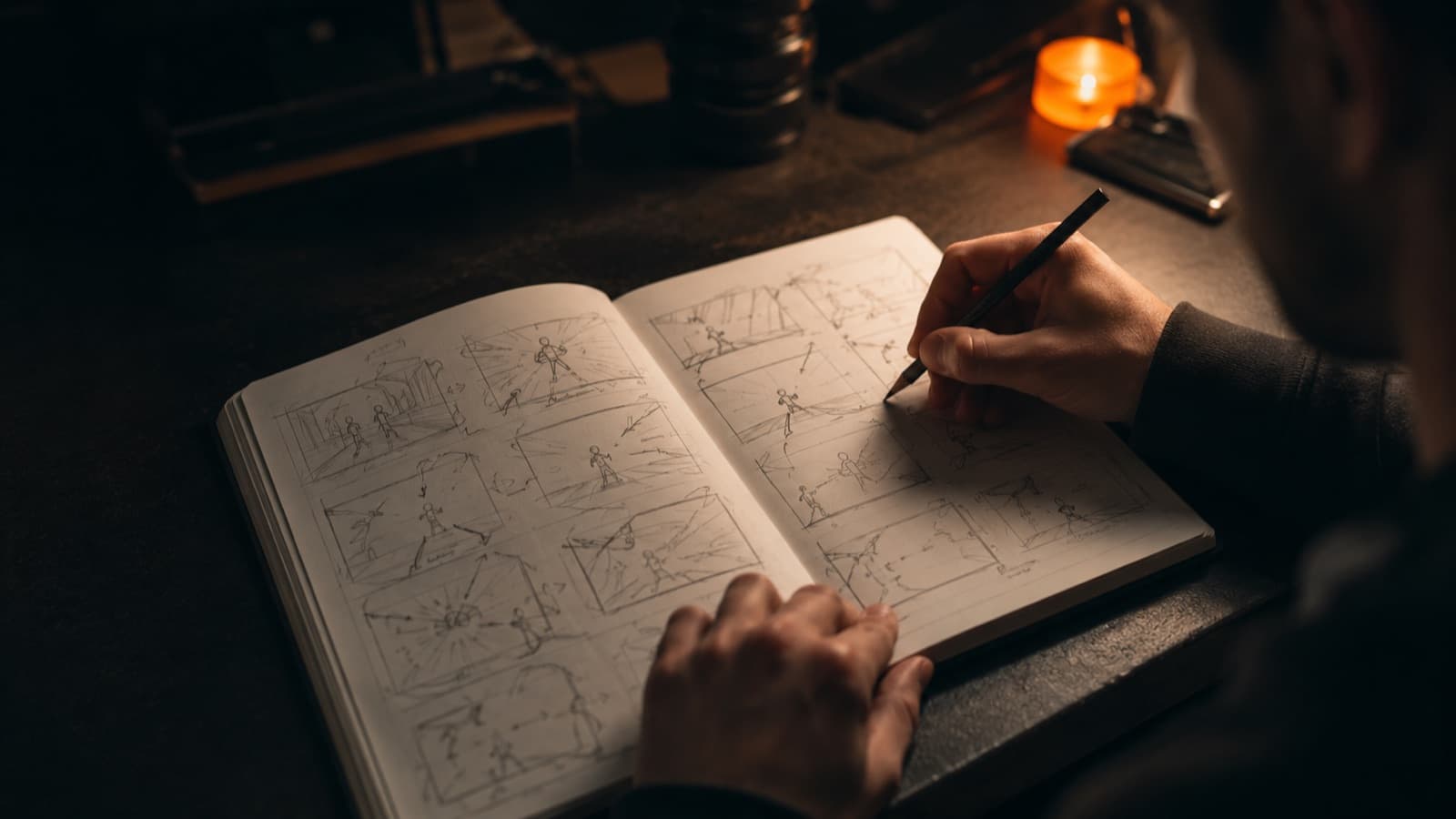
Planning visually helps too: a storyboard (the sequence of scenes drawn out, even in scribbles or in an app) makes every shot clear before you leave the house. Want to go deeper? See the guide on script and storyboard. And the same principle applies as for holding an audience: start at the point, without that long “today I'm going to talk about…” — it's the same logic as holding the viewer in the first few seconds.
6. Your pre-production checklist
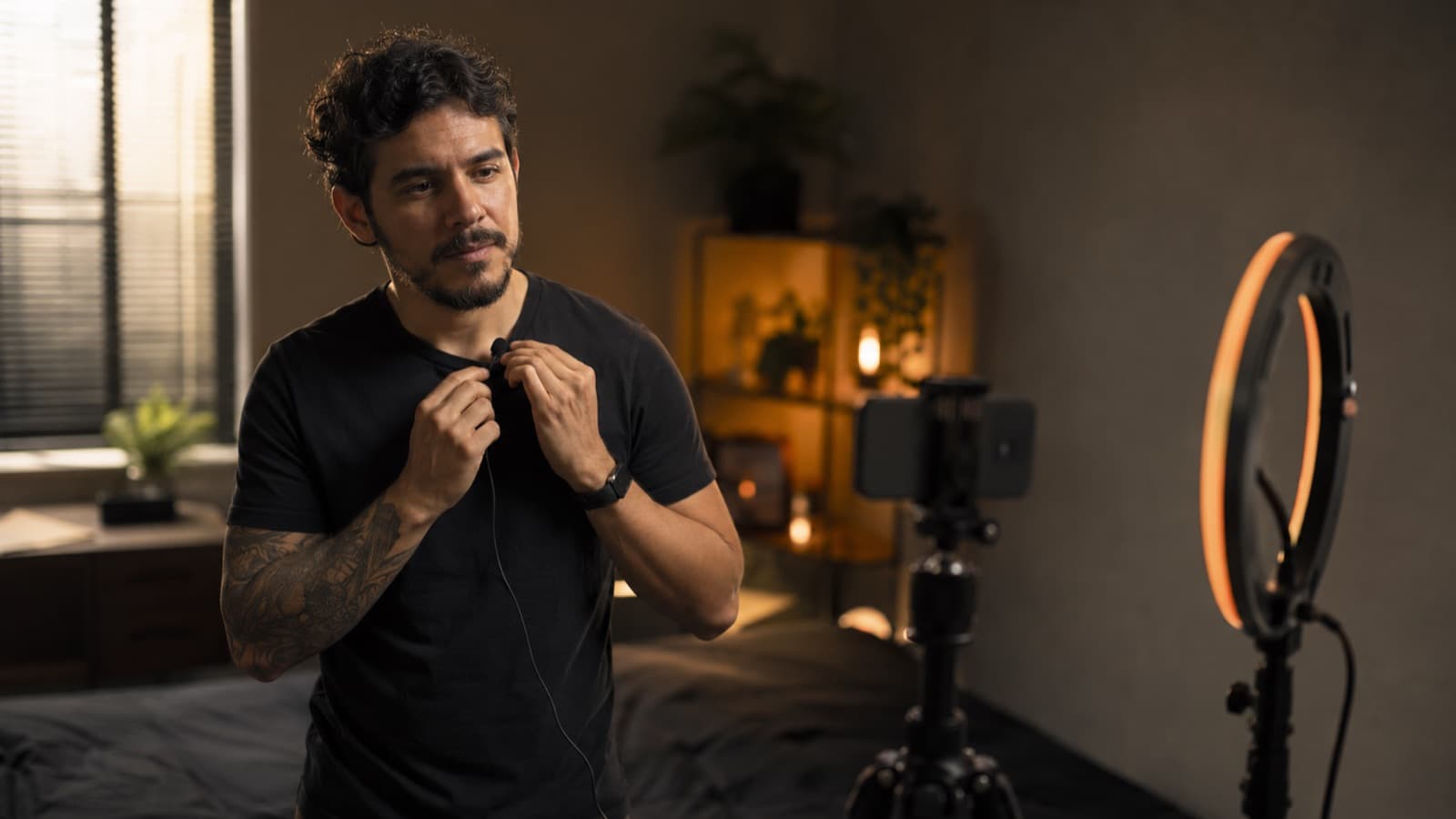
Before you shoot, it's worth running your eyes over these questions. They prevent almost all rework:
- Location — indoor or outdoor? Is it covered? Is there a plan B if it rains?
- Noise — do cars go by? construction nearby? does the room echo? Sound is half the video — see why audio is the #1 mistake.
- Light — is there enough, steady light? Do you need extra lighting?
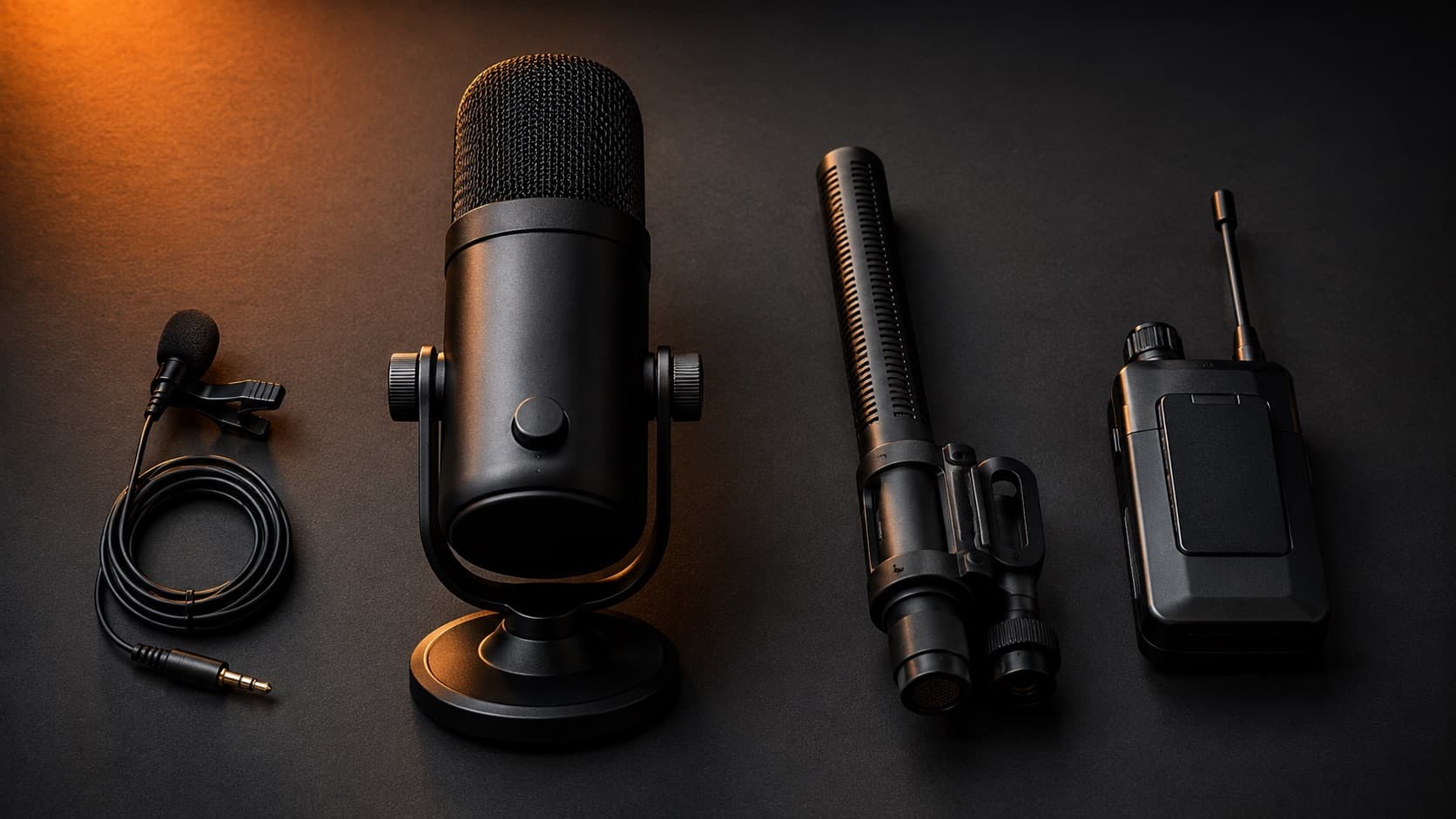
- Microphone — which is right for this situation — lavalier, handheld, shotgun or wireless? (mic guide)
- Framing — what's your shot list? Which shots and angles? Do you need to leave room for text (see framing)?
- Script & timing — what structure and final length are you aiming for? Start with the script and storyboard.
- Your delivery — will you be on camera? It's worth rehearsing, warming up your voice and knowing the first lines by heart — see how to speak well on camera (and, if it helps, use a teleprompter).
- Chroma key — will you use a green screen? Is the background well lit and shadow-free? (full guide)
- Gear — do you have everything you need, charged and with a free card? What's missing? (build your recording kit)
- People — do you need to hire services or actors? who does what?
- Rights — are the image, location, filming and music permissions sorted? (see copyright)

7. Don't become a hostage to cinema paperwork
The checklist above looks big, but for someone shooting solo on a phone the essentials are small: decide the message, jot the topics, list the few takes you need, and check the location and the gear. That's about 15 minutes that save an entire reshoot.
The rest of professional pre-production — a detailed storyboard of every scene, a call sheet, formal casting, a line-by-line budget — exists to coordinate a crew. It scales with the size of the production, not with care. You can skip it guilt-free: caring isn't doing more paperwork, it's deciding what matters before you hit record.
8. Improvise sparingly
Improvising is great — a line that comes out on the spot, a scene that surfaces, often have more truth than the rehearsed one. But there's a difference between improvising with purpose and doing everything off the cuff. Improvising a scene or a line because it calls for it, with a reason, enriches it. Shooting everything without thinking is something else: you lose track of what you're filming, and the editing work grows a lot.
A thought-through, well-shot video almost always turns out better and makes editing easier. Planning doesn't kill spontaneity — it makes room for it to happen in the right place, without becoming a mess in post.
9. Tools (and AI) that help with planning
You don't need anything beyond pen and paper. But some tools — several free — make it easier, and AI today helps with the draft (without deciding for you):
- AI for scripts (free) — ChatGPT and the like draft a script, an outline and even the shot list from an idea — great for beating the blank page. Always review: AI speeds up the draft, it doesn't decide the content.
- AI for storyboards — Boords, Storyboarder.ai and Adobe Firefly Boards generate a storyboard from your text. Useful for narrative video; for “talking to the camera” it's optional.
- Keep it all in one place (free) — Milanote (mood board + storyboard + shot list on one board) and Notion or Airtable (planning templates) — the free plan is enough to start.
- Professional suites — StudioBinder, Filmustage and Storyflow build shot lists, schedules and crew call sheets — they're paid and designed for a crew. Leave them for “if you grow,” not for your first video.
For a solo phone creator, the honest shortcut is simple: ChatGPT to draft + Milanote or Notion (free) to organize. The rest is for when the production becomes a team effort.
Quick questions
What is pre-production?
It's the planning stage of a video: everything you decide before you hit record — the message, the length, where to shoot, the gear, who's involved, the permissions and the script. None of it shows up on screen, but all of it decides what does. It's the first of the three stages (pre-production, production and post-production) and, by far, the most underrated.
What are the 3 stages of making a video?
Pre-production (the planning, before you shoot), production (the shoot itself) and post-production (the finishing: editing, color, music, effects, mixing). The process is the same from a big cinema production to a video shot on a phone in a bedroom — only the scale changes. It's when all three work in harmony that a high-quality video is born.
Why is pre-production so important?
Because it's the cheapest stage to get right and the most expensive to skip. Planning ahead makes the shoot flow and the edit pay off: every hour of planning usually saves several hours in front of the computer. It's the same principle engineers call “fixing early costs a fraction of fixing late.” A detail forgotten in the rush of the shoot only shows up in the edit — and then there are two ways out: reshoot, or force a fix that costs far more work.
How do I make a pre-production checklist?
Before you shoot, run your eyes over these questions: location (indoor/outdoor, a plan B if it rains), noise, light, the right mic for the situation, framing and shot list, script and length, your delivery (will you be on camera?), chroma key if you'll use it, gear charged and a free card, the people involved and the rights (image, location, music). For someone shooting solo on a phone, the essentials are smaller: decide the message, jot the topics, list the few takes and check the location and gear — about 15 minutes that save an entire reshoot.
Do I really need a script for a simple video?
It's worth it, yes. A script isn't memorized lines — it's the map of the video: what goes in, in what order, where each thing fits. Even a simple script (a few topics on a sheet) already prevents the rambling, the forgotten bits and the “let me start over.” A rough storyboard, even stick figures, makes every shot clear before you leave the house.
Can I just improvise instead of planning?
Improvising is great when it has a purpose — a line that comes out on the spot often has more truth than the rehearsed one. But there's a difference between improvising with purpose and shooting everything off the cuff. With no plan at all you lose track of what you're filming and the editing work grows a lot. Planning doesn't kill spontaneity: it makes room for it to happen in the right place, without becoming a mess in post.
How long does pre-production take?
It depends on the scale. For a solo phone video, the essentials are about 15 minutes: decide the message, jot the topics, list the takes and check the location and gear. A detailed storyboard, a call sheet, formal casting and a line-by-line budget exist to coordinate a crew — they scale with the size of the production, not with care, and you can skip them guilt-free on a solo video. Caring isn't doing more paperwork: it's deciding what matters before you hit record.
Sources
- StudioBinder — The Stages of Film Production — the phases of production, including pre-production, production and post.
- StudioBinder — The Ultimate Pre-Production Checklist — the full list (from which we drew the essentials for the solo creator).
- Steve McConnell — An Ounce of Prevention — the principle: fixing early costs a fraction of fixing late (the Boehm curve).
- Boords — AI Storyboard Generator — an example of AI that creates a storyboard from the script.
- Milanote — Pre-Production Plan Template — organizing script, storyboard and shot list on a single board.
Planning before you shoot is what makes everything flow without rework — and when you shoot with light and audio already sorted, the edit pays off far more. If you'd like guidance on thinking the video through with the final cut in mind, HEY JOE helps with that — and the editing is on us.