Production & shooting
Script and storyboard: the map of your video
Shooting without a script is driving with no map: you might get somewhere, but it takes longer, you take the wrong turn and spend three times as much. A simple plan for what to say and show — before you turn the camera on — is what separates the rambling video from the one that holds.
~12 min read
1. A script isn't lines to memorize — it's the map
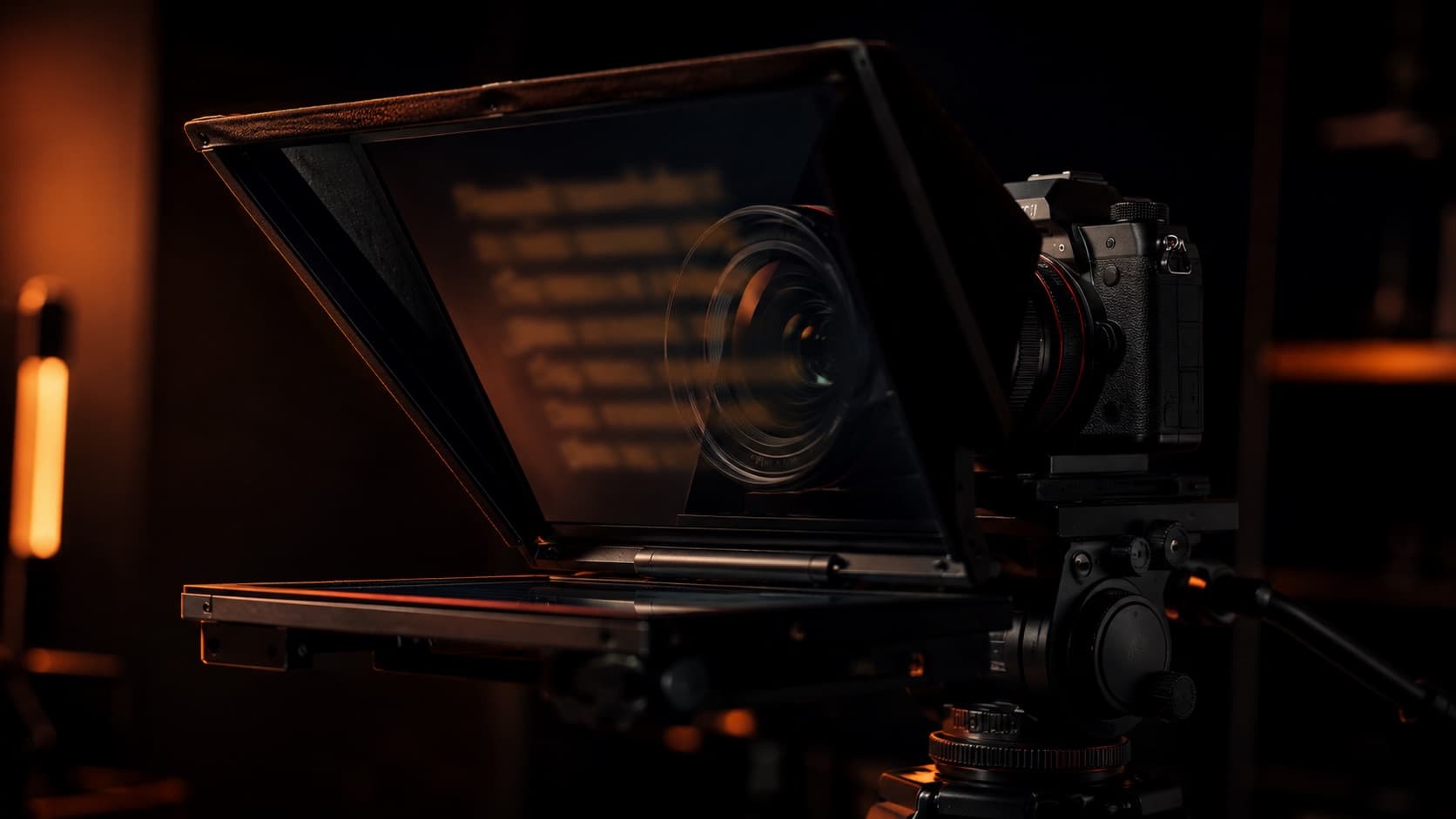
A script isn't a text for you to read word for word (to read without memorizing, use a teleprompter). It's the map of the video: what goes in, in what order, and where each thing fits. The pre-production guide gives the overall view of planning; here we dive into the script and the storyboard for real.
Even a simple script — a few bullets on a sheet — already solves the three biggest problems of shooting off the cuff: the rambling, the forgetting and the endless “let me start over.” You shoot fewer takes, make fewer mistakes and edit faster.
2. Start at the point (and open a loop)
The biggest script mistake is the opening. That long “hey everyone, how's it going? today I'm going to talk about…, but first hit subscribe…” loses the viewer before the content even starts. Start by delivering: say, in the first seconds, what the person will get — and why it's worth staying.
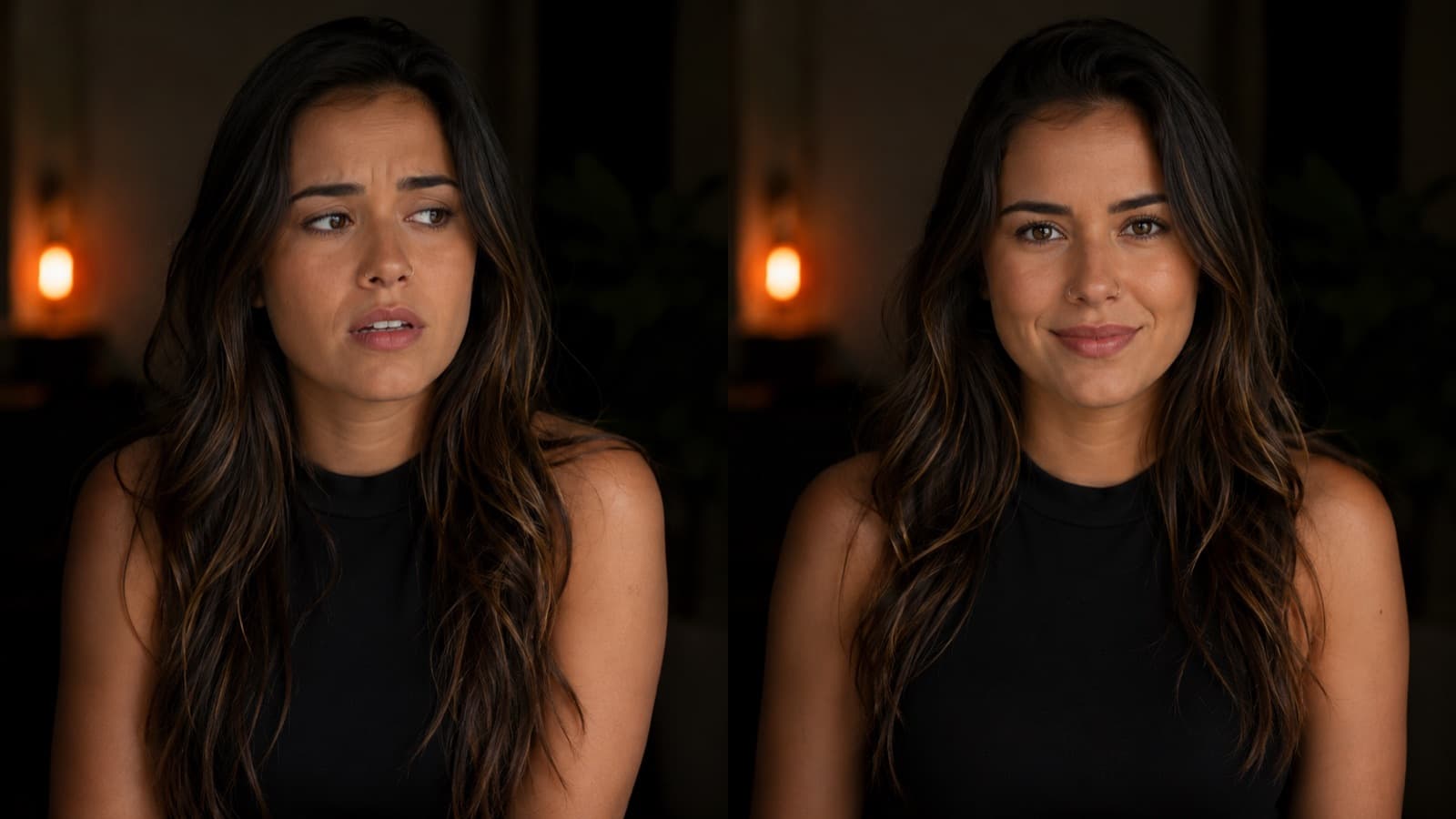
One device that genuinely works: open a loop. “There's one mistake that sinks 9 out of 10 beginner videos — I'll show you which in a sec” creates a gap the brain wants to close. It's not a cheap trick: it's curiosity theory (Loewenstein) and the same Zeigarnik effect as in retention — open it early and close it mid-video.
And a counter-intuitive tip: write the hook last. You can't promise an ending you haven't even written yet — build the content first and the hook almost writes itself.
3. The anatomy of a script that works
It doesn't have to be complex. Almost every good video fits this four-part structure:
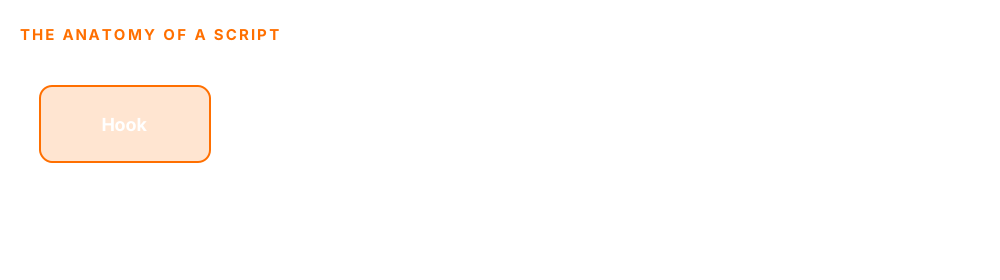
- Hook — the first 10 seconds. Grab them with the question, the problem or the end result.
- Promise — say what the person gets by watching. It gives them a clear reason to keep going.
- Content in blocks — one topic per block. Short blocks create a sense of progress and are easier to follow.
- Close / CTA — recap and say the next step (watch another video, subscribe, buy).
To fill that anatomy, a framework helps a lot — the easiest to start with is PAS:
- Problem — open by showing the pain the person has (“does your video stall right at the start?”).
- Agitate — show the cost of not solving it (“so you shoot it 10 times, lose your afternoon and almost give up”).
- Solve — deliver the path — which is your video's content.
It works because it's how the viewer already arrives: with a problem. (There's also AIDA — Attention, Interest, Desire, Action — but to start, PAS is the most direct.)
4. Write for the EAR, not the eye
There's a difference that changes everything: a reader can reread and pause; a listener gets the sentence once, at speaking speed, with no going back. That's why a good script is written to be said, not read.
- One idea per sentence — short sentence — 10 words at most. On paper it looks odd; spoken, it flows.
- Talk like a person — use contractions and everyday words. Stuffy text sounds robotic out loud.
- Round the numbers — “over a thousand” instead of “1,456.” The ear doesn't hold a long number.
- Read it out loud — the best test there is. If you wouldn't say it that way, rewrite it.
The pros' shortcut: talk it, then tidy it. Record yourself explaining the topic, off the cuff, like you're telling a friend. Transcribe it (CapCut and YouTube do this) and trim that text down. You start from natural speech, not from forced writing — and that's half the way to delivering well on camera.
5. Full script, bullets or off the cuff?
There's no single right one — there's the right one for each case:
- Word for word — for narration, tutorials and for anyone who freezes on camera. It guarantees nothing's missing — but it can sound mechanical if you don't read well.
- Bullets (the middle ground) — for a talking-head, vlog or lesson. Structure without a leash: you know the order but speak naturally. It's where most people land.
- All off the cuff — almost never for a beginner: you ramble, skip a step and the video comes out twice as long.
Golden rule: write the hook and the close/CTA word for word (the two most important moments) and leave the middle in bullets.
To estimate the length: we speak around 130-150 words per minute. So a 5-minute video has ~700 words of script — a simple count to keep from running over.
AI helps: ChatGPT structures an idea into a script, or cleans up that transcript from “talk it, then tidy it.” But review it — it's generic and doesn't know your voice. It speeds up the draft, it doesn't decide what you want to say.
6. A template you can copy
Paste this into a notes app and fill it in. It works for almost any video:
- 1 · Hook — (write it last) the problem + an open loop. Say it word for word.
- 2 · Promise — “in this video you'll be able to [the result].”
- 3-5 · Blocks — one topic per block: point + example. Three is enough.
- 6 · Payoff — close the loop you opened in the hook.
- 7 · CTA — one action only (watch another video, subscribe). Word for word.
7. Storyboard: draw it before you shoot
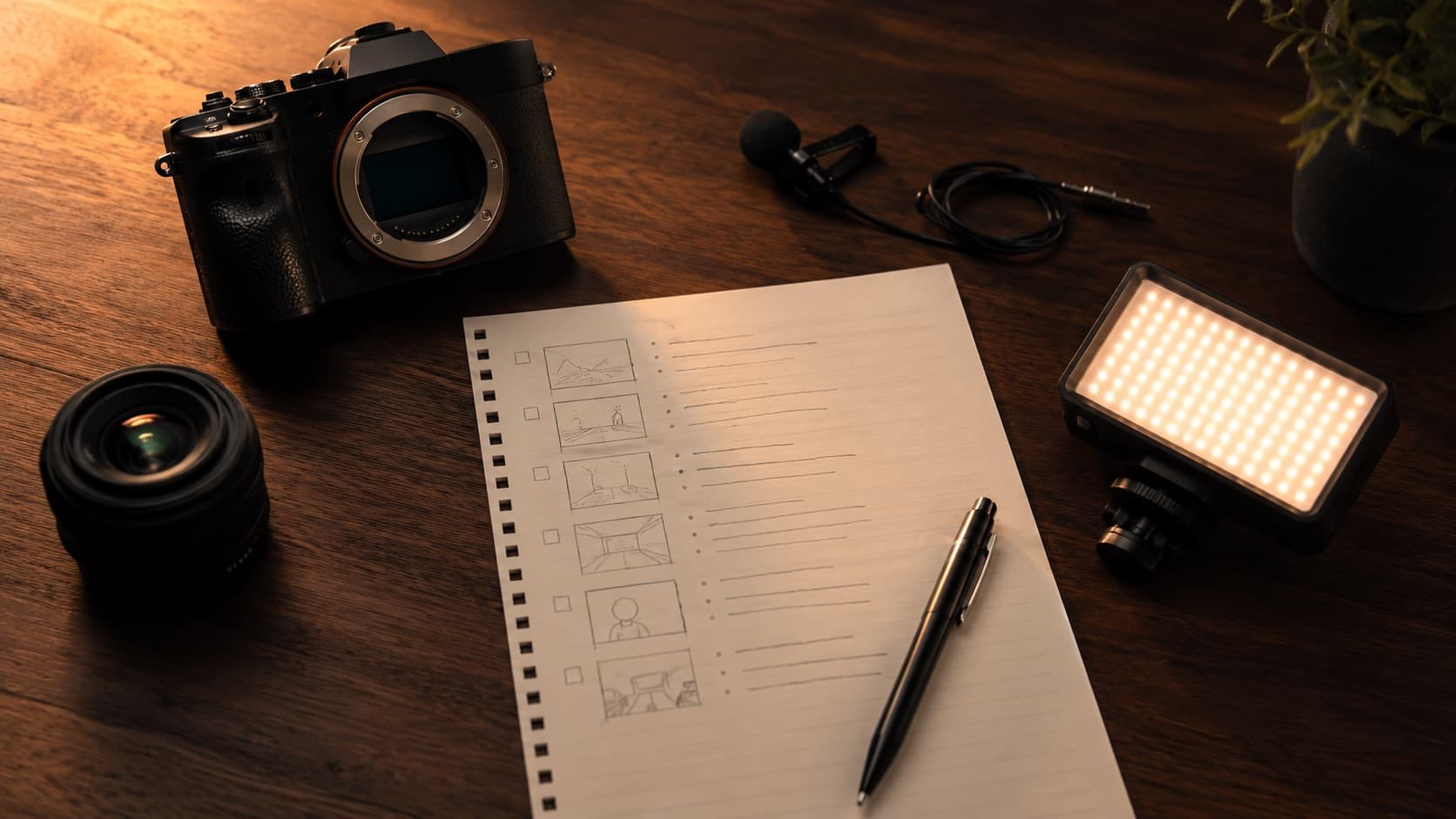
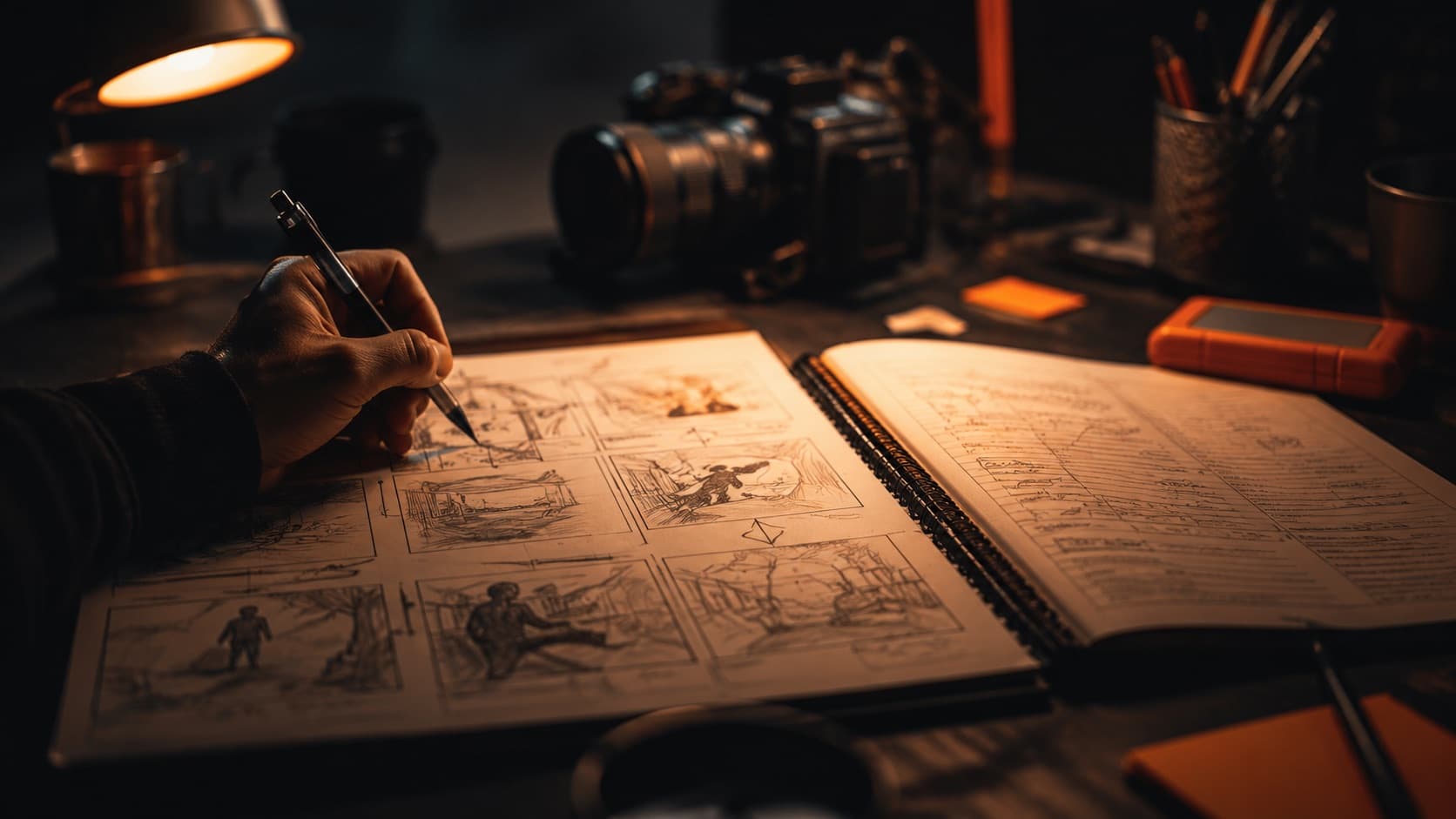
If the script is what you say, the storyboard is how you show it. It's the sequence of scenes drawn out — even in stick-figure scribbles. The goal is to decide every shot before you leave the house.
Don't confuse two documents: the storyboard is the visual (how each shot looks — framing, angle, movement) and the shot list is the text checklist of every shot you need to capture. You look at the storyboard; you check off the shot list on set. Ideally you have both — and you set the shots there.
It's in the storyboard that you remember the details that cost dearly if forgotten — like leaving room in the frame for the text that comes in during the edit, or planning that close-up that gives it pace. Drawing takes minutes; reshooting takes hours.
Can't draw? You don't need to — the storyboard is there to communicate the idea, not to be art. Stick figures, boxes and arrows are enough. A dirt-cheap trick: sketch each shot on a sticky note and rearrange until you like the sequence — nothing's locked until the order feels right.
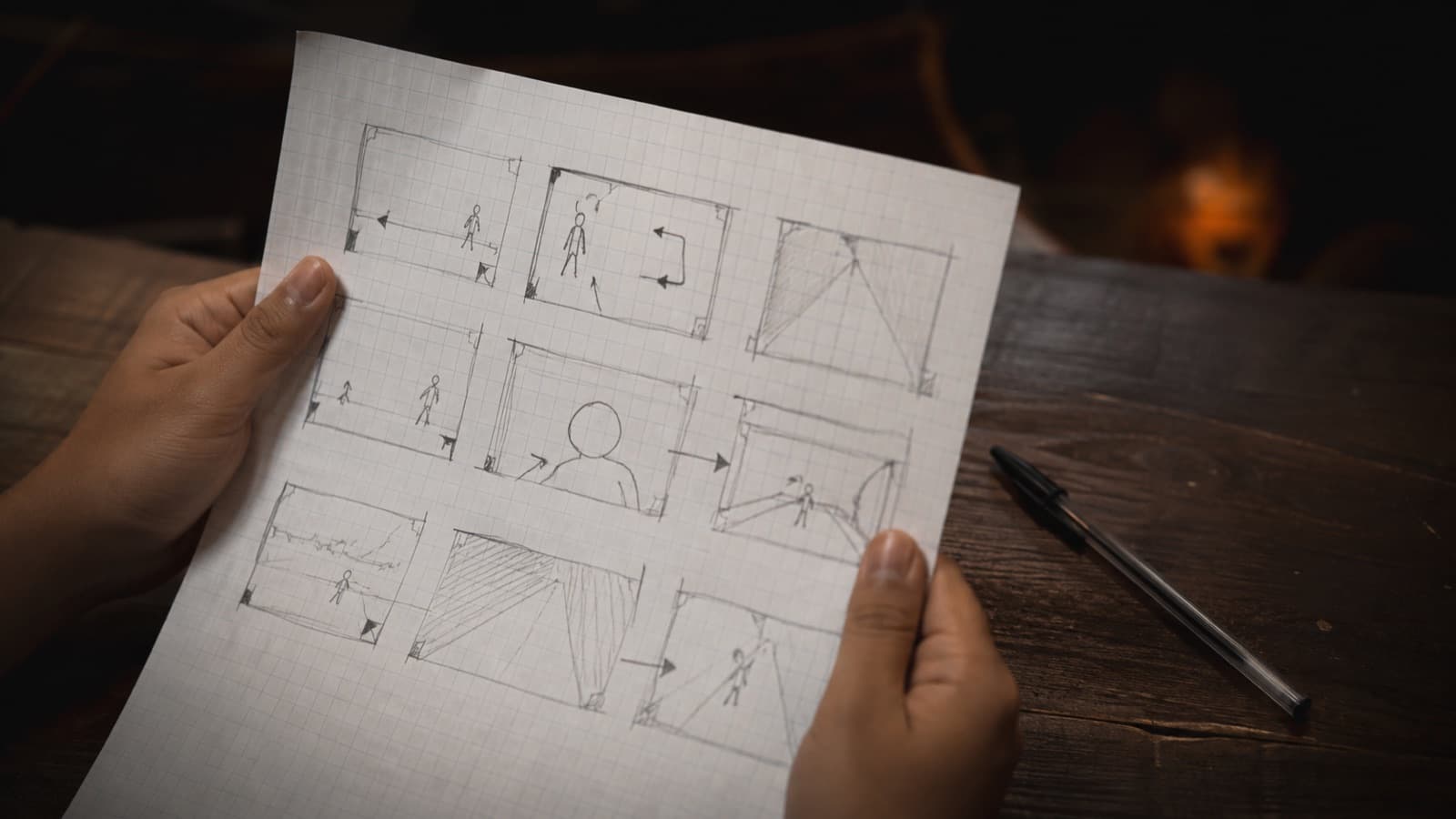
And if you don't want to draw anything, there are ready-made tools:
- Drag-and-drop (no drawing) — StoryboardThat: you drag ready-made characters and settings into the cells. Free gives 2 storyboards/week (with a watermark). The easiest for non-drawers.
- Free print template — StudioBinder has free 16:9 templates (no email) — download and sketch over them.
- Free drawing app — Storyboarder (Wonder Unit) is an open-source desktop app for drawing; it has a “Shot Generator” with 3D figures you pose and draw over — it's the old, semi-stalled version, but it's free.
- AI from the script — Storyboarder.ai (web, a separate product from the above) and Storyflow generate the frames from your text. Good for NARRATIVE; for a talking-head it's optional. Heads-up: Boords' free tier exports WITH a watermark — without one, only on the paid plan.
- Truly zero cost — walk the location and take a PHOTO of each shot on your phone. It becomes an instant storyboard with real framing.
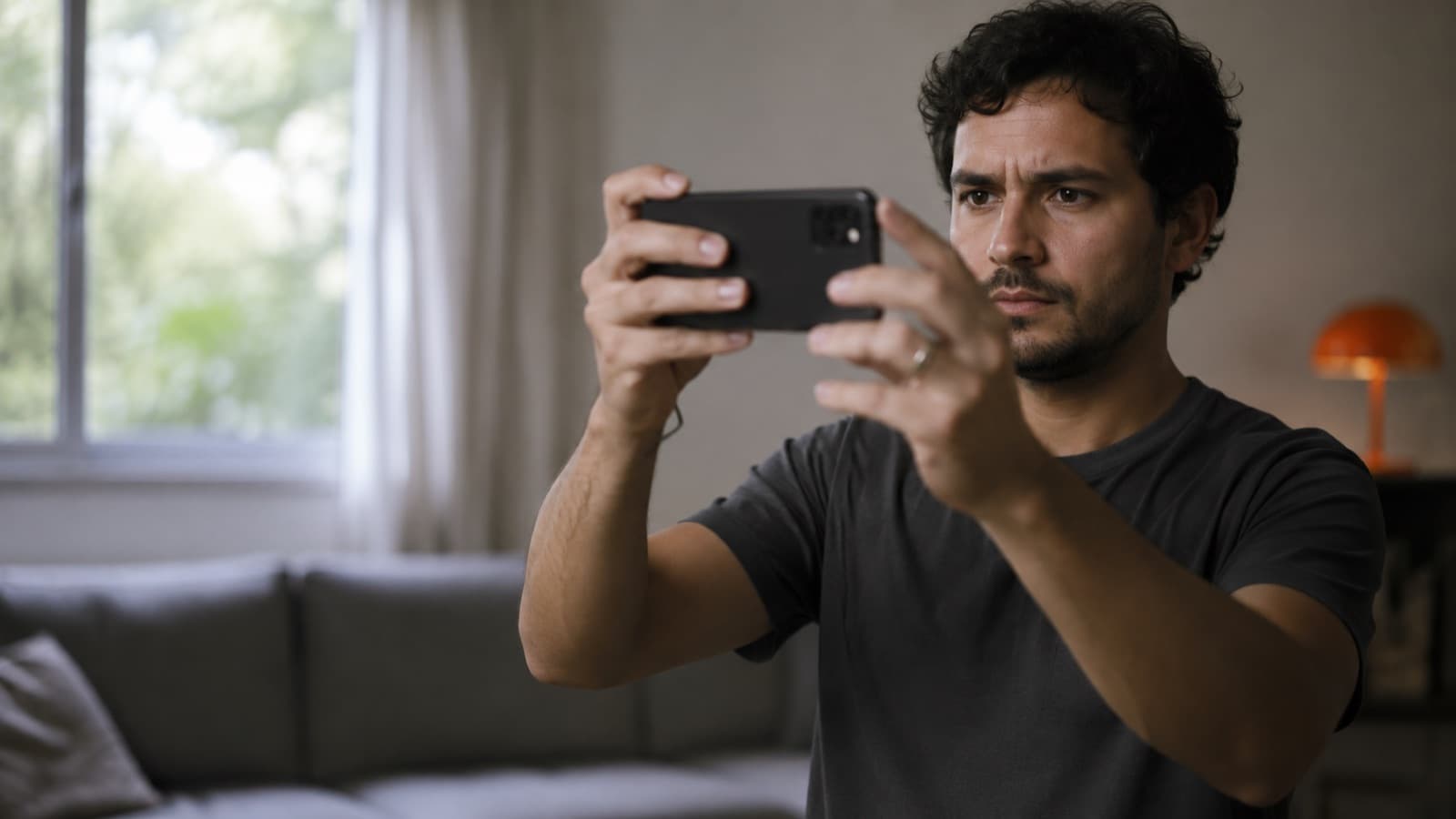
8. Use images to introduce each topic
A good script already plans the visual support. When a new subject starts, an image, a title card or a stretch of b-roll (a cutaway: your hands working, the setting, a detail — anything that illustrates what you're saying) tells the viewer: “we've changed topics.” That cements the idea and breaks the monotony of the “talking head.”
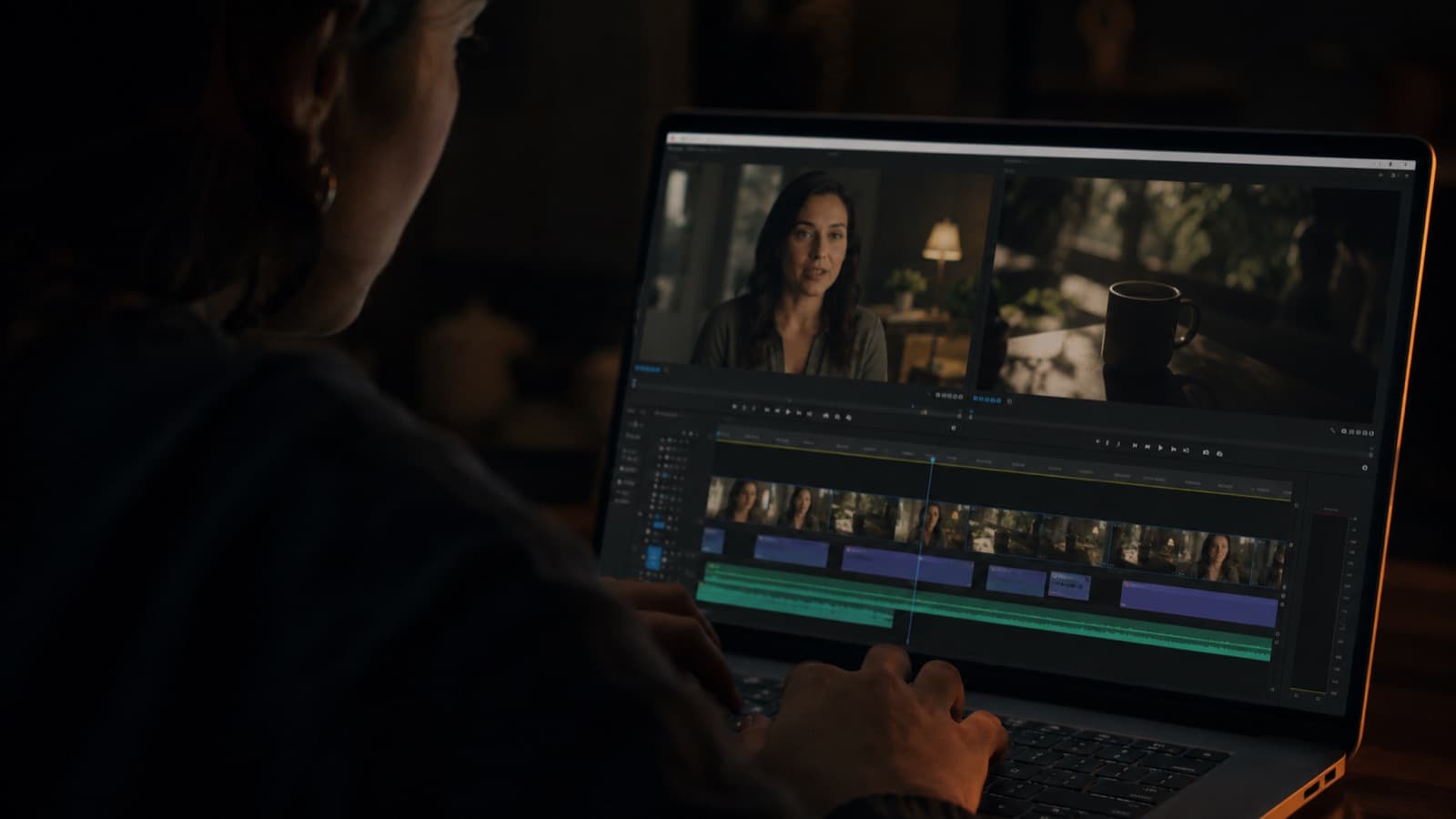
It matters even more in educational content — it's one of the pillars of turning a recorded lesson into an online course that holds the student. Mark in the script where each image comes in; the edit will thank you.
Quick questions
Do I really need a script for a simple video?
Yes — even a ten-line one. It doesn't have to be a text you read word for word: a few bullet points on a sheet already solve the three biggest problems of shooting off the cuff (rambling, forgetting a step, and the endless “let me start over”). You shoot fewer takes, make fewer mistakes and edit faster. It's the cheapest document to make and the one that pays off most in the stages that follow.
Should I write word for word or just jot bullets?
It depends on the type of video. Word for word is better for narration, tutorials and for anyone who freezes on camera. Bullets are the middle ground for a talking-head, vlog or lesson — structure without a leash. The golden rule: write the hook and the close/CTA word for word (the two most important moments) and leave the middle in bullets.
How do I write a script that holds from the start?
Start at the point, not with the intro. Say in the first seconds what the person will get and why it's worth staying, and open a “loop” — a question or promise the brain wants resolved (“there's one mistake that sinks 9 out of 10 beginner videos — I'll show you which in a sec”). Use the structure hook → promise → content in blocks → close, and fill it with the PAS framework (Problem, Agitate, Solve).
How many script words fit in a minute of video?
As a reference, we speak around 130 to 150 words per minute — it varies with pace and language. So a 5-minute video has roughly 700 words of script. It's a rough count, handy for not blowing past your planned length.
What's the difference between a storyboard and a shot list?
The storyboard is the VISUAL: the sequence of scenes drawn out, showing how each shot looks (framing, angle, movement) — even in stick-figure scribbles. The shot list is the text LIST of every shot you need to capture, a checklist to run on set. You look at the storyboard; you check off the shot list. Ideally you have both.
Do I need to know how to draw to make a storyboard?
No. The storyboard is there to communicate the idea, not to be art — stick figures, boxes and arrows are enough. If you don't want to draw anything, walk the location and take a photo of each shot on your phone: it becomes an instant storyboard with real framing. There are also drag-and-drop tools and print-ready templates, no drawing skill required.
Can I use AI to write the script?
You can speed up the draft. An AI tool structures an idea into a script or cleans up that text you recorded off the cuff. But always review it — AI is generic and doesn't know your voice. It helps with the skeleton, it doesn't decide what you want to say.
Sources
- Loewenstein — Information-Gap Theory (curiosity) — the science behind the “open loop.”
- CrazyEgg — AIDA vs PAS — the two structure frameworks, compared.
- Flowspark — Writing for the ear — why a spoken script ≠ text to read.
- StudioBinder — Shot list vs Storyboard — the difference and when to use each.
- StudioBinder — Storyboard if you can't draw — stick figures are enough.
- Boords — Pricing — the free plan exports with a watermark.
The script and the storyboard are yours — and it's in the final edit that HEY JOE gives the message its pace and builds the visual support you planned. And when the goal is to sell — a VSL or brand video — the script is where the persuasion begins; it's worth writing with extra care (and, if you prefer, leaving the editing to a professional).