Production & filming
Camera shots: the right distance and what each one makes you feel
Where you put the camera changes what the audience feels — before a single word. Wide or tight, high or low: every distance and every angle has an emotion built in. And the best part: it costs nothing — it depends only on where you stand and how close you get.
~8 min read
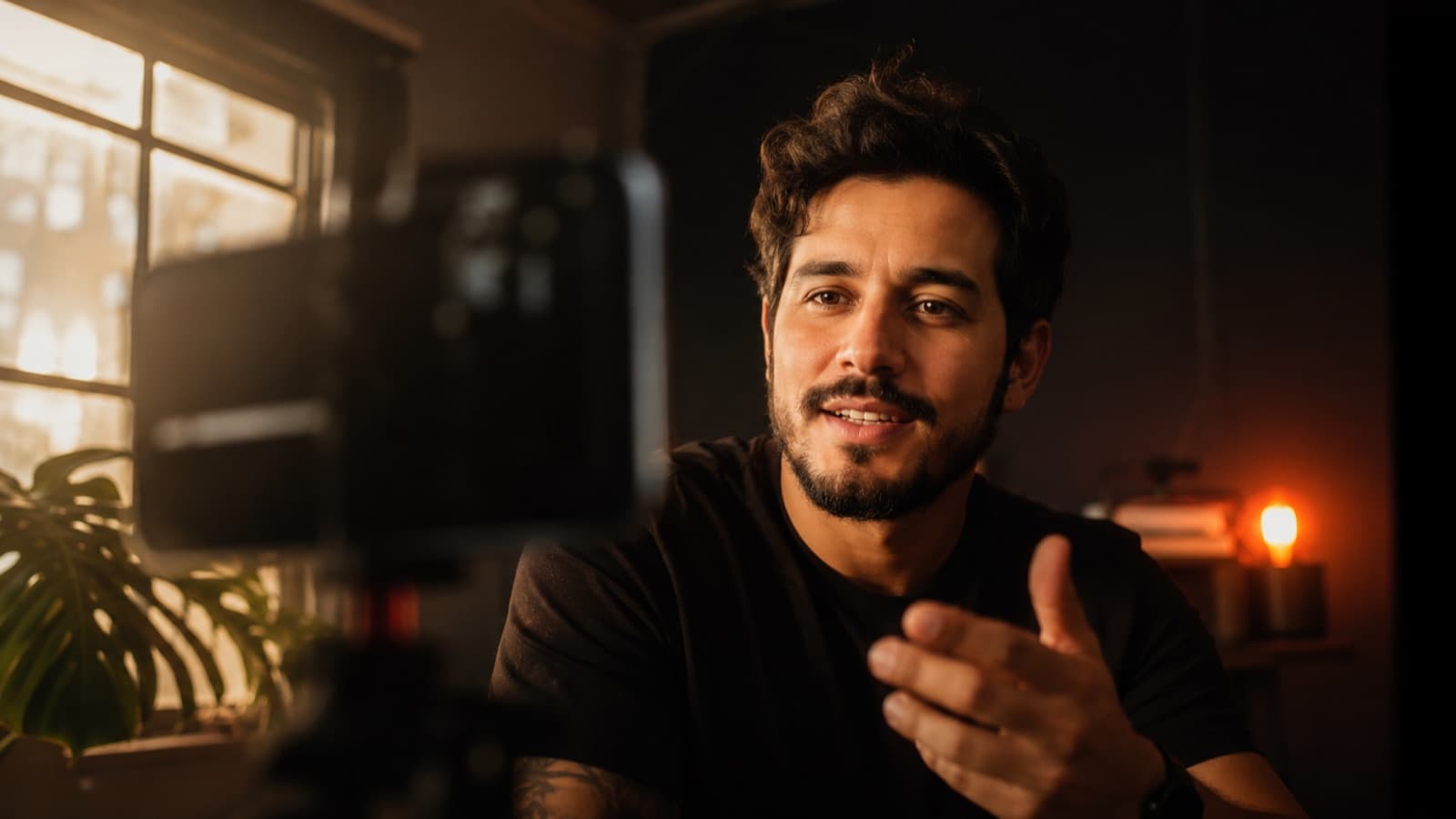
There's one detail that separates the video that “grabs” you from the “flat” one, and almost no one pays attention to it: the camera distance. It's not about zoom or an expensive camera — it's about how close to the person you are, and from what height you film. That alone already tells a story and conveys a feeling. Here's the “alphabet” of shots, in plain language — and how to use each one in your video.
1. The golden rule: distance is feeling
There's a shortcut the pros use without even thinking. Before you choose the shot, ask what that moment really is:
- Is it about the PLACE? — go wide (a wide shot) — show the setting, the context, the scale.
- Is it about the EMOTION? — move in (a tight shot) — the face, the reaction, the detail.
- Is it about ACTION / conversation? — stay in the middle (a medium shot) — you see the person and what they're doing at the same time.
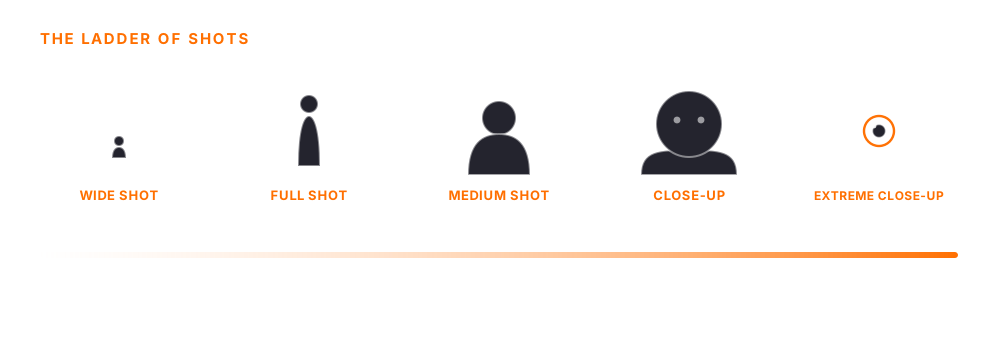
The wider the shot, the more the audience observes from the outside (context, distance). The tighter the shot, the more they step into the person's emotion. Here's the whole ladder:
2. The shots, from wide to tight
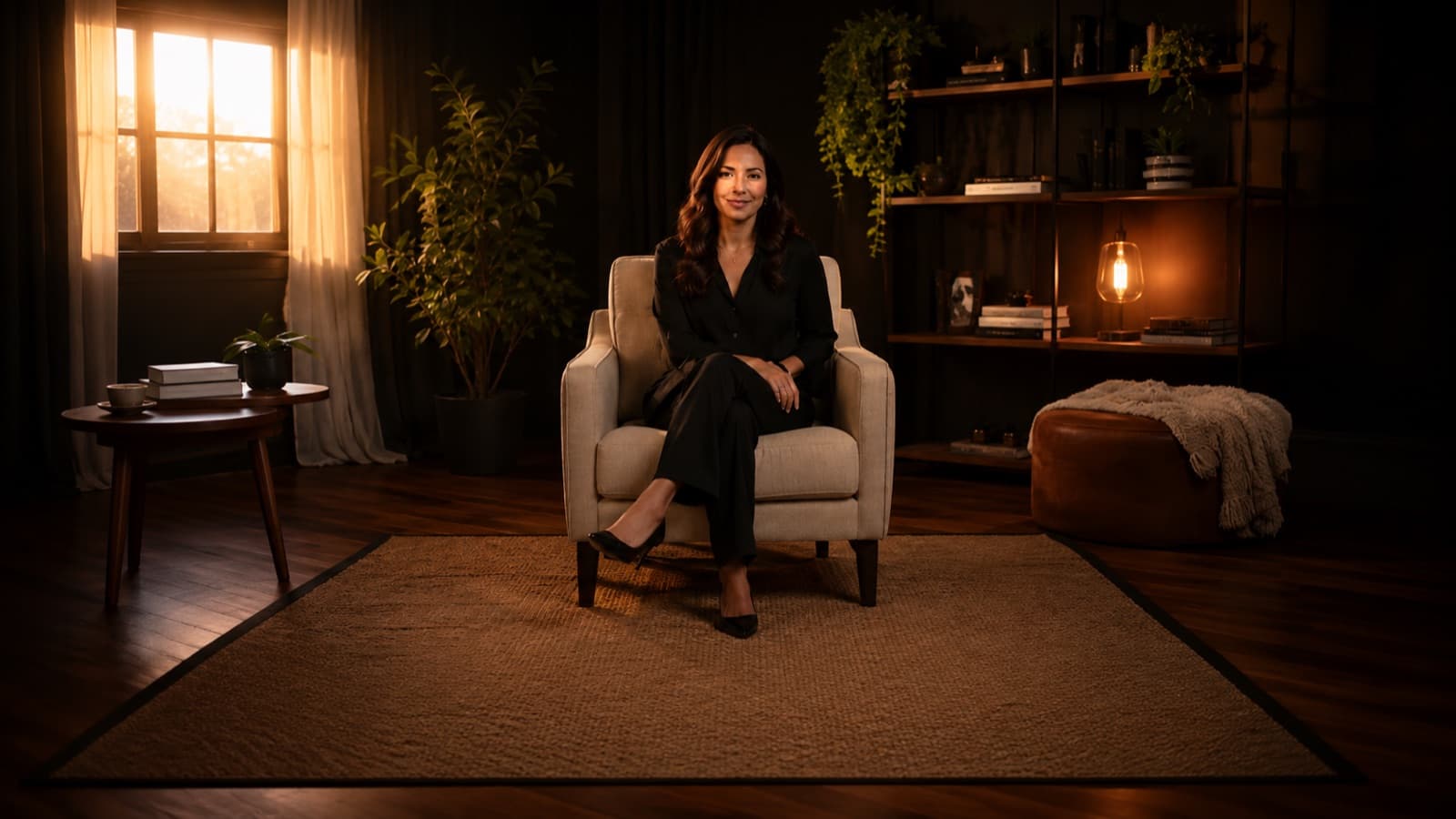
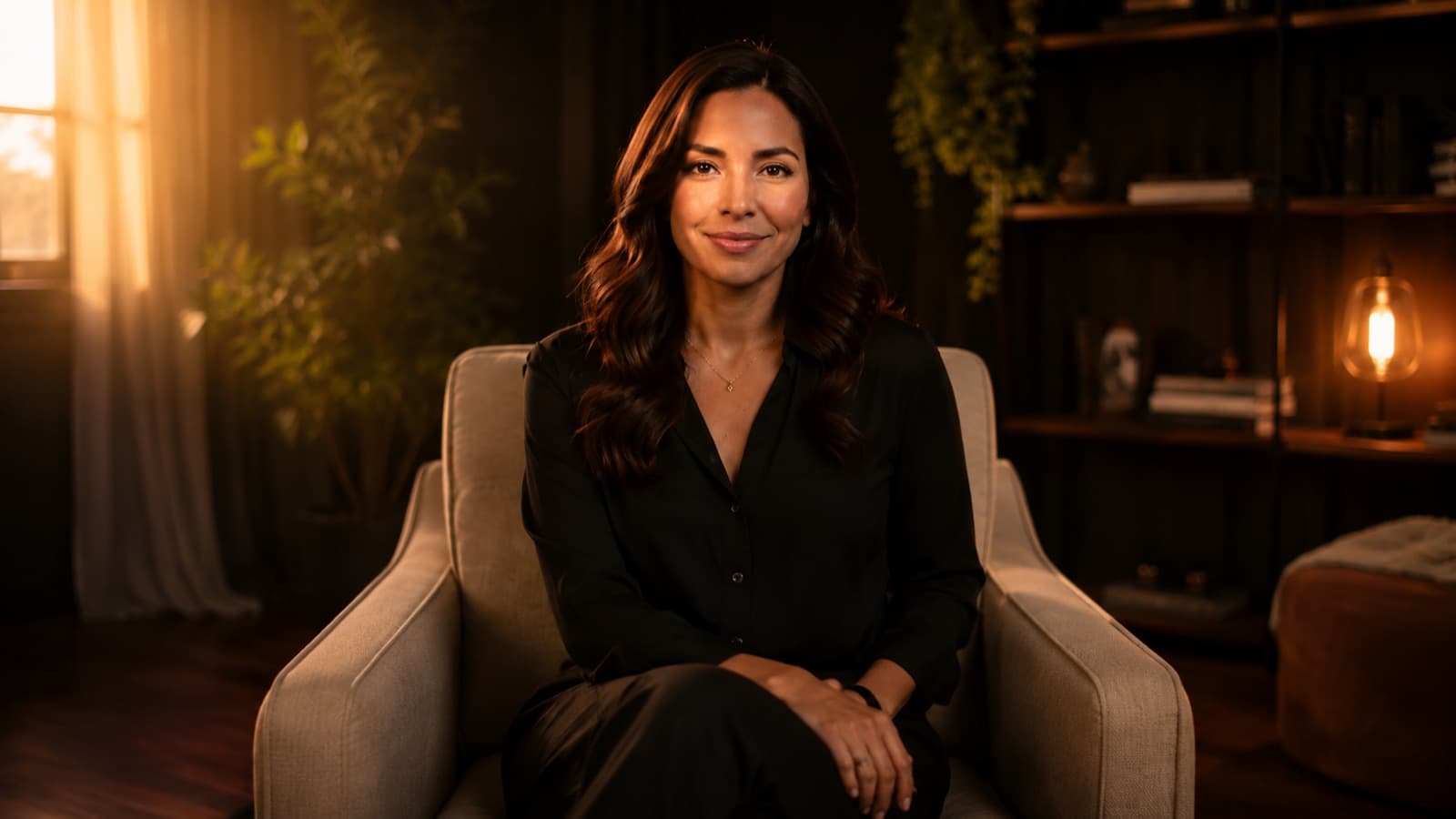

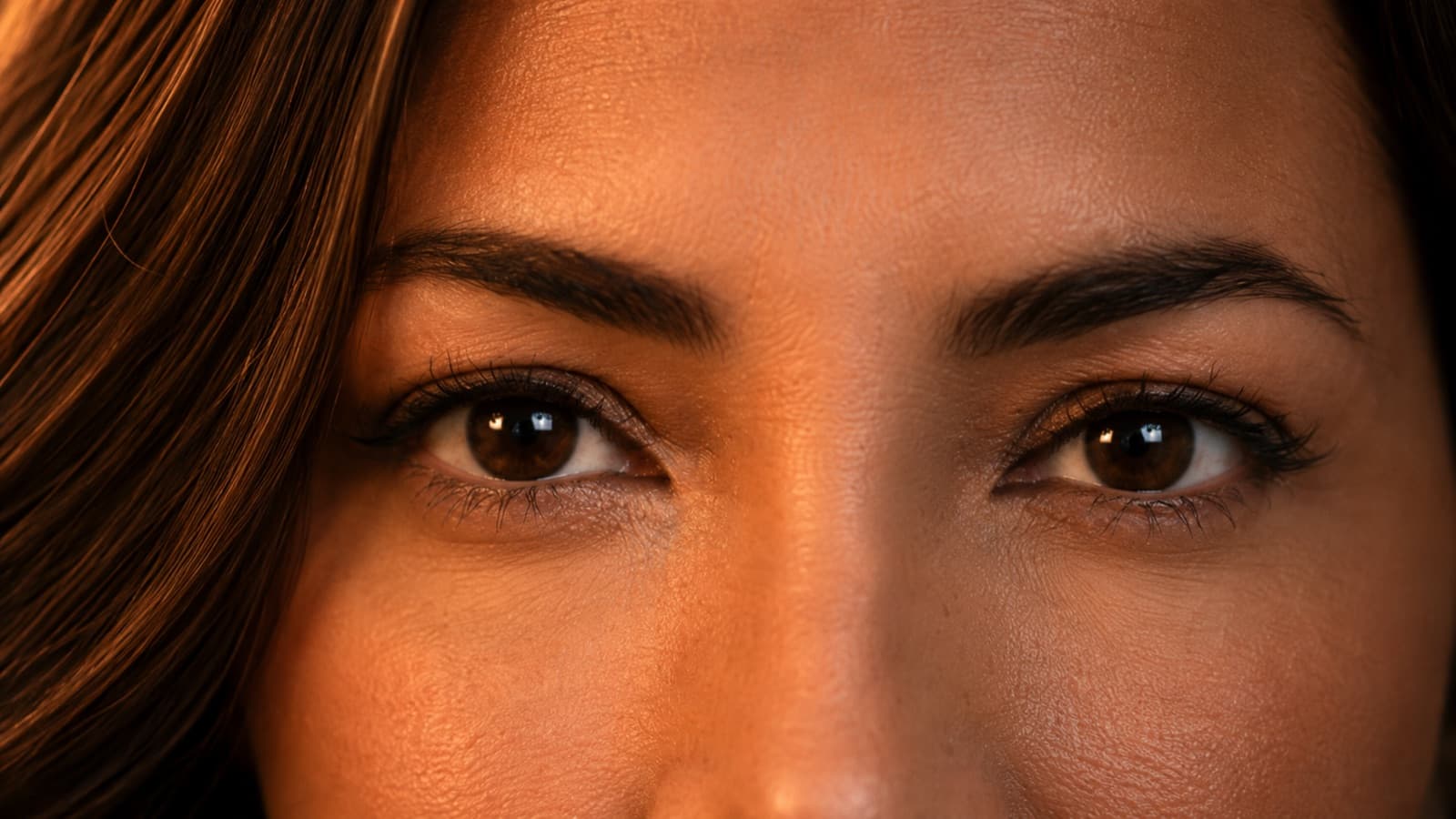
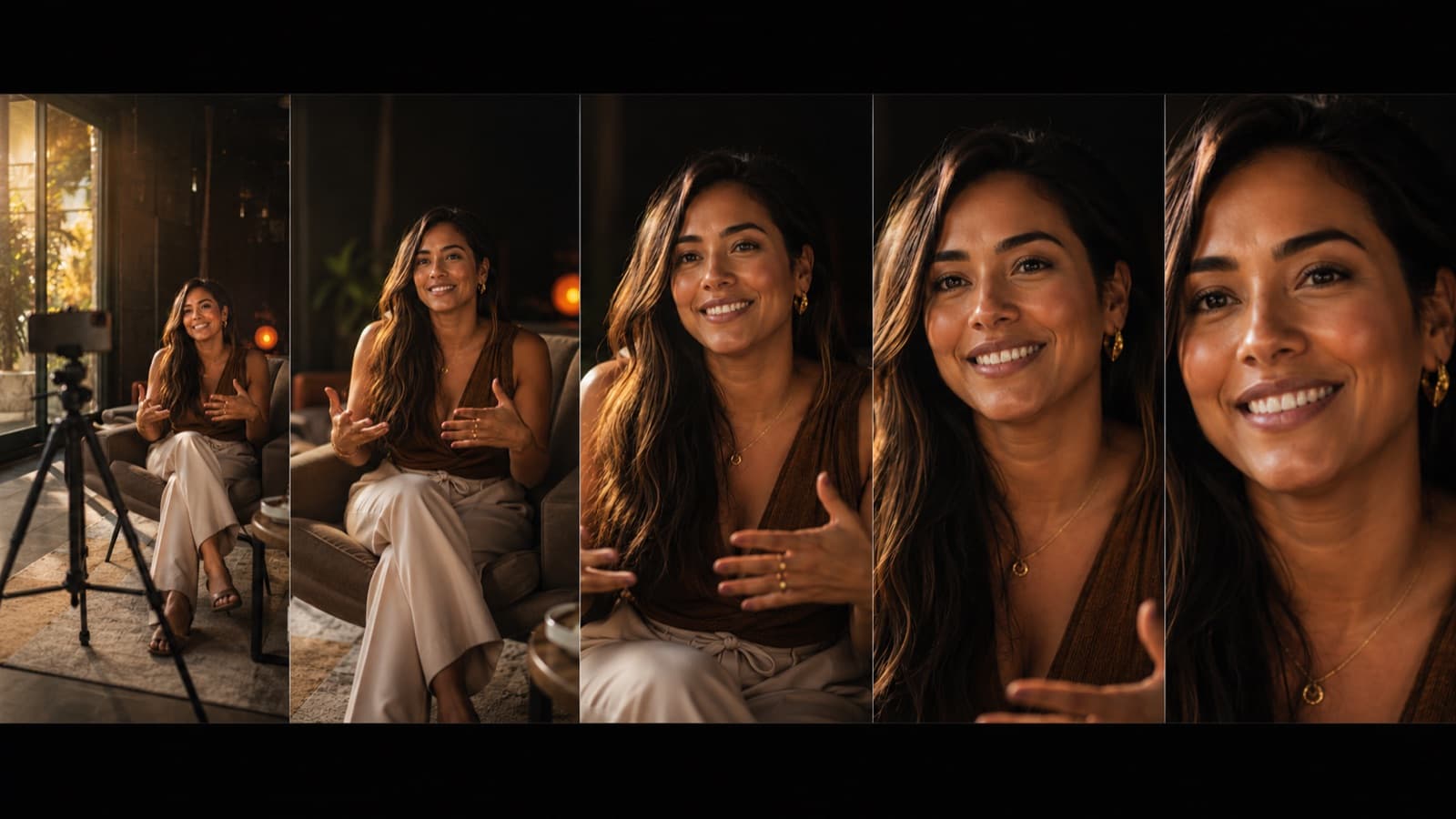
- Wide shot (very wide) — the person small inside the setting. Conveys context, scale and, sometimes, loneliness. It's the shot that OPENS the scene: “where we are.”
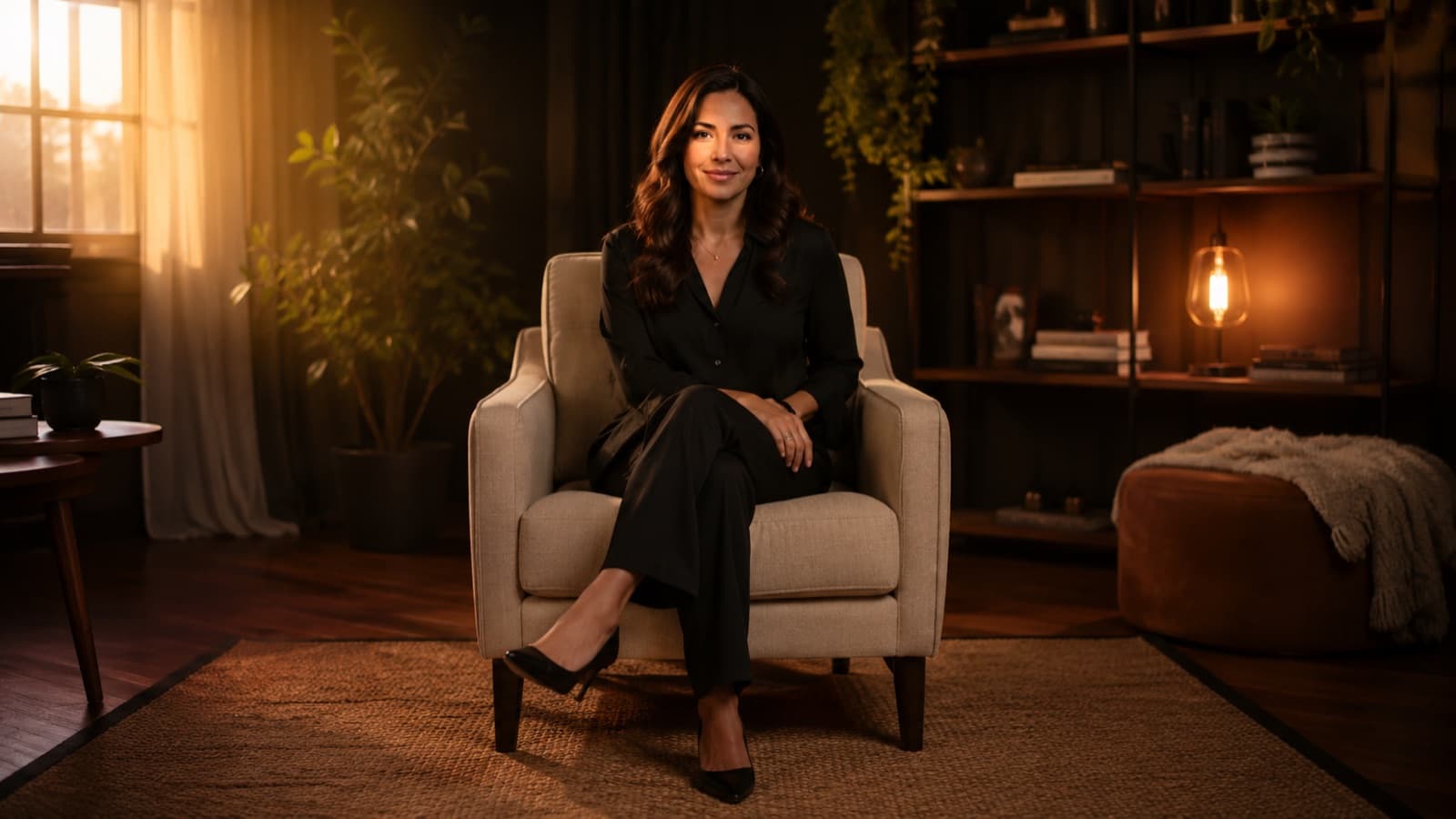
- Full shot (whole body) — head to toe. Good for action and movement — a dance, a demonstration, a child playing.
- Medium shot (from the waist up) — the distance of a normal conversation. Neutral and versatile — it's the most used for someone talking, and the most common in video.
- Close-up (the face) — fills the frame with the person's face. It's the shot of EMOTION and reaction — where the audience connects with what they feel.
- Extreme close-up (just the eyes or a detail) — eyes, hands, a product detail. Tension and emphasis: “look CLOSELY at this.” It's powerful — use it sparingly.
And there's a trick every film uses, even if you've never noticed it: start wide and go tighter as the emotion rises. The wide shot sets the scene, the medium moves you in, the close-up delivers the feeling. You can do exactly that in a phone video — without spending a thing.
3. The angle changes the power
Beyond distance, there's the height of the camera — and it taps into something deep: our brain associates “up” with power and “down” with weakness. That's why the angle changes the feeling instantly, even if the viewer can't explain why:
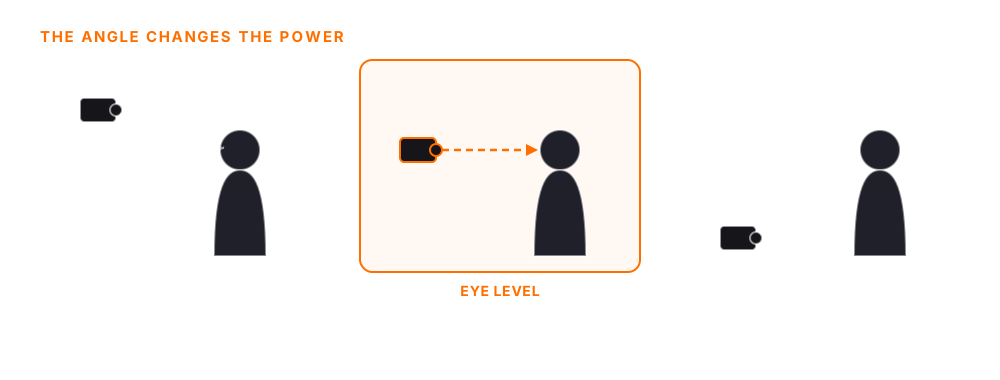
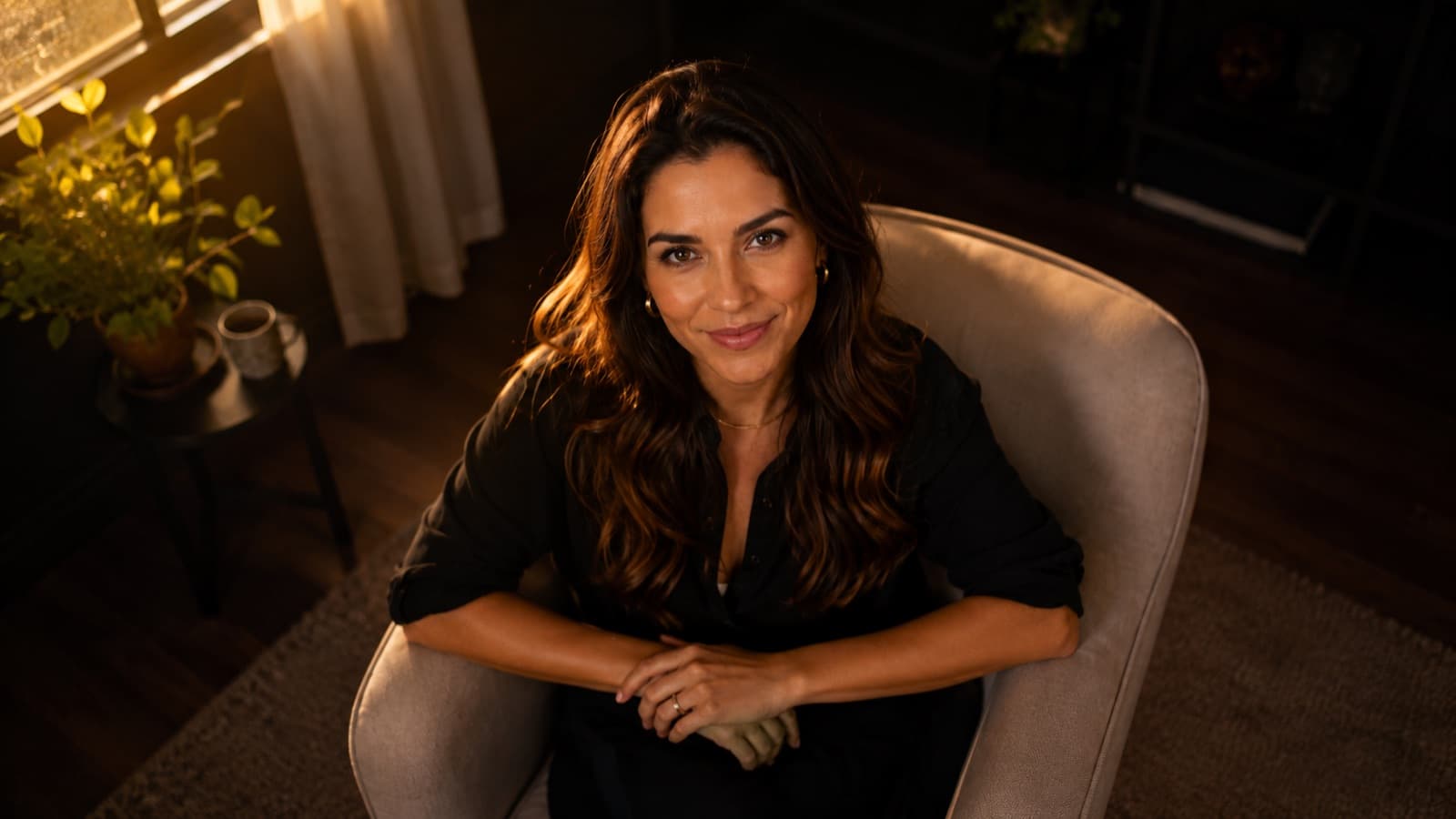


- Eye level — the default — camera at the person's eye level. Conveys naturalness and confidence: the audience looks “eye to eye.” It's the right angle for almost everything (talking-head, course, testimonial).
- High angle — the camera looks down: the person looks smaller, more fragile or submissive. Careful — propping the phone on the table and looking down falls into this trap by accident. Use it on purpose (e.g., to show a countertop, a recipe).
- Low angle — the camera looks up: the person looks bigger, powerful, “hero.” Great for commanding presence — but watch the chin and the nostrils in a close-up.
- Tilted (dutch angle) — the camera leaning, “crooked.” Conveys unease, that something is wrong. Very rare day to day — save it for a specific effect.
4. In practice, for your video
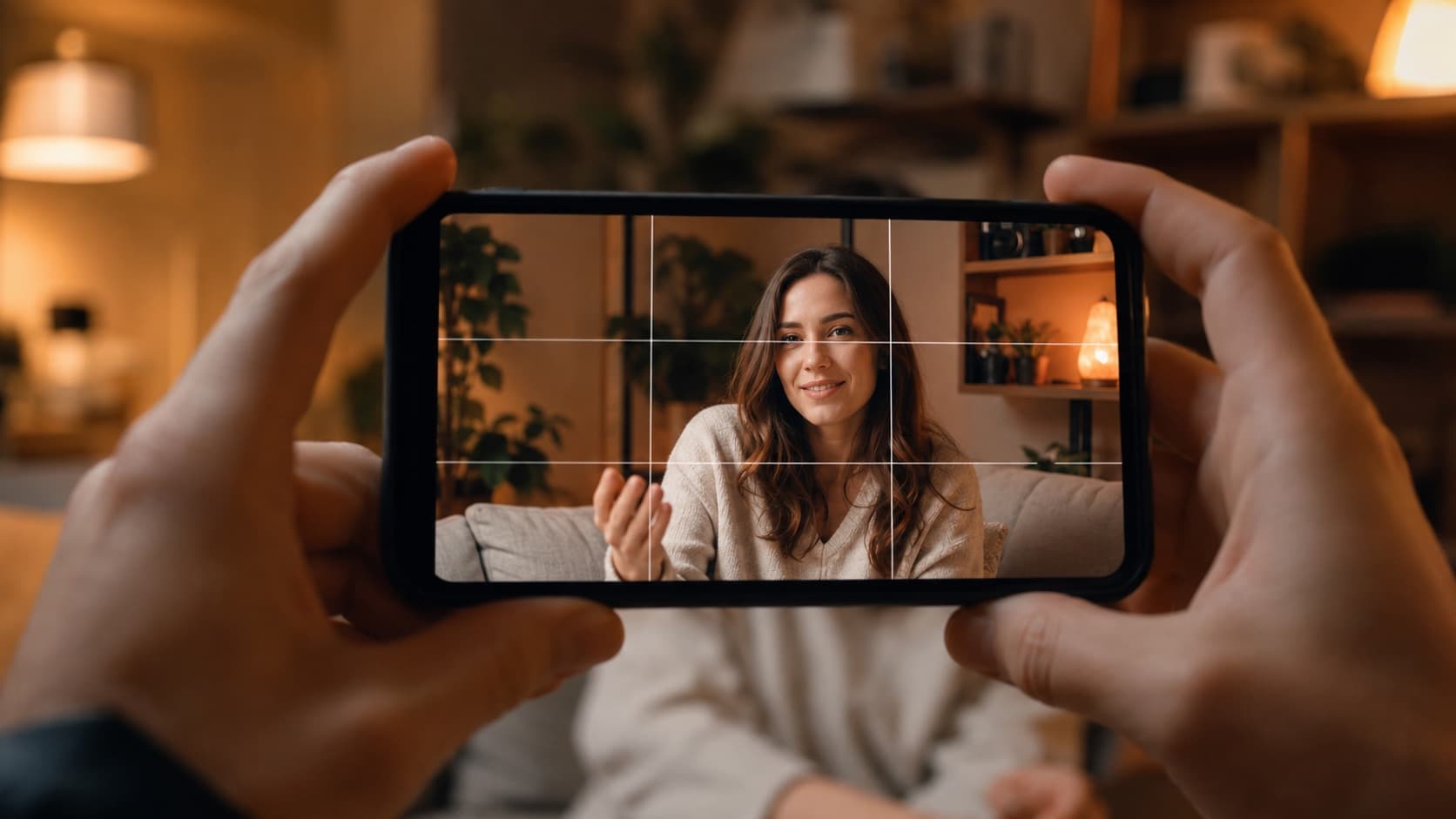
- Talking to camera / course — a medium shot or a medium close-up (from the chest up), at eye level. Close enough to connect, far enough not to intimidate.
- Vertical video (Reels/Shorts) — small screen, viewed up close — tighter shots work better. But vary the distance so the eye doesn't tire.
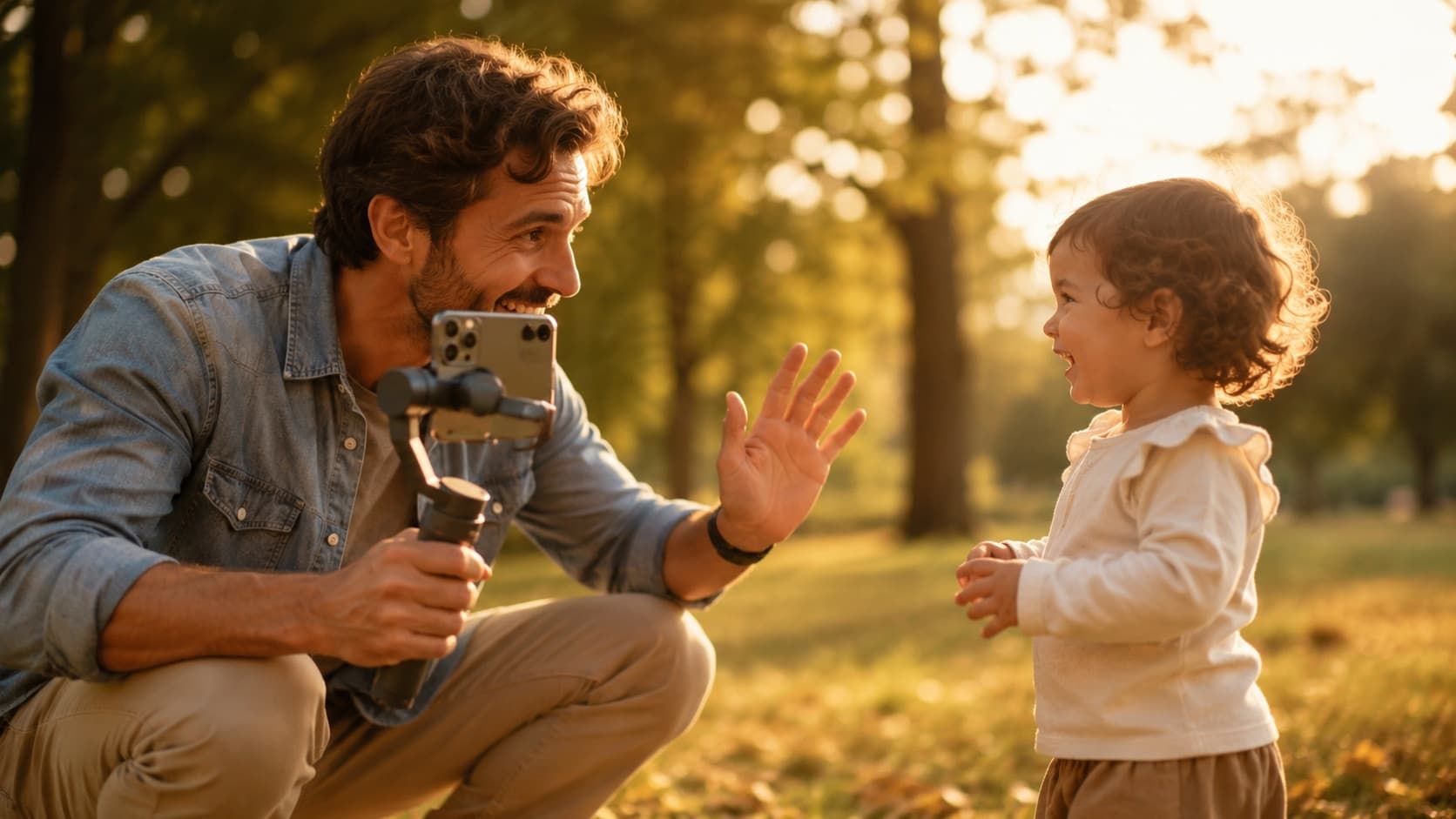
- With kids — mix a wide shot (showing the scene and the context) with close-ups (the reactions that get the video shared) — and film at THEIR eye level.
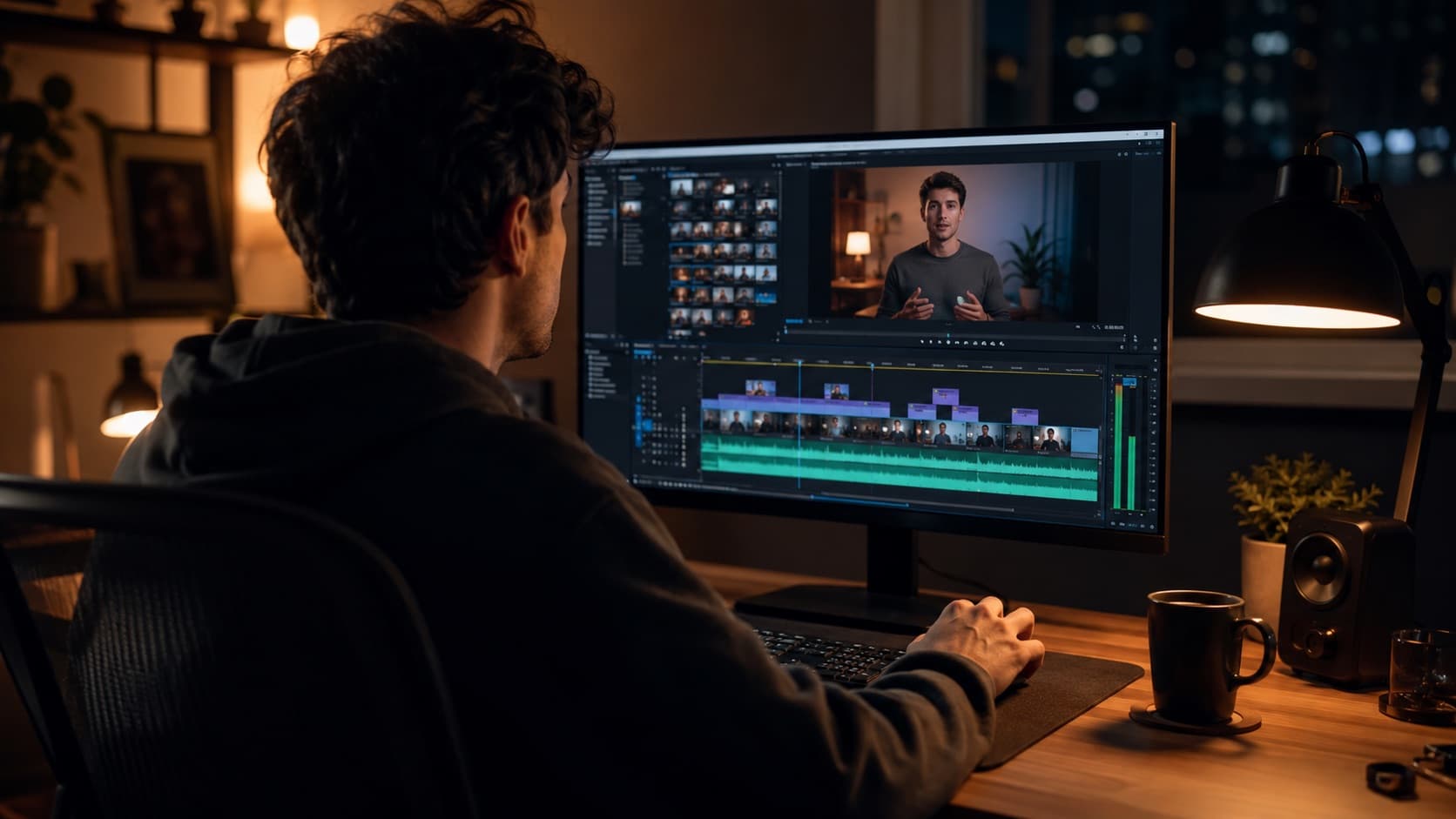
- The “coverage” trick — record the SAME moment wide AND tight. In the edit you cut between the two: it looks more professional right away and gives you freedom to assemble it.
That last one is the cheapest secret of all. To cut between a wide and a tight shot without losing quality, it's worth shooting in 4K and reframing in the edit — and it's in the cuts and the b-roll that this variation becomes pacing.
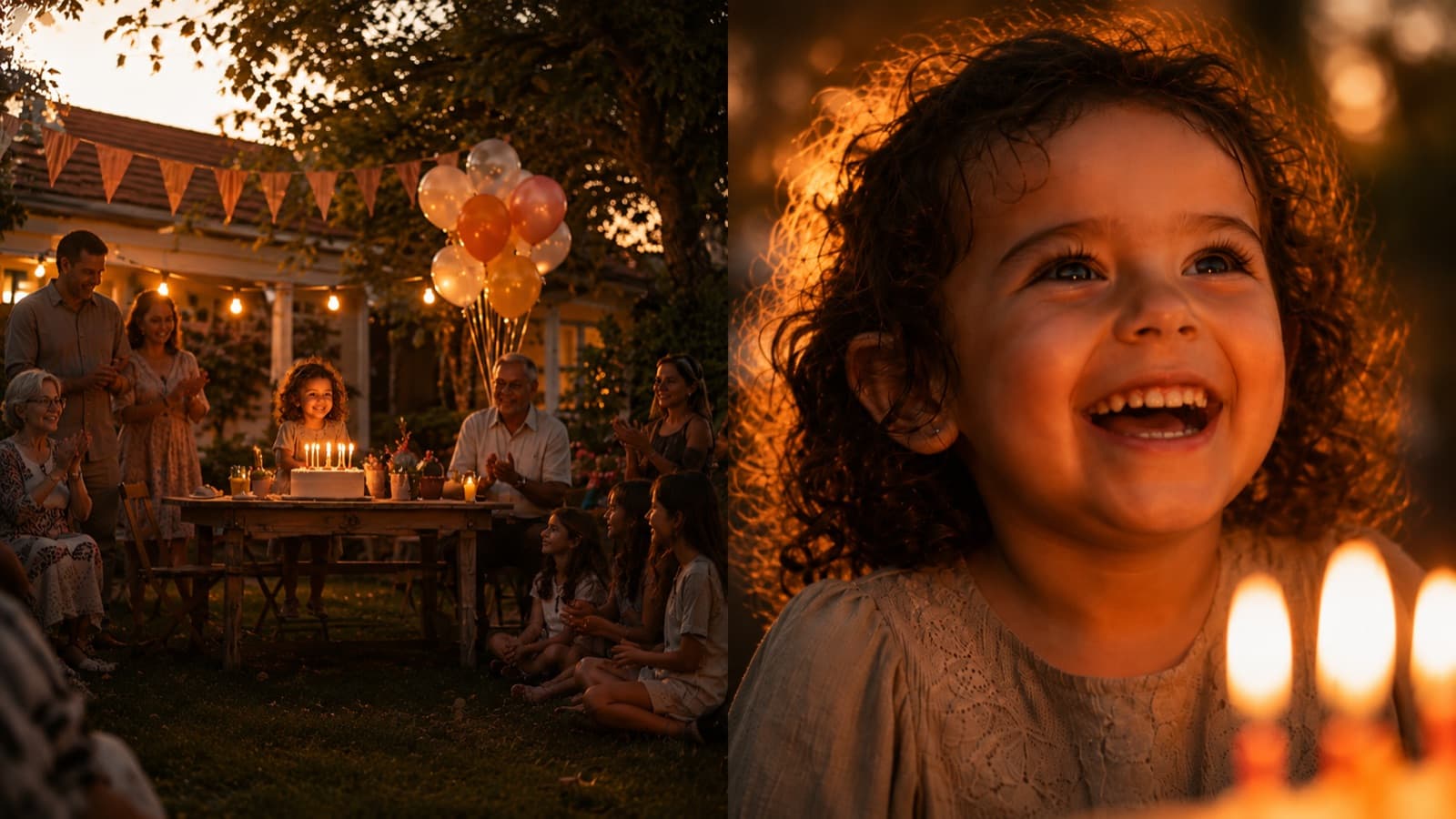
Choosing the right shot for each moment, recording the coverage and cutting between distances at the right pace is the kind of thing HEY JOE thinks about in every video — if you'd rather shoot and leave the editing to someone who does it all day, just request a quote.
Quick questions
What are the camera shots (framing types by distance)?
From widest to tightest: the wide shot (the person small inside the setting, giving context and scale), the full shot (the whole body, good for action and movement), the medium shot (from the waist up, the distance of a conversation — the most used), the close-up (the face fills the frame, the shot of emotion) and the extreme close-up (just the eyes or a detail, tension and emphasis). The tighter the shot, the more the audience steps into the person's emotion.
What's the difference between a medium shot and a close-up?
The medium shot shows the person from the waist (or chest) up — it's the natural distance of a conversation, neutral and versatile, ideal for someone talking. The close-up fills the frame with the face: it's the shot of reaction and emotion, where the audience connects with what the person feels. Rule of thumb: use the medium for information and the close-up when the emotion rises.
Which shot should I use to talk to camera or record a course?
A medium shot or a medium close-up (from the chest up), with the camera at eye level. It's close enough to connect and far enough not to intimidate. For vertical video (Reels/Shorts), go a little tighter — the screen is small and viewed up close — but vary the distance now and then so the eye doesn't tire.
What does the camera angle change (high, low, eye level)?
Height changes the sense of power. At eye level it conveys naturalness and confidence (eye to eye) — it's the default for almost everything. From a high angle the person looks smaller and more fragile; careful, propping the phone on the table falls into that trap by accident. From a low angle the person looks bigger and powerful, great for commanding presence. A tilted (dutch) angle conveys unease — save it for a specific effect.
Which shot is the most used in video?
The medium shot (from the waist or chest up), at eye level. It's the distance of a normal conversation: neutral, versatile and comfortable, which is why it dominates talking-heads, courses, testimonials and most creator content. You vary to a close-up when you want emotion and to a wide shot when you want to show the context.
Do I need an expensive camera or lens to use different shots?
No. A shot is about how close to the person you are and from what height you film — not about zoom or gear. You can do it all with a phone. A handy trick: record the same moment wide AND tight (the “coverage”) so you have freedom in the edit; shooting in 4K, you can still reframe to a tighter shot without losing quality.
Why does varying your shots make the video look more professional?
Because the same framing for the whole video makes everything flat. Changing the shot when the intent changes — going wide to set the scene, going tight when the emotion rises — is what gives pacing, emphasis and emotion without you saying a single extra word. It's the trick every film uses: start wide and go tighter as the tension builds.
Sources
- StudioBinder — Types of Camera Shots & Sizes — the complete ladder of shots, from extreme wide to extreme close-up.
- StudioBinder — Ultimate Guide to Camera Shots — how angles play with the audience's perception of a character's power.
- Soundstripe — Understanding Shot Angles and Levels — the psychological effect of filming from above, at eye level and from below.
This guide is about which shot to use; its companion is framing and composition — where to place the person inside the frame. Together, they're half of what makes a phone video look professional. Choosing the right shot for each moment is part of how HEY JOE thinks about every cut.