Editing & post-production
Audio: the #1 mistake that sinks good videos
Most people worry about the image and forget the sound. But it's bad audio — not an ugly picture — that makes someone give up in the first few seconds. The good news: sound is technique, and you can master it.
~11 min read
1. Why audio matters more than it seems
A viewer forgives a so-so image. What they don't forgive is bad sound: hiss, echo, volume that rises and falls, a music track that swallows the voice. Bad audio makes a good-looking video feel amateur — and makes the person close it before the end. In other words: bad sound knocks your retention down directly.
The good news: with a few precautions at the shoot and the right treatment in the edit, any video sounds professional.
2. Sound has 3 layers
Thinking of audio in layers helps you not get lost. Each one has a role:
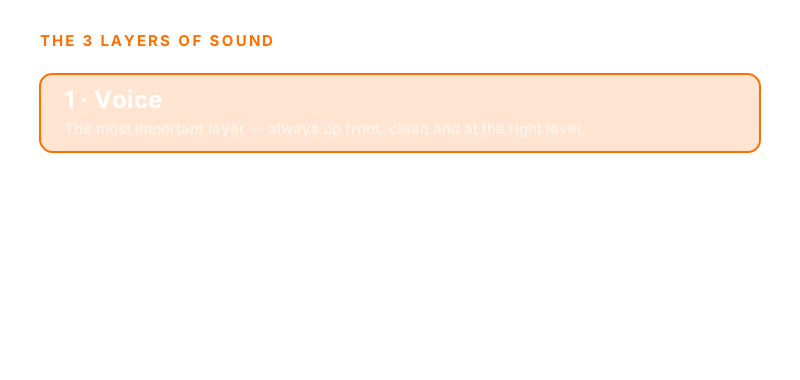
- Voice — the most important layer. It has to be clean, clear and up front at all times.
- Music — sits underneath. It creates emotion and rhythm — but it can never compete with the voice.
- Sound effects — punctuate moments: a transition, a joke, a highlight. At the right time, they're worth their weight in gold.
3. The most common mistakes
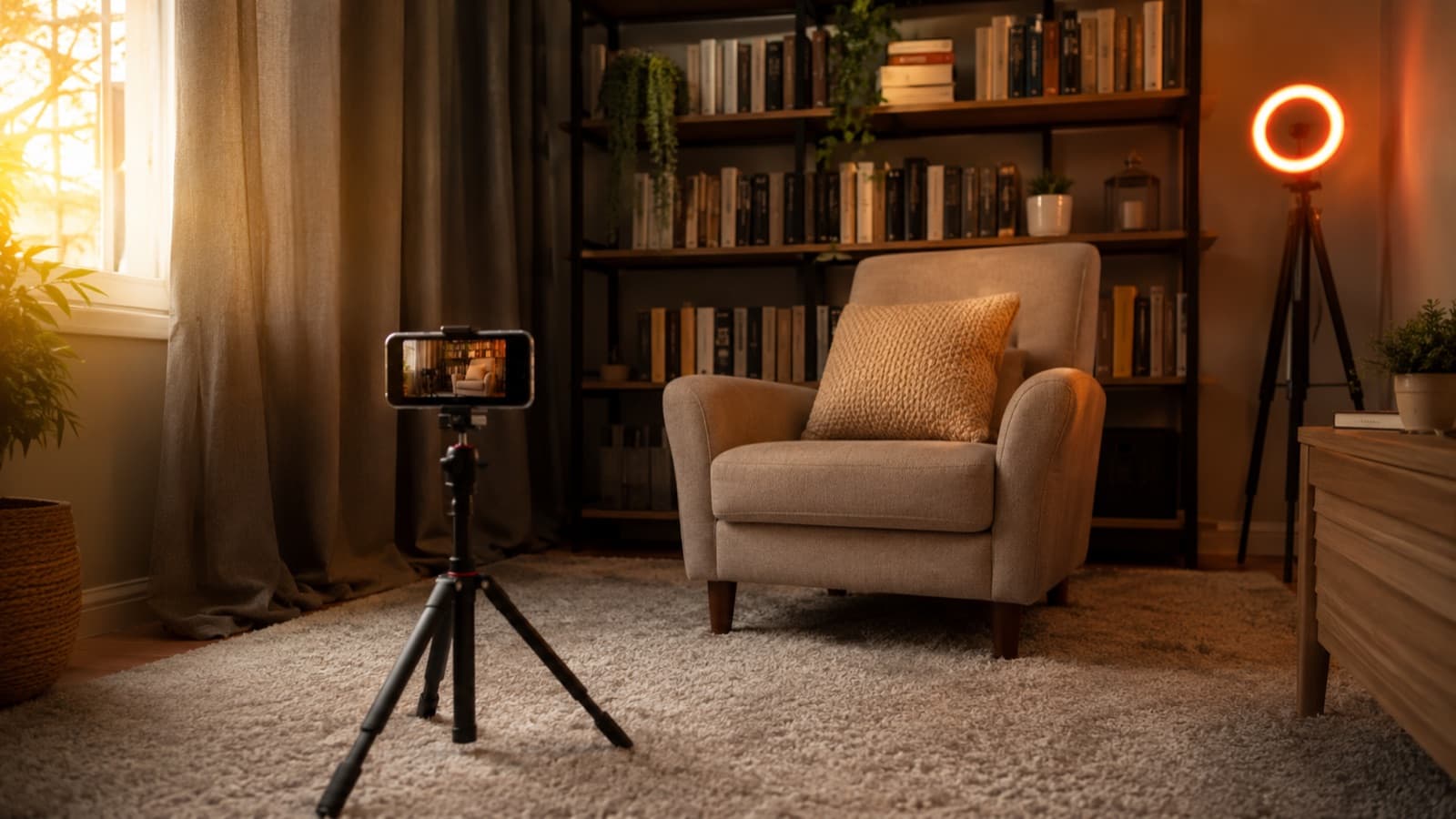
- Room echo — recording in an empty, hard room. A space with a curtain, a rug and a sofa already fixes much of it.
- Background noise — a fan, the fridge, the street. Your ear gets used to it while recording, but it shows up in the video.
- Uneven volume — loud one moment, quiet the next. It forces the viewer to keep riding the volume — and they leave.
- Music too loud — beautiful music is worth nothing if it covers the voice. The voice always comes first.
- Mic too far — the phone mic a yard away picks up more room than voice.
4. What you can fix right at the shoot
Good sound starts before the edit. Four simple habits change everything:
- Get the mic closer — the closer to the mouth (without clipping), the more voice and less room. It's the single biggest fix.
- Quiet the room — turn off anything that makes noise and record in a “soft” room, with fabric and upholstery.
- Record 10s of silence — a stretch of just the “quiet room” at the start helps the edit clean up the noise later.
- Monitor with headphones — listening while you record reveals on the spot the problems you'd only notice too late — watch for background hiss, echo and peaks when you speak louder.
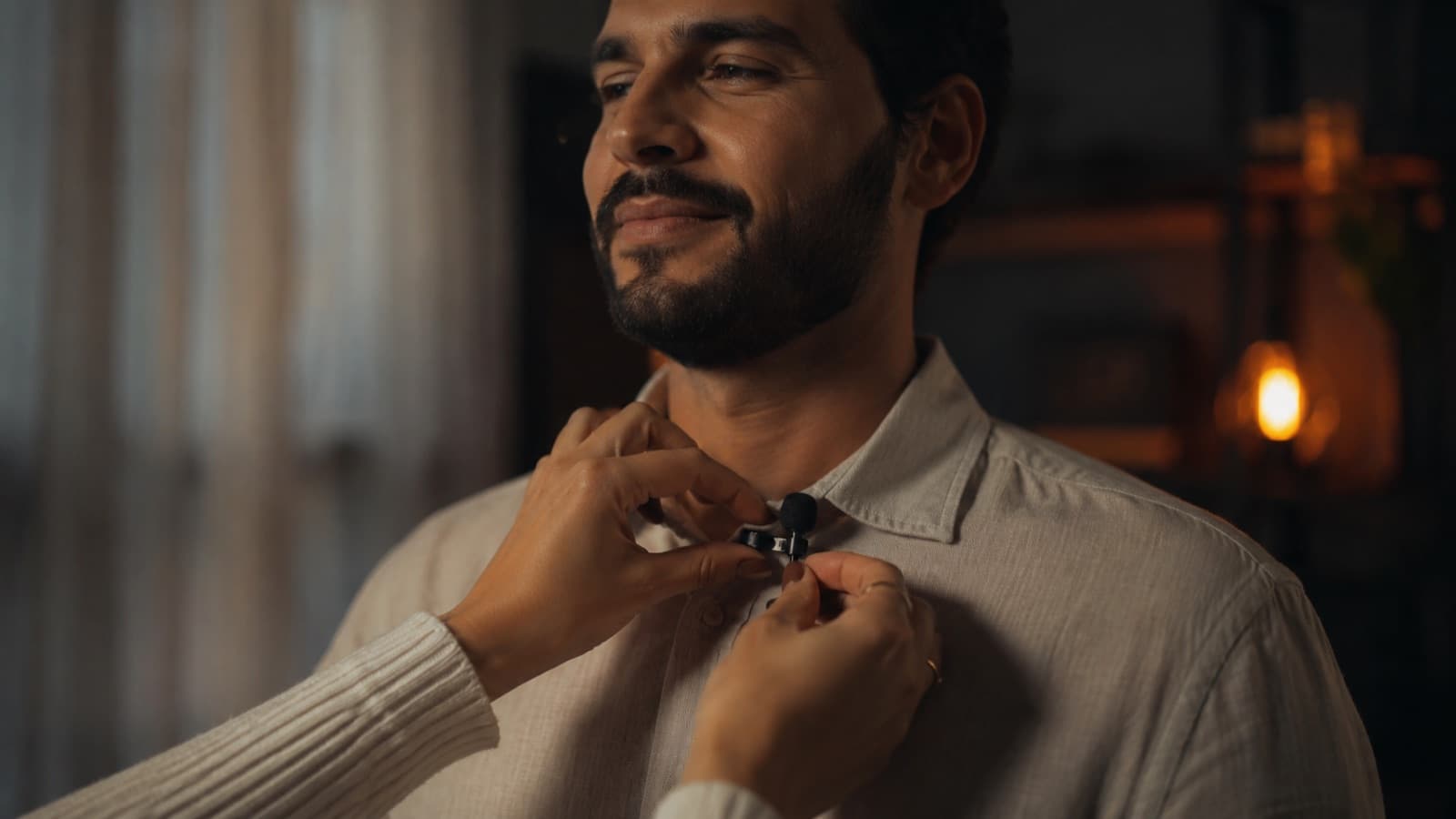
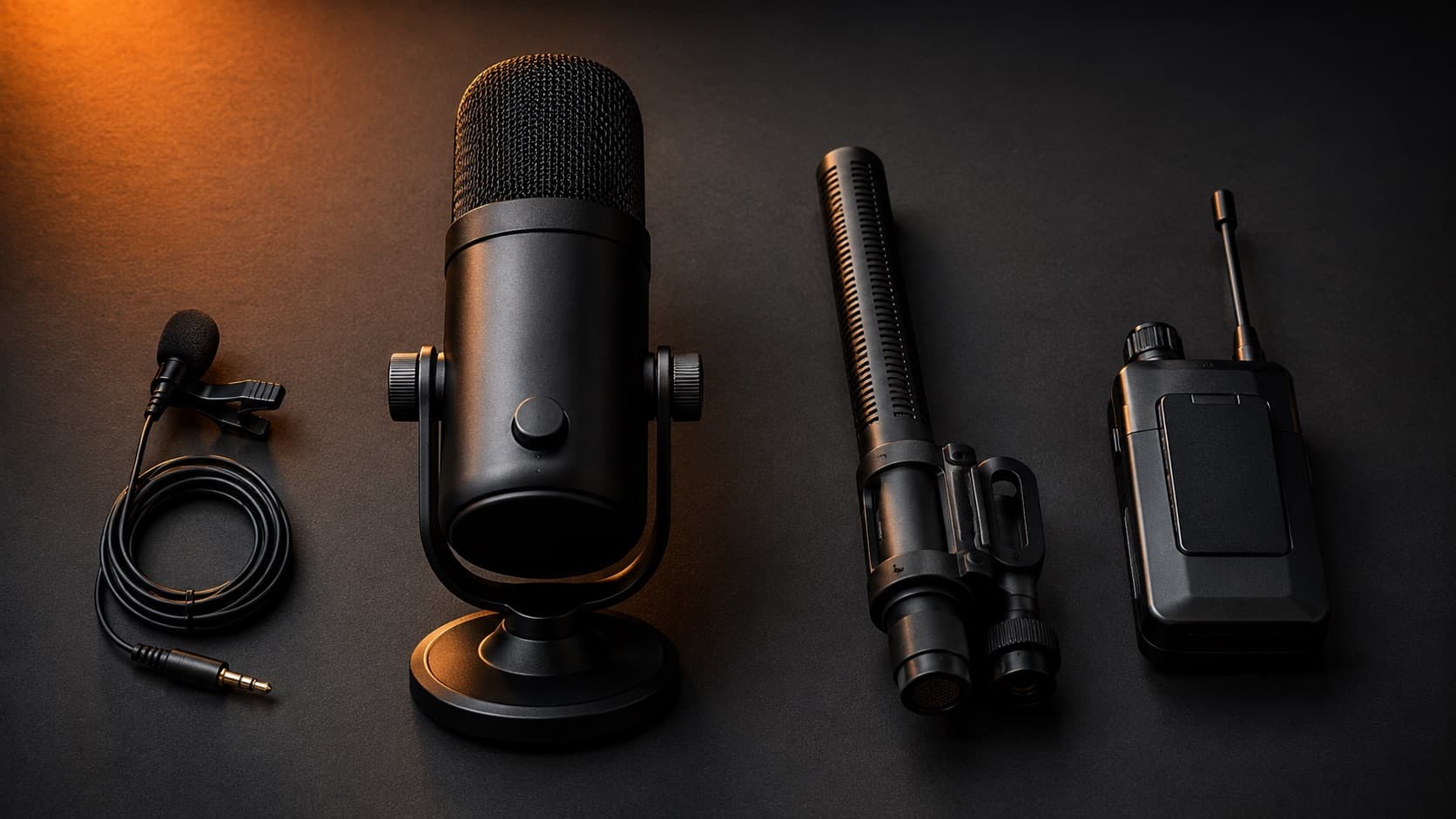
The right mic also changes the game — lavalier, USB, shotgun or wireless, each for a scenario. See which microphone to choose.
5. What the edit fixes
In post-production, sound gets the finish that separates amateur from pro. The main adjustments, in order:
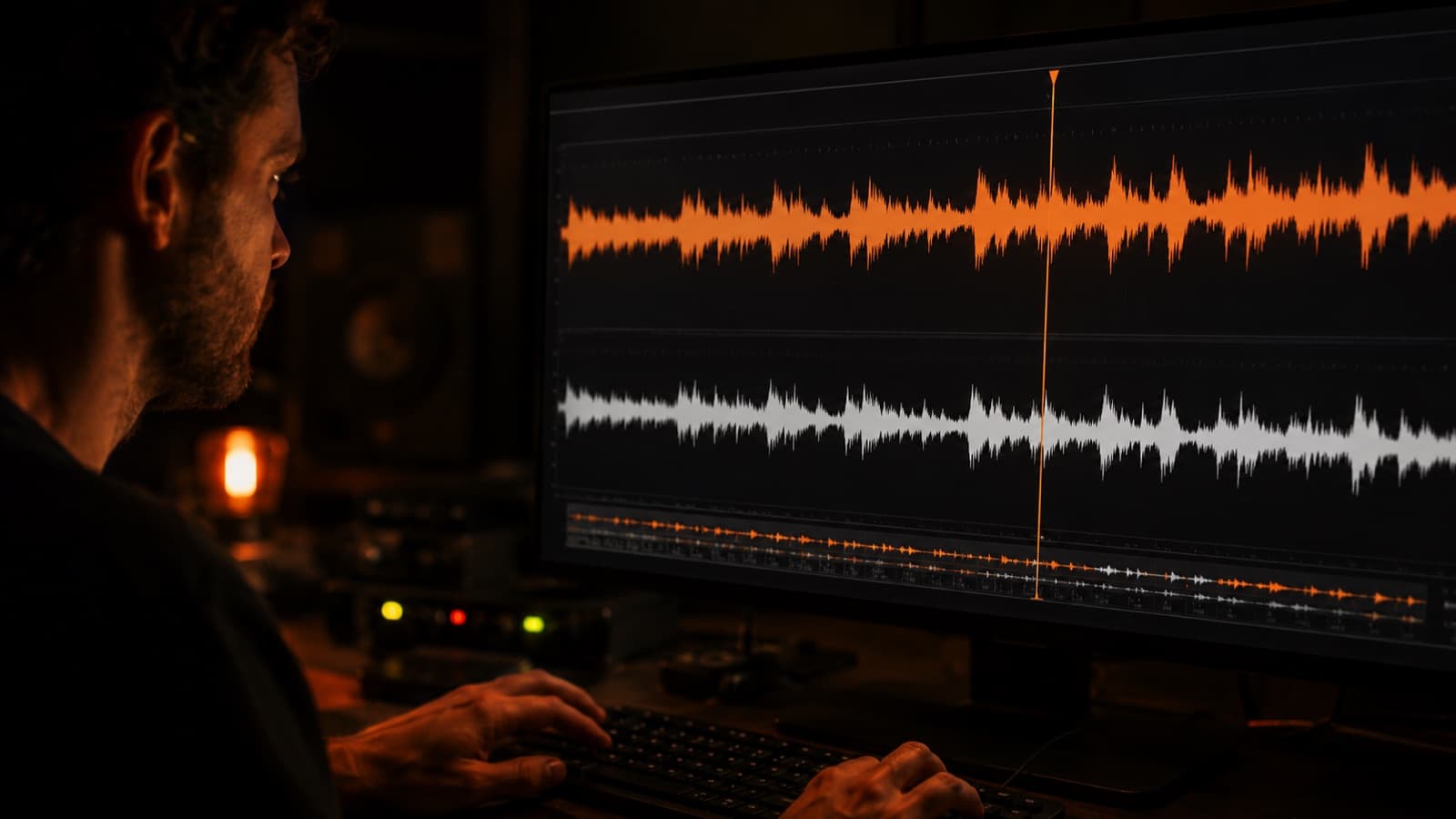
- Noise cleanup — removes constant background hiss and hum (that “quiet room” stretch helps a lot here).
- Equalization (EQ) — takes out what “muddies” and brings up the voice's clarity; cuts the unnecessary lows that cause that “muffled” sound.
- Compression and normalization — keeps the volume even from start to finish — no parts vanishing and others clipping.
- De-esser (sibilance filter) — softens the harsh “s” and “sh” sounds — very common when the mic is close to the mouth.
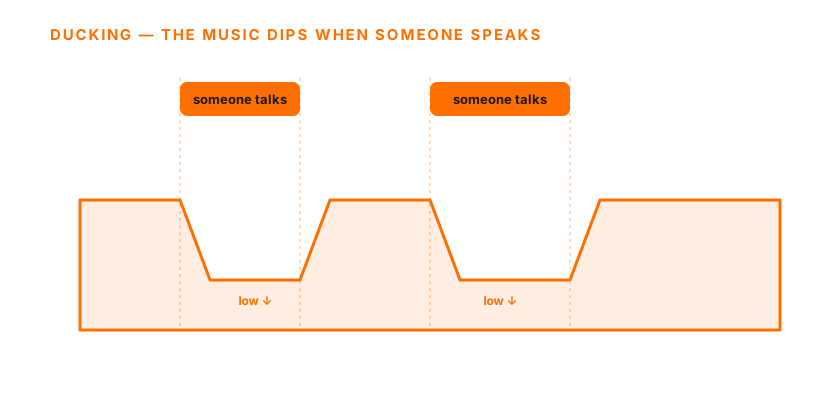
- Ducking — the music dips on its own whenever someone speaks, and rises again in the silence.
6. The right loudness: LUFS, decibels and each medium's standard
Here's a technical detail few people know: YouTube turns down videos that go over a certain ceiling at playback (so-called loudness normalization) — it lowers anyone too loud, but it doesn't raise anyone too quiet. The reference most editors use is to aim for about −14 LUFS, with the true peak below −1 dBTP so it doesn't distort.
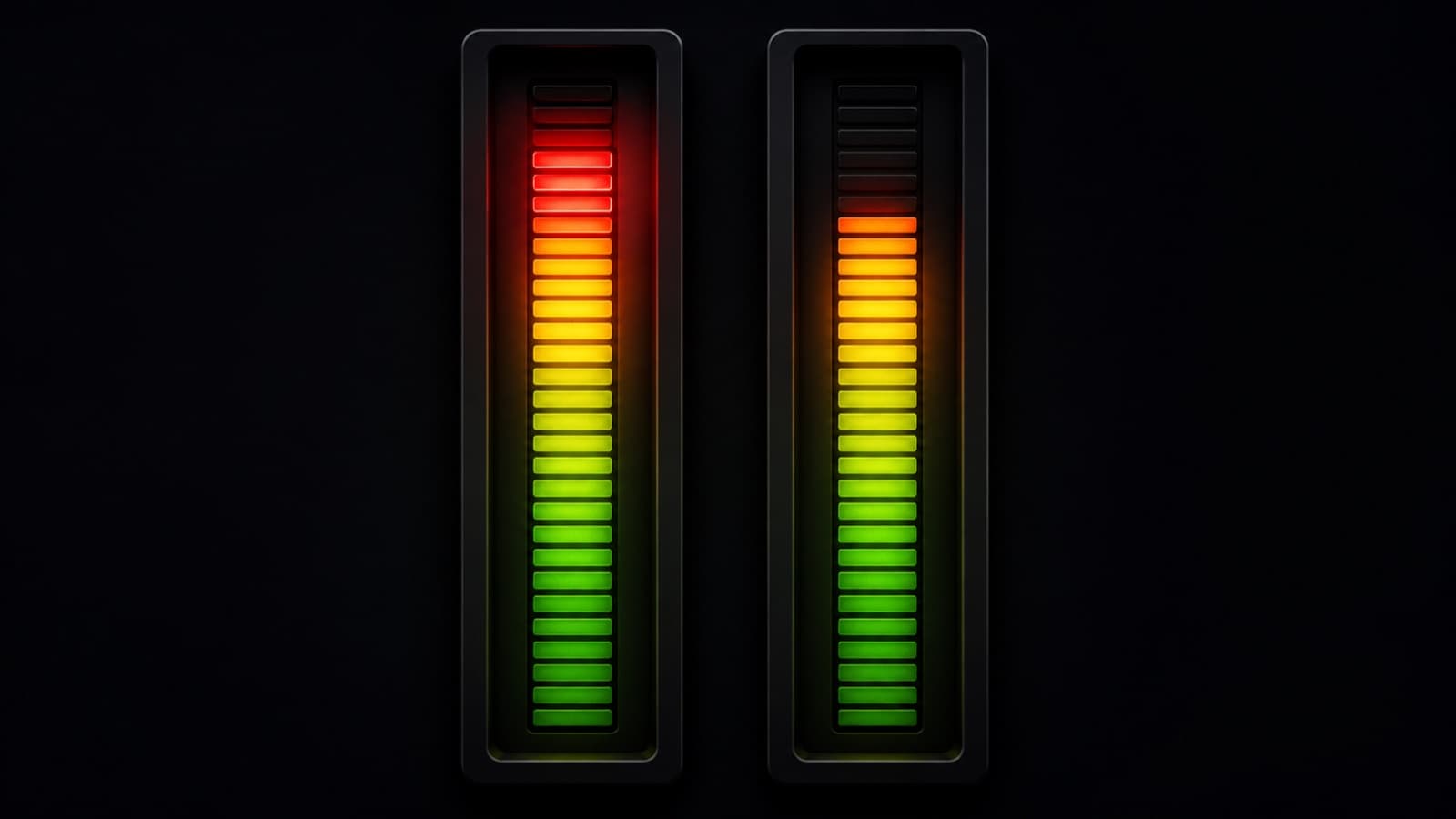
In other words: mastering louder than that doesn't make your video louder — YouTube just turns it back down, and you lose dynamics for nothing. Balance and clarity beat “maxed out.”
But what is “LUFS”? And a decibel? They're two different things, and it's worth understanding:
- Decibel (dB) — a relative measure — it says “how much louder or quieter” relative to a point. In the digital world we use dBFS, where 0 is the absolute ceiling (clipped); that's why the values live in the negative (−6 dBFS = 6 below the ceiling).
- dBTP (true peak) — the “real” peak, counting the hidden peaks between samples that only show up at playback. That's why the standard delivery is −1 dBTP: that 1 dB of headroom absorbs those invisible peaks and avoids distortion.
- LUFS — the loudness the ear PERCEIVES, measured as an average over time (not an isolated peak). An analogy: the peak is the tallest person in the crowd; LUFS is the AVERAGE height of the crowd — it's what gives the real sense of “how loud it is.” (LUFS and LKFS are the same measure, different names.)
And the “right” number changes depending on where the video will be shown — each medium has its own standard:
- Cinema — no LUFS target. The room is calibrated to a reference level (85 dB SPL) and the dynamics are preserved on purpose — from a whisper to a roar —, anchored to the dialogue. It's the ROOM that's standardized, not the file.
- TV / broadcast — here there's even a law: in Europe, EBU R128 = −23 LUFS; in the US, the ATSC/CALM Act = −24 LKFS — anchored to the dialogue, with peak headroom.
- The web (YouTube, Spotify, Amazon, Tidal) — −14 LUFS. Apple Music aims for −16; Netflix uses −27 LKFS “dialog-gated” (it only counts the stretches with speech — which is why it looks so low, don't compare it directly).
- Podcast — ≈ −16 LUFS (Apple Podcasts asks for −16 for stereo AND mono; in practice many mix mono about 3 dB lower because it sounds louder at the same reading), with the peak ≤ −1 dBTP.
Summary for web video: aim for ~−14 LUFS, peak ≤ −1 dBTP, and let the platform handle the rest. Mix for clarity and dynamics — not for “loudest.”
7. Music and effects without the headache
The wrong music triggers a copyright block (Content ID). The safe, free route: the YouTube Audio Library(inside YouTube Studio). But there's a trick for having original music and keeping your channel shielded against claims — we explain it in the guide music with no Content ID: the secret of channel whitelisting. For a sound of your own, nothing beats original music, made to measure.
Why HEY JOE
Audio is exactly where good editing shows up most — cleanup, EQ, compression, de-esser, ducking, loudness at the right standard and, when it makes sense, original music composed to measure. It's invisible when it's right and glaring when it's wrong. If sound is what's holding your videos back, that's the finish HEY JOE does — it's always the same editor handling each edit personally. It's also worth it when the problem is time: outsourcing the editing gives you your hours back (see whether it's worth hiring a professional).
Quick questions
Can I fix bad audio in the edit, or do I have to reshoot?
You can improve it a lot — noise cleanup, EQ and compression rescue many a recording —, but there's a limit: heavy room echo and a distant, muffled voice are nearly impossible to fully reverse. That's why the rule is to prevent at the shoot (mic close, a “soft” room) and polish in the edit. Good sound is born at capture; the edit finishes it, it doesn't work miracles.
How do I remove echo or hiss from audio I've already recorded?
Constant hiss (air conditioning, background noise) the edit's noise cleanup removes well, especially if you recorded a few seconds of a “quiet room.” Room echo is harder: you can soften it, not erase it. Next time, kill the echo first — a curtain, a rug and upholstery in a “soft” room.
Why does my voice sound muffled, metallic or distant?
It's almost always mic distance combined with the room's acoustics. A far mic picks up more room than voice (it sounds distant, with echo). “Muffled” is usually a lack of clarity in the highs (fixed with EQ); “metallic” is reflection off a hard wall. Move the mic closer and record in a room with fabric and upholstery.
What loudness should I use for YouTube — is it really −14 LUFS?
Aim for around −14 LUFS, with the true peak below −1 dBTP. YouTube turns down anyone over the ceiling, but it doesn't turn up anyone who's low — so mastering “at max” doesn't make your video louder, it just removes dynamics. Balance and clarity beat raw volume.
Do I need an audio interface, or does a USB mic do the job?
For talking on camera, a good USB or lavalier mic already delivers professional audio with no interface. The interface (with an XLR mic) comes in when you want more control, several mics or better preamping — useful, but not a prerequisite for sounding good.
How do I make the music dip on its own when I talk?
That's called ducking: the music track automatically drops whenever there's speech and rises again in the silence. Almost every modern editor does it (via “sidechain” or an automatic voice feature). It's what keeps the voice always up front without you riding the fader by hand.
Does a phone mic do the job, or do I need a better one?
It does to start — as long as it's close to the source and in a quiet room (distance matters more than the device). But a dedicated mic (lavalier, USB or shotgun) gives a clear leap in clarity and presence.
Sources
- YouTube Audio Library — royalty-free music and effects (official).
- Tips for finding safe music — how to avoid a copyright block (official).
- Loudness by platform (Wikipedia — “Loudness war”) — a comparison table of normalization — YouTube at −14 LUFS.
- EBU R128 — the broadcast loudness standard — TV's −23 LUFS / −1 dBTP reference (based on ITU-R BS.1770).
- What loudness is (LUFS/LKFS) — iZotope — perceived loudness vs peak, explained.
Cleanup, equalization, mixing, loudness and music are part of the work in every edit at HEY JOE — including original music, composed to measure.