Gear
Microphones for video: which one to choose
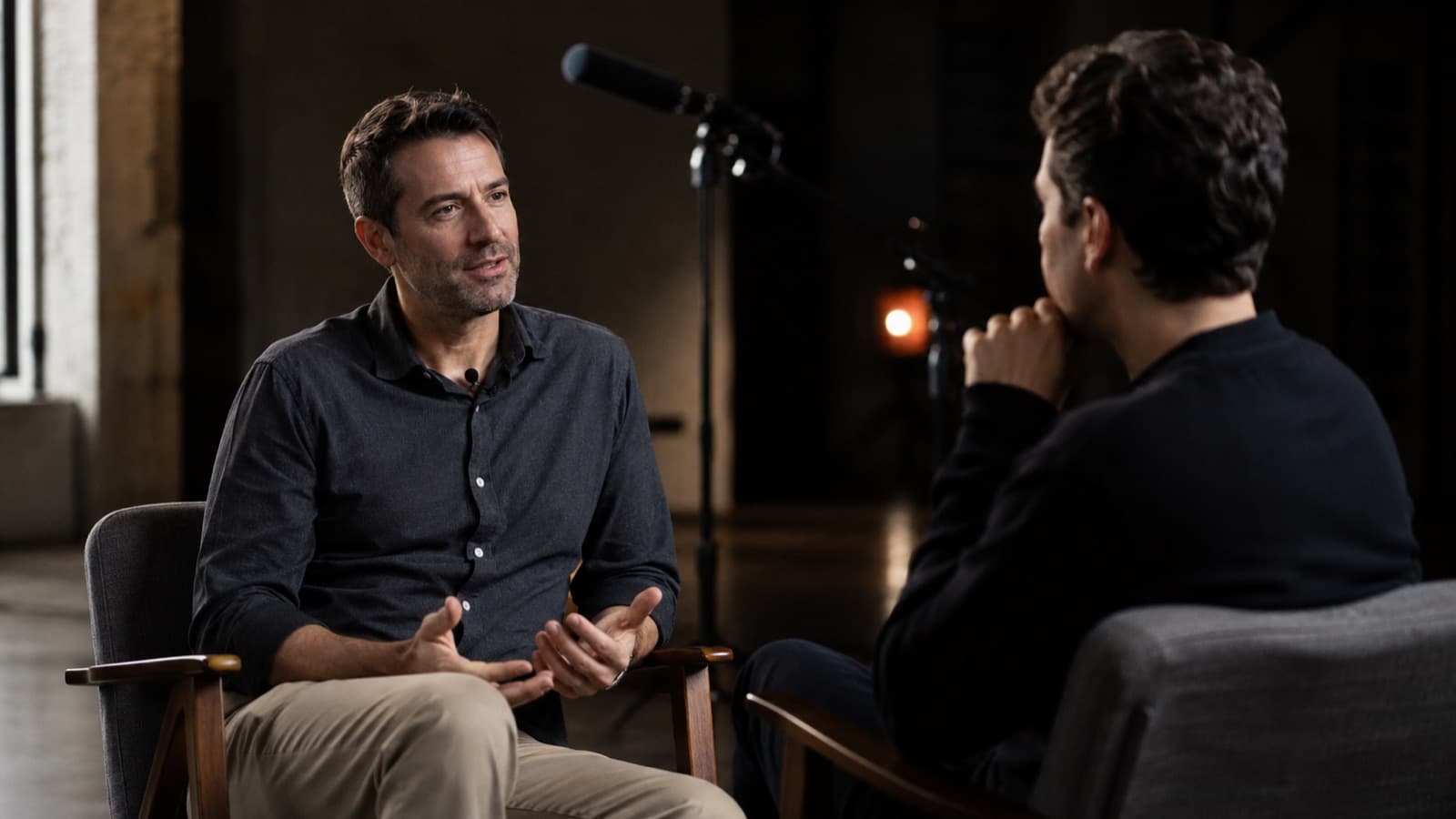
The right microphone is the upgrade that changes a video's perceived quality the most. But there's no single “best” — there's the best one for each way of recording. Here you'll understand how each type captures sound, the difference between condenser and dynamic, and the best models across three price tiers (including for recording on your phone).
~12 min read
Before brand and price, understand how the microphone captures sound — that's what decides whether it picks up only your voice or the whole room. (If you haven't yet seen why audio is so decisive, it's worth reading first why audio is mistake No. 1.)
1. How a microphone “hears”: pickup patterns
Every microphone has a pickup pattern — the shape of the “region” it listens from. It's the first thing to understand, because it determines whether it'll catch only you or the entire room.
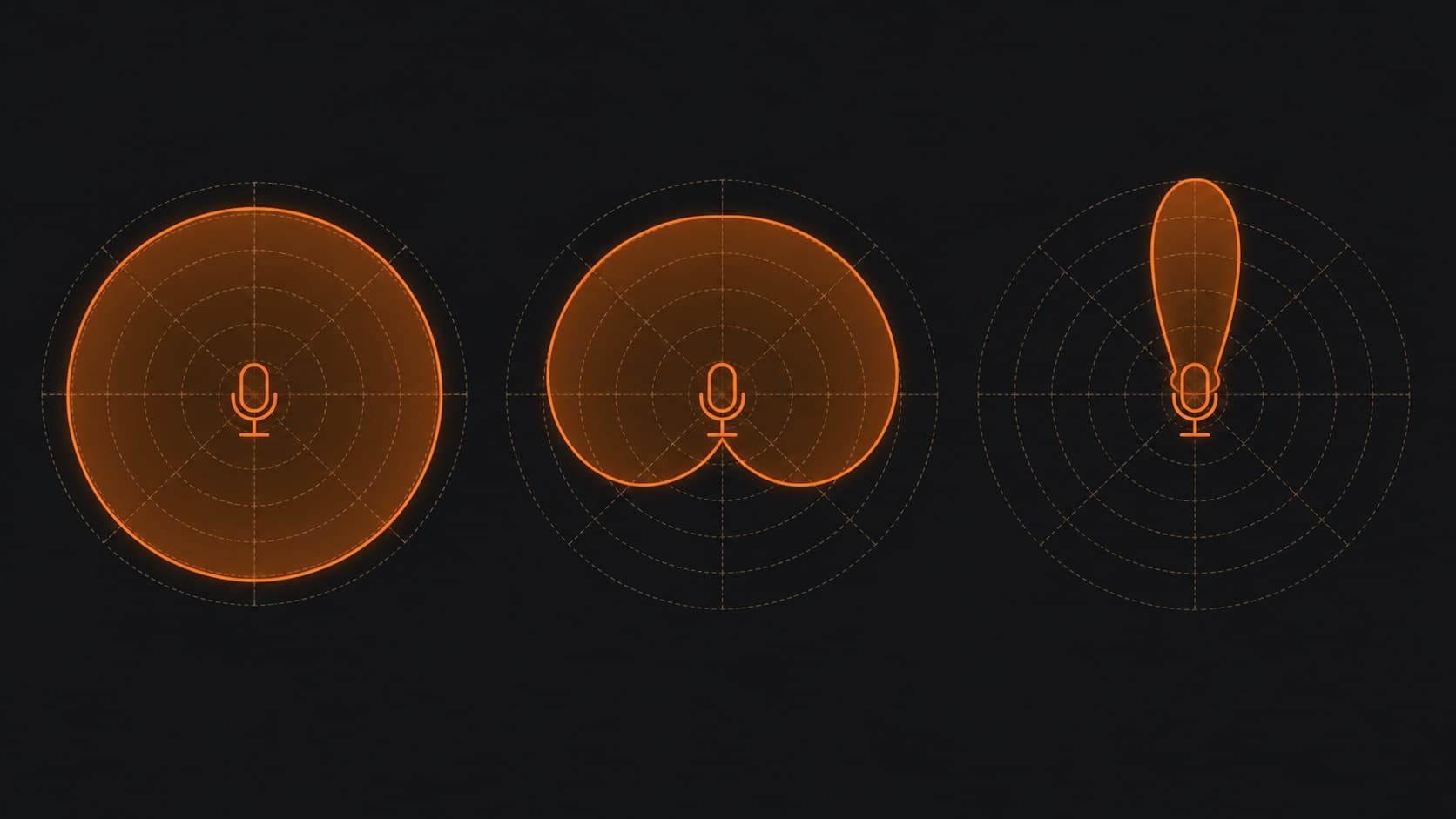
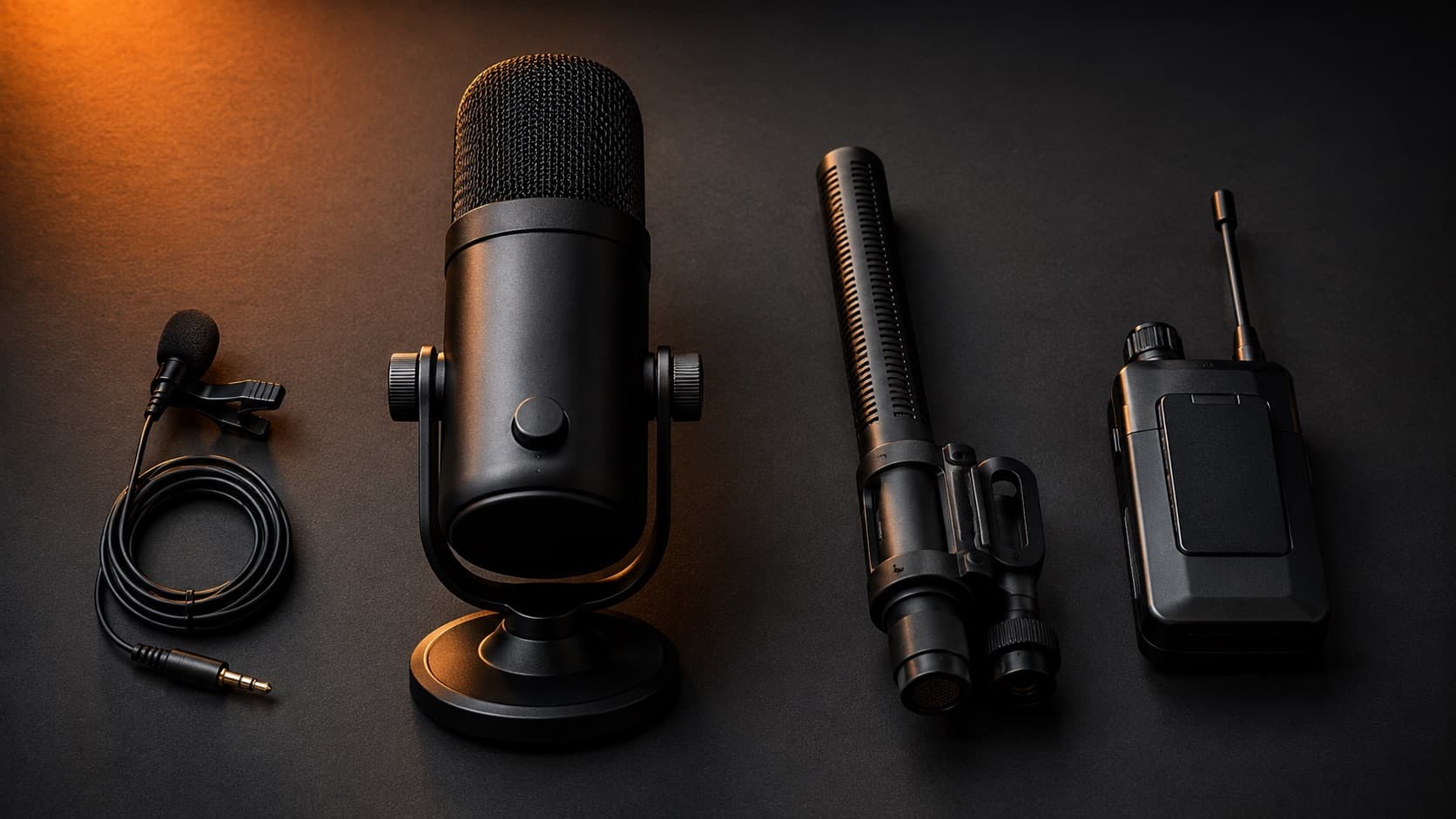
- Omnidirectional — captures from every side equally. Good for ambience and a roundtable chat; bad in a noisy place, because it rejects nothing. It's the pattern on most lavaliers.
- Cardioid (directional) — heart-shaped: it focuses on the front and rejects sound from behind. The most common pattern on desktop mics — clean voice, less room.
- Supercardioid / shotgun — a very narrow beam to the front (with a small lobe behind). It catches only what's in your direction and ignores the sides.
2. Condenser or dynamic? The other way to classify them
Beyond the pattern, every microphone uses one of two “engines.” Knowing which one you need avoids the classic mistake of buying a microphone that's too sensitive for an untreated room.
- Condenser — a light, sensitive diaphragm: it captures lots of detail and brightness — and also far more room and noise. Shines in a quiet/treated space. Most lavaliers, shotguns and USB desktop mics are condensers.
- Dynamic — less sensitive inside: it captures less of the room and is more forgiving in an untreated space. It's the favorite for voiceover and home podcasting (e.g., the Shure SM7B and the MV7+).
- Rule of thumb — quiet/treated space → a condenser performs better. Ordinary or noisy room → a dynamic, or a lavalier right by the mouth.
3. Lavalier — discreet and close to the mouth
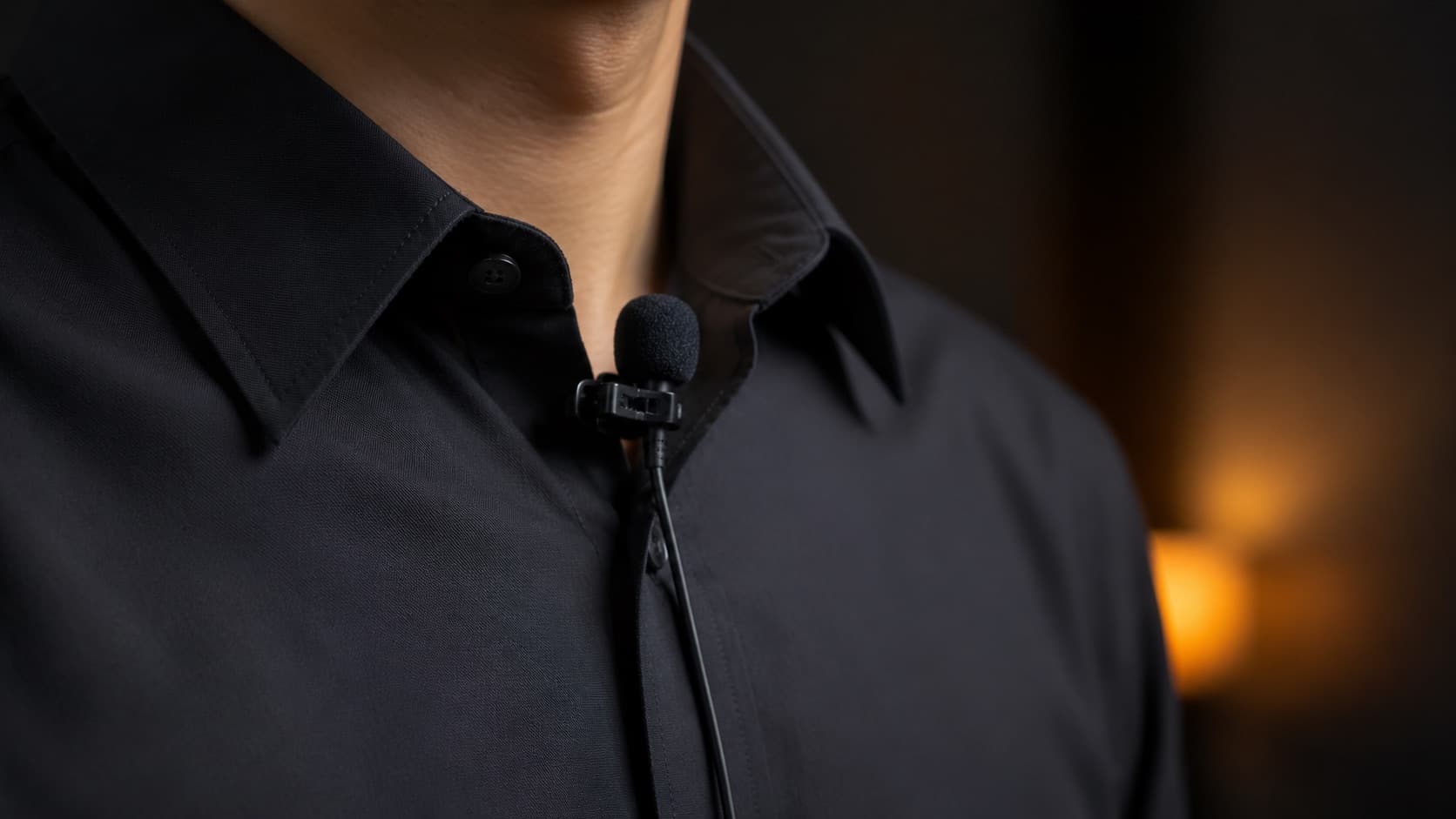
- How it captures — almost always omnidirectional and condenser. Why does it work even capturing from every side? Because it sits right on the source — proximity guarantees far more voice than room. There are cardioid lavaliers for tougher spaces.
- Upside — it disappears into the clothes and delivers a steady voice even as the head moves. Great for interviews, lessons and vlogs.
- Downside — the wired version limits movement; the very cheap ones can hiss and pick up clothing rustle.
- To invest more — Rode Lavalier II and Sennheiser MKE 2 — crystal-clear voice and pro-grade build. Con: high price and you still need a recorder/receiver.
- Middle ground — Sennheiser XS Lav and Rode smartLav+ — serious quality at a fair price. Con: wired, so little freedom.
- To spend less — Boya BY-M1 and the Maono line — the first upgrade to leave phone audio behind, for very little. Con: plastic build and a sometimes-short cable.
- On the phone — any wired lavalier works with an adapter for the right connector (USB-C or Lightning) — see the phone section.
4. USB / desktop — plug-and-play
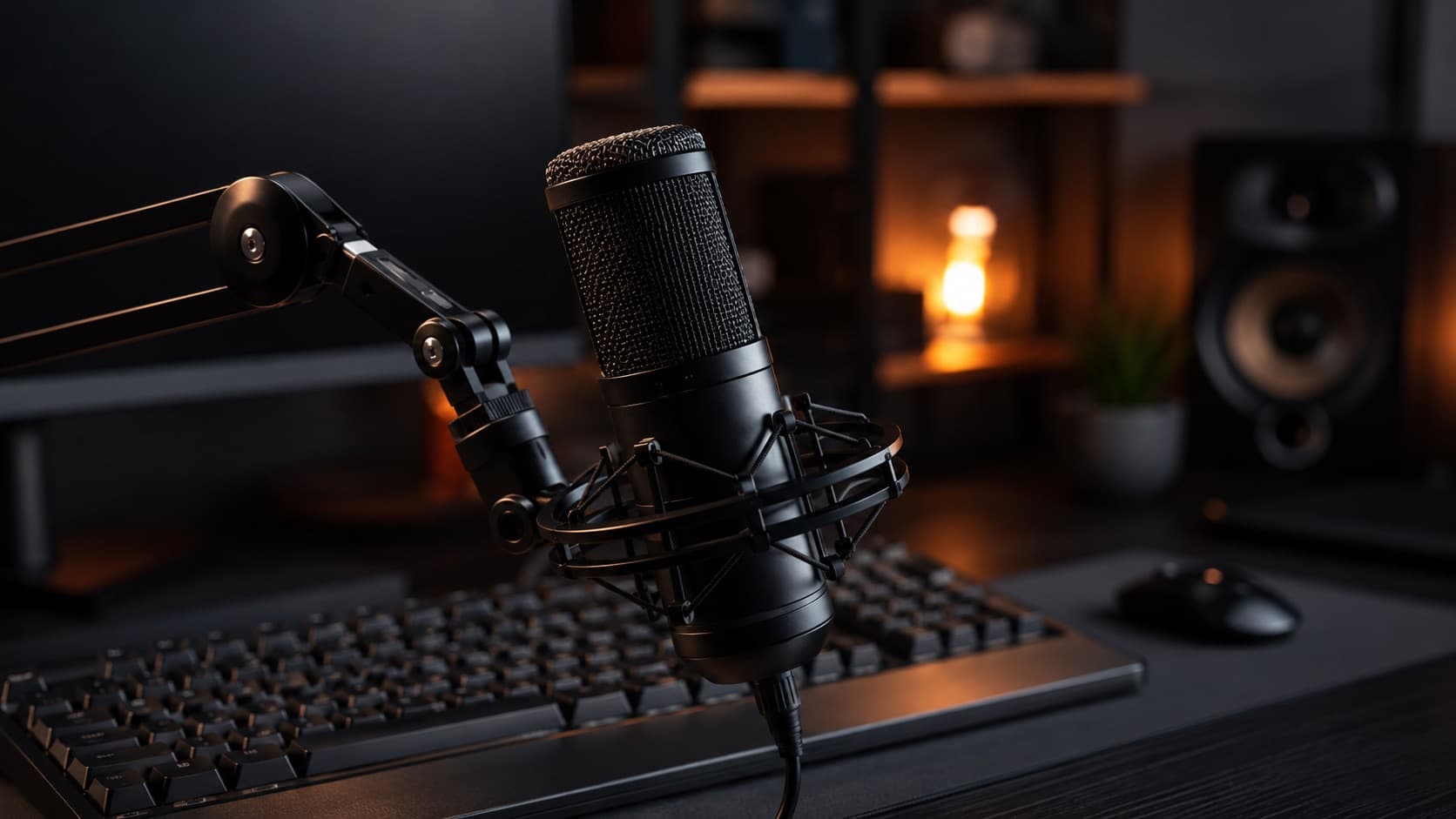
- How it captures — usually cardioid (front focus). Most are condensers (they capture detail and room); the best for an untreated room are dynamics. Some are multi-pattern (Blue Yeti), switching between omni, cardioid, bidirectional and stereo.
- Upside — it connects straight to the PC, no audio interface. Perfect for narration, courses and podcasts, sitting still in front of the computer.
- Downside — tied to the desk and sensitive to keyboard/chair; the condenser still picks up plenty of room.
- To invest more — Shure MV7+ (dynamic, rejects the room very well — cousin of the legendary SM7B) and Elgato Wave:3. Con: the MV7+ needs a close voice to sound full.
- Middle ground — Blue Yeti, HyperX QuadCast and Rode NT-USB — full-bodied sound and a good-looking desk presence. Con: condensers, so they demand a quieter space.
- To spend less — Samson Q2U (it even has both USB and XLR outputs) and Fifine/Maono. Con: simple finish, but the audio punches well above the price.
5. Shotgun — directional, on the camera
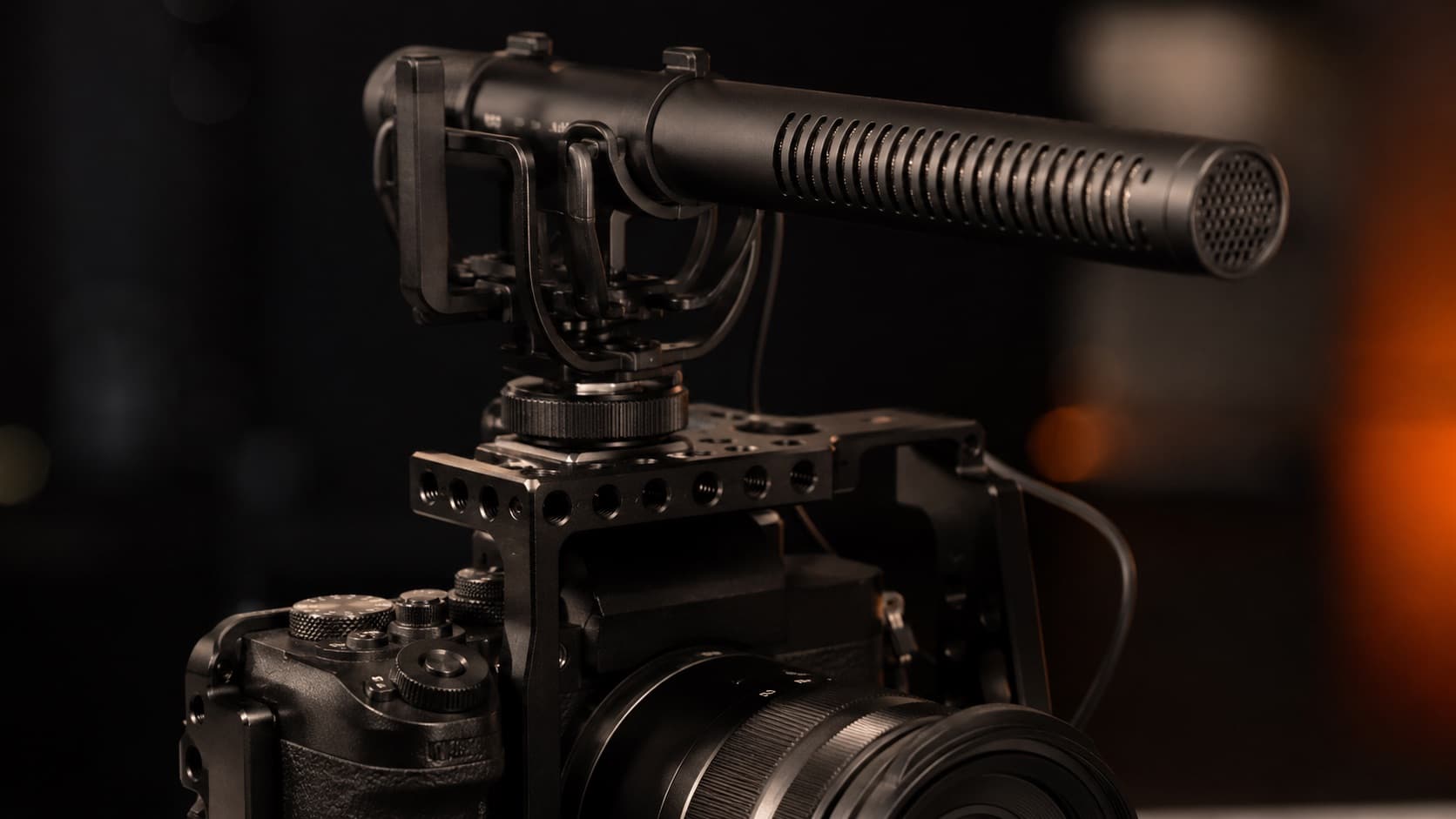
- How it captures — supercardioid/lobar and condenser. An “interference” tube cancels the sounds coming from the sides, leaving only what's right in front — that's why it “focuses” in the camera's direction.
- Upside — it mounts on top of the camera and isolates whoever's in front. Ideal for vlogs and recording on the move, with nothing on the clothes.
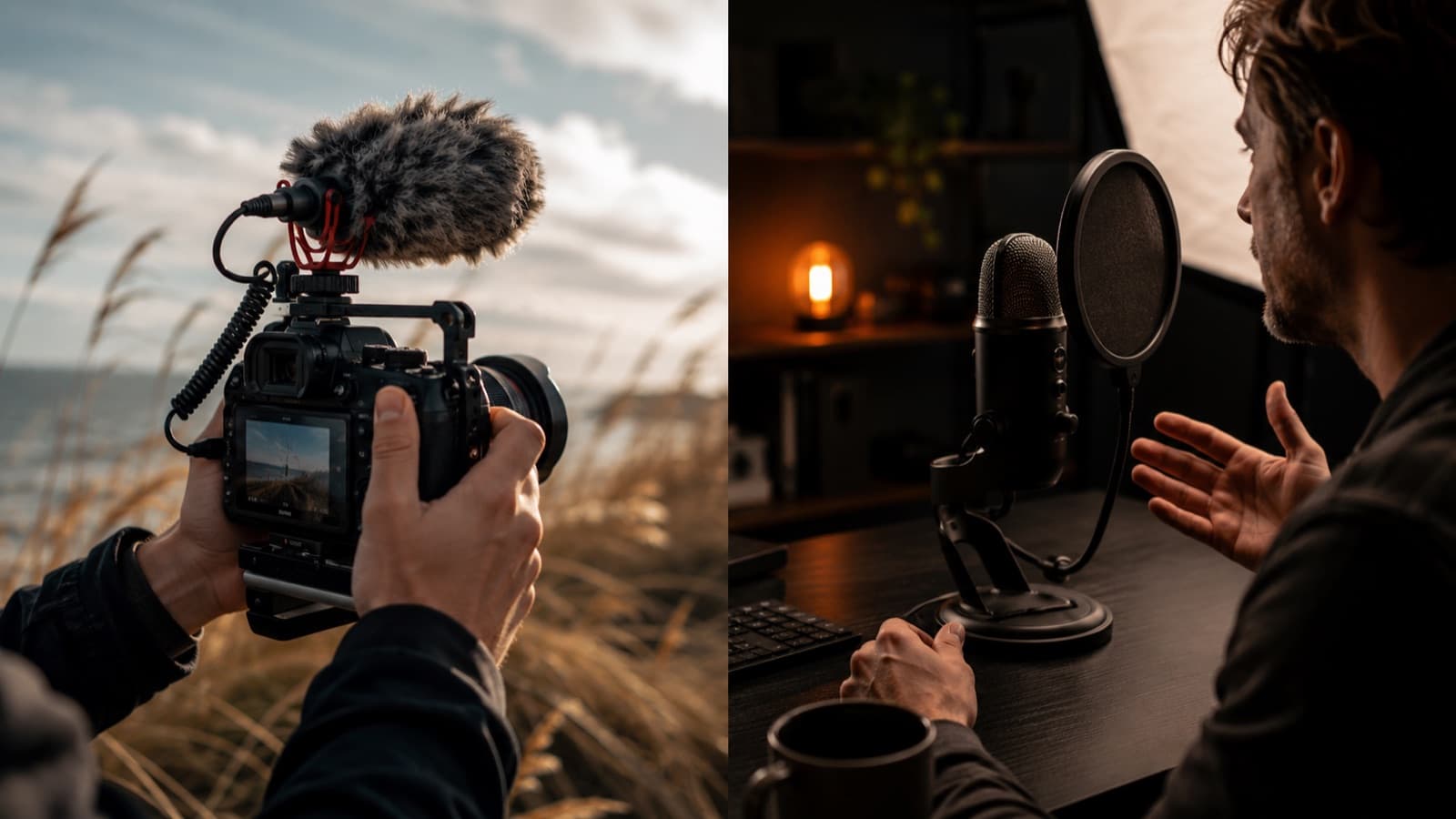
- Downside — it needs to be relatively close; too far away and it goes back to capturing the room. Sensitive to wind (use the “furry” cover).
- To invest more — Rode VideoMic NTG and Sennheiser MKE 600 — cinema-grade audio, extremely low noise. Con: bigger and pricier.
- Middle ground — Rode VideoMic GO II and Sennheiser MKE 400 — light, great on the camera, and they connect to the phone. Con: shorter reach than the top models.
- To spend less — Boya BY-MM1 and Comica — good directionality for very little. Con: more modest build and isolation.
- On the phone — Rode VideoMic Me-C+ (USB-C, Android and iPhone 15 onward) or VideoMic Me-L (Lightning, iPhone 14 and earlier) — a mini shotgun made for the phone.
6. Wireless — total freedom (and the best for interviews)
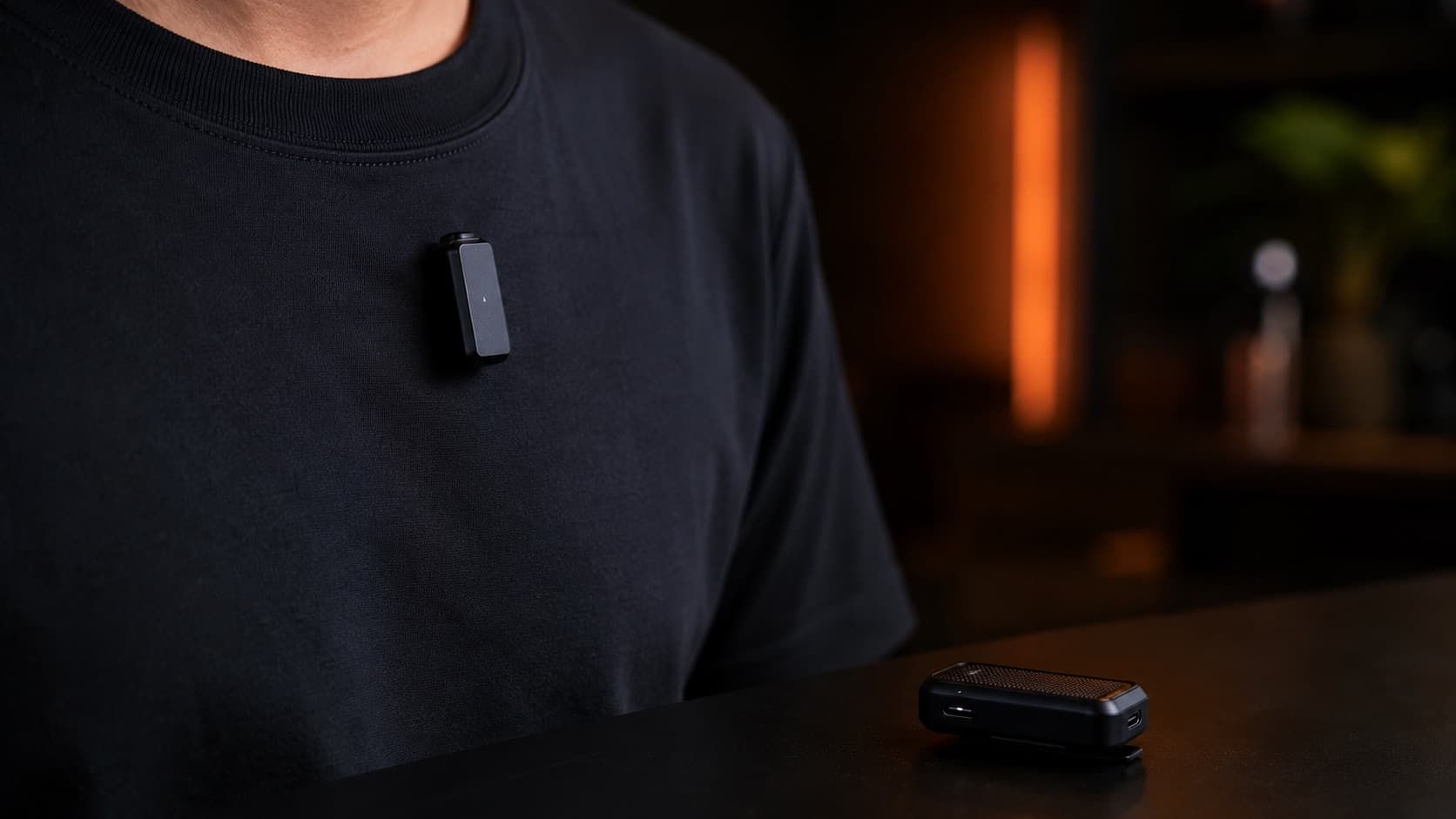
- How it captures — the transmitter is a lavalier — so almost always omnidirectional and condenser. The difference is that the sound travels by radio to a receiver, with no cable at all between you and the camera/phone.
- Upside — it pairs a voice glued to the mouth with total freedom of movement. The most practical for interviews — and the only one that really handles several people well (see below).
- Downside — the most expensive, and you have to keep a battery charged. Worth it when movement (or more than one person) is part of the content.
- To invest more — DJI Mic 2 / Mic 3, Rode Wireless Pro and Sennheiser Profile Wireless — clean audio, range and pro features (internal recording, noise reduction). Con: price.
- Middle ground — Hollyland Lark Max 2 and Rode Wireless GO (Gen 3) — pro-grade for less, already with two transmitters. Con: app/menus with a learning curve.
- To spend less — Hollyland Lark M2, DJI Mic Mini and Boya Mini — wireless for a lot less, light and easy. Con: less range and fewer features.
- On the phone — almost all connect to the phone via USB-C; many kits already include a Lightning cable too. Check before you buy.
7. Recording with your phone? Look at the connector
Most people record on their phone — and there the detail that causes the most headaches isn't the brand, it's the connector. Buying the wrong microphone (or the wrong cable) is mistake No. 1 when recording on a phone.
- USB-C — modern Android and iPhone 15 onward. It's the new standard — most new releases already come this way.
- Lightning — iPhone 14 and earlier. If that's you, confirm the kit has the Lightning cable/version.
- Golden tip — many wireless kits (DJI Mic 2, Rode Wireless Pro) already include both cables. Check the box before you pay.
Made for the phone: Rode Wireless Micro and SYNCO P1X (wireless, with versions for iOS and Android) and the DJI Mic Mini are designed for the phone. For a shotgun on the phone, the Rode VideoMic Me-C+ (USB-C) or Me-L (Lightning). And any wired lavalier works with the adapter for the right connector.
And it's worth understanding the microphone that's already in the device: it's a tiny omnidirectional MEMS(capturing from every side) with automatic gain (AGC) — a circuit that raises and lowers the volume on its own. Since it can't tell voice from noise, in silence it “opens up” and captures hiss and room; and it reacts late, making the volume “breathe.” To control it, record in a camera app with manual gain control (like FiLMiC Pro, where available) and lock the level by hand — or, better still, use an external microphone.
8. More than one person talking? Wireless with several microphones
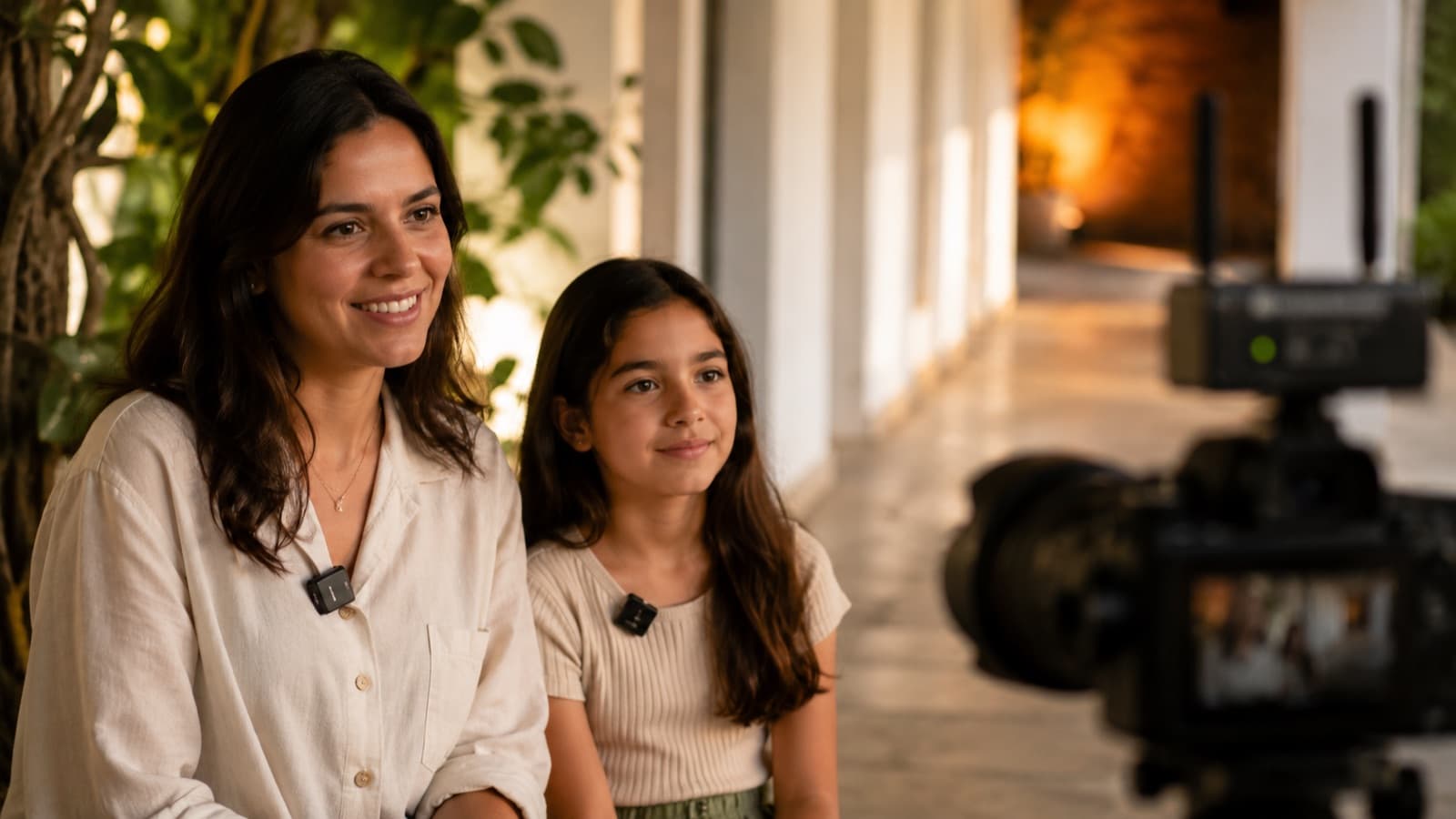
For an interview, podcast or roundtable, the ideal is each person with their own microphone, all captured by a single receiver. Modern wireless systems already come this way: 2 transmitters + 1 receiver — two independent lavaliers connected to the same device (camera or phone).
- The 2-person standard — DJI Mic 2 / Mic 3, Rode Wireless Pro (or Wireless GO Gen 3) and Hollyland Lark Max 2 already come with two transmitters and one receiver.
- Best value for a pair — Hollyland Lark M2S (dual kit) delivers two microphones for a lot less — the bundle name can vary by store, so check that both transmitters are included.
- 3 people or more — you can combine two systems (two receivers) or use multi kits with several transmitters. Then it's worth planning ahead.
- Each voice on its own — some record each microphone to its own channel/file (and in 32-bit float, like the Lark Max 2) — that lets the edit adjust each person's volume without ruining the rest. Excellent for interviews.
- On the phone — most of these kits also connect to the phone (USB-C) — so you can record a two-person interview straight on the phone.
9. The audio recorder (and the guide track)
A portable recorder captures clean audio, separate from the camera — and current models record in 32-bit float, a format in which it's nearly impossible to clip: you record and adjust the volume in the edit.
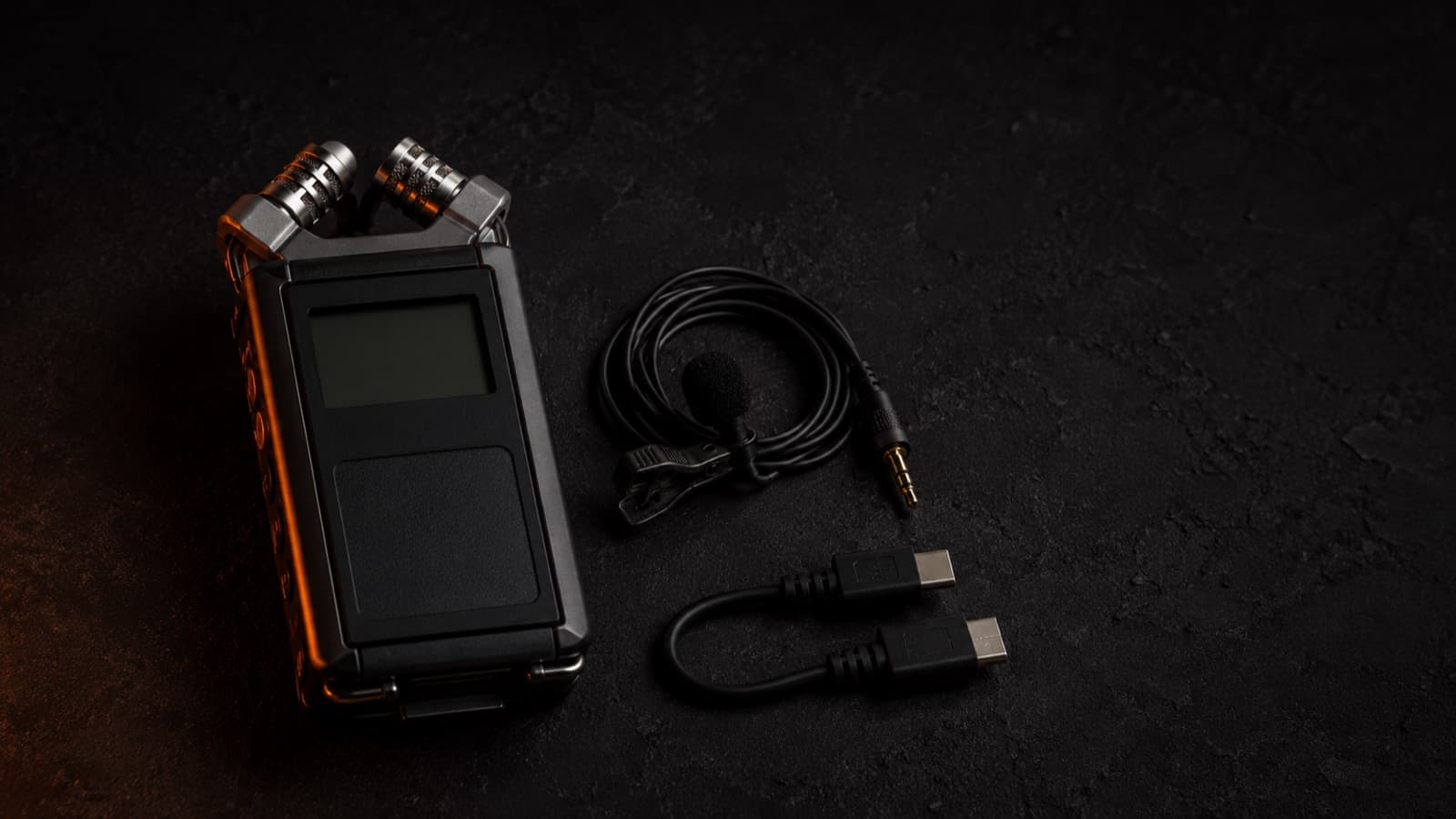
- Best value — Zoom H1essential (32-bit float) — light, great as a main or ambience recorder.
- With pro inputs — Zoom H4essential (XLR inputs to plug in a lavalier/shotgun) or Tascam DR-05X (a sturdy alternative).
- The guide track — even with everyone on a lavalier, leave a recorder capturing the whole room. In the editor, waveform sync lines up all the microphones and cameras by that track — and if a lavalier fails, you have backup audio.
And remember: the phone's microphone suffers from automatic gain control (AGC), which makes the volume “breathe.” That's why, for serious work, go for an external mic or a recorder — learn more in recording with your phone.
10. Protection: foam, dead cat and pop filter
Three cheap accessories that save your audio — and that do different things. Foam and a dead cat protect from wind (outside air hitting the mic); the pop filter protects from plosives (the burst of your “p/b/t” in desk recording). They're not interchangeable.
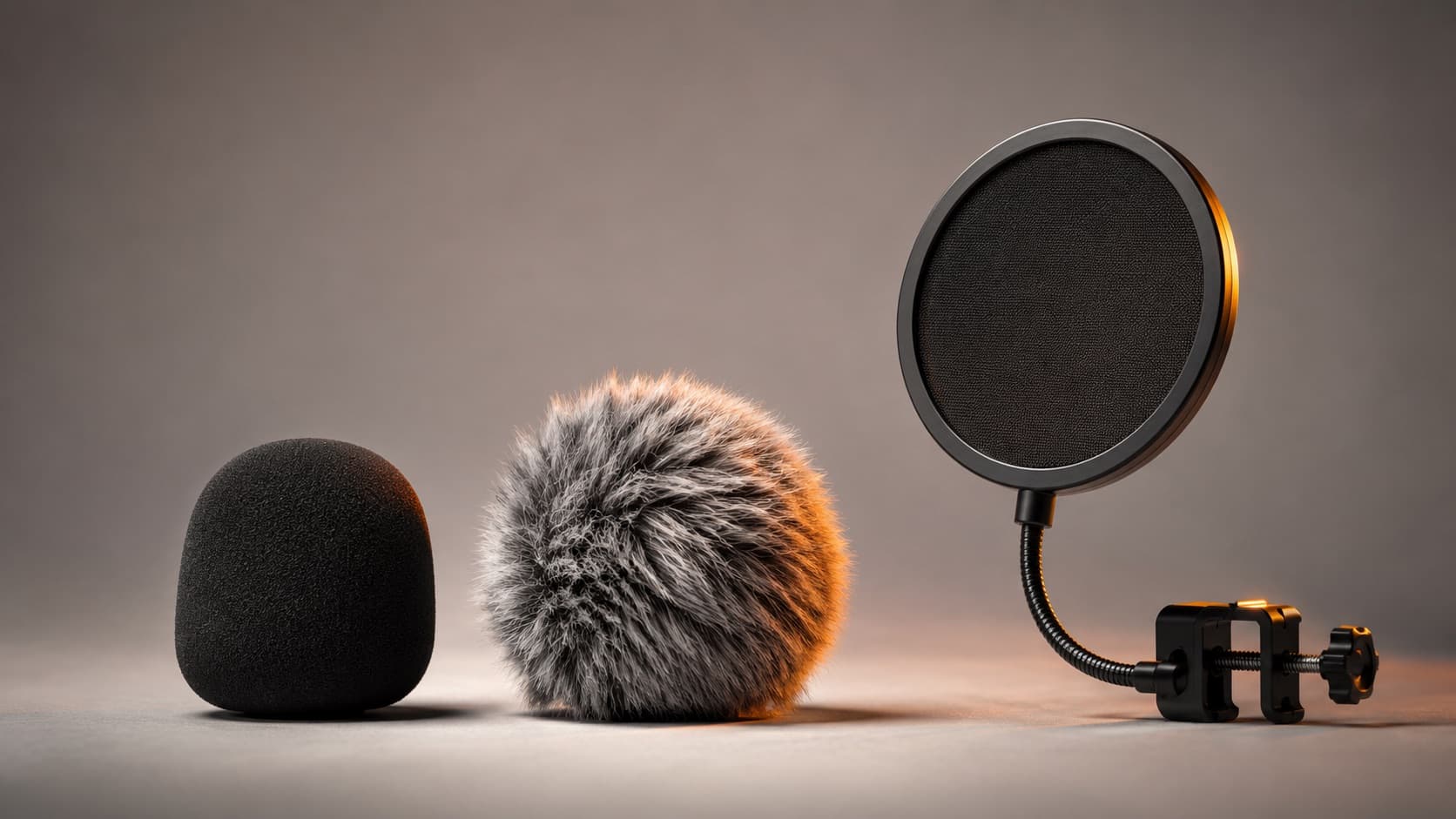
- Foam — the little ball that already comes with the mic. Handles light wind and a bit of plosives. Indoors or a faint breeze. Sold separately ~US$3-12 / R$15-60.
- Dead cat / windjammer (furry) — the furry cover for real outdoor wind. If you feel a breeze on your face, to the mic it's a hurricane — use a dead cat. ~US$2-18 / R$10-90.
- Pop filter — a screen on a gooseneck, a desk/studio tool: it sits between the mouth and the mic and kills the “pop” of p/b/t in narration. ~US$6-18 / R$30-90. Useless for wind.
- On a lavalier — indoors = foam; any wind = a dead cat on top (Boya BY-B05W 3-pack ~US$7-15 / R$33-75; Rode MiniFur-LAV ~US$24-30 / R$120-150). Buy three — they fall off and vanish easily.
- On a shotgun — indoors = a foam tube; wind = a dead cat in the right size (Rode WS9 ~US$25 / R$130; generics ~US$12-18 / R$60-91).
- On the phone — the best defense is an external mic with its own protection (the Boya BY-MM1 already comes with a dead cat in the box). But there's an emergency trick: there are furry dead cats made to cover the phone's own mic (e.g., Gutmann, by iPhone model). It's niche — most “phone dead cats” are actually for lavaliers — but one in your bag saves a recording at the beach or in the wind when you have nothing else.
11. Tripods, stands and accessories
The microphone is half of it; the other half is how you position, protect and connect it.
- Where to rest it — on the desk, a mini tripod or a scissor arm that clamps to the edge and brings the mic up to your mouth; standing, a stand with a boom. On the phone, a tripod with a cold shoe lets you mount the phone AND a small mic together.
- Shock mount — the elastic-suspension mount that isolates the mic from knocks and vibration from the desk/floor. Note: it protects from vibration, not from wind (for wind it's foam/a dead cat).
- The connector trap — a phone does not accept the 3-pole TRS plug: it needs TRRS (4 poles) or a USB-C/Lightning adapter — and the wrong adapter makes the mic simply not record. Check compatibility before you buy.
- The backup that saves you — keep the adapter for your connector in your bag. It's the ~US$6 / R$30 item that keeps you from going home without audio.
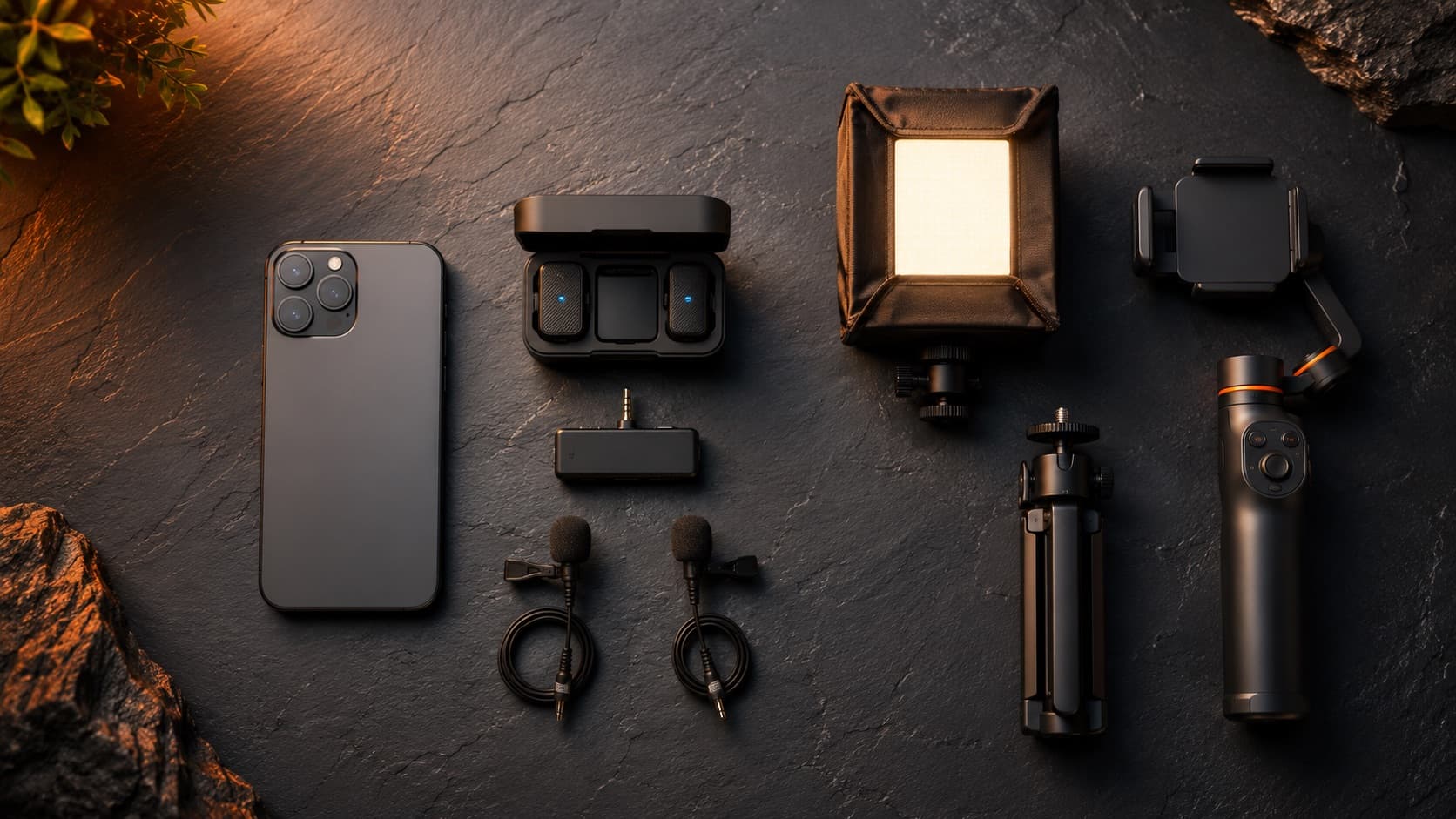
To see all of this together in a phone setup, check out the recording kit.
Quick questions
Lavalier, shotgun or wireless mic — which one for an interview?
For an interview, wireless is usually best: each person wears a transmitter (which is itself a lavalier) clipped to their clothes, with full freedom of movement and the voice always close to the mouth. A wired lavalier works when no one moves around much and you can hide the cable. A shotgun is better for a single person, mounted on the camera, when you don't want anything visible on the clothes. For two people or more, wireless with two transmitters is almost always the safest choice.
Do I need an expensive microphone, or will a cheap one do?
A cheap microphone placed well almost always beats an expensive one placed badly — proximity and a quiet room matter more than price. Entry-level models (Boya, Maono, Fifine) are already a huge leap over your phone's audio. The expensive model delivers less noise, sturdier build and pro features, but that's polish, not the basics. Start simple, record close to the source, and only move up a tier when you hit the limit.
Can I use a USB desktop microphone on my phone?
Generally not directly, and it's rarely worth it. A USB microphone was designed to sit still in front of the computer, not for mobility. Some phones will recognize a USB-C mic with the right adapter, but compatibility is uncertain and you lose the convenience. To record on the phone, go for a lavalier with the right connector or a wireless mic made for phones.
TRS vs. TRRS: why won't my microphone record on my phone?
Because the phone doesn't accept the 3-pole TRS plug used on cameras and recorders — it expects TRRS, 4 poles, which carries both mic and headphone on the same connector. If you plug a TRS mic in directly, the phone simply picks up nothing. The fix is a TRS→TRRS adapter, or a USB-C or Lightning cable/adapter depending on your device. Checking this detail before you buy avoids the most common frustration of recording on a phone.
Condenser or dynamic for an untreated room?
In an ordinary, untreated room, a dynamic tends to perform better: it's less sensitive, picks up less echo and background noise, and is more forgiving of the room. A condenser captures more detail, but also far more room — it shines in a quiet, treated space. If your only room is noisy, go dynamic, or use a lavalier clipped right by the mouth, which already cuts the room thanks to proximity. Treating the space even a little (curtains, a rug, a bookshelf) helps both as well.
What's the difference between foam, a dead cat and a pop filter?
They're three protections for different threats, and they're not interchangeable. The foam (the little ball that comes with the mic) covers light wind and a bit of plosives, indoors. The dead cat (the furry cover) is for real outdoor wind — if you feel a breeze on your face, you need it. The pop filter is the desk/studio screen that sits between your mouth and the mic and kills the burst of “p/b/t” in narration. In short: wind calls for foam or a dead cat; plosives call for a pop filter.
How many microphones do I need to record 2 or 3 people?
Ideally one microphone per person, all captured by a single receiver. For two people, a wireless kit with two transmitters and one receiver does the job — it's the most common format on the market. For three or more, you can combine two systems or use a kit with several transmitters, but then it's worth planning ahead. In any case, leaving a recorder capturing the whole room gives you a guide track and a backup in case a microphone fails.
The models above are starting points for your research — prices, versions and availability change over time, and HEY JOE neither sells nor recommends a store: the idea here is just to help you understand what to look for.
Bought the right microphone and still want pro-grade audio polish? Cleanup, mixing and soundtrack are part of every edit at HEY JOE.