Editing & post-production
Music without Content ID: the channel-whitelist trick
The right music gives your video emotion and pacing. The wrong music triggers a copyright claim (Content ID) that can demonetize or even block your video. Here's where to get music safely — and the trick that protects your channel for good.
~10 min read
Sound is half the video (see why audio is mistake #1), and music is a huge part of that. The thing is, music is YouTube's biggest copyright trap. The good news: you can have great music and sleep soundly — with the right source and a tweak few people know about.
1. What Content ID is (and why it's scary)
Content ID is YouTube's system that scans videos for music registered by labels and artists. When it finds a match, it generates a claim. Important: a claim is not the same as a strike.
- Claim — automatic. It can redirect your video's ads to the music's owner, or block the video in some countries. It doesn't take down the channel, but it takes away your monetization.
- Copyright strike — different and more serious: it comes from a legal takedown request (DMCA) filed by the rights owner — not an automatic flag or just any report. Three strikes in 90 days can shut down your channel (and the channels linked to it).
The goal here is simple: use music that never generates a claim on your video. (To understand the difference between a claim, a strike and the 3-in-90-days rule, see YouTube policies and strikes.)
2. Where to get your music
- Free — YouTube Audio Library — inside Studio, royalty-free and safe. Great for starting out, but everyone uses the same tracks — the sound ends up generic and without identity.
- By subscription — professional libraries — Epidemic Sound, Artlist, Soundstripe, Musicbed and the like. Huge variety, high quality and — the trick of the trade — several let you clear your whole channel (next section). But check: not all do it the same way (Uppbeat only whitelists the channel on the paid plan; Motion Array has no automatic clearing — you dispute claim by claim).
- Original — custom-made — an exclusive track, composed for your content — it gives you a unique sonic identity and never generates a claim, because the music is yours. You can hire a composer, without the cost of a record label.
- Emerging — AI music — tools like Suno, Udio and Soundraw generate a track fast and cheap. Two cautions: always use the PAID plan (on the free one you can't monetize) and know that you do NOT become the owner of the track — 100% AI music has no copyright, and the legal ground is still taking shape. It works for your channel; for client delivery, prefer a library or original music.
3. The trick of the trade: whitelist your channel
The good subscription libraries let you connect your channel to your account. Then YouTube understands that you're licensed and clears the claims automatically. Each one names it differently:
- Epidemic Sound — “Safelisting” — you connect the channel and the content gets cleared: everything you publish while the subscription is ACTIVE stays cleared forever. Heads up: if you cancel, what's already up stays fine — but NEW videos stop being cleared (Epidemic itself starts claiming them).
- Artlist — “Clearlist” — you connect the channel (or video links) and it clears the claims — it even works retroactively.
That's why a subscription often pays for itself in peace of mind alone: you use original tracks (that not everyone has) and your channel is shielded against claims from that library. Just one warning: the names and the clearing rules change over time — check the library's current plan (and whether whitelisting is included in your subscription tier) before you commit.
4. The risk no one tells you about
Be careful with the idea that “this track has no Content ID.” No Content ID today doesn't mean no Content ID forever. The music's author can register it in Content ID later — and a track you already used, one that had never flagged anything, starts generating claims retroactively on your old videos.
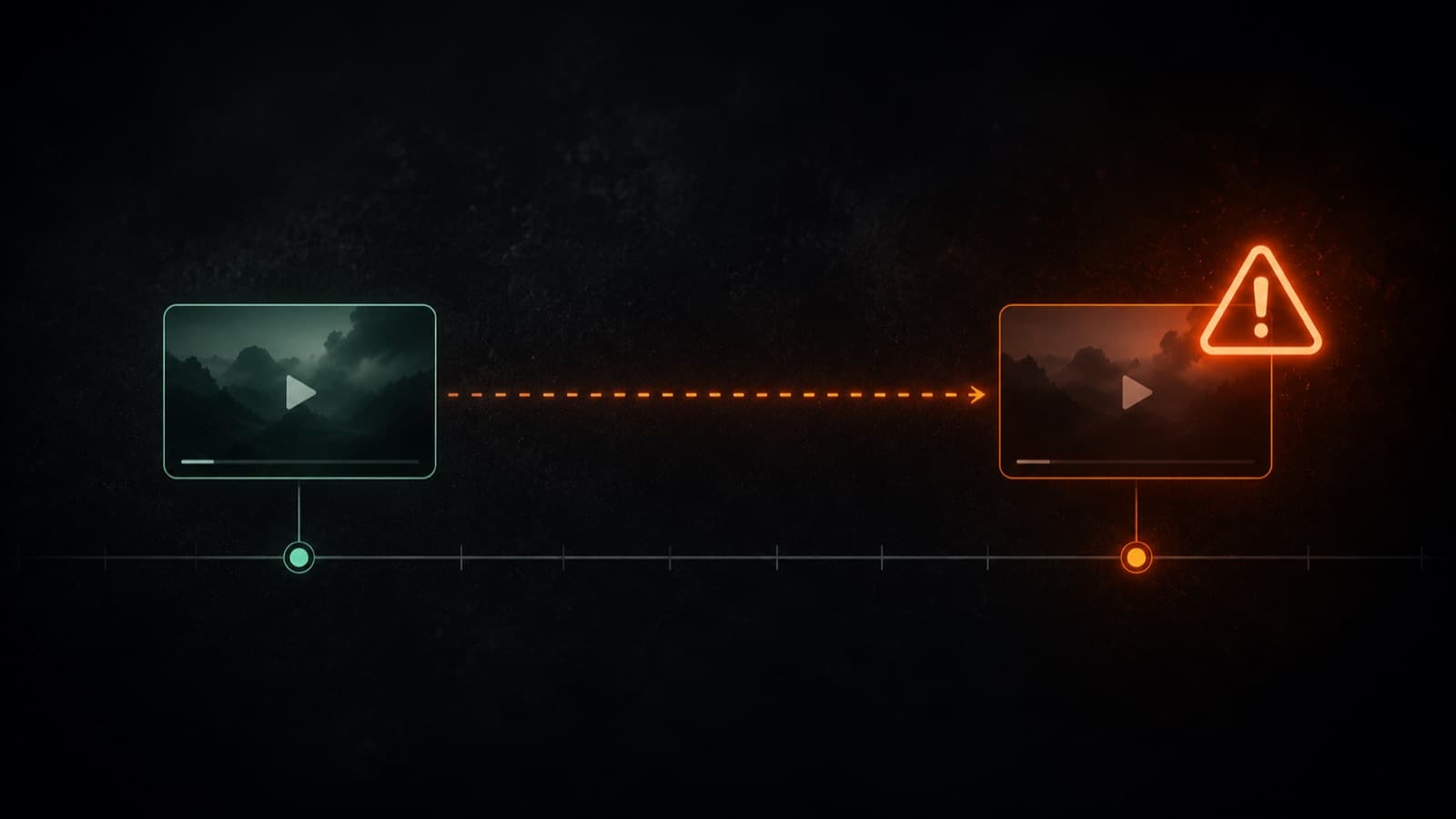
That's why one-off packs and libraries that don't whitelist your channel leave you exposed: your protection depends on the author's mood (and registration). A subscription that whitelists your channel, on the other hand, protects you regardless. Our recommendation: always prefer a source that whitelists your channel.
5. Practical care with the license
- Keep the subscription active — with Epidemic, what you published while the subscription was active stays cleared; but to publish new content you need the subscription up to date.
- Read what the license covers — commercial use, work for clients and which platforms — not every license covers everything.
- Keep the proof — even 100% licensed, a track can pick up an automatic claim — the system reads the audio's “fingerprint,” not your license. The proof (certificate/invoice with the code) is what lets you DISPUTE it: in YouTube's dispute you paste the text of the license (it doesn't accept a file attachment). Without the proof, you have the right but can't prove it.
- Connect the channel BEFORE you go viral — set up the whitelist now — a claim on a video that's blowing up is a loss at the worst possible time.
- Check before you publish — in YouTube Studio, the Checks step flags copyright issues before the video goes live — giving you time to swap the track without the rush.
6. What about TikTok and Instagram? (the catch)
There you can even pick music by a famous artist — and it works. But for a reason that fools a lot of people: the license belongs to the platform (TikTok and Meta cut a deal directly with the labels), cleared only for personal use and inside the app. That changes everything:
- A business account doesn't get the famous tracks — a commercial/professional profile only accesses the library cleared for business (TikTok's “Commercial Music Library,” Meta's “Sound Collection”) — without the famous-artist tracks.
- You can't advertise or monetize — a branded post or paid ad with famous music gets blocked, muted or rejected. When you promote it, the platform treats it as commercial use and cuts the audio.
- The license does NOT travel — the critical point: music chosen inside TikTok/Instagram is valid ONLY there. You can't download the video and upload it to YouTube (it becomes a claim instantly there), nor deliver it to a client. For content that lives in several places, use a licensed library or original music.
7. Myths that cost you dearly
- “Royalty-free is the same as free of Content ID” — no. “Royalty-free” is only the payment model (you pay once and use it without royalties) — it doesn't mean “no rights.” A royalty-free track can be in Content ID and generate a claim. Only YouTube's Audio Library is guaranteed by YouTube itself.
- “A claim is going to take down my channel” — no. A claim only affects the video (monetization/blocking). What takes down a channel is a STRIKE — and only with 3 in 90 days. Don't confuse the two.
- “I bought a one-off track, I'm covered” — not always. Without whitelisting your channel, you can still get a claim and have to dispute it one by one — and some one-off-track licenses don't even cover monetization. What removes the friction is whitelisting the channel.
- “No Content ID today = safe forever” — no. The author can register the track later, and the claim falls retroactively on your old videos (as in §4). That's why whitelisting the channel and keeping the proof matter so much.
Leave the music curation to HEY JOE
You subscribe to the library and whitelist your channel (once — the step-by-step is in the section above). From there, HEY JOE handles the curation inside it: we dig out, for your content, the tracks that fit and that won't generate a claim, and we slot each one into the pacing of the video. The work of finding the right sound among thousands — and making it click with the edit — is on us.
Quick questions
Is royalty-free music free of Content ID?
No — they're two different things. “Royalty-free” describes only the payment model (you pay once or by subscription and use it without paying royalties per use), not the absence of rights. A royalty-free track can be registered in Content ID and trigger a claim on your video. What actually protects you is the library whitelisting your channel, or using YouTube's own Audio Library, which YouTube guarantees.
Does a Content ID claim take down my channel?
No. A claim only affects that one video: it can redirect the monetization to the music's owner or block the video in some countries, but it doesn't take down the channel. What ends a channel is a copyright strike (a legal takedown request, DMCA) — and only with three in 90 days. Claims and strikes are different things; it's worth understanding the rules in YouTube's policies and strikes.
Can I use a song from TikTok or Instagram in my YouTube video?
No. The song you pick inside TikTok or Instagram is covered by a license from the platform itself, cleared only for personal use and inside the app. It doesn't travel: if you download the video and upload it to YouTube, it becomes a claim instantly — and it's no good for client delivery or for an ad either. For content that lives in several places, use a licensed library or original music.
Is a track that has no Content ID today safe forever?
There's no guarantee. The author can register the track in Content ID later, and the claim falls retroactively on your old videos that used that music. That's why one-off packs and sources that don't whitelist your channel leave you exposed. A subscription that whitelists your channel protects you regardless — and it's worth keeping the proof of license.
How does whitelisting (Safelisting / Clearlist) actually work?
You connect your YouTube channel to your library account; then YouTube understands that you're licensed and clears that library's claims automatically. Epidemic Sound calls it Safelisting, Artlist calls it Clearlist — and the details vary (some clear retroactively, others only what you publish while the subscription is active). Always check the library's current plan, because the terms and names change over time.
Does AI-made music solve the rights problem?
Partly, and with caveats. Tools like Suno, Udio and Soundraw generate a track fast, but always use the paid plan (the free tier usually won't let you monetize) and know that you normally don't become the owner of the track — 100% AI music tends to have no copyright of its own, and the legal ground is still taking shape. It works for your channel; for client delivery, prefer a licensed library or original music.
Sources
- Epidemic Sound — What is safelisting — how to whitelist your channel (official, from the library).
- Artlist — understanding Clearlist — how Clearlist clears claims (official, from the library).
- YouTube — Content ID claims — what a claim is and why it's not a strike (official, from YouTube).
- YouTube — Copyright strikes — how a strike (DMCA) comes about and the 3-in-90-days rule (official, from YouTube).
- YouTube Audio Library — free, royalty-free music and effects (official, from YouTube).
- YouTube — Tips for finding safe music — how to avoid a copyright block (official, from YouTube).
Digging out the right track inside the library you subscribe to and slotting it into the pacing of the video are part of the work HEY JOE does on every video.