Production & filming
How to speak well on camera (and beat the fear)
Speaking well on camera isn't a gift, it's a skill — everyone you admire was once stiff and frozen. The goal isn't “TV anchor,” it's to look comfortable and real. And there's one switch that changes everything: stop talking to an audience and talk to ONE person.
~9 min read
1. Why we freeze up — and how to relax
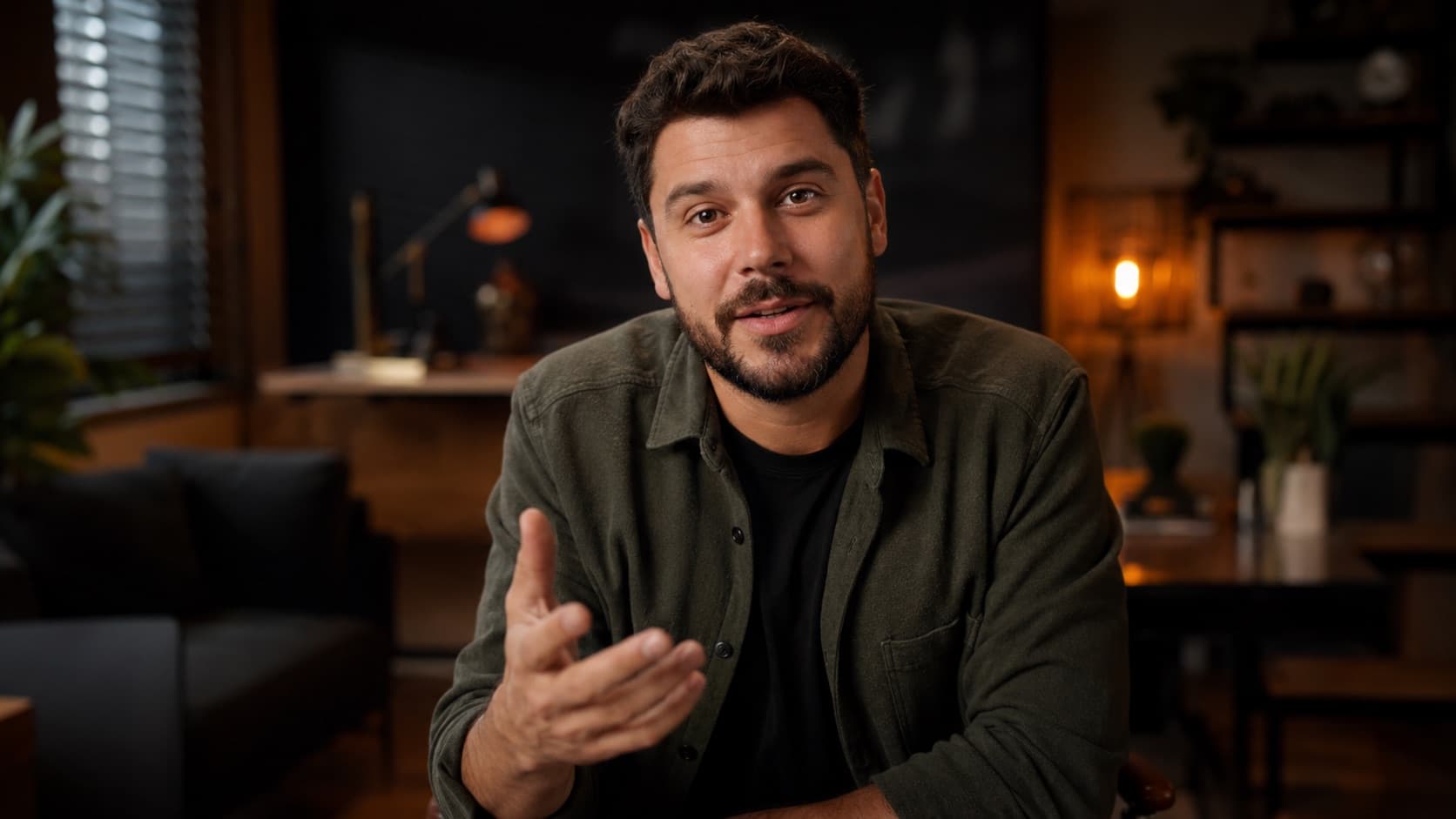
The root: the camera gives you nothing back. In a conversation you read nods and smiles; the lens just stares back, and your brain races to fill that void with the worst-case scenario. It helps to know it has a name — the spotlight effect: we overestimate how much others notice our slip-ups. Psychology studies show people notice well under half of what you imagine (and the edit erases the rest). A few mindset shifts:
- It's a skill, not a gift — no one is born good on camera — it's practice and repetition. Confidence is a result of recording, not a prerequisite to start.
- A little flub makes you more human — pauses and stumbles remind people there's a real person there. Drop the bar from “perfect” to “real” — too perfect reads like an ad.
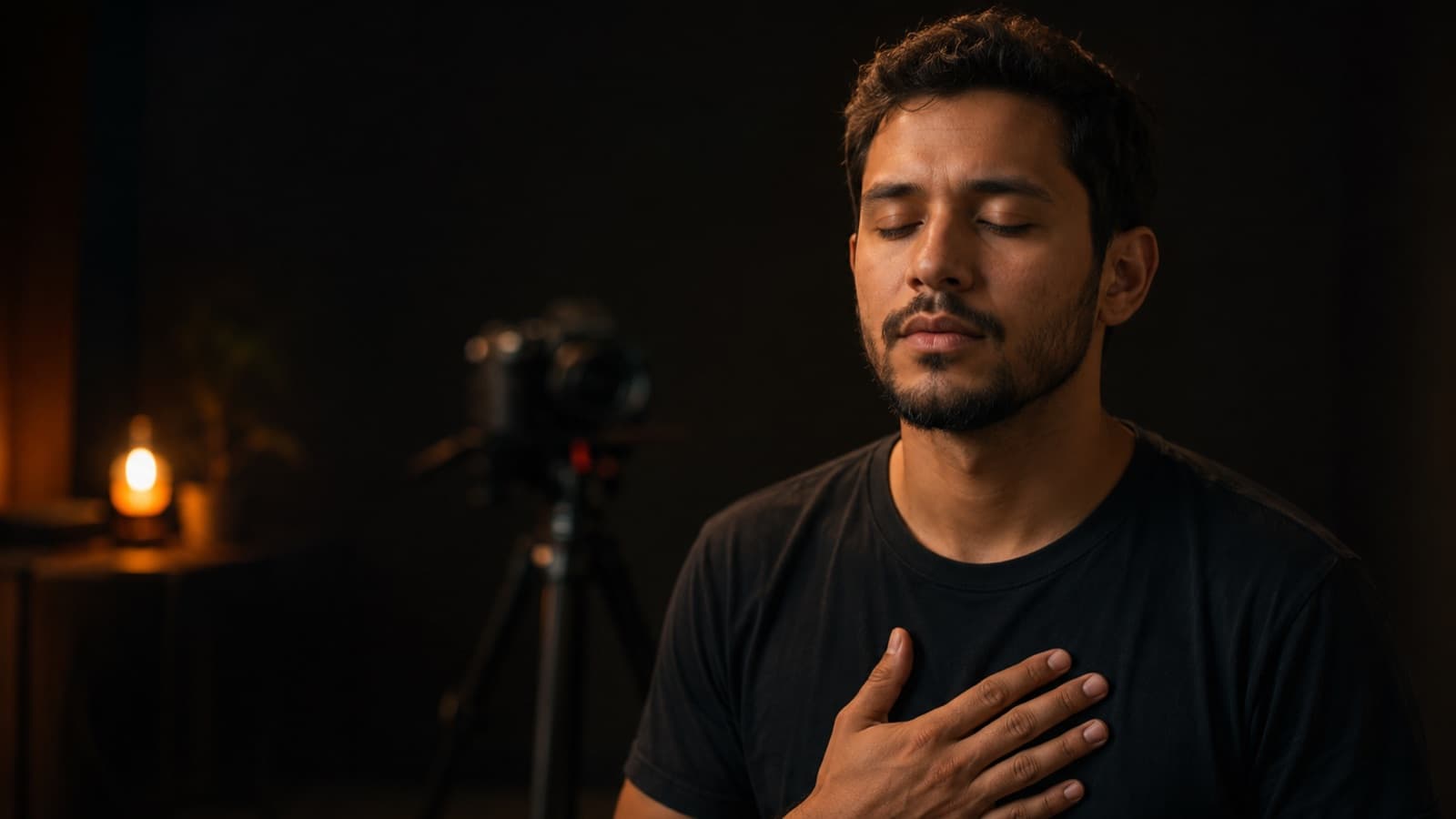
- Breathe — and swap “stay calm” for “I'm excited” — 3-4 slow belly breaths help, but the strongest trick is mental: nerves and excitement are the SAME adrenaline. Instead of trying to “calm down” (nearly impossible in the moment), tell yourself “I'm excited” — research shows this relabel makes you deliver better than trying to zero out the nerves. Get the camera, mic and light ready BEFORE, so all you do is hit record and talk.
- Dry mouth is normal — keep water nearby — nerves dry out your mouth. Keep a glass of water beside you, and if you seize up, gently bite the tip of your tongue: it kicks in salivation and frees up your speech.
- Start with a topic you love — answering a common question from your students/clients is the best first video — the subject flows and the fear loses its grip.
2. Delivery tricks that sound confident
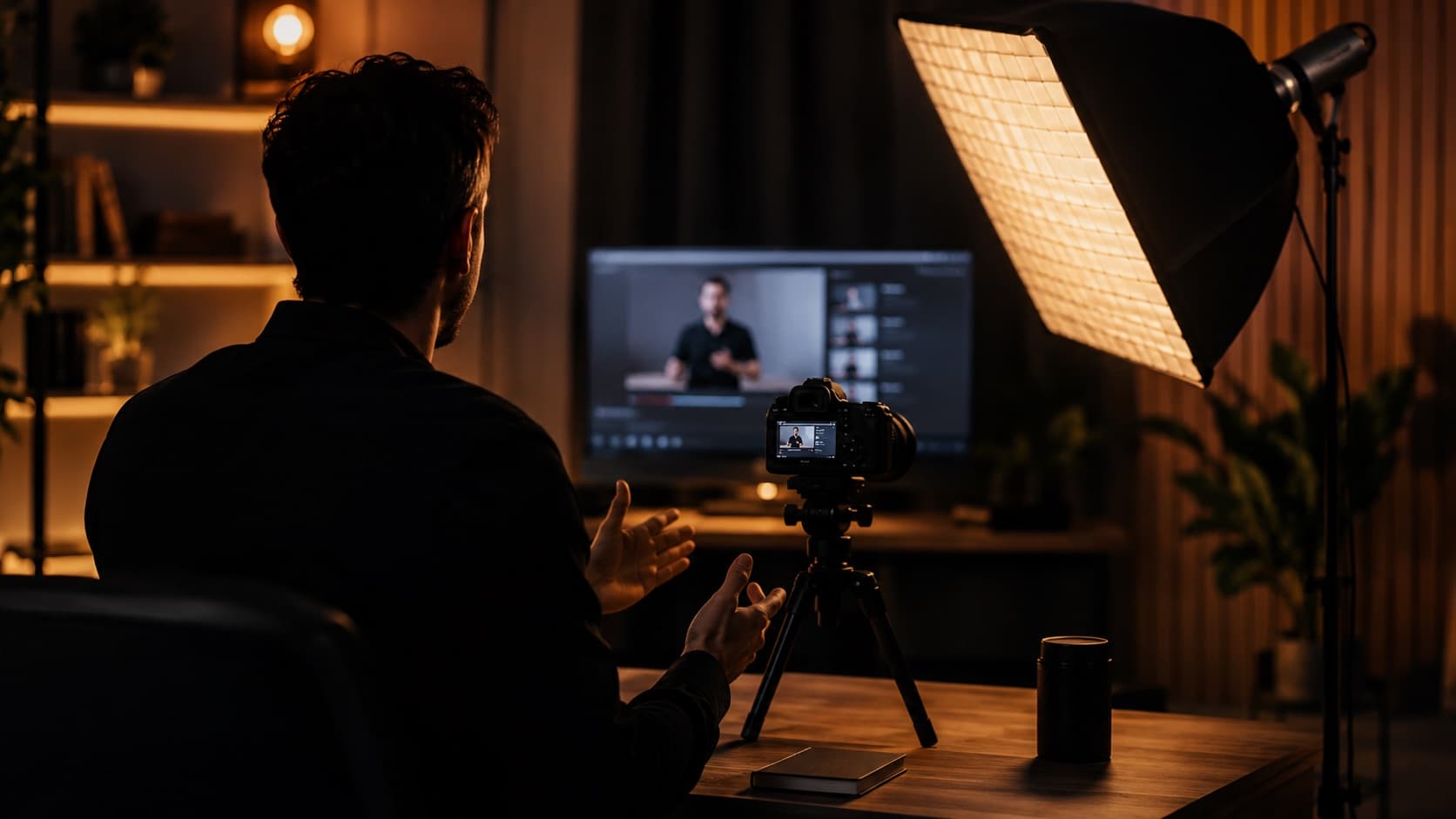
- Talk to ONE person — picture a FaceTime with a friend (or an ideal student) and talk the way you would at a coffee shop. Use “you,” not “you guys.” It's the same device TV anchors have used for decades — it's called direct address, and it makes each person feel you're talking to them.
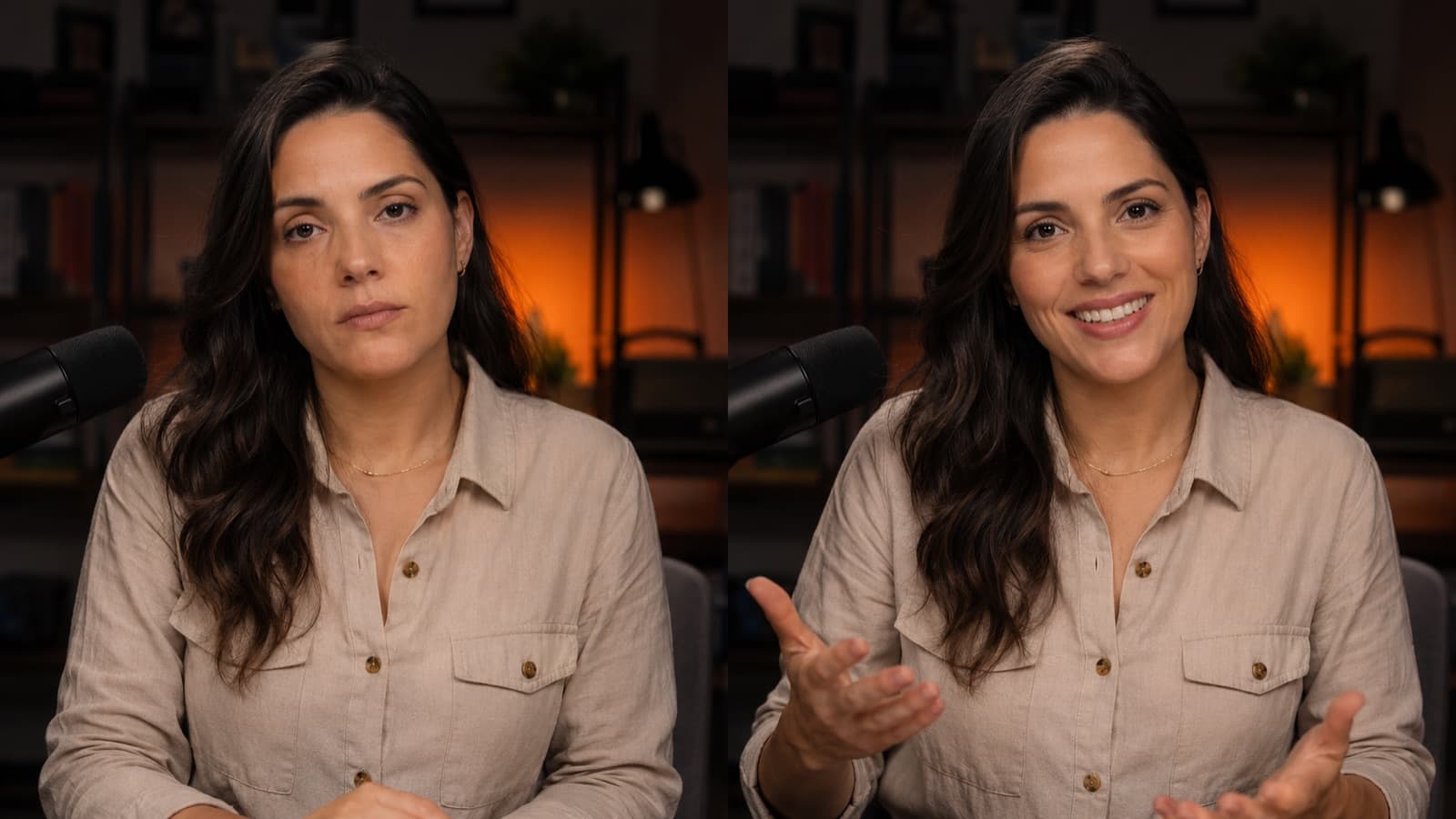
- Exaggerate your energy (on purpose) — the camera swallows enthusiasm — your normal conversation energy lands on screen looking like you “just woke up.” There's no magic number: deliver a little more than feels natural to you. It feels like too much live, but on screen it lands just right. (That's why recording is tiring: you pump out energy with no audience to feed it back.)
- Slow down on purpose — nerves speed you up; forcing the pace down calms you, sounds confident, and gives your brain time to find the next line.
- Swap the “um... / uh...” for a PAUSE — the silence feels long to you, but it sounds deliberate and confident to whoever's watching.
- Smile and be yourself — no “presenter persona” — authenticity is what builds the trust that sells a course.
- Nail the first few seconds — that's where energy matters most: a lukewarm opening loses people instantly. See how to hook the viewer in the first few seconds.
3. Use a teleprompter or notes (so you never blank out)
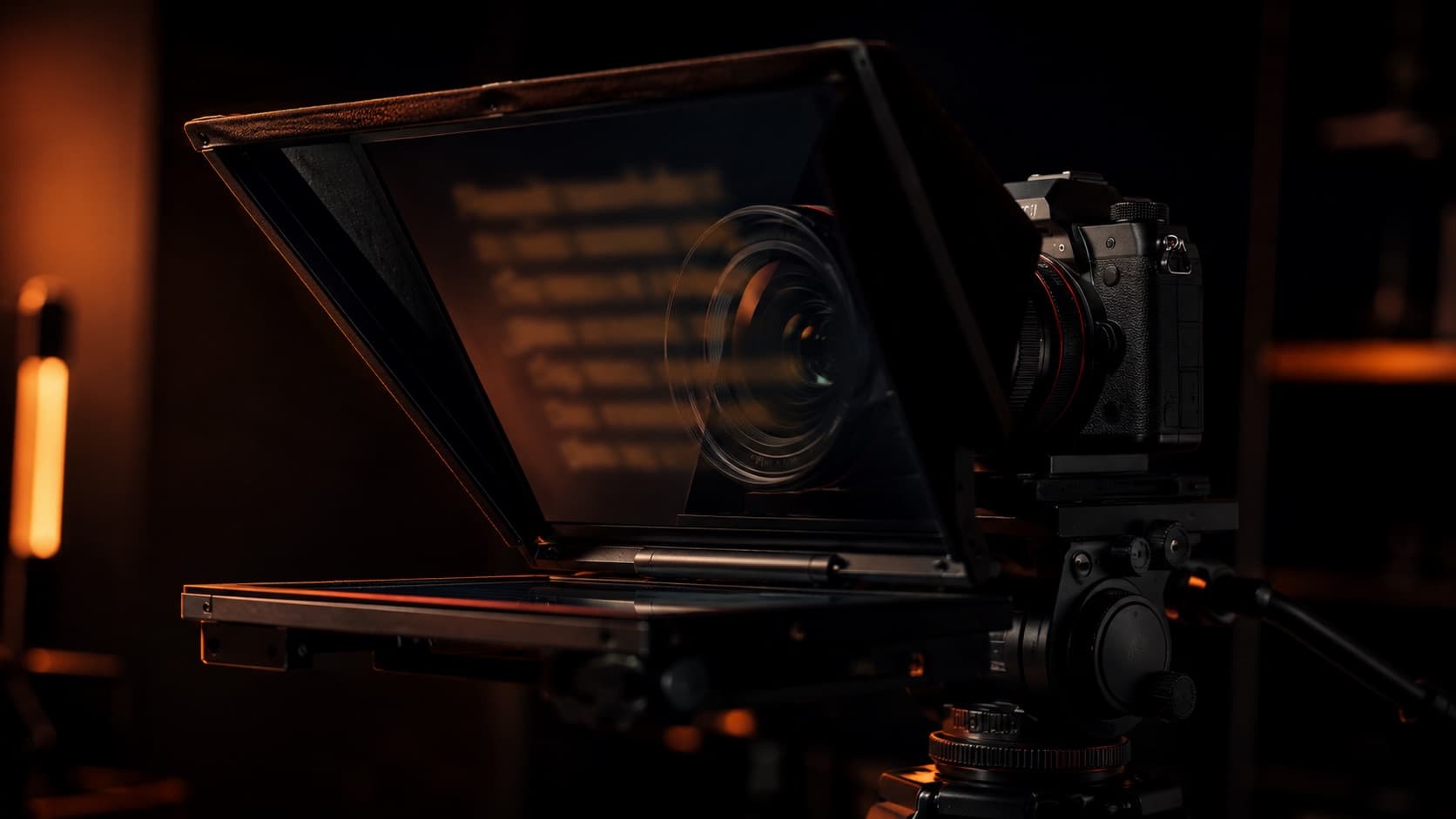
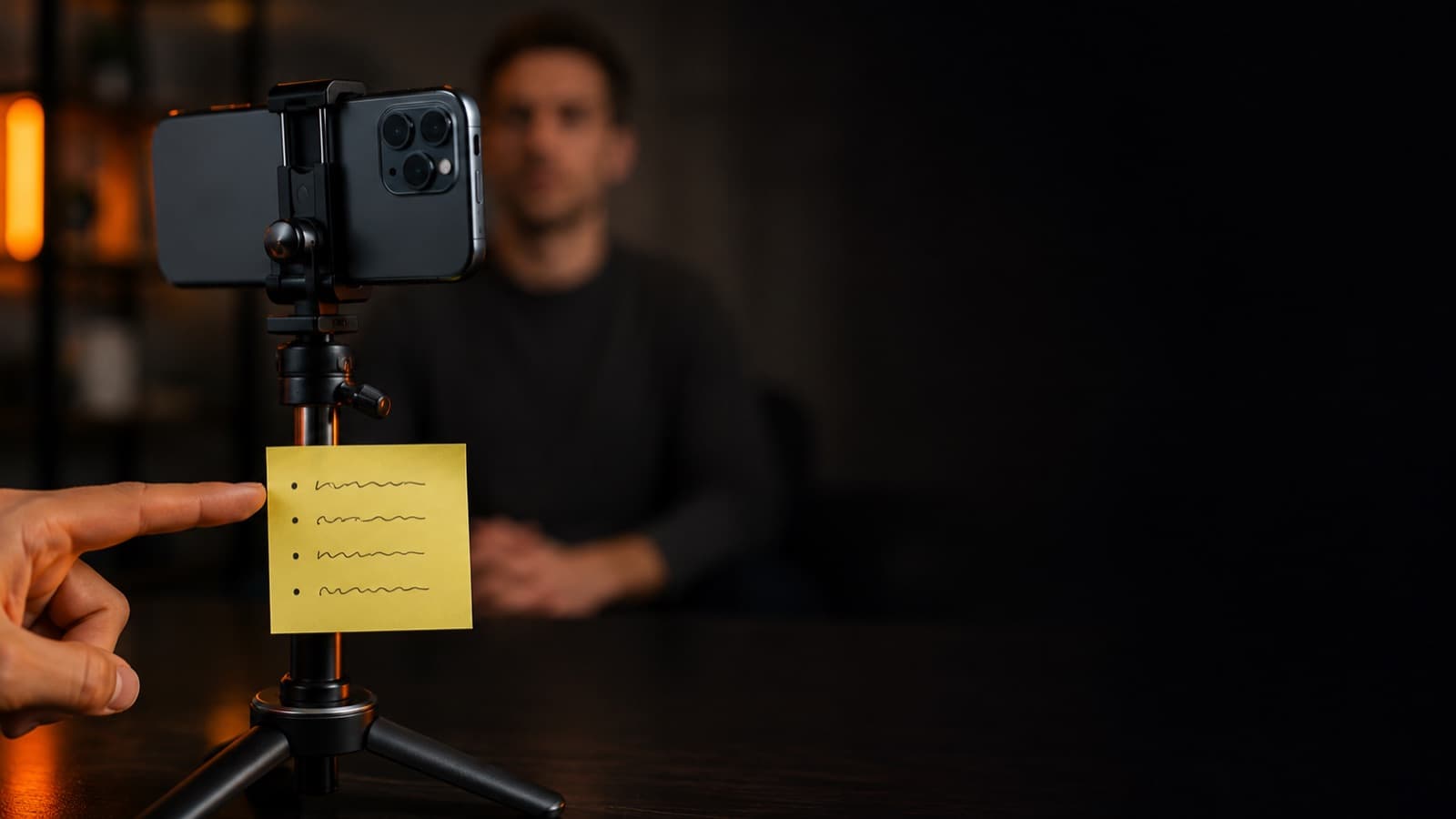
You don't need to memorize or improvise. Having your message planned takes away most of the fear. A teleprompter scrolls the text near the lens; to get started, bullet notes (not a word-for-word script) stuck beside the lens work fine.
- Critical positioning rule — put the text as CLOSE to the lens as possible — the smaller the angle between your gaze and the lens, the more it reads as eye contact.
- Bullets > memorized script — reading a dense script leaves you “reading,” flat. If you do use a script, write the way you TALK and rehearse it until it loosens up.
- A script helps — a good script is what keeps you from rambling — see scripting and storyboarding.
4. Warm up, do several takes and cut the mistakes
- A ~5-minute warm-up — breathing + lip trills (“brrr”) + a tongue twister (“she sells seashells…”). It's not superstition: a Journal of Voice study shows these exercises reduce muscle tension in the throat — the voice comes out clearer and steadier.
- Record 2 seconds of silence before you speak — phones and cameras tend to “eat” the very start of the audio. Hit record, count 1-2 in silence, and only then begin — it protects your first word and gives the edit a clean breath to cut on.
- The 1st take is a warm-up — throw it out — the first one is almost always the worst. Record a “fake” one just to loosen up your voice and body, and don't even use it. From the second on you're already warmed up.
- You are NOT live — flubbed a line? breathe and say it again — the good take lives in the edit. Knowing you can redo it takes the pressure off.
- Flubbed it? Redo the LINE, not the word — splicing a single loose word back in is nearly impossible — the pace and tone shift, and the seam gives it away. Flubbed a line, redo the whole line; flubbed several in a row, go back to the whole paragraph. Then the editor gets a clean cut.
- The edit is your safety net — cutting the “ums,” stumbles and silences makes the final video feel fluent even when the raw footage wasn't — these days AI (like Descript) removes most of the “ums/uhs” in one click. See the editing fundamentals.
- Repetition is what really loosens you up — the camera intimidates you less every time. Start short and build up.

5. Body language and looking at the LENS
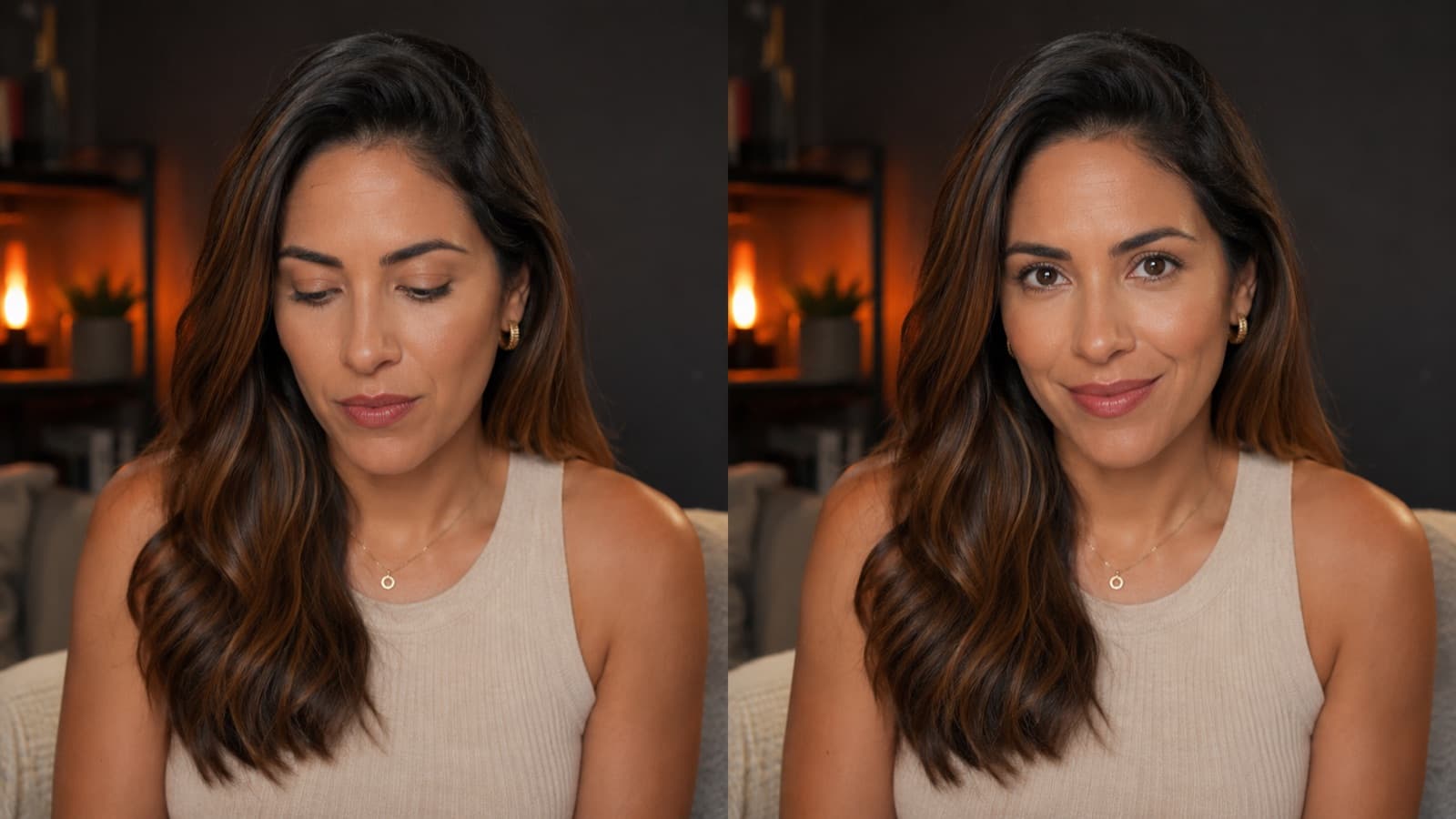
- Look at the LENS, not the screen — looking at your own preview makes your eyes point down and the viewer feels you're avoiding them. And the gaze really carries weight: the impression of confidence forms almost instantly (research puts it at ~100 milliseconds), and “looking them in the eye” through the lens is exactly what conveys that confidence.
- Hide your own self-preview — it's the No. 1 trick for locking your gaze on the lens. Heads up: on the iPhone there is NO button to “turn off your own image” in the camera app — so stick a Post-it over your preview on the screen, or use a recording/teleprompter app that hides the self-view. On calls (Zoom/Meet) you can “hide self-view.”
- ~80% on the lens — with about 20% of natural glances away as you think. 100% locked on gets too intense — it turns into a stare.
- Posture, gestures and camera height — chin up, shoulders back and natural gestures within the frame burn off the tension. And put the camera at eye level — from below it fattens the chin, too far above shrinks you. More on this in framing and composition.
6. Myths that only get in the way
- “Do a power pose before recording” — the famous “power pose” that would supposedly shift your hormones didn't hold up in the science — larger studies failed to reproduce the effect, and even one of the original authors walked away from the idea. Good posture helps you FEEL a bit better, but it's not the confidence superpower it's sold as.
- “Picture the audience naked” — speaking coaches trash this one: it pulls you away from what matters (speaking), gets in the way of eye contact, and treats your viewers like the enemy. Forget it.
- “Everyone will notice every little flub” — the spotlight effect already says no — people notice far less than you fear. And whatever slips through, the edit cuts.
- “A teleprompter fixes everything” — it fixes WHERE you look, not HOW you speak. Reading a dense script still leaves your voice flat. Use bullets and rehearse the idea, don't memorize word for word.
Quick questions
How do I stop being nervous in front of the camera?
The nerves never fully go away — and trying to “stay calm” in the moment barely works. What does work is giving that adrenaline somewhere to go: research shows that telling yourself “I'm excited” makes you deliver better than trying to calm down. Add three slow breaths, get everything ready before you hit record, and the No. 1 unlocker: hide your own image on the screen and talk to ONE person, not an audience. Within a few videos the camera becomes routine.
Why do I feel stiff and awkward talking alone to the camera?
Because the camera gives you nothing back. In a normal conversation you read nods and smiles; the lens just stares back, and your brain fills that void with the worst-case scenario. It helps to know it has a name — the spotlight effect: we overestimate how much others notice our slip-ups, which in practice is well under half of what you imagine. And whatever does slip through, the edit cuts.
Should I look at the lens or at the phone screen?
The lens, always. Looking at your own preview makes your eyes point down, and the viewer feels like you're avoiding them. On a phone the lens sits ABOVE the screen, so looking at your own image “drifts” away from the viewer. Aim for about 80% of the time on the lens, with 20% of natural glances away as you think — 100% locked on becomes a stare. The trick: cover your own self-preview (a Post-it does it) so you stop watching yourself.
Do I need to memorize the script or can I use a teleprompter?
You don't need to memorize or improvise — both ramp up the fear. Bullet points stuck as close to the lens as possible already handle most of it; a teleprompter scrolls the text near the lens so you never blank out. Just remember: a teleprompter fixes WHERE you look, not HOW you speak. Reading a dense script still leaves your voice flat. Write the way you TALK and rehearse the idea, not word for word.
How many takes do I need to record for a good video?
As many as it takes — you're not live, and that's your biggest advantage. The first take is almost always the worst, so treat it as a warm-up and don't even use it. Flubbed a line? Redo the whole line (splicing a single word back in during the edit gives the cut away). The good take lives in the edit, which becomes your safety net, trimming the “ums,” stumbles and silences. Knowing you can redo it is what takes the pressure off.
How much energy do I need to bring on camera?
More than feels natural to you — the camera swallows enthusiasm, and your normal conversation energy lands on screen looking like you “just woke up.” There's no magic number: deliver a little more than feels comfortable. It feels over the top live, but on the recording it lands just right. That's why recording is tiring: you pump out energy with no audience to feed it back.
Is speaking well on camera a gift or can you learn it?
It's a skill, not a gift — every presenter you admire was once stiff and frozen. Confidence is a result of recording, not a prerequisite to start. Begin short, with a topic you love (answering a common question from your students or clients is the best first video), and repeat: the camera intimidates you a little less every time.
Sources
- Descript — Overcome your fear of being on camera — why we freeze up and how to relax.
- Vidyard — Tips to Feel Comfortable on Video — delivery, energy and takes.
- Teleprompter.com — Speak on Camera with Confidence — looking at the lens and pacing.
- Wikipedia — Spotlight effect — we overestimate how much others notice our slip-ups.
- Teleprompter.com — Maintain eye contact in videos — the ~80%-on-the-lens rule.
- Princeton — Snap judgments decide a face’s character — the impression of confidence forms in ~100 ms (Willis & Todorov).
- Journal of Voice (PubMed) — Semi-occluded vocal tract exercises — the lip warm-up (“brrr”) reduces throat tension.
- Wikipedia — Power posing — why the “power pose” didn't hold up in the science.
You talk, we do the rest: the editing at HEY JOE trims the stumbles and adds pace — especially handy for anyone selling online courses. And if editing is becoming a weight on your calendar, see whether it's worth hiring a professional editor.