YouTube Kids & kids' content
How to record videos with children
Filming with a child is almost all behavior, not expensive gear. With a few precautions in the moment — and a lot of patience — you go from a “relative's home video” to something that looks professional and respects the child.
~12 min read
1. Film at the child's eye level
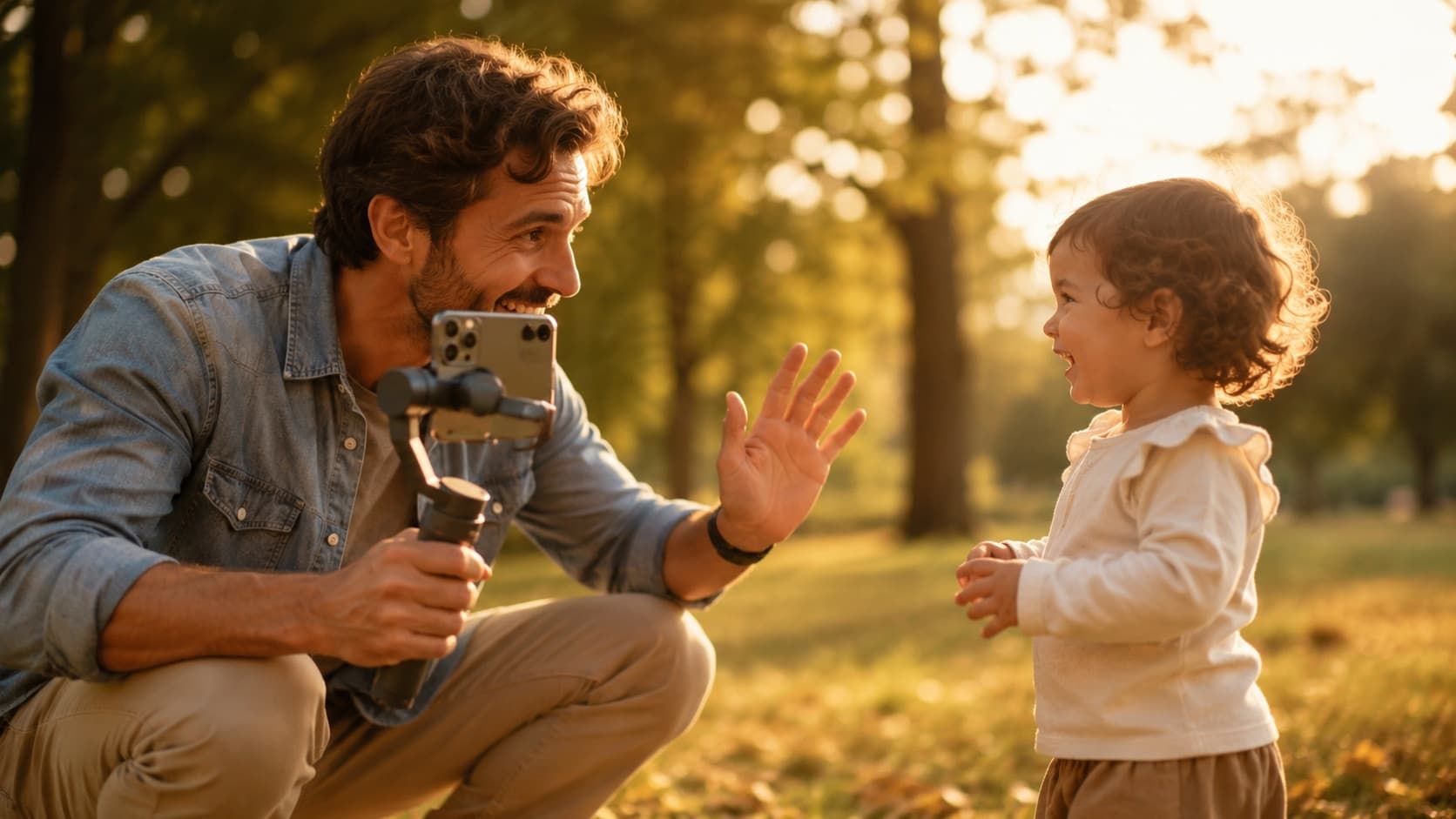
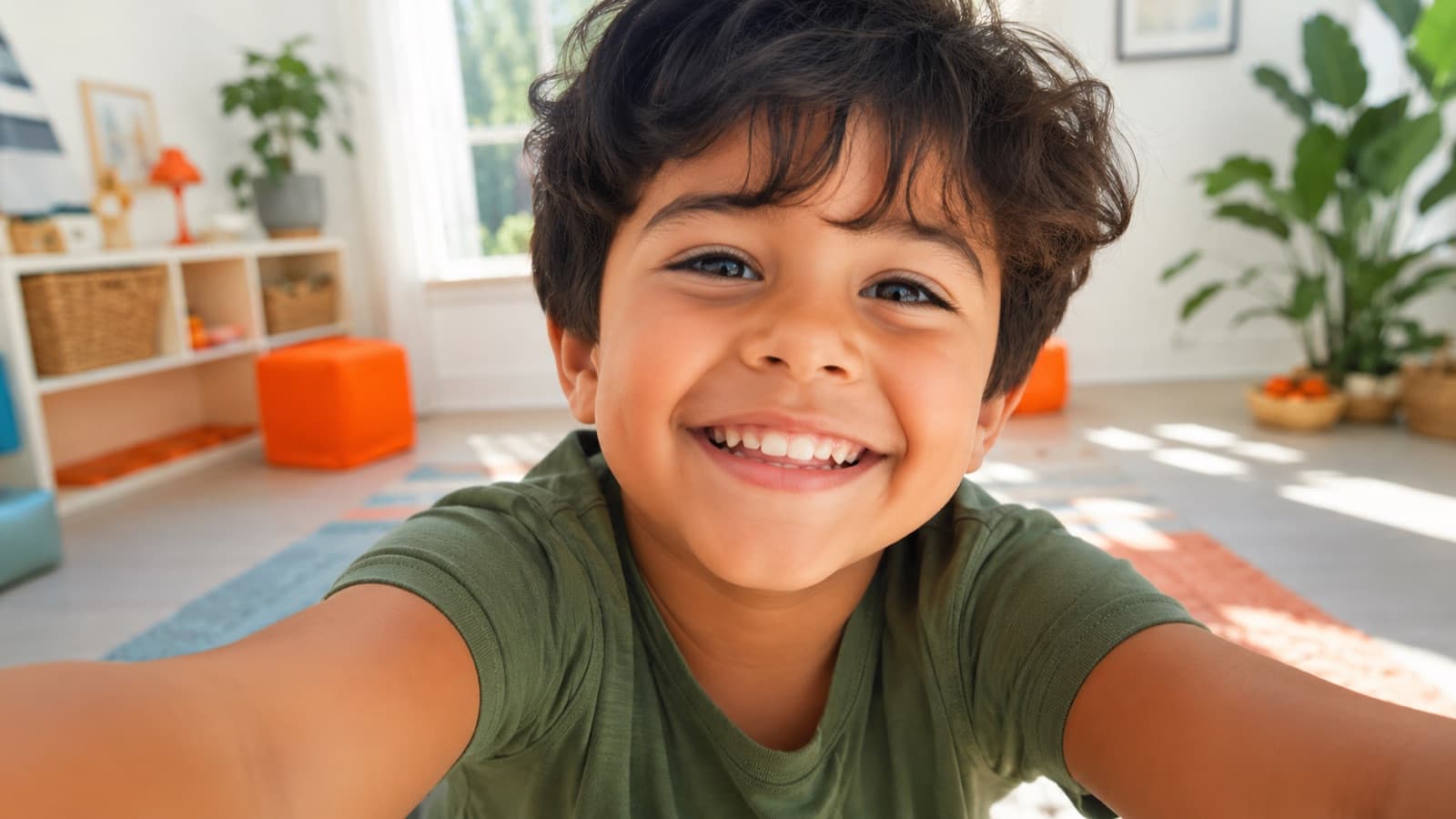
The golden rule: the camera sits at the child's eye level, not yours. That means getting low — sit on the floor, kneel, or rest the phone on a low chair. No support at the right height? Stack a few books and lay the phone on top — it solves it on the spot.
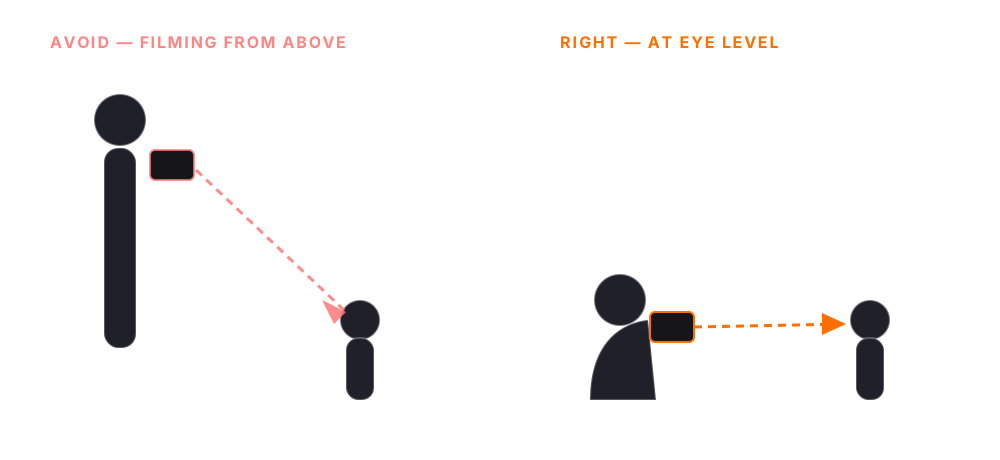
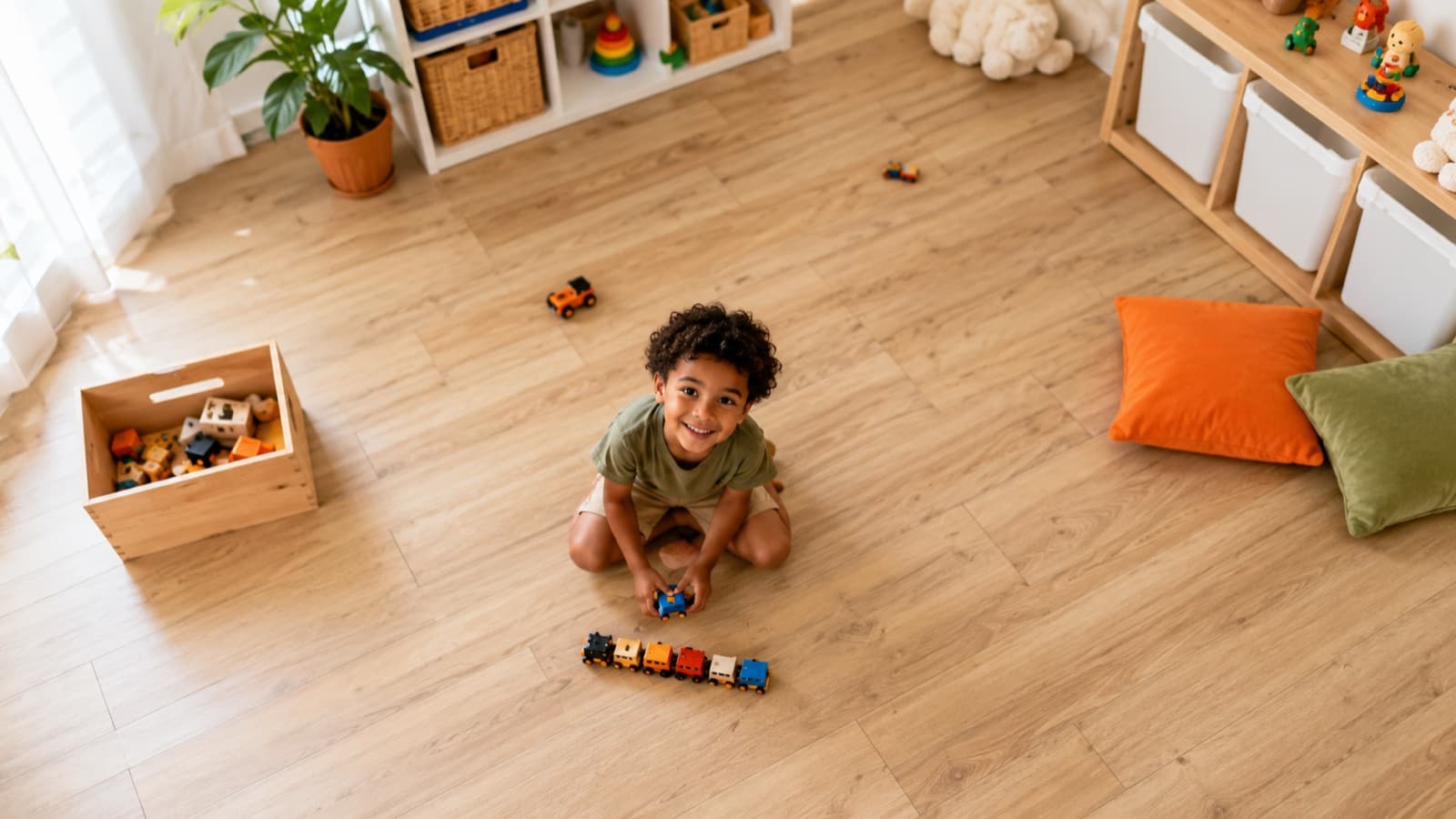
Filming from above (an adult looking down) gives off that air of “someone observing the child.” At eye level, the audience sees life from their point of view — natural and close. Bonus: a low angle is easier (you sit instead of lowering the camera) and breaks the monotony of a whole video shot from adult height.
2. Rehearse the scene first (and keep it short)
Before you turn the camera on, explain the scene in simple language: what's going to happen, what they say, how to respond. A child delivers far better when they already know what to expect — total improvising stalls them.
- “Let's do this scene real quick” — a short take = the child doesn't tire or lose focus. Pros film kids in very short bursts and stop.
- Rehearse without the camera first — run the game/line as play; when they relax and get the hang of it, then record. Have the framing ready before you call the child over.
- Record the rehearsals, not just the “for real” one — when you announce “okay, for real now!,” the child freezes. So, after the first camera-free rehearsal, leave the camera rolling on the next ones: the rehearsal take — loose, no pressure — is often better than the official one.
- Direct with concrete tasks — instead of “be natural,” say “run to the door and back” or “tell me your favorite toy.” A child responds to a clear task, not an abstract concept.
- Keep recording after “cut” — the best take is usually the spontaneous one — laughs and natural reactions are pure gold.
And accept a truth: a child isn't always in the mood, and you can't always film everything in one day. It's fine to film on different days or times — and even out of order from the video. That's where a script and a storyboard save you: they hold the thread of the story so you can assemble it all in the right order later, even shooting in little pieces. Just one care so the cuts match: keep (or note) the same clothes, hair and setting from one day to the next — otherwise the child “changes” in the middle of the scene.
3. Direct by example (the line and the mistake)
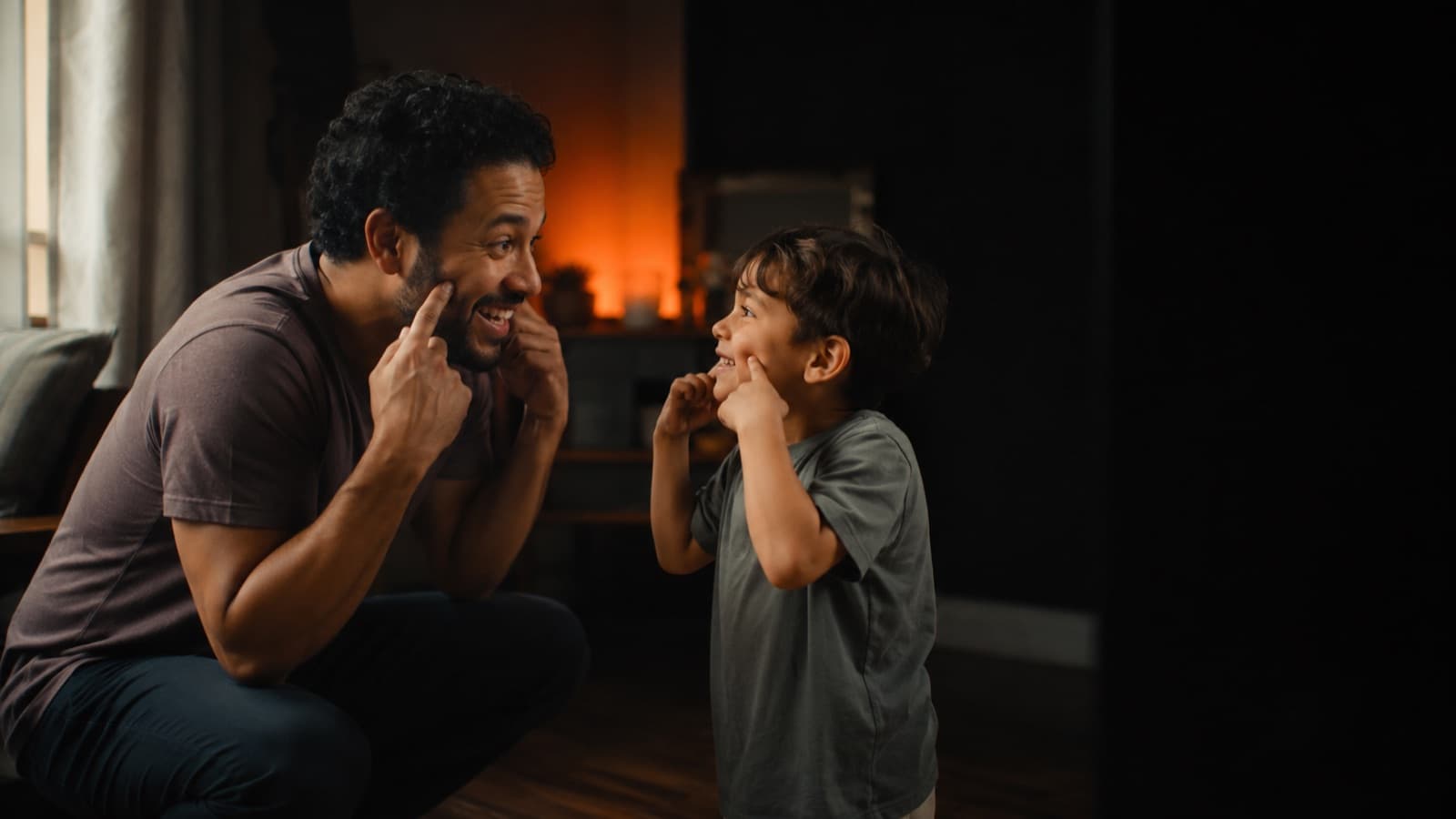
The rule that changes everything: a child responds far better to an example than to an explanation. Instead of explaining what you want, show it — ask them to repeat an expression, a gesture or a line. That's how they get it fast. The same goes for you in front of the camera: you can direct the child naturally when you're already at ease — see how to speak on camera without freezing.
- Say the line for them to repeat — instead of explaining, do it yourself first: give the wave and say the “hi!” in the lively tone you want, and ask them to imitate it. A child copies a gesture + tone on the spot — an abstract instruction, not. Short line and natural, age-appropriate vocabulary.
- Repeat the whole line, not just the word — if they get it wrong, ask for the full line again — not the single word. In the edit a whole line fits; a word lost in the middle won't stick.
- A mispronunciation is charming — kids sometimes say a word “wrong” — leave it. It's charming and sounds real, far better than a memorized line. And don't frustrate the child by trying to teach, on the spot, a hard word they can't say yet: swap it for one they already say naturally.
- Give them time to process — say the line and wait. The child needs a moment to think, understand and repeat — hold a few seconds of silence before pushing. Don't rush or keep forcing it.
- Let them improvise — make room for what they invent; the natural almost always beats the script. If they change the game, go with it — it can become the best part of the video.
- Don't reshoot the same scene 5 times — over-repeating frustrates them and drains the energy. Few takes, kept light; if it didn't work, switch the game and come back later.
- Ask what they think — ask if they have an idea for the video — often the child knows what works better than you do. A “what did you want to do now?” usually strikes gold.
4. One hand on the stabilizer, the other free to direct
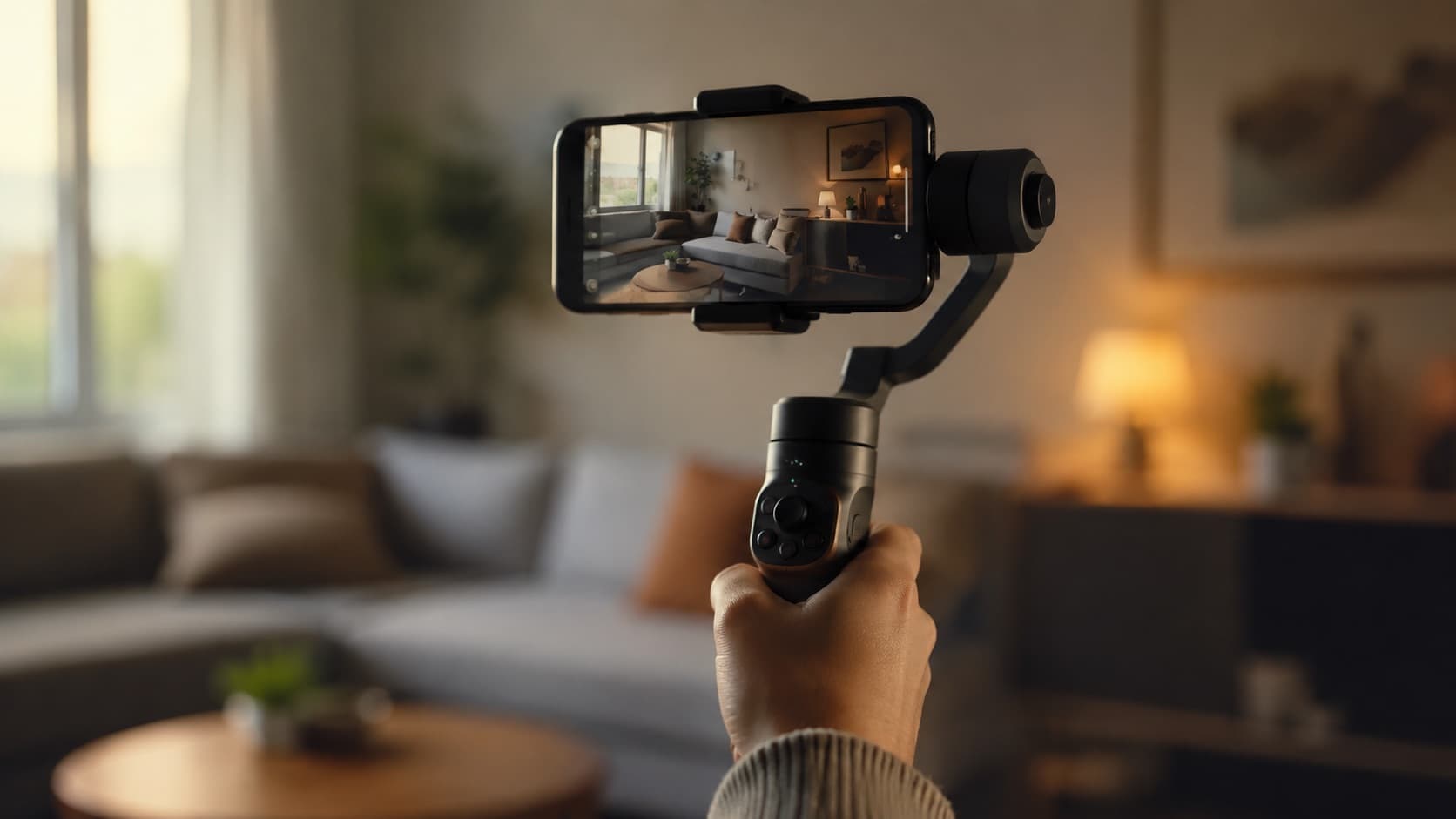
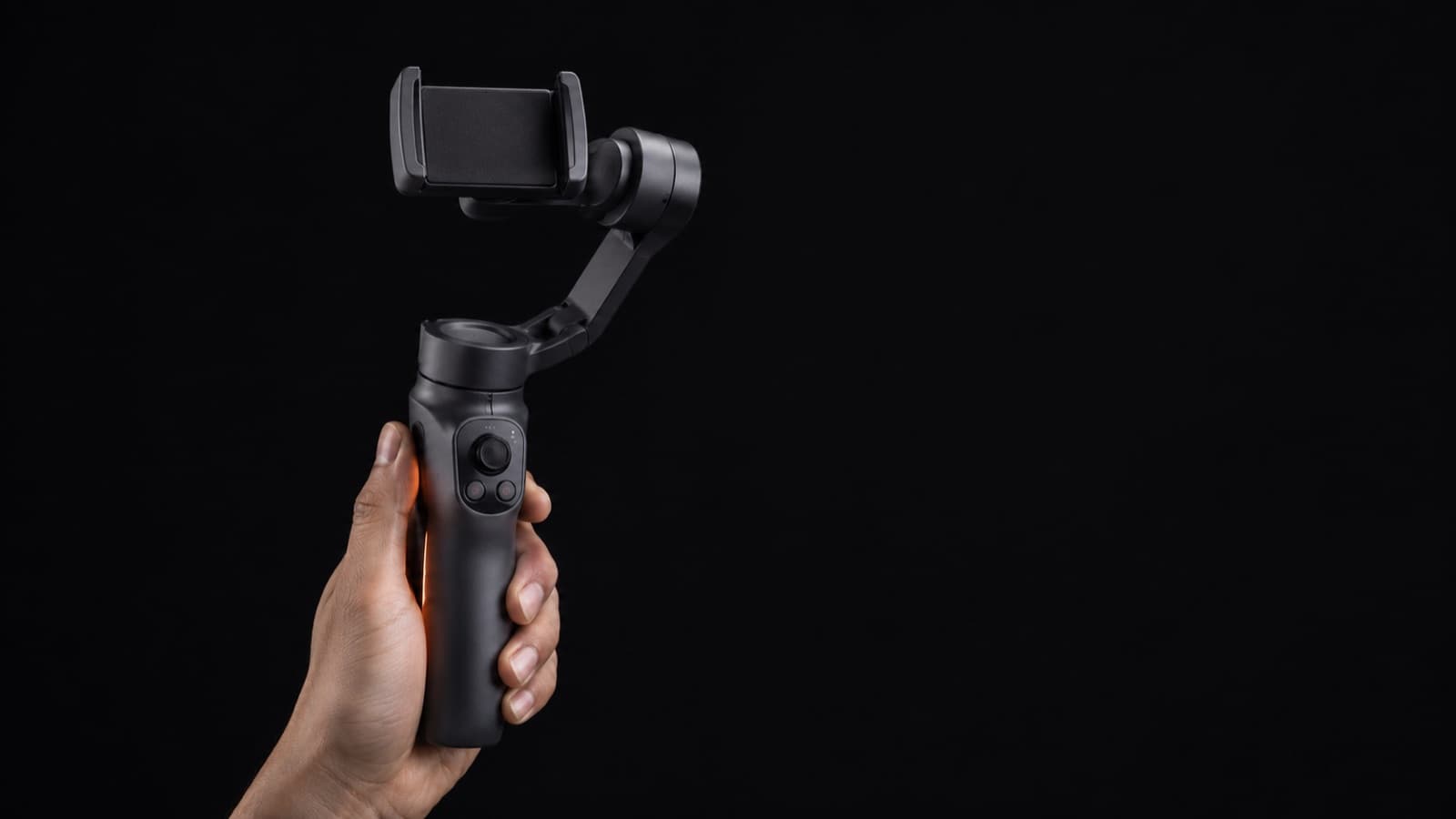
Hold the gimbal (the electronic stabilizer that prevents the shaky image on a phone) — or a folded mini tripod, used as a wand — with one hand only. The other free hand is your most important directing tool with a child.
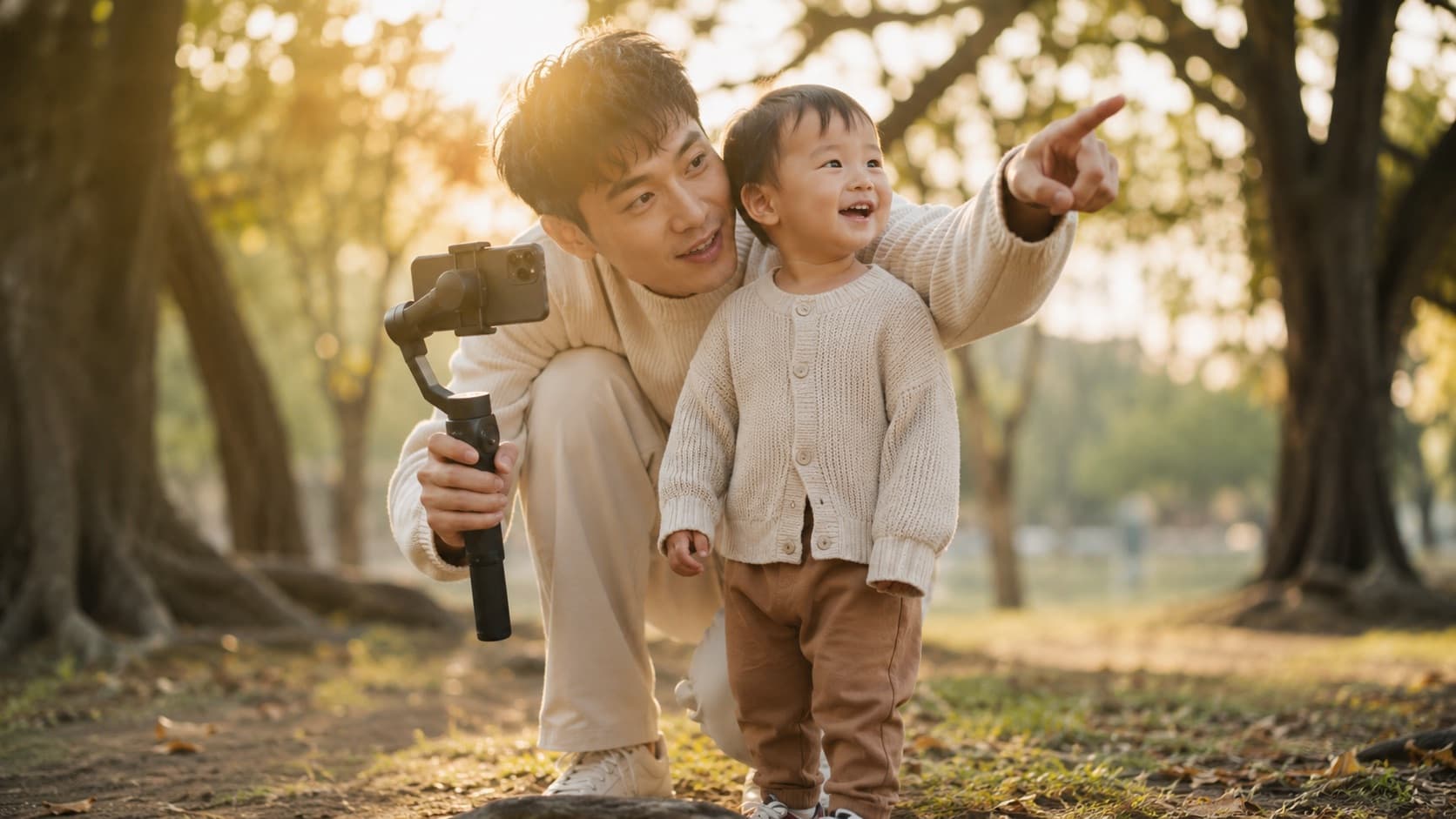
- The free hand directs without cutting — points “look here,” waves them closer, signals them in/out of frame, gives an encouraging thumbs-up — all with the image stable in the other hand.
- A child responds to a gesture, not a spoken command — that's why the free hand is worth its weight in gold; a heavy stabilizer that needs both hands takes that tool away.
- Stand beside the camera, not behind it — they see your face and gestures and tend to look at you — use that to guide their gaze in the frame.
- If you can, make it two of you — one holds the gimbal and films, the other plays and directs up close. The child forgets the camera and stays natural — and you don't have to do it all alone.
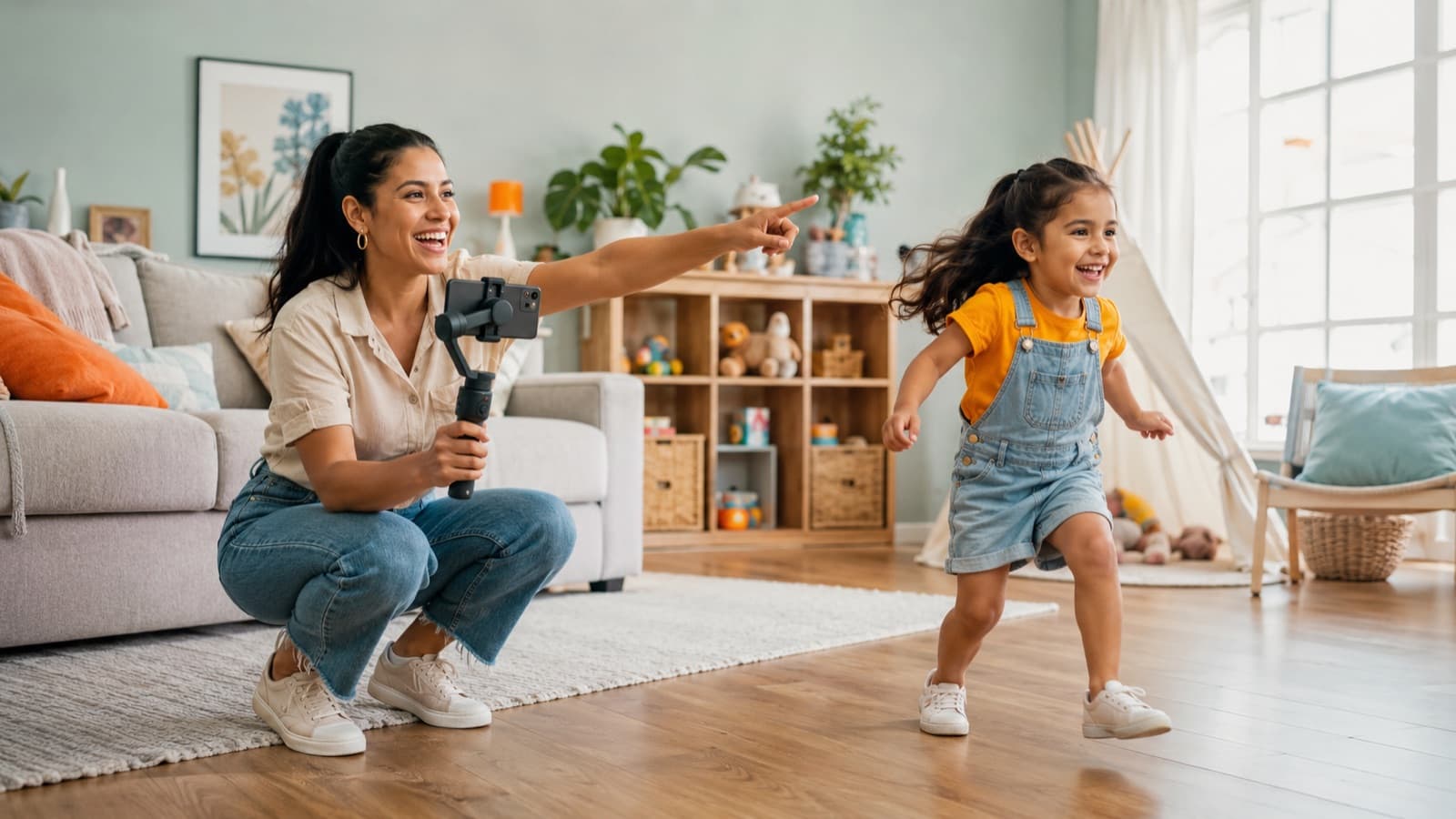
And a few tricks that always pull the child's gaze to the lens (and the real reaction):
- Give their eyes a target — pretend there's someone in the lens: “there's a dinosaur hiding in here, can you see it?” You can even stick a stuffed animal to the top of the phone as a fixed “look here” marker.
- Make the noise behind the camera — if you call from your side, they look at you, not the lens. Make the sound behind the camera and change your tone suddenly (very loud, then whispering) — the surprise pulls their gaze to the lens.
- A toy that makes noise gets a real laugh — far better than asking them to “smile.” It's worth keeping one in the kit just to pull the spontaneous reaction.
5. Cover the scene: move and vary your angles
Depending on the age, don't fight to keep the child in frame — you're the one who moves. Let them play freely and film from several angles, walking around: close, far, from the side, a detail of the hands.
- You move, they don't — instead of “stay here, look over there,” circle the scene and capture what they do naturally. With a small child, that pays off far more than directing in place, “fighting” for the frame.
- Vary the framing of the same scene — close, medium, from above, from below — the same game from different angles makes the video dynamic and much easier to assemble.
- Grab the details — the hands in the playdough, the toy, the tapping foot, the close-up smile. These cutaway shots (b-roll) are gold in the edit: they give you places to cut and cover any little slip in the lines.
Want to go further? The angles (and the emotion of each) are in the guide on camera shots; where to place the child in the frame, in the one on framing and composition; the light that makes everything bright and beautiful, in the one on lighting; and what to do with all that material, in editing.
6. Manage the energy (no hyping up before filming)
- No hyped-up “warm-up” — loud music or candy/soda right before leaves the child wired and scattered — the opposite of what you want.
- Film them calm and rested — the best moment is after they've gotten used to the space (give them 10–15 minutes to explore it before you turn the camera on), but before they tire. Avoid hunger, sleepiness, and right after a lot of running around.
- Plan for double the time — a child delivers in short bursts — plan for double the time, with breaks and a snack, instead of fighting against it.
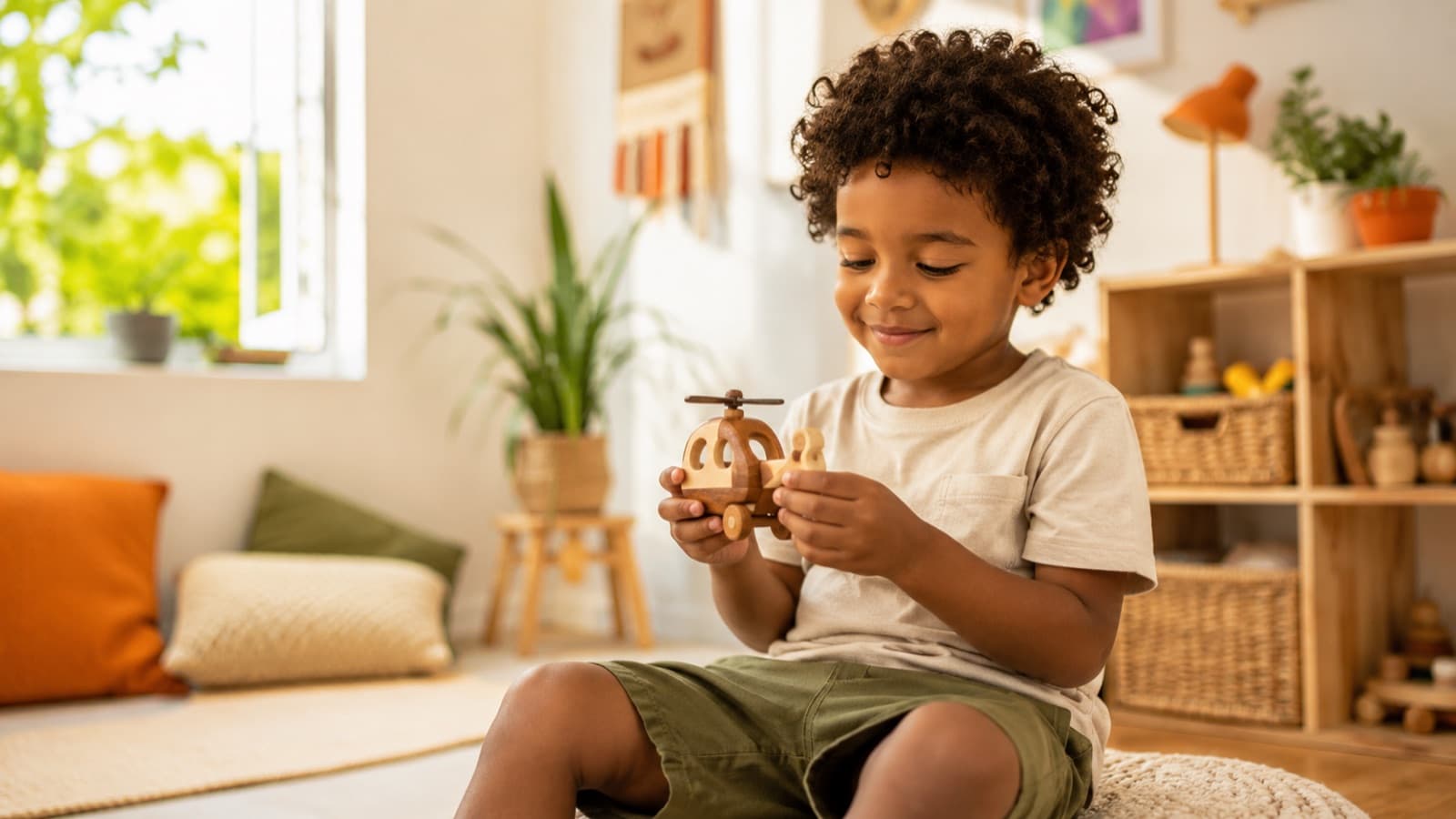
And don't forget the audio: a quiet room, no TV or background music, does more for the scene than any gear. And since a child swallows syllables and mumbles, it's well worth adding captions: they make sure everyone understands the lines — and they also hold the audience that watches with no sound.
7. Patience, reward and safety
- Patience is the main piece of gear — treat each attempt as play, praise a lot (“that was awesome!”) and never show frustration — the child senses it and shuts down.
- Positive reinforcement — a fun reward (“we'll play ball after”) is legitimate and it works. Turn the recording into a game with a prize.
- Let them see themselves on screen — kids love seeing themselves on video. Showing the result on the spot motivates them and makes them “get” the game of filming — they become a partner in the production, not just a model.
- Safety always — never leave the child alone, keep a guardian present the whole time, and mind the cables, tripods and the space.
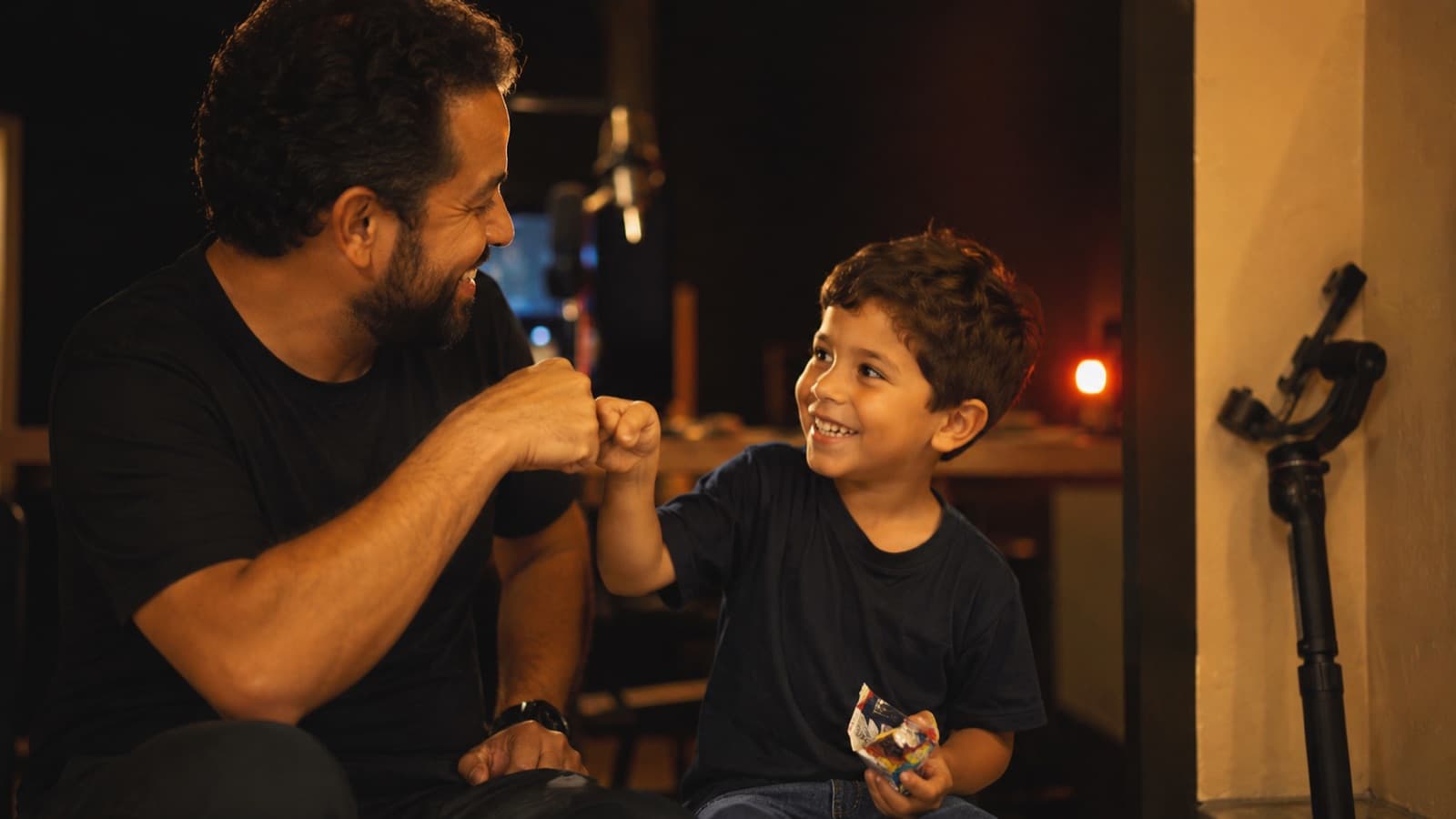
8. Protect the child: think about how the video can be seen
This is the most delicate point — and the most important. A video made with all the love in the world can still be misread by someone with bad intentions. It's not about what you meant; it's about protecting your child and keeping your channel healthy. According to digital-safety organizations (like eSafety), a significant share of the material that circulates in abuse environments was taken from ordinary public accounts of families — everyday videos and photos, cropped and re-captioned by strangers. Knowing this changes how we film.
YouTube's own child-safety policy asks for simple things that apply to any parent or creator:
- Age-appropriate clothing — YouTube literally asks you to avoid clothing that's too revealing or too tight. In a pool, beach or bath scene, double the care: prefer swimwear that covers well (a t-shirt or rash guard helps) instead of focusing on the body.
- Natural framing, no close-ups on the body — avoid zoom and lingering close-ups on body parts (feet, for example) and poses that could be read out of context. Film the play, the activity, the face — the whole context, not the isolated detail.
- Nothing that invites contact from strangers — the video should never invite strangers to talk to the child or expose their personal data.
- Protect identity and location — strip the location data from the files, avoid showing a school uniform/logo, a street sign or the building's name — and don't pair the child's full name with their image. Don't give away the routine (where they study, the paths they take).
- Ask permission — from the parents of any other child who appears — and also respect your own child's limit on what they're okay showing.
And mark the video as “made for kids” honestly (§7): beyond complying with the law, that's what makes YouTube turn on the automatic protections — comments and personalized ads disabled — in favor of your family, not against it.
9. Costumes, props and imagination
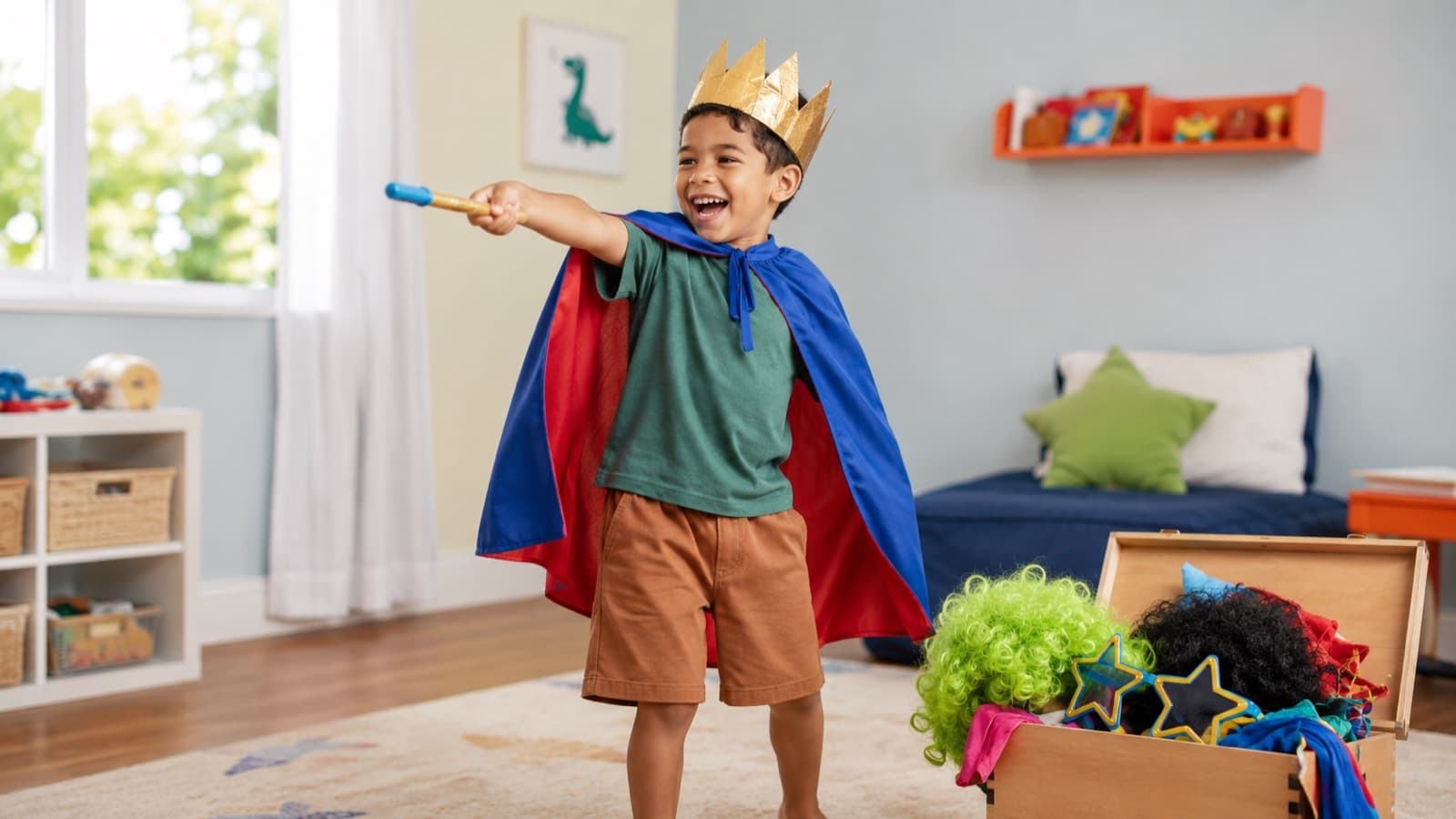
A child slips into character far more easily when they wear the part — the body joins the play before the words do.
- Costumes put the child in the role — a cape, a hat, and they already ARE the character. Wearing the part loosens the performance far more than asking them to “pretend.”
- Props give the hands something to do — a wand, a toy microphone, a doll — a child acts better with something concrete in hand than with empty hands.
- It's worth having a fun “treasure chest” — wigs, costumes, magic wands, silly glasses. Cheap, goofy material yields hours of video and pulls the child out of their shyness.
- Teach them to create with what they have — a cardboard box becomes a spaceship, a rocket or a castle. Sparking their imagination produces the best scenes — and they have real fun, which is what shows up on screen.
Gear that's enough to start
- An entry-level gimbal — DJI Osmo Mobile SE (~US$55-69 / R$300-390) or the current Osmo Mobile 7/7P (ActiveTrack follows the child who runs). Light, one-handed. (Approximate 2026 prices — check the store.)
- A flexible mini tripod — JOBY GorillaPod (from ~US$20 / R$110) — it wraps around supports and locks the camera at the low height when you need both hands.
To build the full kit, see the recording kit; the rest applies to any phone video — see filming with your phone.
Quick questions
Do I need parental consent to post a video of my own child?
Yes, and in writing — it's best practice and what protects you. Even with your own child, it's best to have express written consent signed by both parents/guardians covering the recording and the publishing. In Brazil, the LGPD (art. 14) governs a child's data and the ECA covers their image and dignity; in the US and the rest of the world, child-safety best practices (COPPA/FTC, NSPCC, eSafety) point to the same care. If there's a separation or shared custody, consent from both guardians saves you headaches later.
Can I show the faces of other children who appear in the video?
Only with the consent of each one's parents — yours isn't enough. Little friends, cousins or kids who wander into the party need authorization from their respective guardians. If you can't ask, don't show their faces: crop the frame, blur, or film them only from behind. It's the basic care of respect and legal protection, valid in Brazil and abroad.
What is COPPA / “made for kids” and why does it remove my comments and ads?
COPPA is the US data-protection law for children under 13; because of it, YouTube requires every video to be marked “made for kids” or not. When you mark it made for kids, the platform turns off comments, notifications and personalized ads on that video — it's not a punishment, it's automatic protection in the child's favor. It applies worldwide, not just in the US. Marking it honestly keeps you compliant and avoids penalties on your account.
Can I make money from a kids' channel? Do I need any registration/permit?
You can, but carefully — and the bar rises the more the channel revolves around a child's daily life. For occasional use, parental consent usually suffices. In Brazil, a monetized “child influencer” channel that's habitual can even require a court order, so it's worth checking with a lawyer. In several places (some US states, for example) there are already rules to set aside part of the income for the child. The golden rule holds in any country: their well-being comes before the revenue.
What's the best age to start filming with a child?
There's no magic age — there's the child's temperament and mood on the day. Babies and very young children deliver in very short, unpredictable windows, so count on a lot of improvising and spontaneous material. From around 3–4 years old you can already arrange simple scenes and ask for short lines. What matters most isn't the age, but filming with them calm, rested and in the mood — never hungry, sleepy or tired.
How do I get the child to look at the camera and follow the scene?
Give their eyes a concrete target on the lens — a stuffed animal stuck to the top of the phone, or “there's a dinosaur hiding in here.” Make the sounds and calls behind the camera (if you call from the side, they look at you, not the lens) and change your tone suddenly to spark surprise. Direct with concrete tasks (“run to the door”) instead of asking them to “be natural,” and show what you want instead of explaining it. A toy that makes noise pulls a real reaction far better than asking them to “smile.”
Lavalier mic or the phone mic for filming a child?
The phone mic works to start, but it has a problem with kids: they speak quietly, so the phone raises the gain on its own and picks up the room echo, the fan and your voice. A lavalier mic on the child fixes almost everything — it sits close to their mouth and avoids the high gain. If it's still just the phone, record in a quiet room and whoever's holding the camera speaks as little as possible, quietly, because your voice is much closer to the mic than theirs.
Sources
- YouTube — “made for kids” (official) — how to classify the video correctly.
- LGPD art. 14 — children's and adolescents' data — specific consent from one guardian.
- ECA art. 17 — the right to respect (image and dignity) — the legal basis for using a child's image in Brazil.
- YouTube — Child Safety policy — what to avoid in videos with minors (clothing, framing, data).
- NSPCC — Photographing and filming children — best practices to protect the child when publishing.
- eSafety Commissioner — online child protection — why an ordinary image of a child can end up misused.
- The Low Down on Low Camera Angles — Videomaker — why the low angle works.
- Tricks to get a child to look at the camera — The Click Community — how to hold their gaze and grab the real reaction.
You film the scenes calmly and with care — and editing kids' content is one of HEY JOE's specialties: an assembly that respects the child's pace (and lightness), built from the footage you shot. If you'd like to take the editing off your back and hand the raw footage to someone who has actually edited kids' content, ask HEY JOE for a quote.