Production & filming
Filming with your phone: audio, settings and stabilization
Today's phone shoots more than enough image — what separates amateur video from professional isn't the camera, it's three things you control: the audio (and the mic's hidden villain), the right camera settings, and keeping the image steady.
~9 min read
1. The phone mic and its hidden villain (AGC)
Ever notice that on a phone, right after a loud sound the next line comes out quiet? It has a name: AGC — Automatic Gain Control. It's a circuit that keeps “walking” the volume around: in silence it raises the sensitivity (and pulls the room hiss up with it), and when a loud sound hits it drops everything at once so it won't clip.
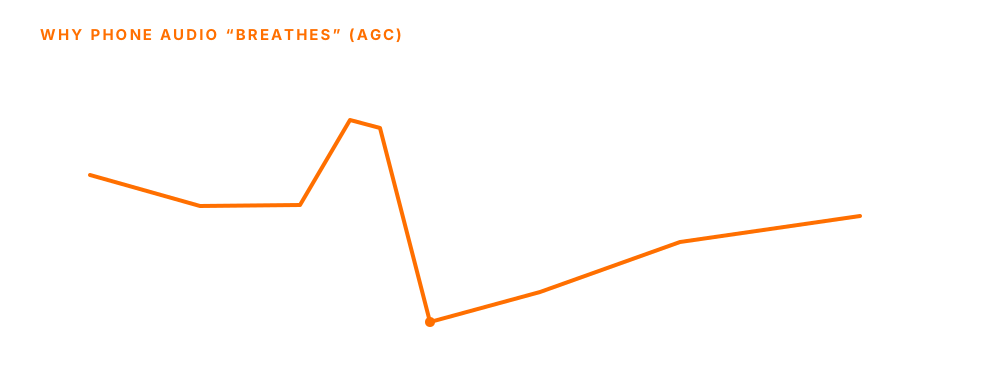
The problem: AGC always corrects late and flattens the natural difference between loud and soft — the audio “breathes,” rising and falling on its own. That's why phone sound comes across as amateur.
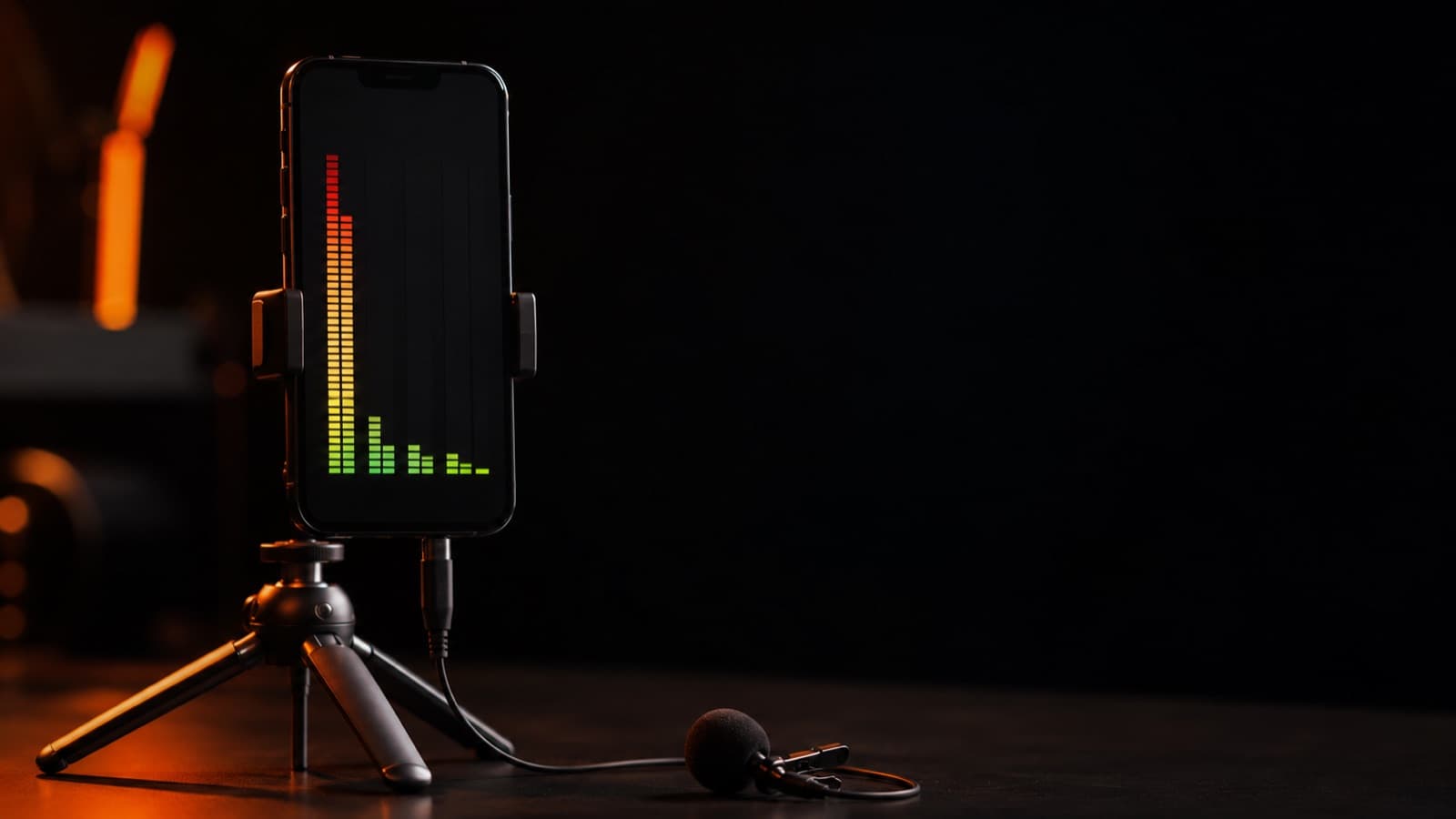
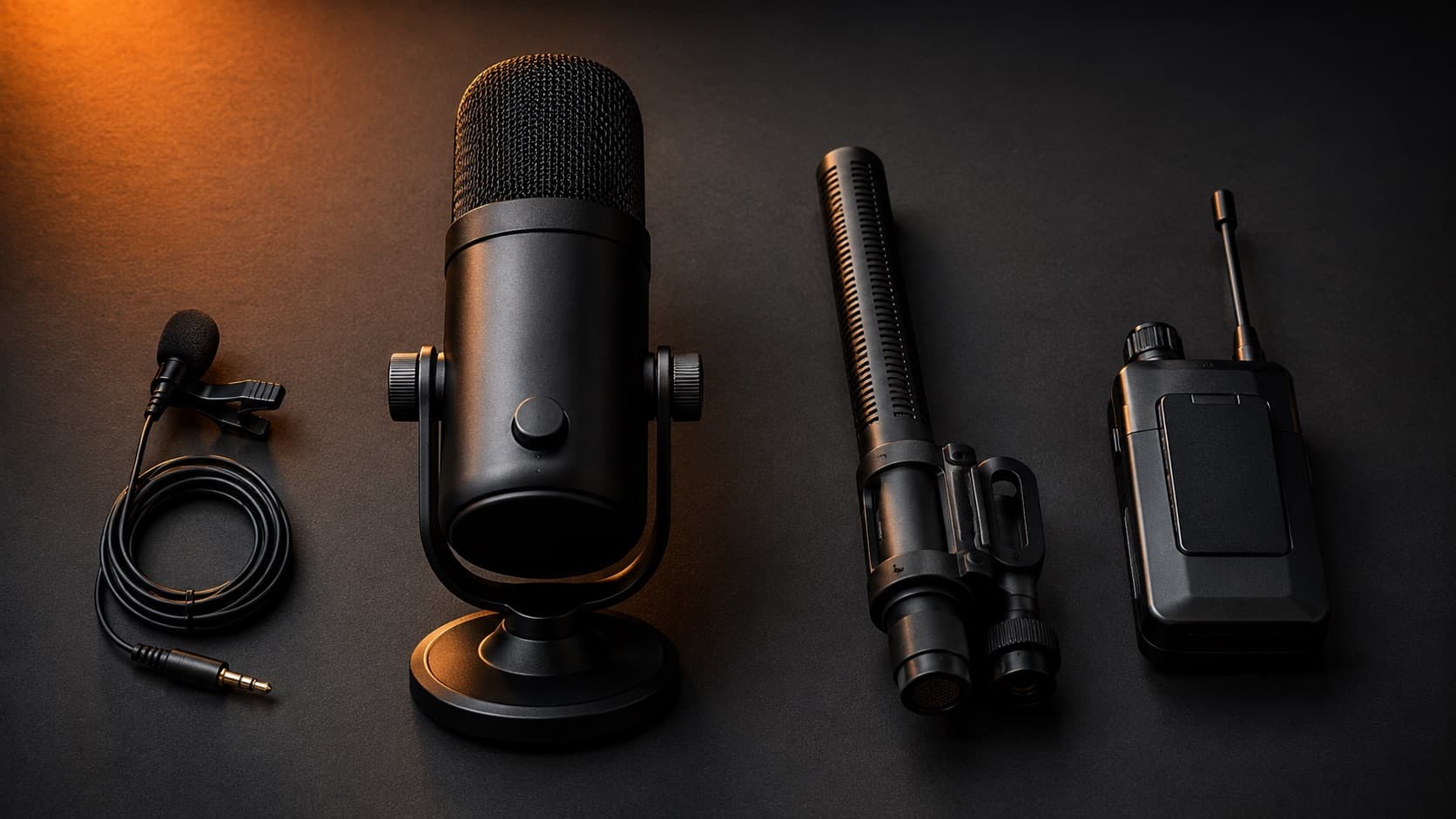
- Fix #1 — external mic — a lavalier or shotgun picks up a strong, clean signal and escapes the worst of the AGC. Wireless systems (DJI Mic, Rode) do smart leveling, not the phone's raw AGC.
- Fix #2 — an app with manual gain — Blackmagic Camera (free, iPhone and Android) gives full manual control + an audio meter; Filmic Pro (iPhone/Android, subscription these days) is the paid veteran. Both let you lock the level instead of the AGC — always pair them with an external mic for the best sound.
- The habit that saves you — record a 10-second test first, watch the meter, and keep your normal voice comfortably below the limit.
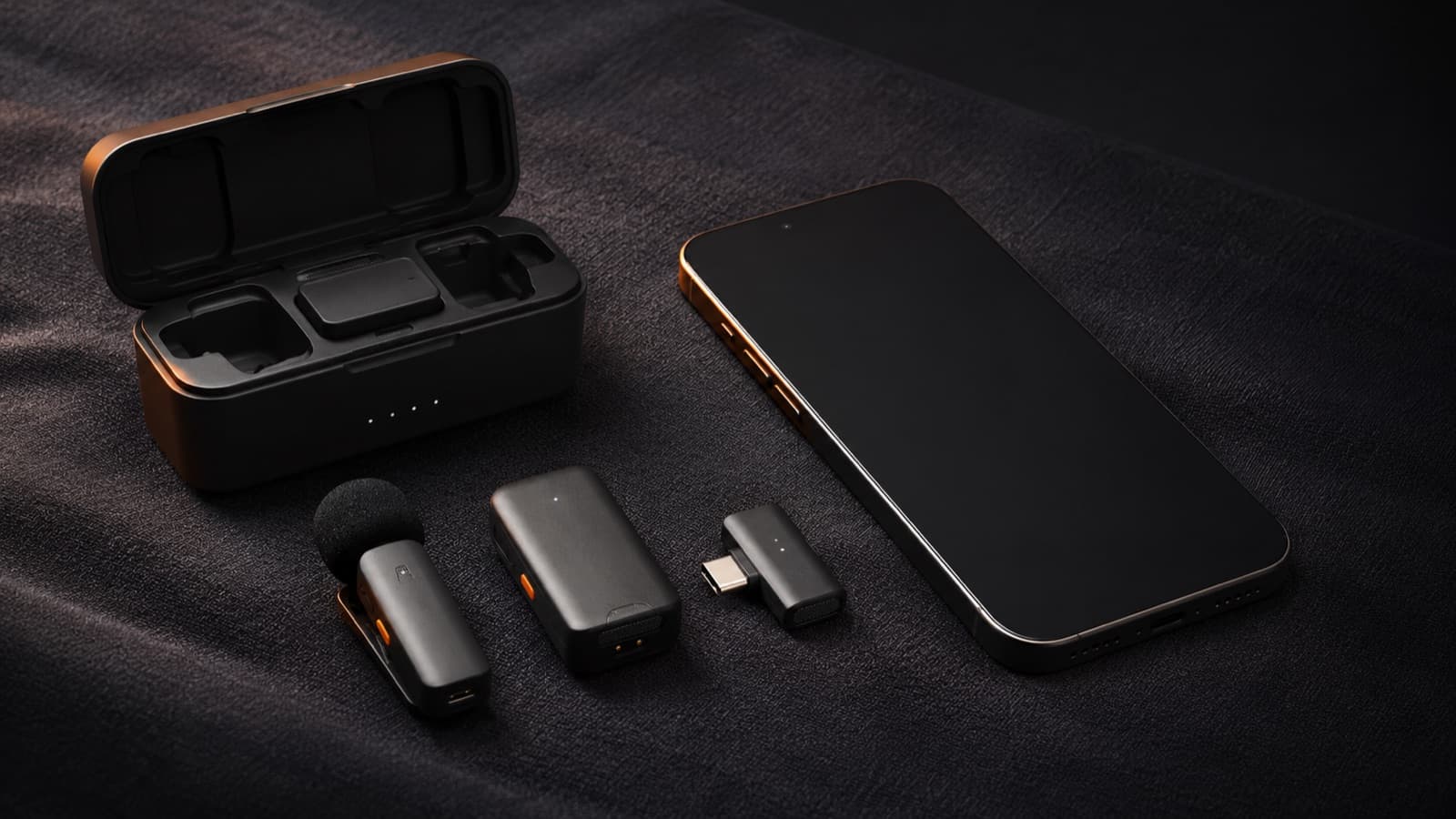
Sound is half the video — it's worth reading the #1 audio mistake and the guide on which mic to choose.
2. The right camera settings
- Resolution: shoot in 4K — even when delivering 1080p — 4K gives you room to reframe, zoom and stabilize in the edit.
- FPS: choose on purpose — 24 (cinematic look), 30 (the web/talking-head standard), 60 (smooth motion and slow-mo). Use 60 to slow down in the edit (slow motion) OR for ultra-smooth real-time motion — a child running, sports, a moving camera.
- HDR / Dolby Vision: leave it OFF — it's high-dynamic-range capture (10-bit). Gorgeous on a compatible screen, but it complicates the edit and the color and looks off (gray/dark) on screens that don't support it. For a creator, SDR is more predictable.
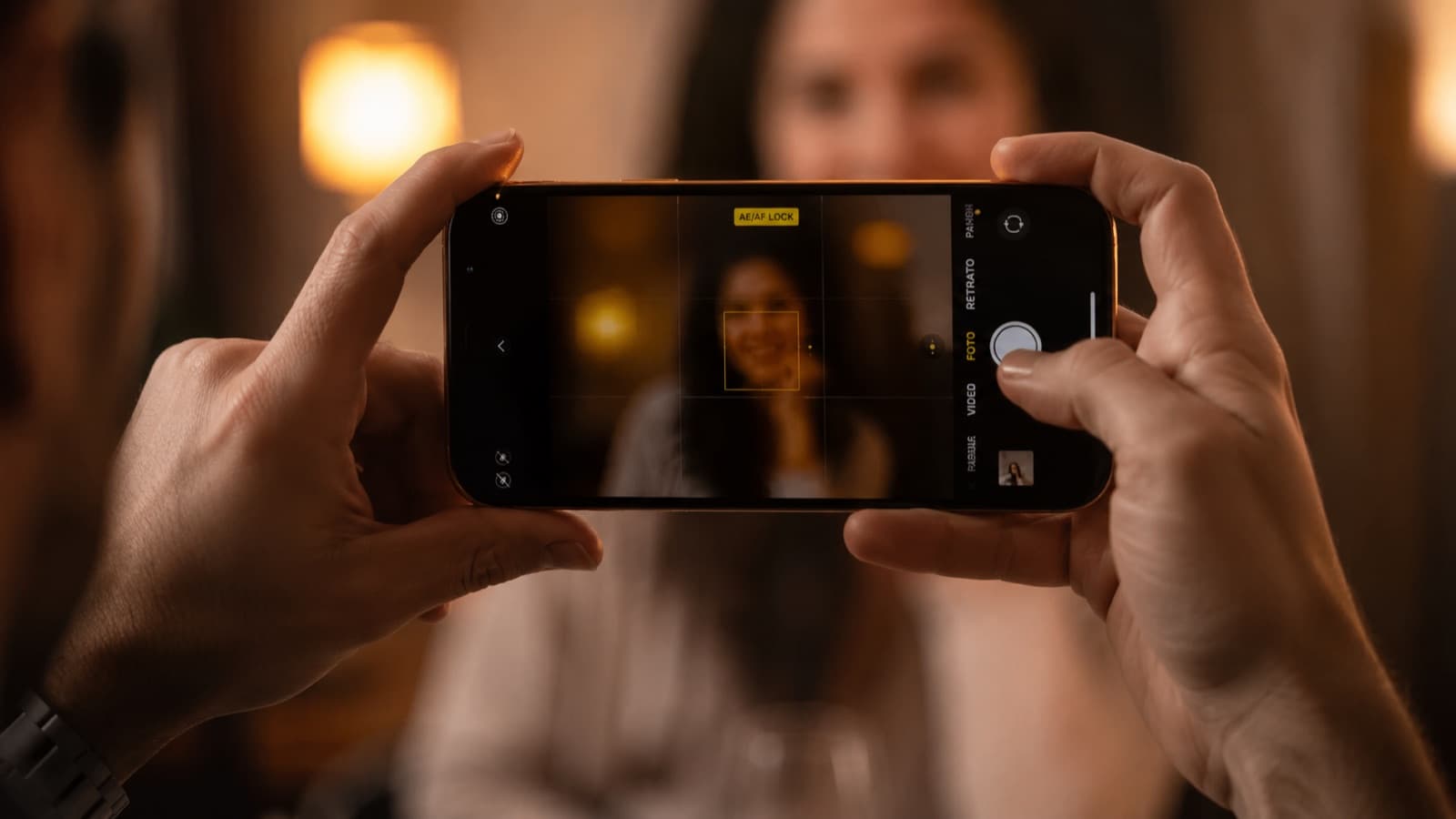
- Lock focus AND exposure — the small sensor keeps “hunting” — tap and hold on the face until it locks (AE/AF Lock). That ends the amateur look of brightness and focus pulsing mid-take.
- Shoot horizontal — for YouTube, your site, TV and interviews. Vertical only when the destination is Reels/TikTok/Stories.
- Clean the lens — a fingerprint is the #1 cause of “soft” images and flare — wipe it before you record.
- Mind your storage — 4K (and 60fps/HDR) fills the phone fast. Free up space beforehand and offload after — running out mid-shoot is a common, avoidable failure.
The “shoot in 4K, deliver in 1080p” idea is explained in detail in the guide on resolution and FPS.
3. Stabilizers: an image that doesn't shake
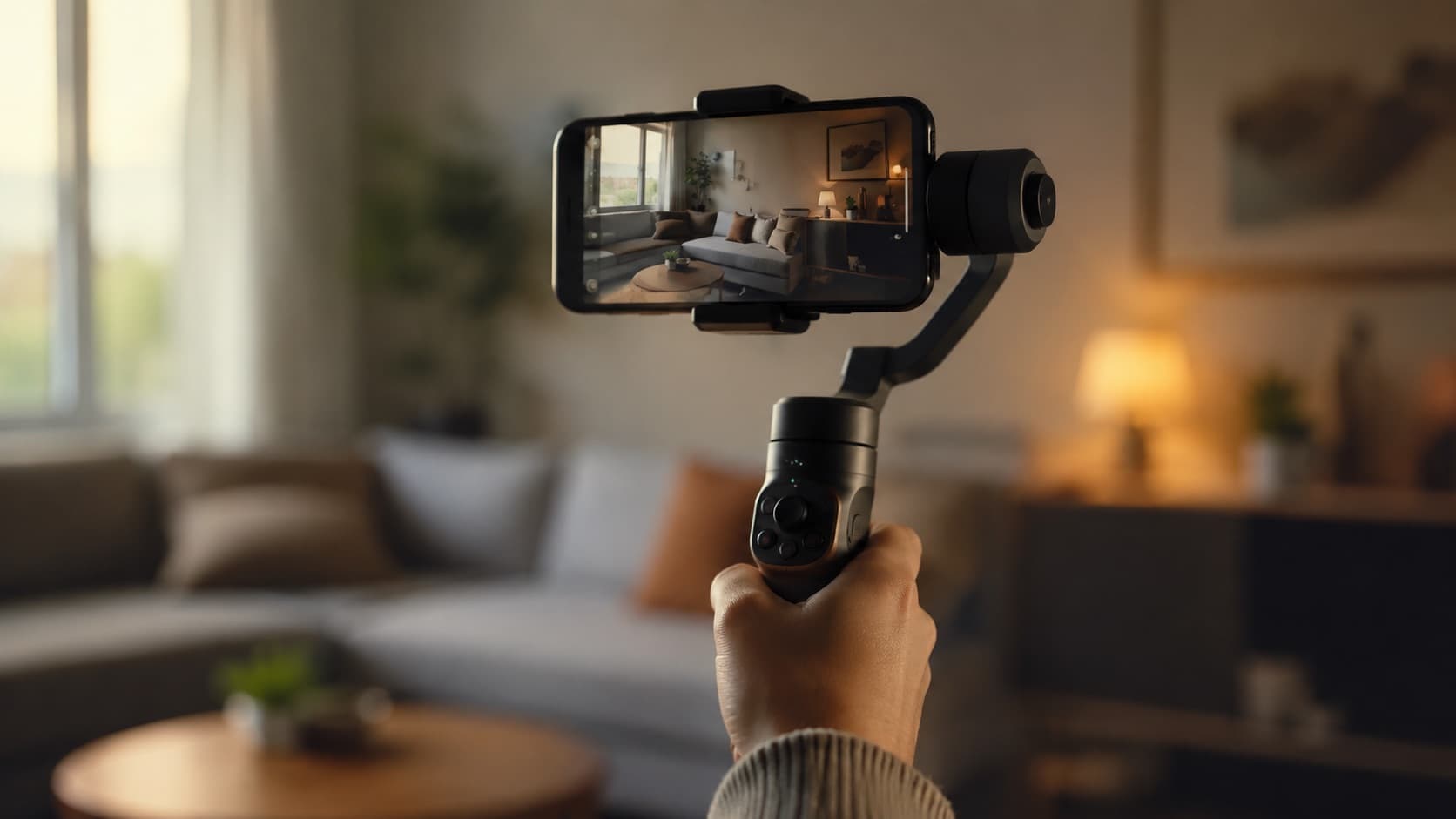
A gimbal (stabilizer) has 3 motors that cancel hand shake, turning a shaky image into smooth, professional movement — it's the biggest “looks pro” jump in phone video. But the advantage goes beyond smoothness:
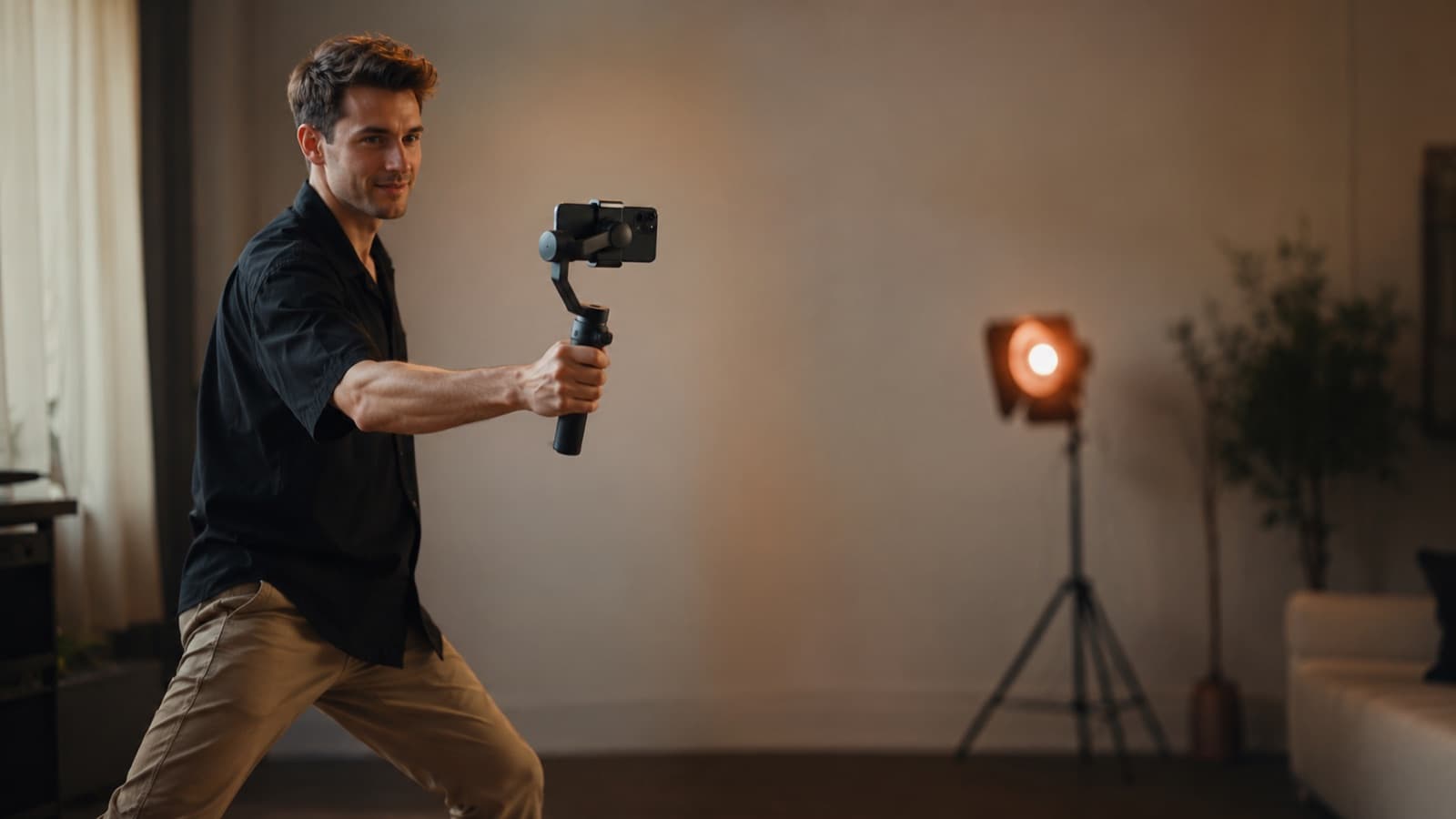
- Frees a hand — the steady grip + the subject tracking free your other hand (and your attention) to direct, adjust a light or call for quiet.
- New angles — because the phone sits on an arm, you can raise it for a high shot or drop it to the ground without losing stability — angles that are hard handheld.
- Tracking — current models follow the face/body on their own and keep you centered as you move.
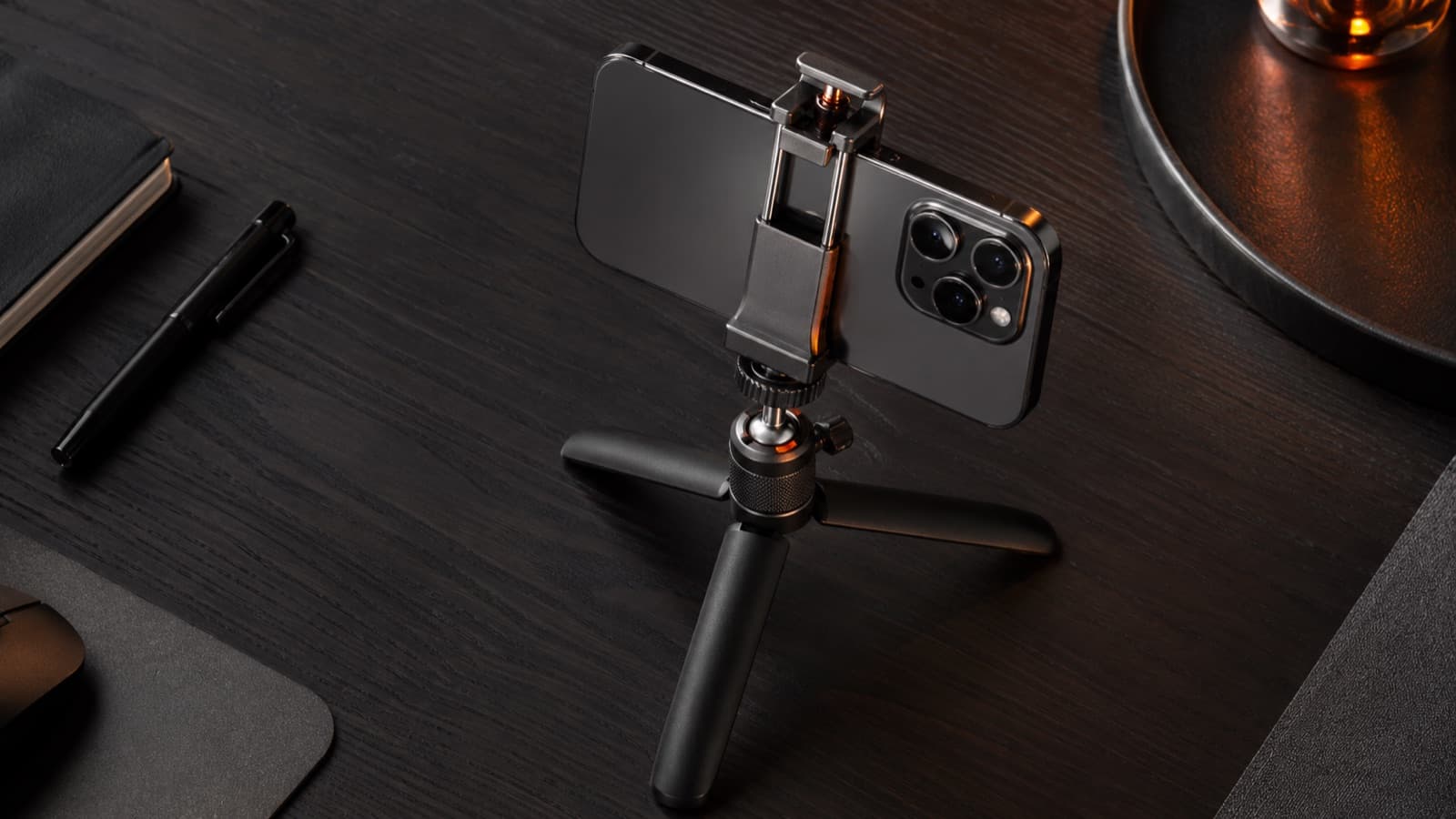
- No gimbal? Still works — a mini tripod or a phone clamp locks down still shots (interview, talking-head) and kills micro-shake — cheap and effective.
- Electronic stabilization (free) — no gimbal? iPhone has Action Mode (iOS 16+) and Android has Super Steady (Samsung) — aggressive built-in stabilization for filming on the move. It needs GOOD LIGHT and crops the frame a bit, but it saves anyone filming a running child.
Filming a child on the move? Pair the stabilization with the tips on filming with kids — and remember that electronic stabilization needs light (see lighting).
4. Pro tips (beyond the basics)
- The shutter rule (180°) — set the shutter speed to ~2× the FPS (24fps → 1/48; 30fps → 1/60). It gives the natural, “cinematic” motion blur — too fast a shutter makes motion robotic/juddery.
- ND filter in harsh sun — in the sun, the phone forces a very high shutter (a “hard” image). An ND filter (a pair of “sunglasses” for the lens) cuts the light and hands shutter control back to you.
- Optical zoom, never digital — digital zoom is just an enlarged crop — it loses sharpness. Use the real telephoto lens (2x/3x) or simply get closer.
- Lock the white balance — without locking it, the color “jumps” mid-scene when the light changes. Fix the WB to keep the color constant from shot to shot.
- Watch out for overheating — long 4K recording heats up and can stop on its own. On a hot day, take the case off, stay in the shade, or drop to 1080p for the long takes.
The shutter rule depends on understanding FPS — it's in the guide on resolution and FPS.
5. Gear by tier
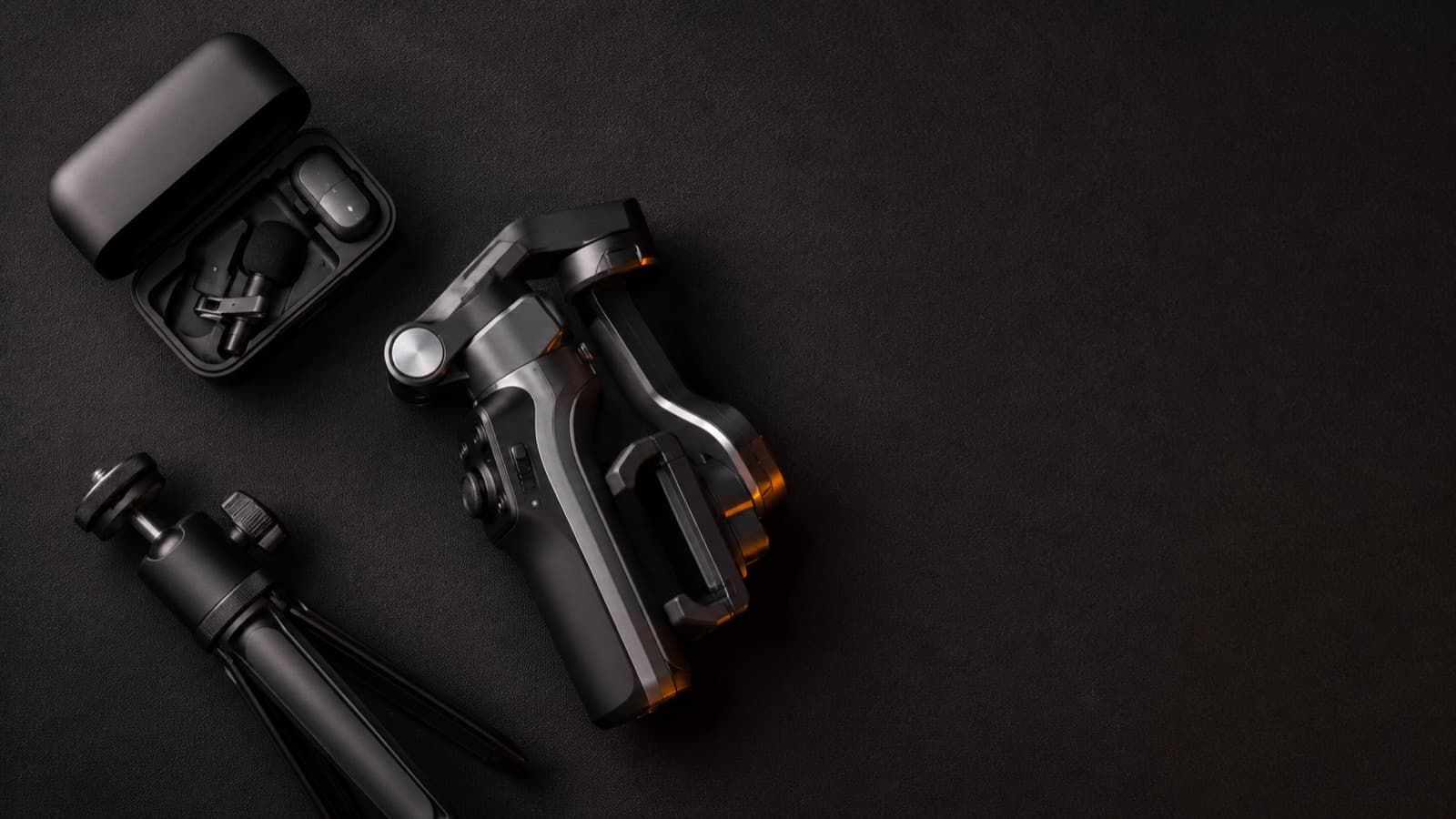
Everything below is a global brand, sold worldwide (Amazon, B&H and each brand's official stores). The prices are approximate — in dollars as an international reference, and in reais in parentheses — and vary with sales, exchange rates and import duties, so use them as a ballpark, not a quote.
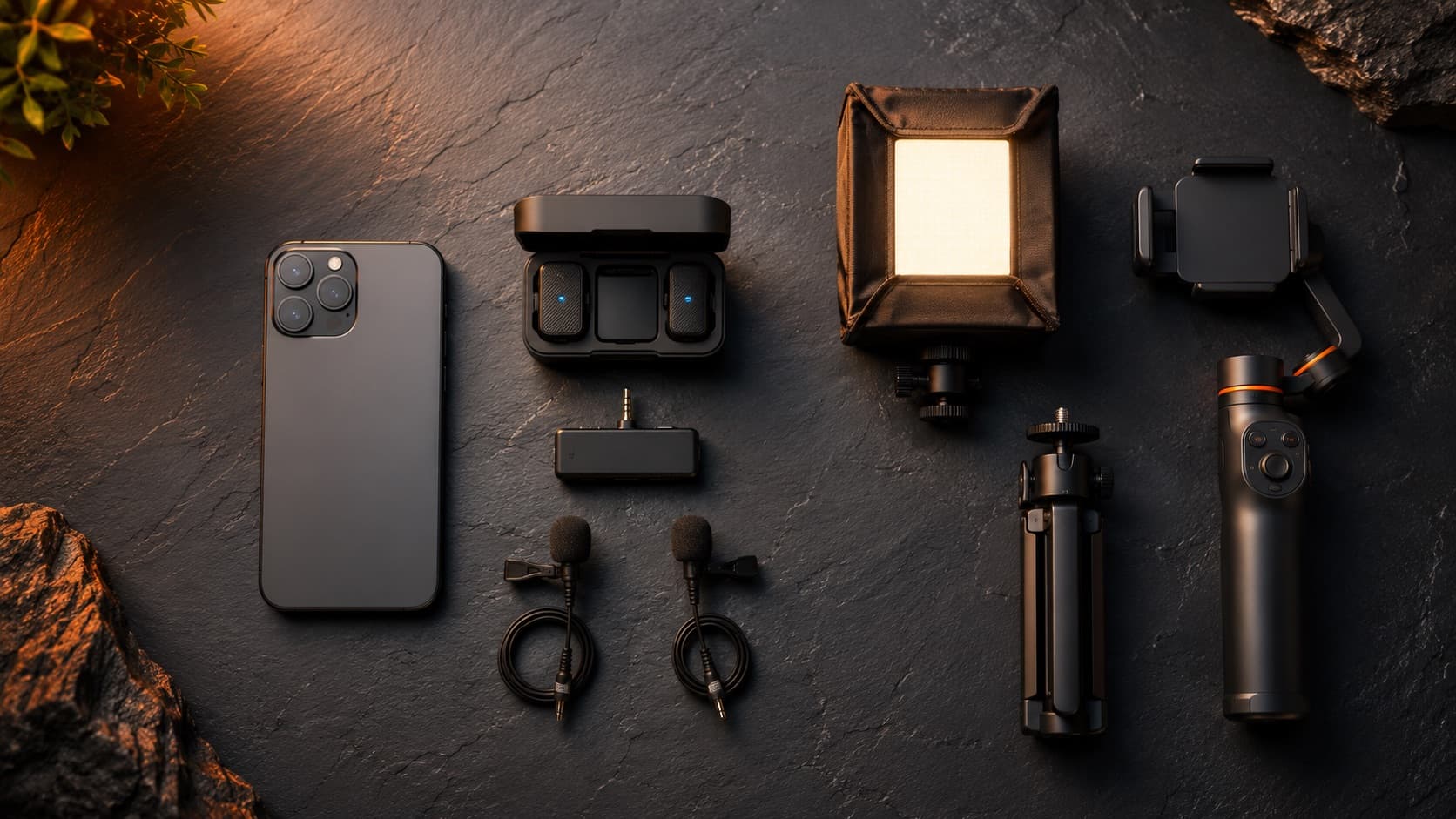
- Mic — entry — Boya BOYALINK 2 or BY-V20 (dual wireless USB-C lavalier), ~US$110 (≈R$600). The cheapest way to escape the AGC.
- Mic — mid-range — DJI Mic Mini (~US$169 / ≈R$950) — ultra-compact, great range, good wireless and far more affordable than the top tier.
- Mic — pro — DJI Mic 2 (~US$349 / ≈R$2,000, 32-bit float that won't clip, connects straight to the phone) or Rode Wireless PRO (industry standard, backup recording).
- Gimbal — entry — DJI Osmo Mobile 7 (~US$89 / ≈R$700) or Zhiyun Smooth 5S (~US$159 / ≈R$1,100). Best bang for the buck right now.
- Gimbal — default — DJI Osmo Mobile 8 (~US$149 / ≈R$1,500, tracking + built-in light) — the safe choice for most people.
- Cheap supports — a mini tripod + clamp (Ulanzi, Manfrotto Pixi) and a rechargeable pocket light — they lock down the scene and add a touch of fill light for very little money.
Brands worth it (pro × value):
- Gimbal — DJI leads (the Osmo Mobile line — mature tracking and app, the safe choice) and Zhiyun (the Smooth line) is the strong alternative. To start safely: the current-generation DJI Osmo Mobile.
- Wireless mic — DJI (Mic / Mic Mini) and Rode are the industry standard (reliable, good range, backup recording); Boya delivers the best value for beginners. To start: Boya BOYALINK 2 → stepping up, DJI Mic Mini.
- Camera app — Blackmagic Camera (free and complete) is the best entry point; Filmic Pro (subscription) is the paid veteran; Moment and Protake for those who want Log/ProRes.
To build the full kit in the order that saves you money (audio → light → stability → camera last), with brands and models by tier, see the recording kit guide.
Quick questions
Can you really shoot professional video with just a phone?
You can — and more and more people do. Today's phone sensor delivers more than enough image; what separates amateur from professional isn't the camera, it's three things you control: the audio (the phone's weakest point), the right camera settings (4K, locked focus and exposure, shooting horizontal) and keeping the image steady. Nail those three and the result comes very close to a dedicated camera.
Why does my phone's audio rise and fall on its own?
It's AGC (Automatic Gain Control): a circuit that adjusts the volume by itself — it raises sensitivity in silence (pulling the room hiss up with it) and drops everything at once when a loud sound hits. It always corrects too late, so the audio “breathes.” The fix is to take the sound out of the AGC's hands: use an external mic (lavalier or wireless) or a camera app with manual gain, and record a 10-second test watching the meter before the real take.
Do I need an external mic or is the phone's enough?
For speech that needs to sound clean — talking-head video, interview, course — an external mic is the single biggest jump in quality there is, even more than upgrading your phone. A wireless lavalier picks up close to the mouth, escapes the room noise and the worst of the AGC. The built-in mic is fine for ambient sound or a quick clip, but for your lead voice it almost always disappoints.
Should I shoot in 4K even if I'm posting in 1080p?
Yes, in most cases. Shooting 4K and delivering 1080p gives you room to reframe, push in with a digital zoom without losing sharpness, and stabilize in the edit. The cost is storage space and heat (long 4K can warm the device up). For a long, continuous recording, or on an older phone, 1080p is a safe choice.
Should I turn on HDR / Dolby Vision to record?
For most creators, no. HDR (10-bit) looks gorgeous on a compatible screen, but it complicates the edit and the color, and looks off (gray or dark) on screens that don't support it. Recording in SDR is more predictable and edits anywhere. Leave HDR/Dolby Vision off unless you have a whole color pipeline set up for it.
Is it worth buying a gimbal (stabilizer)?
If you shoot on the move — walking, changing angles, following someone — it's well worth it: it's the biggest “looks professional” jump in phone video, and it also frees one of your hands and tracks your face on its own. If you shoot still (talking-head, interview), a mini tripod or a clamp does the job for a fraction of the price. And every recent iPhone and Android has free built-in electronic stabilization that saves you when you can't carry a gimbal.
Which phone is best for shooting video?
Almost any flagship from the last few years (iPhone or top-tier Android) shoots very well — the real difference between them is small next to the difference audio, light and stabilization make. Before swapping your device chasing a better camera, invest in an external mic and a light: the return in quality is far greater for the same money.
Sources
- MajorGeeks — What Is Microphone AGC — what automatic gain control is.
- Moment — Top iPhone Camera Settings for Filmmakers — HDR, resolution and camera settings on the iPhone.
- VideoProc — Best Frame Rate (24/30/60) — which FPS to use in each situation.
- Digital Camera World — Best smartphone gimbals 2026 — current stabilizers compared.
Good video isn't a matter of an expensive camera — it's technique. If you want the edit to do the rest, HEY JOE handles the post on your footage, shot on a phone or not.