YouTube Kids
How to create quality content for YouTube Kids
A straight, no-legalese guide for anyone making videos for children — from what YouTube officially considers “quality” to the legal “made for kids” rule, by way of what separates a video that holds from one that tires. All checked against YouTube's official material (sources at the end).
~8 min read
YouTube Kids isn't regular YouTube: it's a closed, carefully tended version where families trust that what shows up is safe. That changes the game — posting a lot doesn't help, posting well does. And “well,” here, isn't just opinion: YouTube has published its own quality principles for kids' content. Let's go from the mandatory to what makes the difference.
1. First of all: mark it “made for kids”
Every creator is required to state whether each video is “made for kids.” This is an agreement YouTube made with the FTC (the US consumer-protection agency) to comply with COPPA, the children's privacy law. In the US, a “child” is anyone under 13 — and the rule applies wherever you are: it covers any video that could be watched by children in the US, no matter the creator's country or the video's language.
YouTube says your content is likely “made for kids” when it combines factors such as:
- Target audience — children are the intended (or actual) audience of the video.
- Subject and characters — themes, games, cartoons, characters, toys or figures that appeal to children.
- Language and activities — language built for a child to understand, simple songs, games, pretend play, early education.
- How you describe it — whether the promotion and the video's metadata target a child audience.
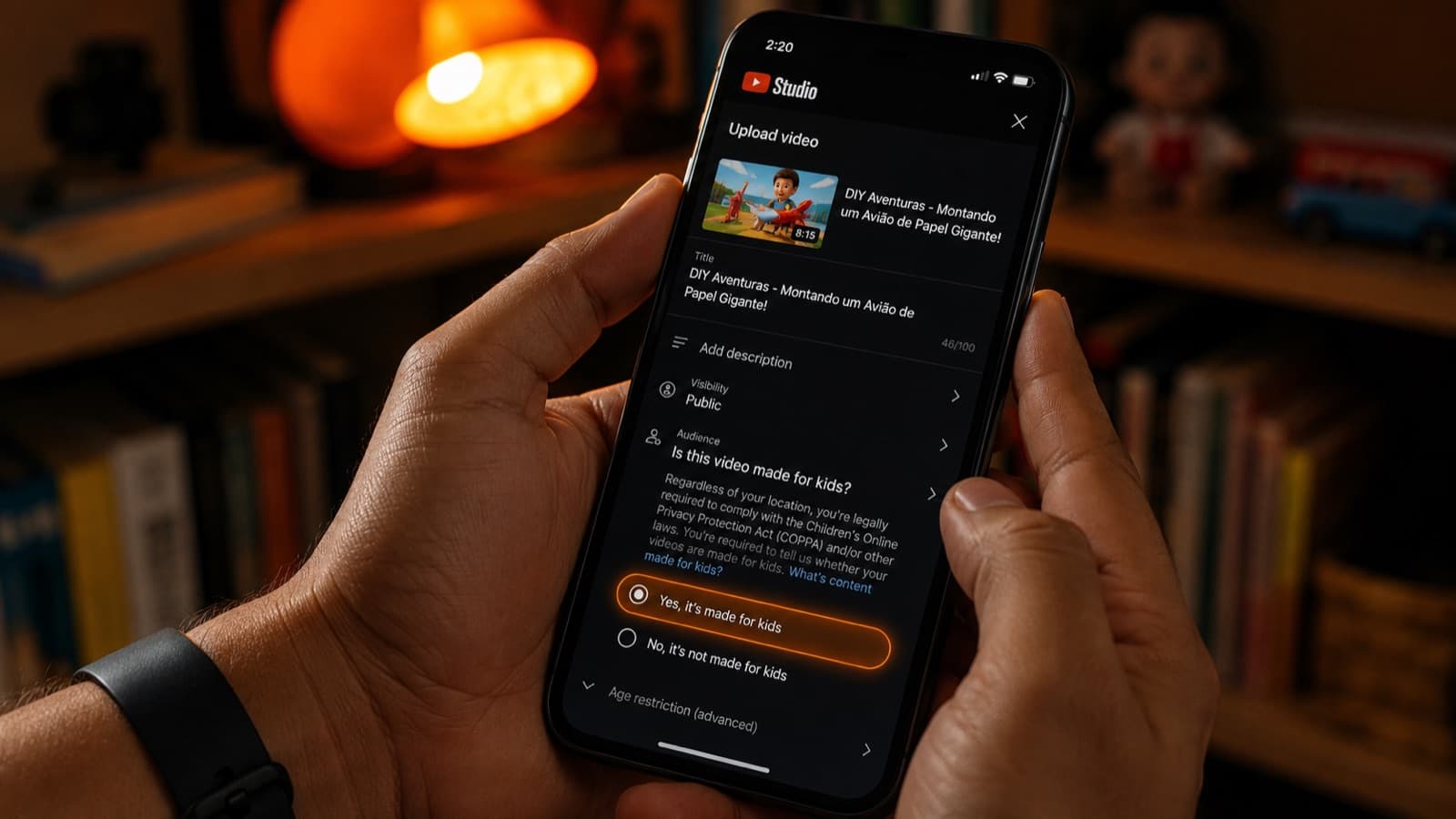
Mind one official nuance: having some of these factors doesn't automatically make a video “for kids” — it's the whole picture that counts. And marking a video “made for kids” changes features: comments and personalized ads, for example, are turned off. That doesn't mean the video disappears or that you lose all the revenue — only that the ads stop being personalized by profile. Marking it wrong, on the other hand, can bring legal trouble and a penalty on your channel. Comments, by the way, are turned off on purpose: since 2019 YouTube does this to protect children from predatory behavior. It's worth knowing the precautions when you record — clothing, framing and privacy — in the guide on how to record videos with children.
2. What YouTube officially calls “quality”
YouTube uses four adjectives to describe a good kids' video: age-appropriate, enriching, engaging and inspiring. With help from child-development experts, it breaks that down into five practical principles of high-quality content (they apply to long-form videos and to Shorts):
- Caring for yourself and others — encouraging kindness, respect, good friendships and healthy habits.
- Learning and sparking curiosity — getting the child excited to explore and think — without presenting wrong information as if it were educational.
- Creativity, play and imagination — celebrating pretend play, stories, art and skill-building.
- Life skills and experiences — complete storytelling (with a beginning, middle and end), problem-solving and good role models.
- Showing the world — presenting a variety of people, places and experiences.
These principles complement the Community Guidelines (which apply to everyone). And they carry practical weight: a “made for kids” channel with low-quality content can have limited ads or be removed from the monetization program.
3. Know who's on the other side
The biggest difference between a good kids' video and a mediocre one is understanding the child — and a child isn't one fixed thing; it changes a lot with age. A practical way to think about your audience is to look at four fronts:
- Feel — the emotional side — fears, friendships, how they handle frustration.
- Think — the mind side — which words they understand, how high they count, how many steps they follow in an instruction.
- Move — the body — what they can already do (asking for too much only creates frustration).
- Laugh — humor changes with age: broadly, the very little ones laugh at surprise, the older ones start laughing at wordplay, and pre-teens catch light irony.
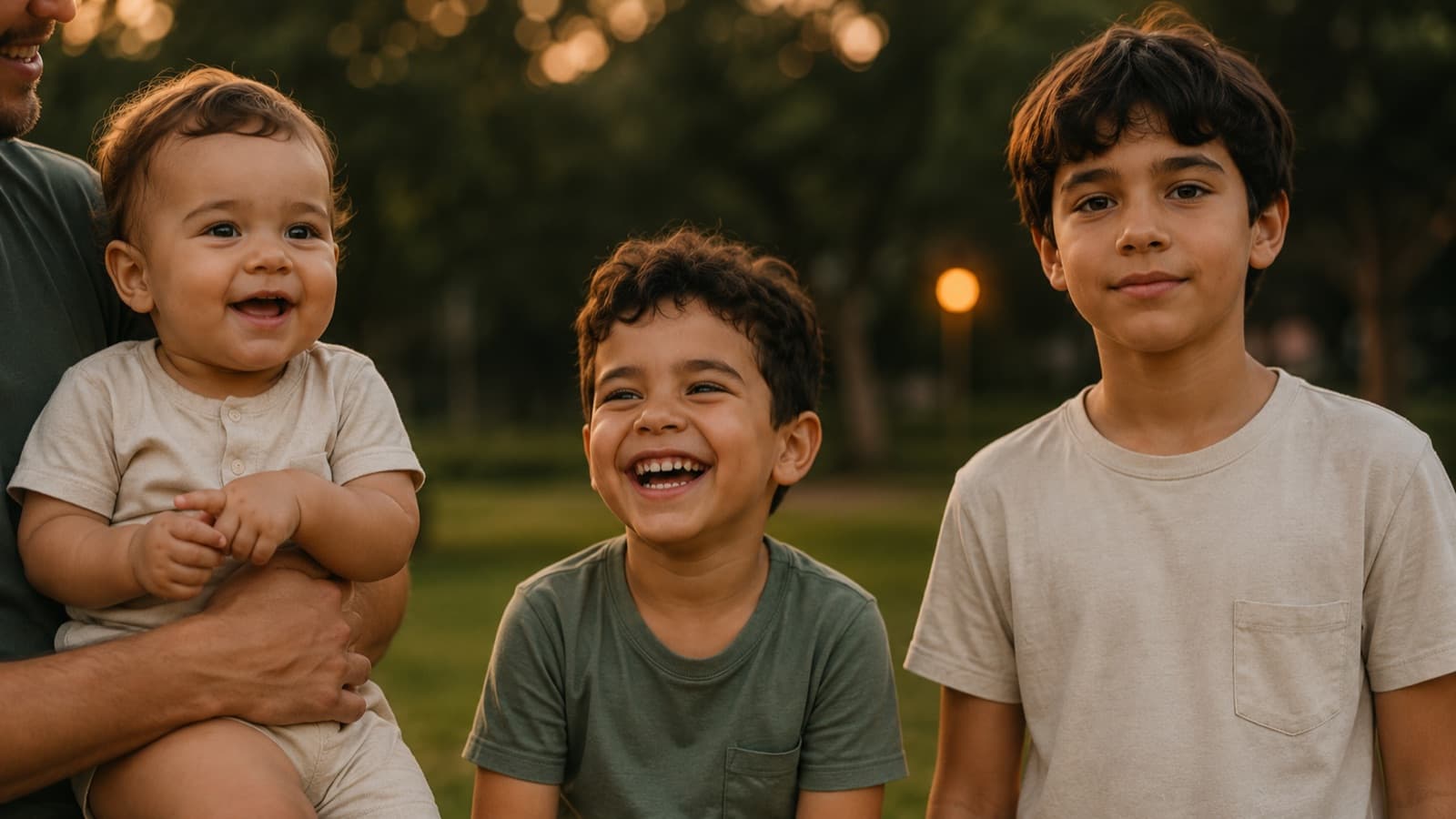
The more you adapt vocabulary, pacing and expectations to the right age, the more the child understands, follows along and comes back to watch again.
4. What makes a video hold
With the foundation in place, it's time to hold attention. What works best:
- A character that connects + a good story — the heart of it all.
- Authenticity — a child senses instantly when it's forced.
- Interaction — invite them to sing, repeat, answer — get the child to join in, not just watch.
- Repetition — what repeats, sticks. That's how children learn — and it's what makes a kids' series work.
- Keeping the promise — the video has to deliver what the title and thumbnail say (honest packaging is a chapter of its own).
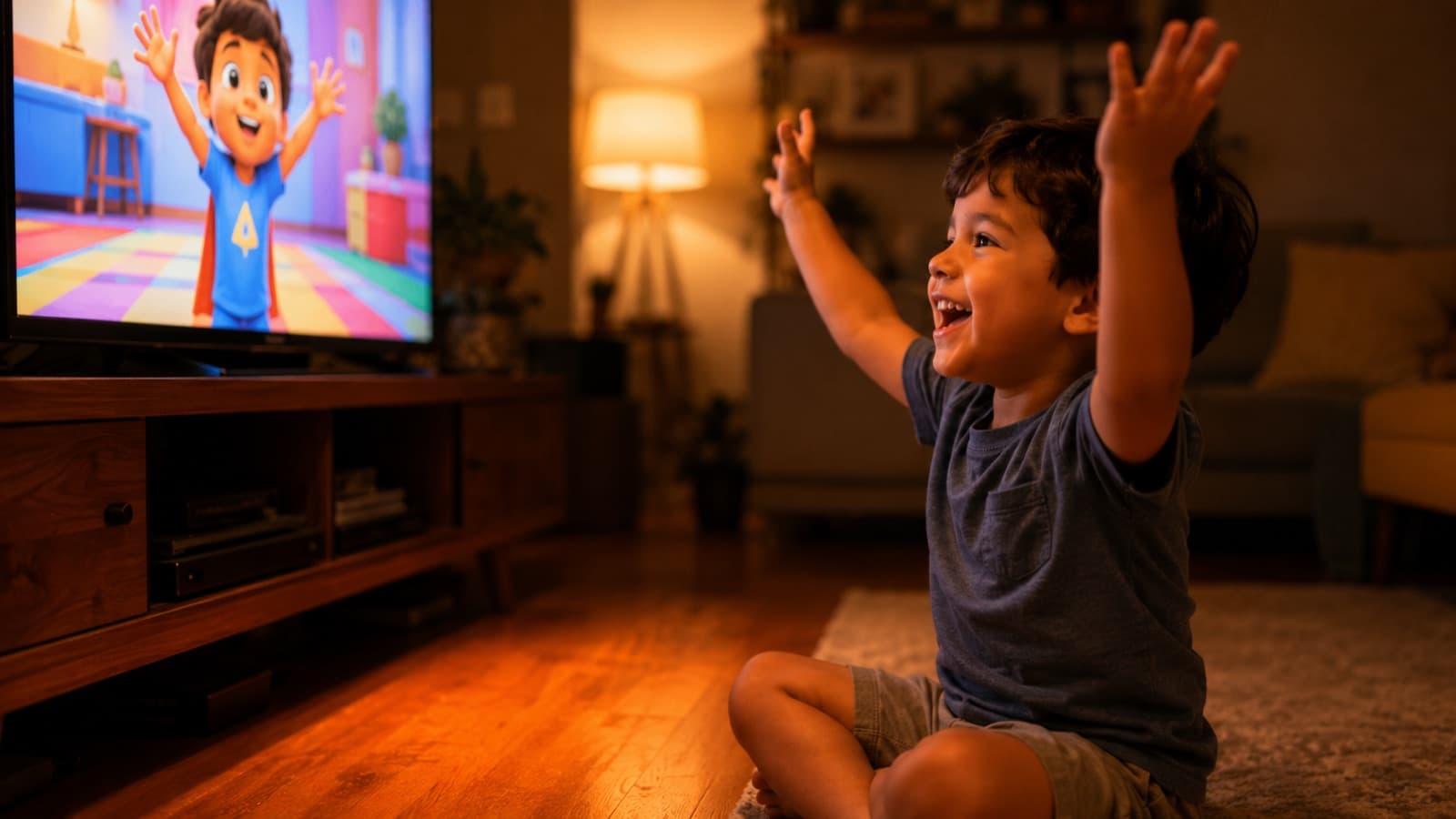
Two points here have their own guide: holding attention in the first few seconds applies to kids' content too (see retention), and the honest promise of the thumbnail and title is in the guide on thumbnail and title. Since repetition is the engine of kids' content, it's also worth knowing how to turn one shoot into several pieces of content — a series gets a lot out of a single production.
5. Avoid these traps
YouTube itself lists the types of low-quality content it discourages. Steer clear of video that's:
- Overly promotional — too much advertising, endless unboxing, pushing product.
- Encouraging the wrong things — dangerous pranks, bullying, dishonesty.
- Falsely educational — a title and thumbnail that promise learning the video doesn't deliver.
- Hard to follow — a muddled story, bad audio, no rhyme or reason.
- Sensational or misleading — exaggeration, lies, keyword-stuffing to game search.
- Odd use of children's characters — well-known characters in inappropriate situations.
6. Production makes a difference
Good content with weak production loses its punch. Two simple pillars:
- A clear, colorful image — in the rhythm of a child's attention, which is short.
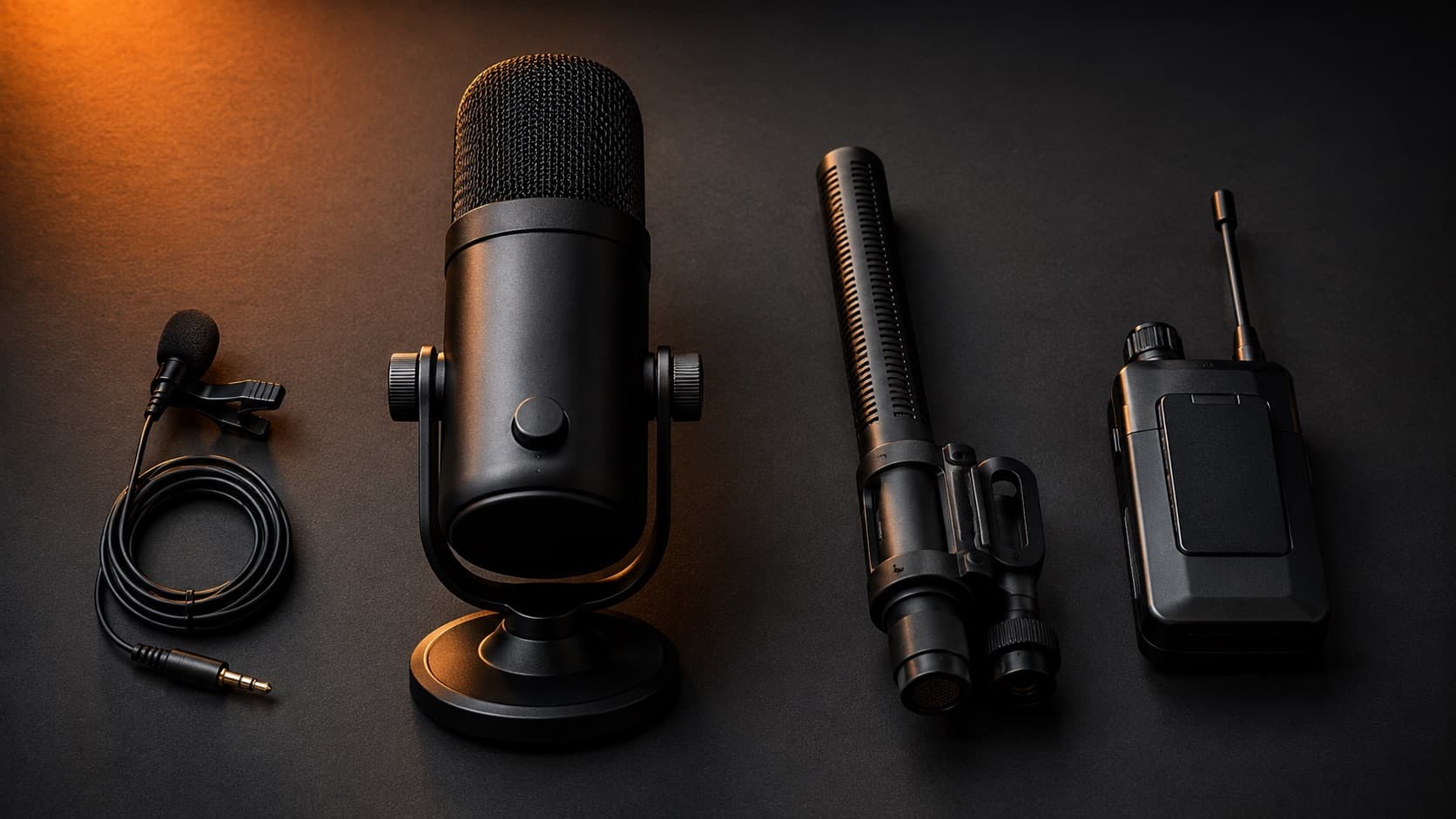
- Clean audio — bad sound makes a good-looking video feel amateur — audio is half the experience.
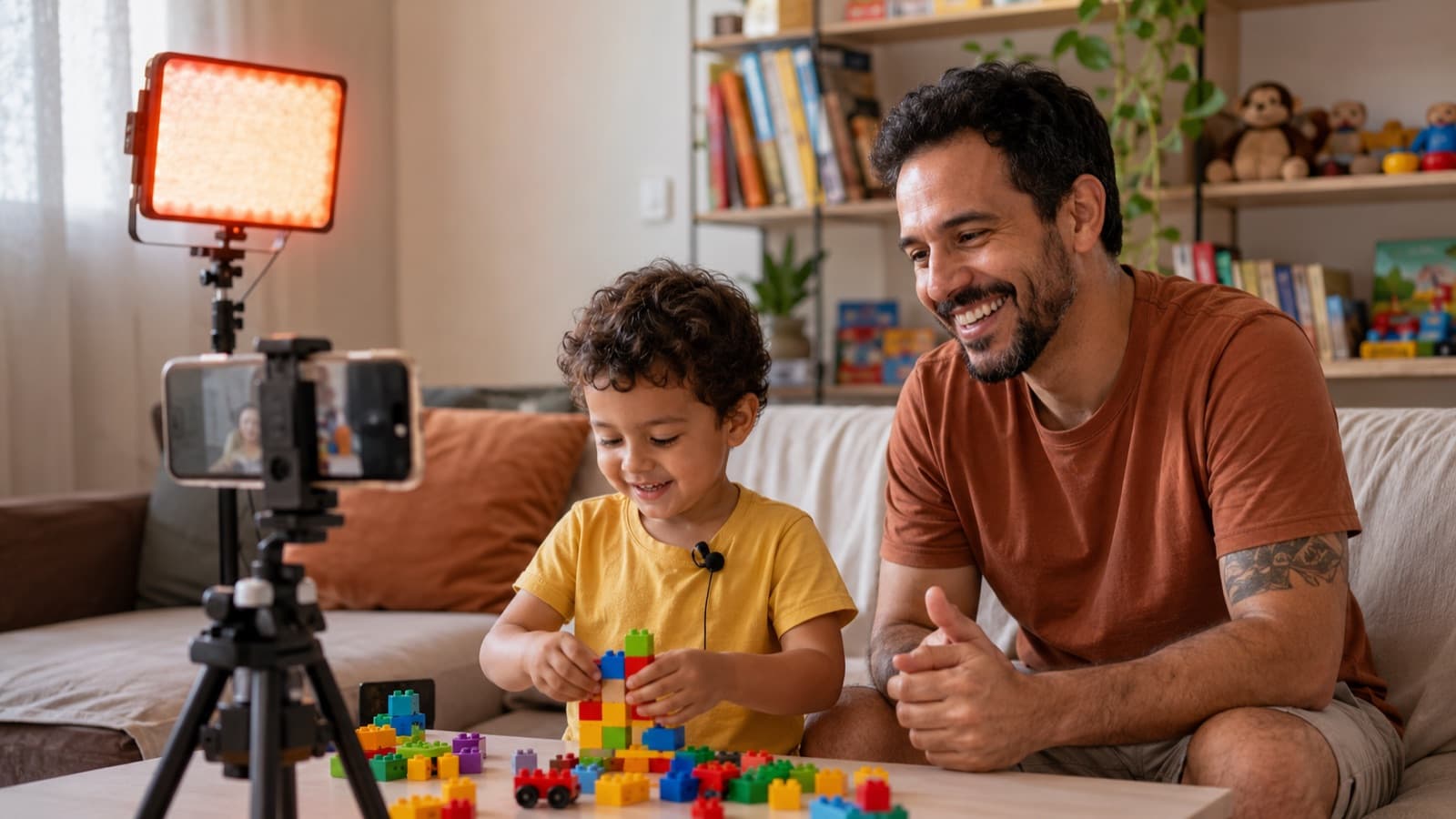
Want to go deeper? See why audio is the #1 mistake, the guide on which microphone to choose and, for the image, the lighting guide with what you have at home. And what sustains a channel over time is consistency: when every video has the same care and style, the child recognizes your channel from far off.
7. Why HEY JOE
Quality kids' content is demanding: short pacing, clean audio, vivid color, a story that holds and a finish that respects the child. Production is half the road — the cut, the pacing, the color, the sound and the details that keep a child glued are the other half, and that's where HEY JOE comes in: it's always the same editor — the same hand on every video, with more than 9,100 edited. If editing is what's holding you back, we take care of it. Want to know more about who'll edit your footage? Meet HEY JOE.
Quick questions
Does marking a video “made for kids” make me earn less?
It changes how the revenue works, but it doesn't disappear. When you mark it, YouTube turns off personalized ads and comments on that video — so the ads become contextual (by topic, not by profile), which usually pays less. It's not a punishment: it's required by the children's privacy law (COPPA, in the US). The video stays up and stays monetizable within those rules.
Do I mark “made for kids” on the whole channel or video by video?
You can do it either way in YouTube Studio: set the whole channel as directed to kids, or mark it video by video. If only part of your content is for kids, marking video by video is more precise — and it's your legal responsibility to classify each one correctly.
Does COPPA apply to me even outside the United States?
It does. The rule applies to any video that reaches children in the US — no matter what country you live in or what language you publish in. That's why “made for kids” shows up for every creator in the world in Studio. If you target a global audience (or could be watched by children in the US), treat COPPA as yours too.
What happens if I classify it wrong?
Misclassifying on purpose can land you in trouble with the FTC (the US agency that enforces COPPA) and bring penalties on your channel. When you're honestly unsure about a borderline video, the safe route is to mark it “made for kids.”
Do I need parental consent for a child to appear in the video?
Yes — and that's a topic of its own (consent, framing, the child's privacy and safety). See the guide on how to record videos with children before you put any minor in front of the camera.
How does YouTube Kids decide which videos make it into the app?
The app is a closed, curated environment: YouTube combines automated filters with human review and signals from families to choose what shows up. Marking it correctly as “made for kids” and keeping the quality high (the principles in section 2) is what gives your video a chance to get in.
Can I turn comments back on for a kids' video?
Not on content classified as “made for kids.” YouTube has turned off comments on those videos since 2019, on purpose, to protect children from contact and predatory behavior. It's a safety lock, not a bug.
Official sources
Everything in this piece was checked against YouTube's official material:
- Best practices for kids and family content — YouTube's quality principles.
- YouTube Kids content policies — what's allowed and what isn't in the app.
- Determining if your content is “made for kids” — the factors and the COPPA rule.
- “Made for kids” FAQs — what changes on your channel when you mark it.
Producing is half the road. The finish — the cut, the pacing, the color, the sound and the details that keep a child glued — is the other half. If editing is what's holding you back, ask HEY JOE for a quote.