Grow on YouTube
Captions on video: why (and how) to use them
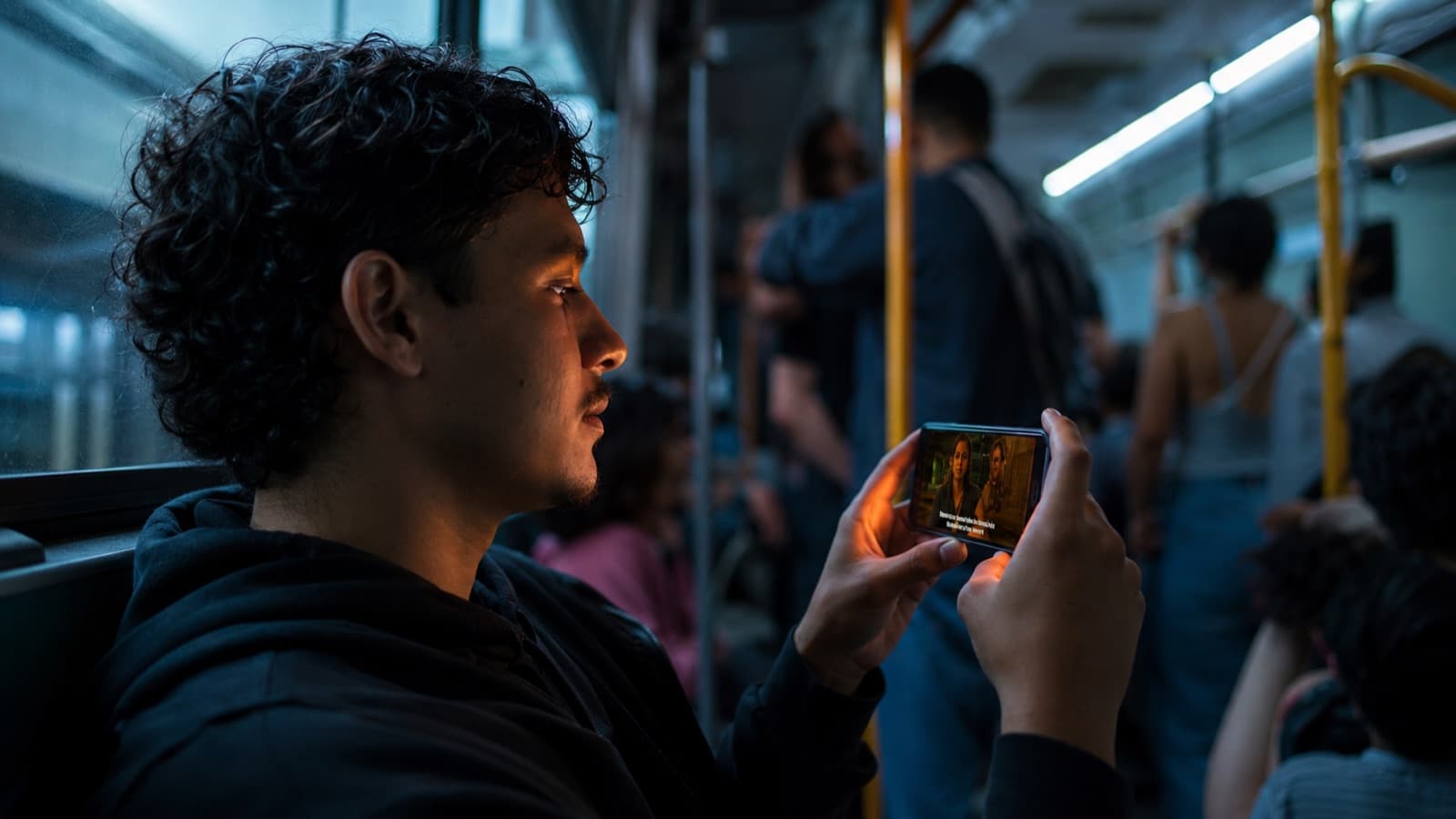
Captions are one of the highest-return, lowest-cost upgrades for anyone shooting on a phone: since most people watch with the sound off, without captions half your audience is lost — and with them, the person keeps watching to the end.
~10 min read
1. Why captions lift retention and reach
- Sound off is the rule — ~69% of people watch video without sound in public places (Verizon/Publicis study, 2019) — and the famous “85% of Facebook plays on mute” became the rule of the feed. Without captions, your message is invisible to most people.
- Watch to the end — in the same study, 80% say they're MORE likely to watch a video ALL the way through when it has captions — captions are what hold the person on mute, distracted or in a noisy place. It pairs with grabbing attention in the first few seconds.
- Accessibility (and, in Brazil, the law) — it makes the content usable by deaf and hard-of-hearing viewers — expected and, for a lot of productions, required by law here. Details in the box below.
- Non-natives and kids — it helps anyone who doesn't speak the language natively, anyone in a noisy place and — straight to the kids audience — children who are still learning to read.
- Real SEO — YouTube indexes the TEXT of the caption: in a classic test (Discovery Digital Networks), a phrase that existed only in the captions made the video rank 4th in search — and the captioned ones got +7% views. Captions = real words for people to find you.
2. Burned-in captions × .srt (closed)
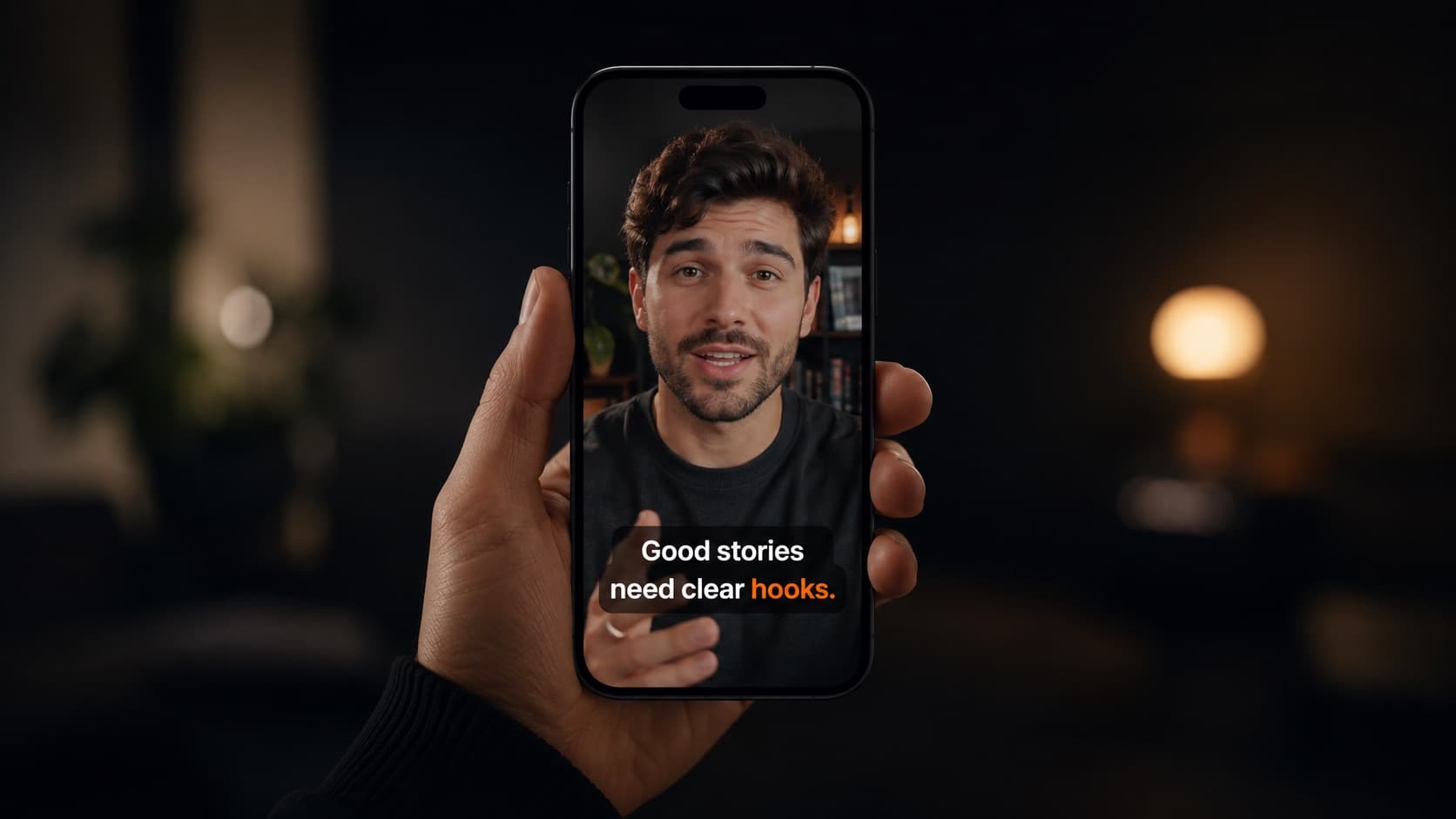
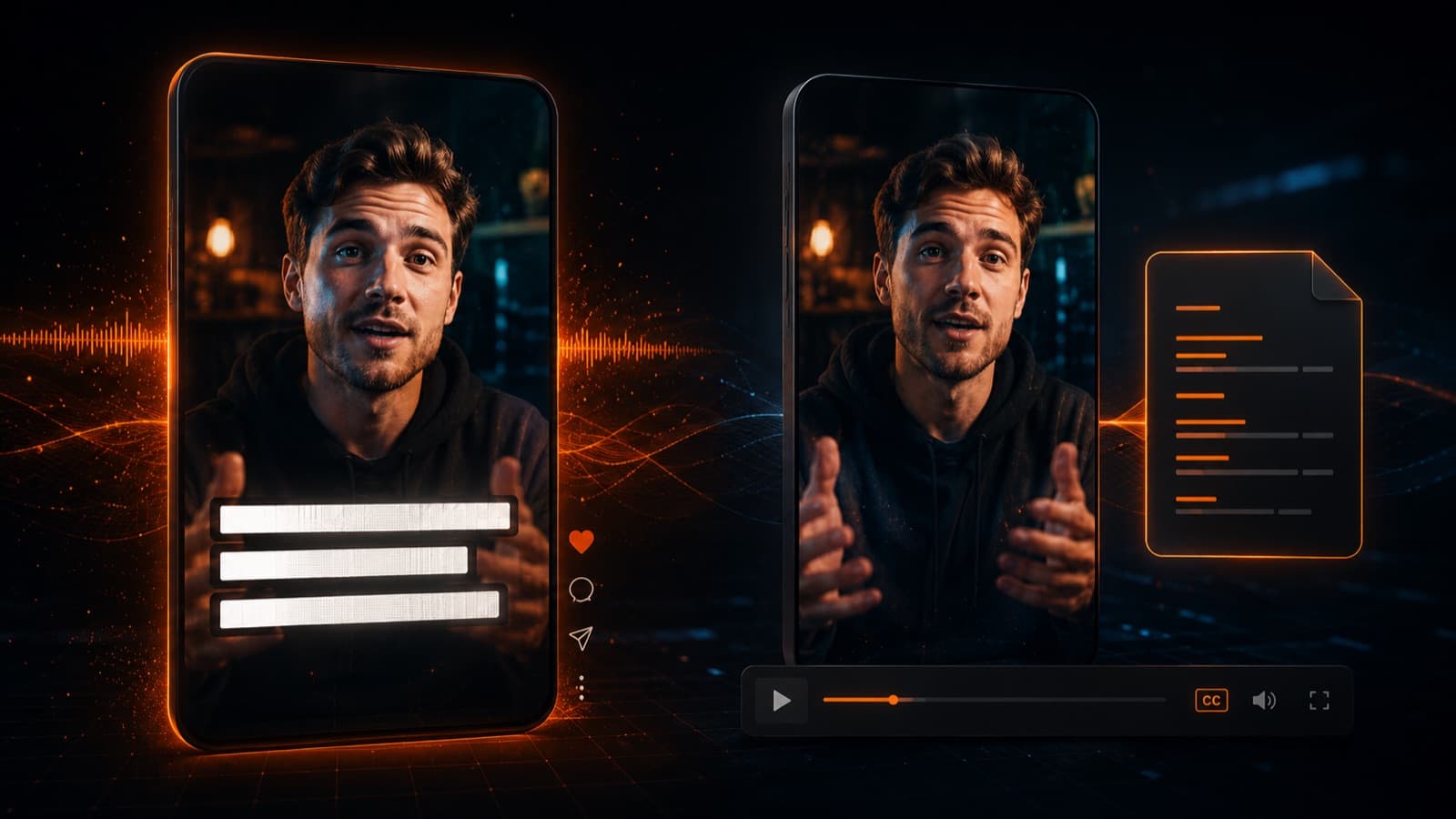
- Burned-in (open) — the text is “baked” into the pixels — it always shows, the same everywhere. It's the stylized, word-by-word caption you see on social.
- .srt (closed) — a separate text file with the lines + timings. The viewer turns it on/off and the player controls the font. Editable (it forgives a typo).
- What an .srt actually is — it's just plain text: the caption number, the timings (00:00:05 → 00:00:08) and the line. It opens in Notepad, you edit it, it works in any player — and you can translate and reuse it across videos without re-exporting the image.
- Use BURNED-IN for — Reels, TikTok and Shorts (they don't accept a separate file) and any feed that plays on mute. Proofread BEFORE you bake it — after that, only by re-exporting.
- Use .srt for — long-form YouTube, courses and webinars — the student turns it on/off, you can offer several languages, and it's accessible and flexible.
- Rule of thumb — Shorts/Reels/TikTok → burned-in. Long-form YouTube and courses → .srt (and, if you want, burned-in too for the mute crowd).
3. Automatic tools (and why you ALWAYS proofread)
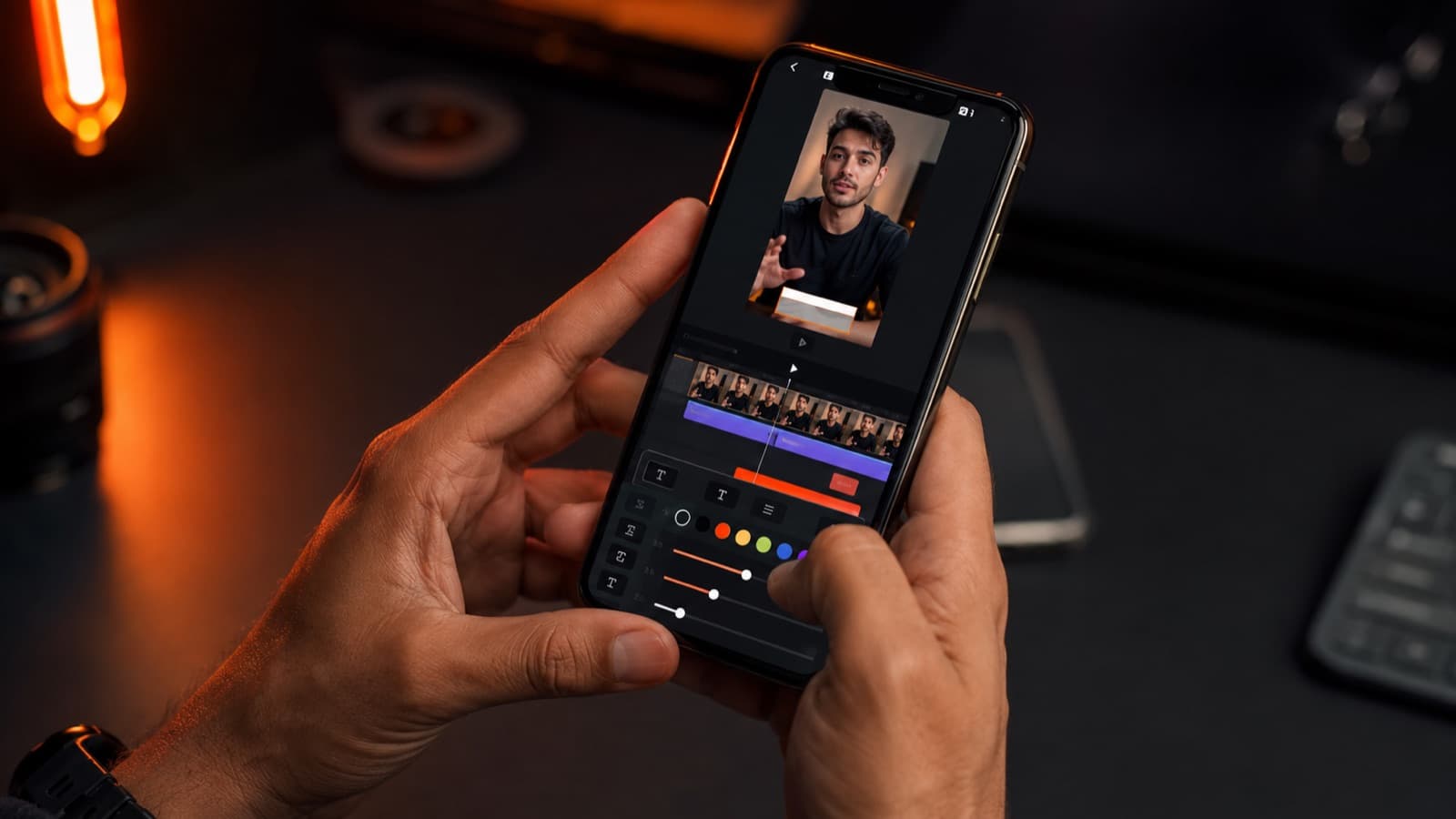
- CapCut (phone + web, free on the web) — one of the most used in the world: import → Text → Auto captions → pick the language → style it. (On the mobile app, auto-captions usually require the Pro plan — check the current price in the app, which changes.)
- YouTube Studio (free) — auto-generates captions after upload; under Content › Subtitles you duplicate and edit to fix them. The best free route for long-form video. (Auto-transcription makes more mistakes in some languages than in English — proofreading here matters even more.)
- Premiere Pro — transcription + translation — included in the subscription: it transcribes the speech (Speech to Text) and creates the captions; since 2025 it also TRANSLATES the captions into 27 languages, one track per language. A professional (and paid) workflow — for simple captions, CapCut gets it done with less of a learning curve. Honest detail: Adobe lists “Portuguese (Europe),” so for Brazilian audio the transcription works but needs more proofreading.
- Submagic / Kapwing / Veed — built for slick, fast captions (animation, word highlighting) — good for the social look.
- PROOFREADING is non-negotiable — auto-captions land ~90% with clean audio, but drop to 60-80% with noisy phone audio — and get names, brands, numbers and punctuation wrong. 2 minutes of proofreading saves you the embarrassment.
Clean audio improves auto-transcription — one more reason to take care of the sound. Captions are also part of the editing flow — and they're what turn one video into many: when you repurpose content into clips for the feed that plays on mute, the caption is what keeps the message alive in every repost.
4. Style: readable, not cluttered
- Font — a clean sans-serif (Arial, Montserrat) in bold/medium weight — a thin font smears when the platform compresses the video. Stay away from decorative fonts: they're illegible on a phone.
- Size — big enough for the phone; on vertical (Reels/Shorts) use at least ~48px. When in doubt, bigger is safer.
- Short — the industry standard — no more than 2 lines and ~37–42 characters per line (the Netflix and BBC standard). Show few words at a time.
- Reading time — the caption has to stay up long enough to read: the professional standard is ~17 characters per second and at least ~1 second on screen. If it flashes by too fast, no one reads it.
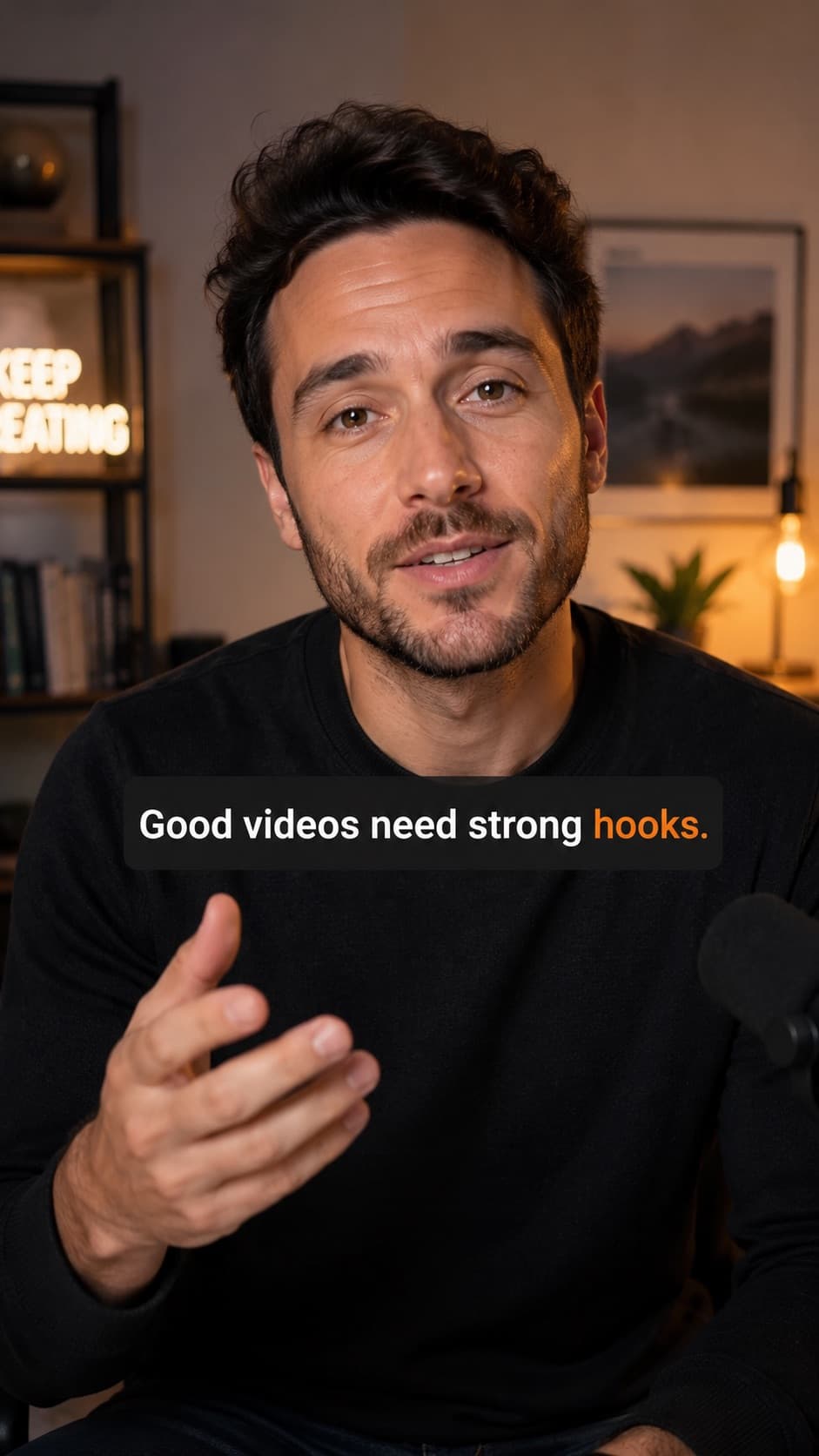
- Contrast — a semi-transparent box OR an outline behind the text. White with a dark outline is the safe default.
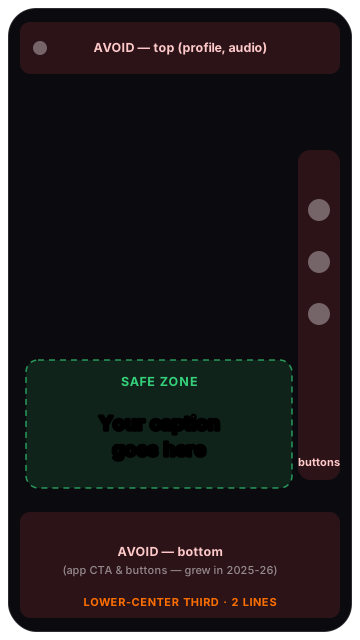
- Safe zone — keep it in the lower-center third; avoid the top (~20%) and the bottom (~25%) where the app's buttons sit — and that bottom band GREW on Reels/TikTok in 2025-26. See the map:
- For kids — bigger text, high contrast and few words per screen, for those still learning to read.
Quick questions
Do captions really boost views?
They do — and along two paths. First, retention: since most people watch with the sound off (in a 2019 Verizon/Publicis study, 80% said they were more likely to watch a video all the way through when it had captions), captions hold the person who's on mute, distracted or in a noisy place. Second, reach/SEO: YouTube indexes the caption text, so words that only exist there help the video get found in search. More people watching for longer is exactly what the algorithm rewards.
What's the difference between subtitles and closed captions (CC)?
Subtitles assume the person can hear and only transcribe the speech. Closed captions — in Brazil, LSE, captions for the deaf and hard of hearing — also include the sounds: [tense music], [applause], and who's speaking. CC is what makes the video accessible to someone who can't hear. For short-term social, stylized captions already handle retention; for full accessibility (and, in many cases, to comply with the law), use the CC/LSE standard.
Burned-in captions or an .srt file — which do I use?
Use BURNED-IN (baked into the video) for Reels, TikTok and Shorts, which don't even accept a separate file and play on mute by default. Use .srt (a text file the player turns on and off) for long-form YouTube, courses and webinars, where you can offer several languages and the viewer chooses. Rule of thumb: short vertical → burned-in; long video and course → .srt (and, if you want, burned-in too for the mute crowd). Proofread the burned-in version BEFORE you bake it — after that, you can only fix it by re-exporting.
Can I generate captions automatically for free?
You can. YouTube Studio auto-generates captions after upload and you edit them under Content › Subtitles — it's the best free route for long-form video. CapCut (free on the web) does the stylized captions for social. In any tool, auto-captions land close to 90% accurate with clean audio, but drop with noisy phone audio and get names, brands and numbers wrong — which is why proofreading is non-negotiable.
Do I need captions by law?
It depends on where your content circulates, but the global trend is clear: accessibility has become a standard, not a favor. In Brazil, the Brazilian Inclusion Law (13.146/2015) and the ABNT NBR 15290 standard require accessible captioning in a lot of audiovisual work. In the US, the ADA and Section 508 call for captions on public and institutional content; in the European Union, the web accessibility directive and the European Accessibility Act (in force in 2025) push the same way. Even when the law doesn't reach you, captioning widens your audience and is the right thing to do.
What's the ideal caption size and style?
A clean sans-serif (Arial, Montserrat) in bold/medium weight; on vertical, use at least ~48px. No more than 2 lines and about 37 to 42 characters per line (the Netflix and BBC standard), with a reading speed of ~17 characters per second and at least ~1 second on screen. Add contrast with a dark outline or a semi-transparent box. And keep it in the safe zone (the lower-center third), away from the app's buttons.
Do captions help people who speak another language?
A lot — and that's exactly why they're a key piece of international reach. Captions in the original language already make things easier for non-natives, and an .srt can be translated and reused without re-exporting the video. To truly reach the world, it's worth pairing captions with translated versions; the full path is in the guide to dubbing and subtitles.
Sources
- Verizon Media + Publicis (via 3Play Media) — 69% watch on mute in public; 80% watch the whole video with captions.
- 3Play Media — Discovery Digital Networks — captioned videos +7% views; YouTube indexes the caption text.
- Netflix — Timed Text Style Guide — readability standards: ~17–20 CPS, max 42 characters/line, 2 lines.
- YouTube Help — Subtitles & captions — upload an .srt, generate auto-captions and edit them.
- Adobe — Translate captions in Premiere — transcription included + translation into 27 languages (2025).
- Brazilian Chamber of Deputies — Guide to Accessible Audiovisual Productions — accessible captioning (LSE) and the Brazilian standard.
- W3C / EU — European Accessibility Act (web accessibility) — the international frame: captions as an accessibility standard (EAA in force 2025; Section 508/ADA in the US).
- WHO — Deafness and hearing loss — estimate of disabling hearing loss in the world population.
In the end, good captioning is a craft decision: burned-in or .srt depending on the platform, inside the safe zone, with a style all your own repeated on every video — and always proofread. And it's the caption that keeps the message alive when the video crosses borders: to take your content into other languages, the full path is in dubbing and subtitles.