Editing & post-production
Special effects in film (and how to play with them for free)
Almost everything that looks impossible in a blockbuster was “assembled” afterward: dragons, armies, cities in ruins. That's VFX. The fun part? you can play with the same logic for free, right on your phone — and there's a pro secret that makes any effect better.
~14 min read
1. Take a look at what an effect is (and HEY JOE made it)
Before any explanation, hit play. Everything you see here started as a plain shot and became a scene — a swapped background, an element that wasn't there, people who were never there. And HEY JOE made it:
That's what this piece is about: how cinema does this magic, how you play with the same logic for free — and the trick of the trade that makes any effect come out perfect. I'll say it up front: if you want an effect like this in your video, that's our wheelhouse (especially for kids' content).
2. Cinema lies to you (and it's beautiful)
Three plain words to understand the rest:
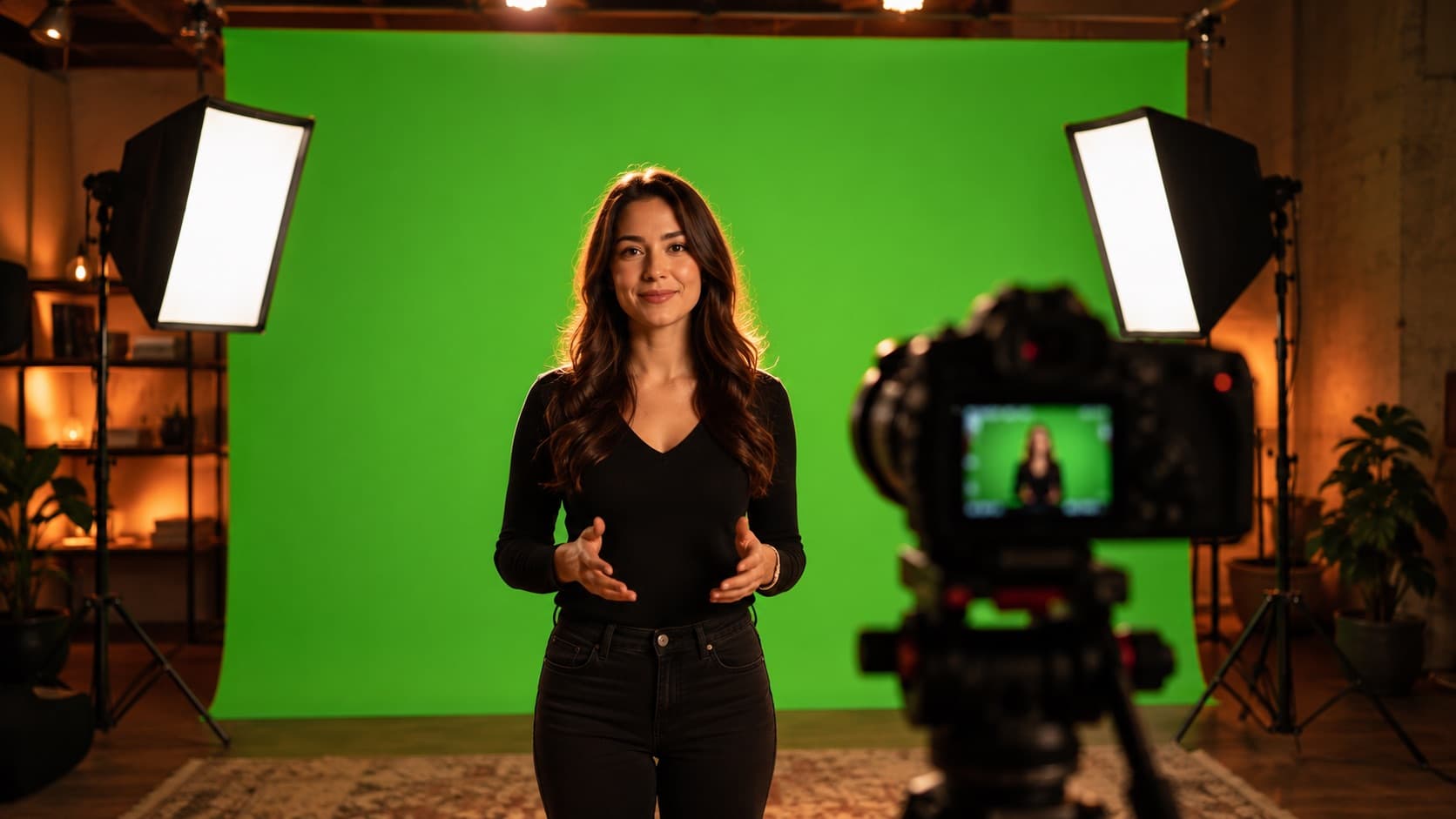
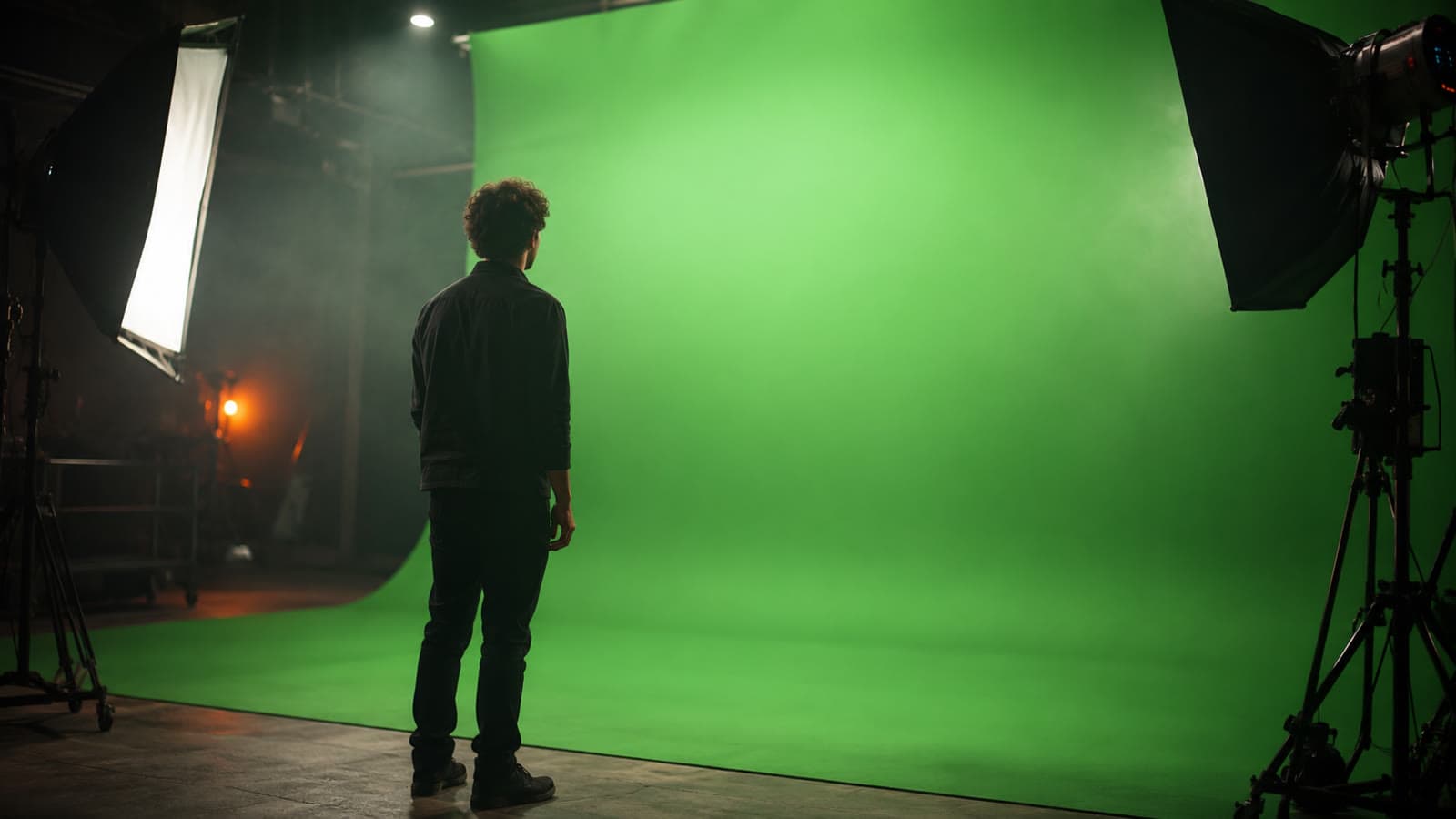
- Chroma key (“green screen”) — shoot in front of a green background and then SWAP that green for another image.
- CGI — an image made 100% in the computer (a dragon, a planet, a building collapsing).
- Compositing — “stacking” real + digital layers into a single scene — it's the heart of VFX.
Why green? it's the color farthest from skin tone, so the computer cuts out only the background without “eating” the actor's face — it's the same principle as the green screen (chroma key).
3. How blockbusters do it (and you can see it)
- Game of Thrones — the dragons were CGI; in battle scenes, stunt performers wore suits covered in green and the team ERASED parts of the body — “dead” men with no head, assembled in post.
- The Avengers — the New York battle: much of the city, the destruction and the sky is pure CGI, with the actors shot against a green screen and “pasted” inside the scene.
- The Mandalorian — the modern trick of the trade (“The Volume”): instead of a green screen, a giant curved LED wall shows the set LIVE behind the actors — real reflections and light.
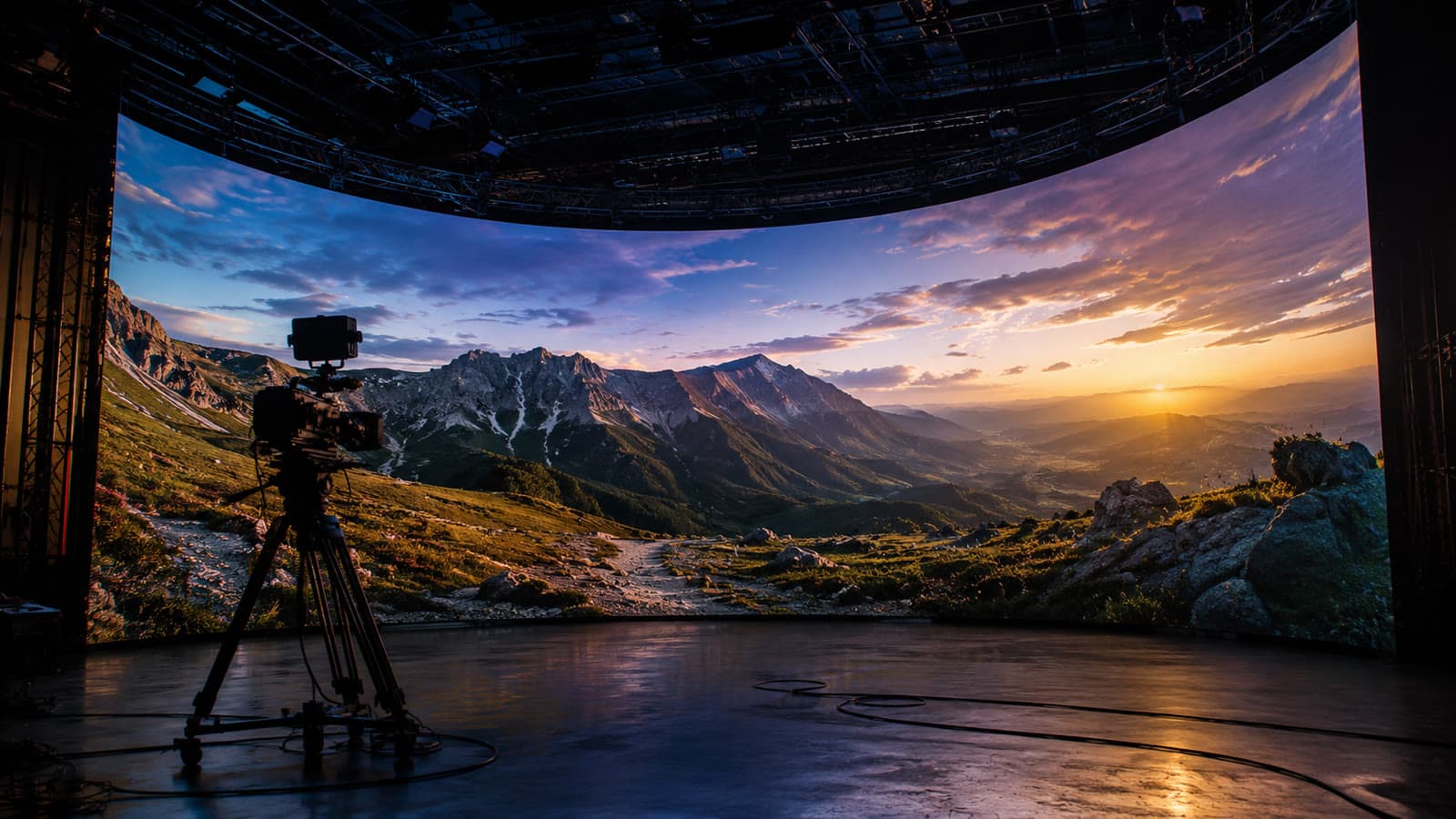
The key idea: a blockbuster isn't “just the computer” — it's a jigsaw of real + digital layers assembled with great care.
Want to see it with your own eyes? These are official breakdowns from the VFX studios themselves(YouTube videos, from the official channels) — green screen and layers becoming the final scene. Click to watch:
4. Real before-and-afters (made by HEY JOE)
Up top you saw the montage; now look at it piece by piece. These are videos edited by HEY JOE itself(Sarah de Araújo's channel). Drag the slider to compare the raw footage (what came out of the camera) with the final result:
Notice: the “before” is a plain shot; the “after” gains a setting, elements and finish — the same layer logic as the blockbusters, applied to a creator's video. There are more than 20 before-and-afters on our homepage.
5. The secret: shoot with the effect in mind (forget “fix it in post”)
This is the secret that separates the amateur from the pro: the effect starts at the shoot, not in the edit. Planning the effect BEFORE you shoot — together with whoever's going to edit — makes the effect easier to make and far better than shooting any old way and trying to save it later.
- Talk to whoever's editing BEFORE you shoot — line up the effect before you turn the camera on. Then you shoot it the way they need it — right light, right framing, room for the element to drop in. It comes out clean and saves hours: a 5-minute decision on set is worth hours in post.
- “Fix it in post” is a set joke — it's the line editors dread (and mock) most — “the five most frightening words on a set.” And some things DON'T come back: bad focus, a shaky image and green spill on the skin can be impossible to fix. “Garbage in, garbage out.”
- Planning ≠ punting — planning a shot to improve it in post is creative vision; tossing the problem to post is negligence. Both say “in post” — but they're opposites.
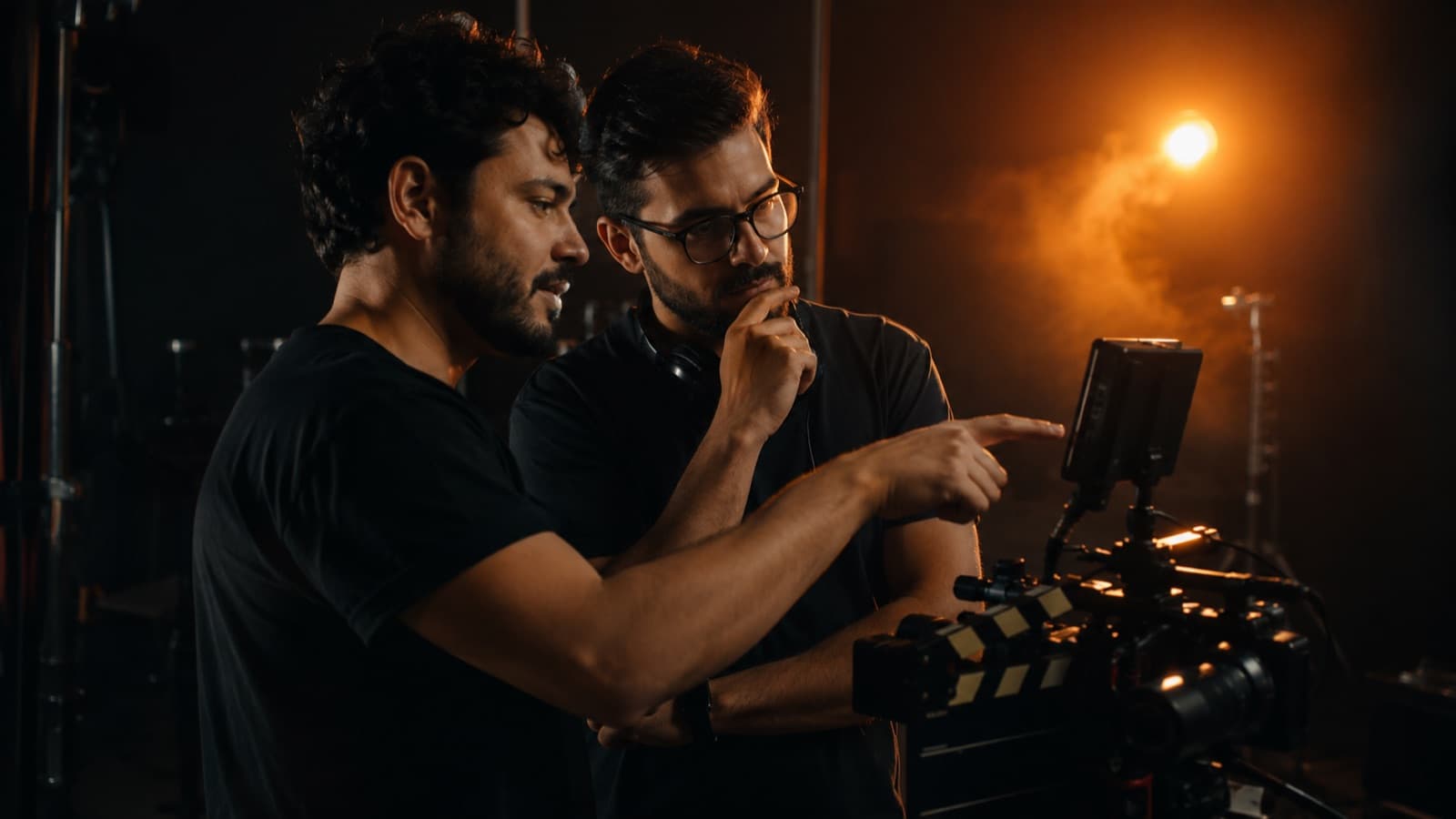
In practice, this is won in the lighting, the framing and a well-set green screen (see chroma key).
- 🇧🇷 “arruma na pós”, “deixa pra pós,” “conserta na edição”
- 🇺🇸 “we'll fix it in post” — “the five most frightening words on a set”
- 🇪🇸 “se arregla en post” — called “the phrase post-production folks hate most”
6. The flip: VFX YOU make cheap (or free)
The same Marvel layer logic became drag-and-drop. You need a free app and ready-made “bits and pieces”:

- On your phone — CapCut (free) — removes the background (even without a green screen) and lets you drop fire, explosions, smoke and glints on top. Available in English, on Android and iPhone.
- On a laptop — DaVinci Resolve (free) — has the Fusion module built just for VFX; the “Merge” node = stack background + foreground (the heart of compositing).
- AI cutout (no green screen) — the new wave: DaVinci's Magic Mask and CapCut's auto-cutout use AI to separate you from the background with no green screen at all. It helps a lot — just check the edges (hair is the acid test).
- Ready-made “bits” (stock VFX) — fire/smoke/explosion clips on a black background (or already cut out) that you lay on top with the “screen” blend mode.
7. Practical effects × CGI (and why a good film mixes them)
- Practical anchors, digital completes — a practical effect is what's real in front of the camera (a costume, makeup, a miniature, a controlled explosion) — it carries the “weight of reality.” The digital does the impossible. A good film marries the two: the real lends credibility, the VFX completes.
- The lesson for creators — shoot AS MUCH as you can for real (a real object, real light) and use VFX only to complete — it's more convincing and means less work for the computer.

8. Common mistakes that ruin the effect
- Forgetting the SOUND — sound sells the effect. A “whoosh,” an impact, a crack is what makes the brain believe — a silent effect looks fake. (See the #1 audio mistake.)
- Too much effect tires the eye — VFX is seasoning, not the main dish. A glint and a particle on every cut becomes visual clutter — use it where it has a purpose.
- Thinking VFX saves a bad script — no effect carries a video with no story and no cut that breathes. Content first (see editing fundamentals), shine second.
- A badly lit chroma — a blotchy or shadowed green = a dirty cutout, almost impossible to save. The green-screen lighting is won at the shoot (see chroma key).
Quick questions
Do I need a green screen to make a special effect?
Not necessarily. Apps like CapCut remove the background even without a green screen. But a well-lit green screen (and one you stand well away from) gives a much cleaner cutout — the result is won at the shoot.
Can I make special effects on my phone?
You can. In CapCut (free) you remove the background and drop fire, explosions, smoke and glints on top. On a laptop, DaVinci Resolve (free) has the Fusion module built just for this.
Which is better: a practical effect or CGI?
Both together. A practical base (real, in front of the camera) anchors the scene in realism, and CGI completes the impossible. A good film mixes them.
Can I 'fix it in post' something I shot wrong?
Sometimes — but planning the effect at the shoot is cheaper, faster, and sometimes the only way. Bad focus, a shaky image and green spill on the skin can be impossible to fix later.
Sources
- StudioBinder — What is Compositing — the concept of stacking layers.
- VFX Voice — Game of Thrones VFX Moments — how the show's effects were made.
- Collider — The Mandalorian Visual Effects — the LED wall (The Volume) explained.
- StudioBinder — Green Screen Lighting — how to light the chroma for a clean cutout (at the shoot).
- Videomaker — Shoot for the Edit — planning the shot with the edit in mind.
- The Black and Blue — Fix It in Post — why “fix it in post” is a red flag on set.
Effects, compositing and color are part of what HEY JOE does in the edit — from the simple to the elaborate, and the result pays off even more when you shoot with the effect already in mind. See also green screen (chroma key), framing and composition and color and grading.