Grow on YouTube
Thumbnail and title: what makes someone click
You can have the best video in the world — but if no one clicks, no one sees it. The thumbnail and title are your video's “packaging”: it's what YouTube shows first and what decides whether the person opens it or scrolls on by.
~9 min read
1. The “packaging” decides the click (CTR)
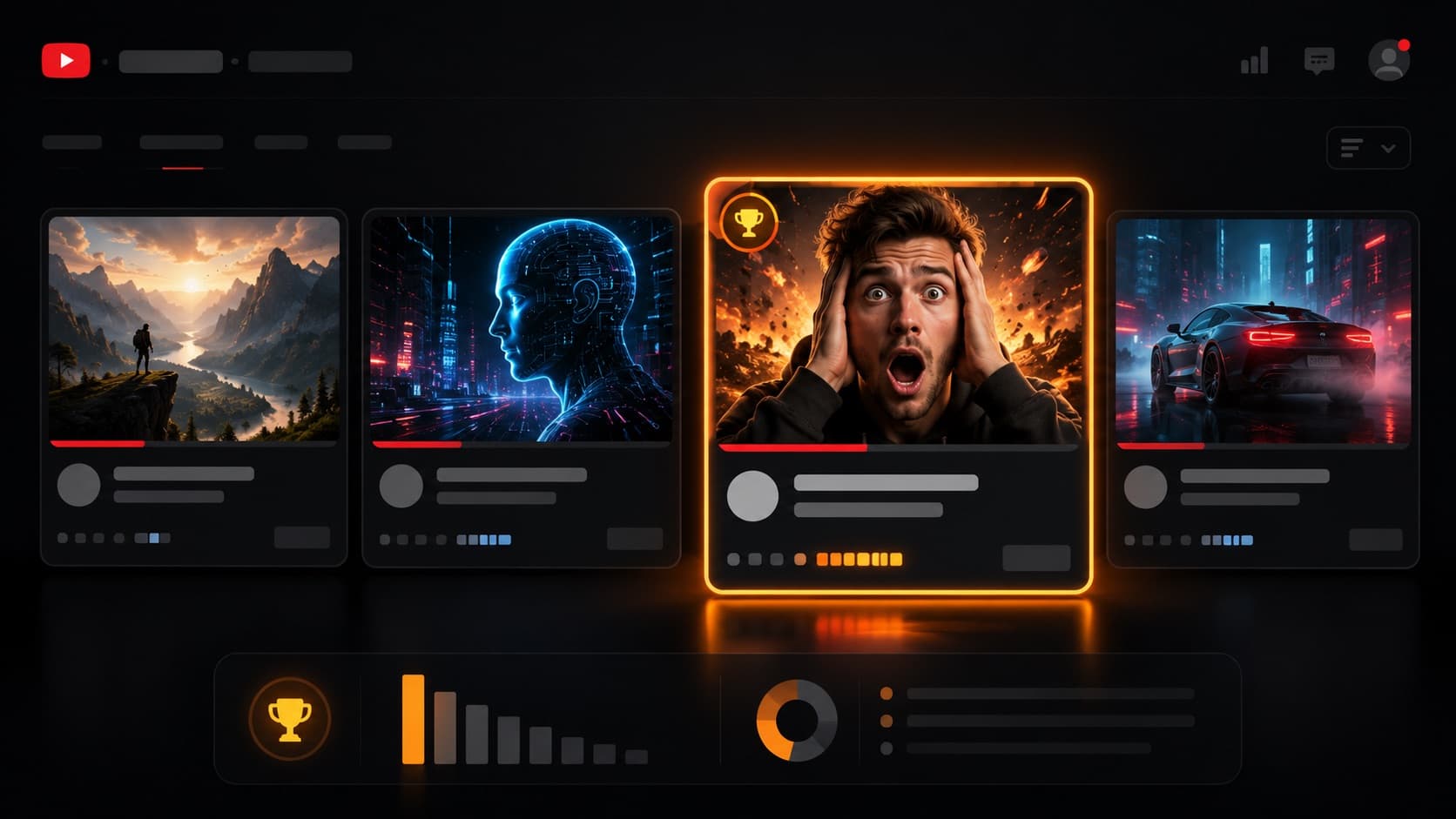
YouTube shows your thumbnail and title millions of times — those are the impressions. The fraction of people who actually click is the CTR (click-through rate): the thermometer of how appealing your packaging is. It's no small thing — a custom thumbnail is practically the rule among the best-performing videos (a figure YouTube cites often), not the auto-generated frame.
For perspective, YouTube says half of all channels have a CTR between 2% and 10% — but there's no “right” number: always compare against your own videos. And remember: a good thumbnail brings the click, but it's retention that holds whoever came in — the two go hand in hand.
2. The thumbnail is the storefront
Amid hundreds of videos, the thumbnail has less than a second to grab attention — almost always in a space the size of a thumb, on a phone. That's why clarity beats cleverness: a simple, strong image beats one crammed with information.
- Face and emotion — faces with expression (surprise, joy, doubt) pull the eye like nothing else — it's the same on-camera presence that holds in the video.
- Short, legible text — 3 to 4 words at most, an easy-to-read font. If you can't read it on a phone, it doesn't work.
- The rule of thirds — an official YouTube tip: place the main point off-center — it's the same logic as framing and composition.
- Contrast and color — vivid colors that stand out from the background and the feed. Good light on the face and graded color already deliver half the contrast. Without the clutter: nothing too complex.
- A clear, honest promise — the image has to say, in an instant, what the person gets — without misleading. A misleading thumbnail is against YouTube's rules: it can earn a warning and even a strike on the channel.
- Size and format — use 16:9 and at least 1280×720 — and the bigger the better (YouTube accepts up to 4K). JPG or PNG. Refresh old thumbnails every so often.

3. The title works alongside it
The thumbnail and title are partners: one completes the other, it doesn't repeat. If the thumbnail shows the emotion, the title delivers the promise. YouTube's official recommendations:
- Be accurate — the title has to genuinely represent the video — clickbait wins the click, but with little watch time YouTube throttles the delivery (the same logic as retention) — and trust goes with it.
- Be concise — the end of the title gets cut off on a phone; put the keyword and the benefit in the first ~50-60 characters.
- Number and brand at the end — “#12” and the channel name go at the end, not up front.
- Easy on the ALL CAPS and emoji — use them sparingly, only to emphasize emotion.
- Two types that work — the “searchable” one (for people looking up a topic) and the “curiosity” one (that sparks a question).

4. For subscribers, or for people who don't know you?
YouTube suggests thinking about who will see it. For subscribers, it's worth highlighting what's familiar (a character, your face, your brand). For people who don't know you yet, focus on universal emotions and actions — a stunned face communicates instantly, with no need to know the channel.
5. When in doubt, test and compare
YouTube Studio itself lets you test up to three thumbnails (or titles) on the same video — it's the “Test & Compare” (A/B) feature. Note one important thing: it picks the option that generates the most watch time, NOT the most clicks. In other words, it rewards the thumbnail that brings the click and holds whoever clicked (the same anti-clickbait logic). Instead of guessing, let the audience decide.
And track the CTR in the first 24 hours, splitting out where the clicks came from — Home, Suggested and Subscriptions (the three main traffic sources in Analytics).
6. Consistency builds a brand
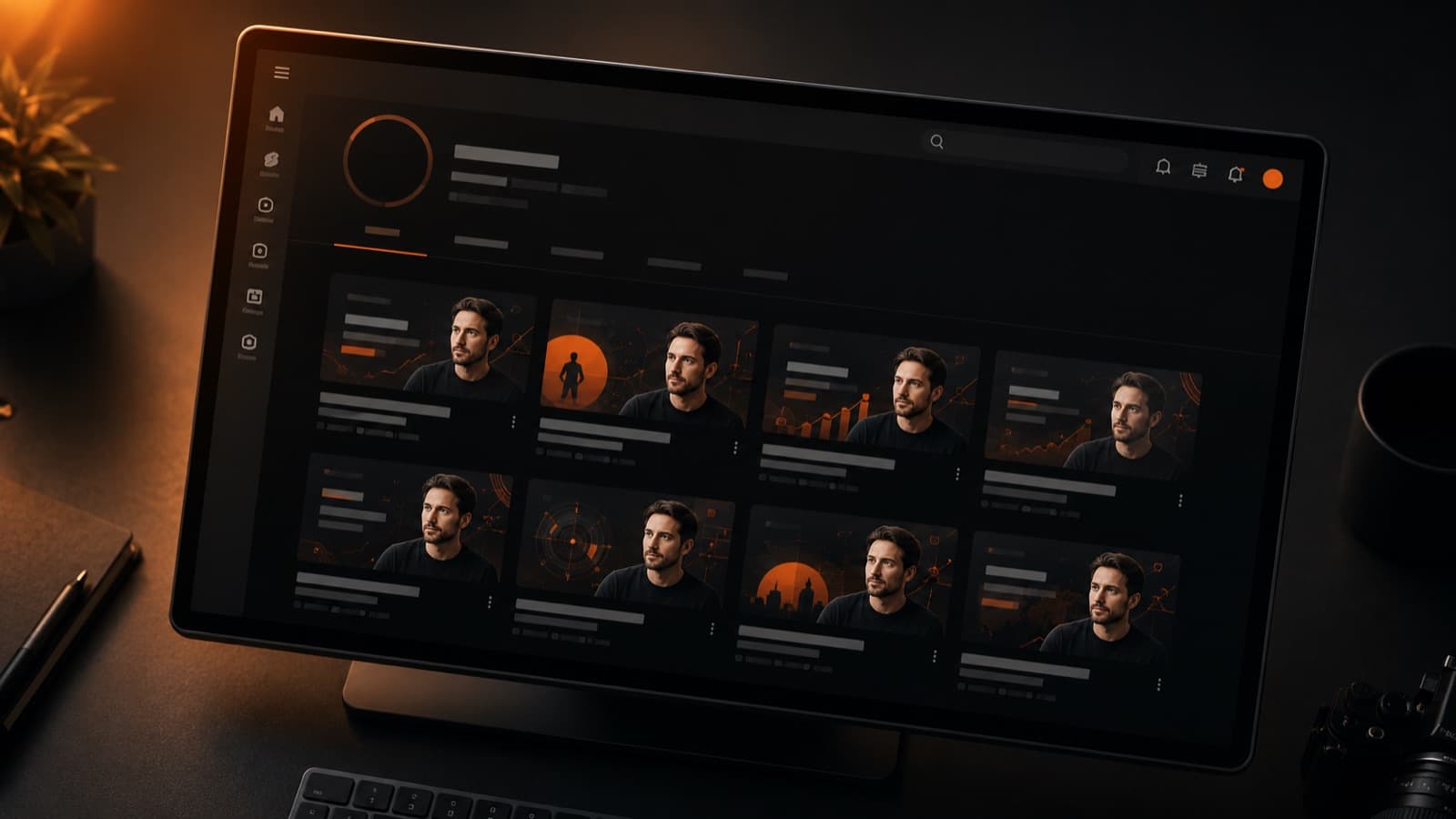
A recognizable visual style across your thumbnails (same font, same palette, same feel) makes the audience spot your channel at a glance in the feed. It's what separates a pile of videos from a channel that looks like a brand. A simple way to keep it up: build a template in Canva or PowerPoint with your font and colors, and apply it to every new thumbnail.
7. The thumbnail brings the click — the video holds it
A strong thumbnail and a sharp title get the person to click — but the best packaging in the world won't save a video that doesn't hold. The thumbnail brings the click; what holds whoever came in (and what the algorithm rewards most) is the video: pacing, cuts, audio, the hook, retention. The packaging is on you — this guide gives you the path. The part of turning your footage into a video that holds is what HEY JOE does, video after video — the same care as someone who looks after your editing.
Official sources
- Thumbnail and title tips — YouTube's official thumbnail and title recommendations.
- Impressions and click-through rate (CTR) — what each metric means and the clickbait signal (high CTR + little watch time).
- Test & Compare titles and thumbnails — the official A/B test — winner decided by watch time.
- Add custom thumbnails — the official thumbnail size, ratio and format (16:9, up to 4K, JPG/PNG).
- YouTube thumbnail policy — misleading thumbnails break the rules — a warning and even a strike.
Quick questions
What's a good CTR (click-through rate) on YouTube?
There's no “right” number. YouTube itself says half of all channels sit between 2% and 10% CTR — but what matters is comparing against YOUR own videos, not another niche's average. A low CTR can mean a weak thumbnail; a high CTR with little watch time is a sign of clickbait, and YouTube throttles the delivery. Always look at CTR and retention together.
What's the ideal size and format for a thumbnail?
Use a 16:9 aspect ratio and at least 1280×720 pixels — the bigger the better (YouTube accepts up to 4K). Save it as JPG or PNG, under the platform's file-size limit. Design it for the phone: most people see your thumbnail at the size of a thumb, so 3 to 4 big, legible words beat a design crammed with detail.
Can a misleading thumbnail hurt the channel?
It can. A thumbnail or title that promises something the video doesn't deliver violates YouTube's policy and can earn a warning and even a strike. Beyond the rule, the math is against it: clickbait wins the click, but people leave fast — and a high CTR with little watch time makes the algorithm DELIVER the video less. An honest promise pays off more in the long run.
How many words should I put on the thumbnail?
3 to 4 words at most, in a big, easy-to-read font. The thumbnail has less than a second to grab attention in a tiny space in the phone feed — if you can't read the text after shrinking the image down to a nail's size, your audience won't be able to either. Clarity beats cleverness.
Should the thumbnail and title say the same thing?
No — they work together without repeating. The thumbnail shows the emotion and the visual promise; the title rounds it out with the information or the question. If the thumbnail already shows a stunned face, the title doesn't need to say “surprising” — it can deliver the context or spark the curiosity. One completes the other.
Can I test which thumbnail works best?
Yes. YouTube Studio has the “Test & Compare” feature, which runs up to three thumbnails (or titles) on the same video and picks the winner. One important detail: it rewards the option that generates the most watch time, NOT the one with the most clicks — meaning the thumbnail that gets the click AND holds whoever came in. Instead of guessing, let the audience decide.
Is it worth paying someone to make my thumbnails?
It makes sense when the thumbnail has become a bottleneck: you know it decides the click, but you don't have the time or the design eye to nail it. Then a thumbnail designer can take that part on — it's a craft of its own, separate from editing the video. Just don't forget the math: the thumbnail brings the click, but it's the video that holds whoever came in. Investing in both is what really grows the channel.
The thumbnail and title bring the click — but it's retention that holds whoever came in. The packaging is on you; the part of turning your footage into a video that grips is what HEY JOE does, video after video.