Grow on YouTube
How to set up a channel that converts: the storefront that decides in seconds
Before watching a single video, a visitor glances at your channel and decides, in seconds, whether you're serious. The banner, the photo, the trailer, and how the page is laid out are that verdict — the storefront. Building it well is what turns a curious visit into a subscriber, and a subscriber into a client.
~9 min read
1. The pieces of the storefront (and the specs that matter)
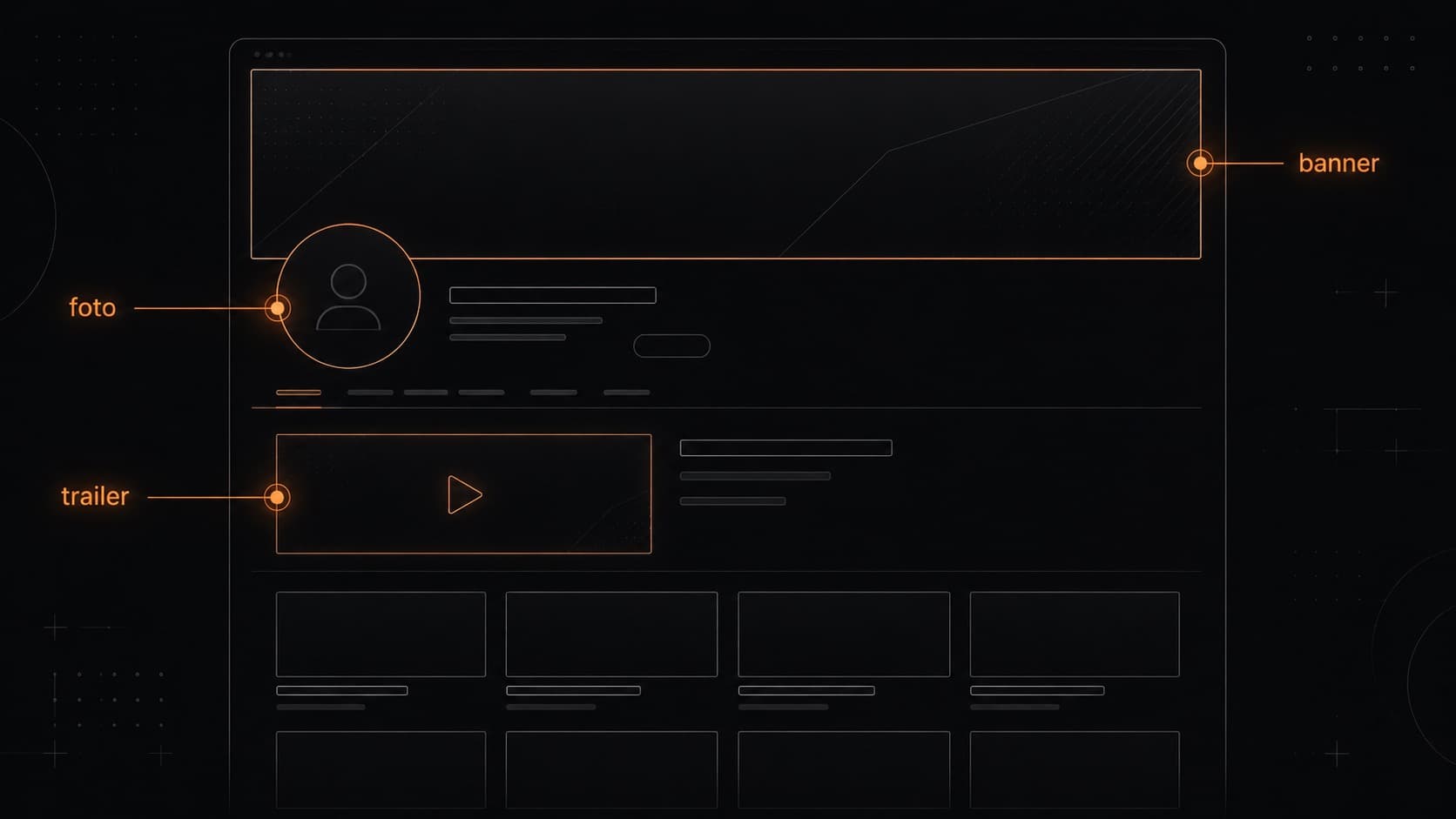
- @handle — is your URL (youtube.com/@name), since 2023. You can change your name/handle 2× every 14 days. Use the same handle across every platform.
- Profile photo — renders at 98×98 px and shows up everywhere (the channel, comments, the corner of the video). A symbol that's legible at tiny size beats a detailed portrait.
- Banner — upload it at 2560×1440 px (minimum 2048×1152, 16:9, up to 6 MB). Since each device shows a different slice, keep your logo and text in the safe center — the area guaranteed to appear on EVERY device (from TV to phone) is the central strip of ~1235×338 px. The artwork fills it all; the message lives in that core.
- Trailer and featured video — two distinct slots (section 2) — the page's biggest conversion lever.
2. Trailer vs. featured video: two audiences, two slots
This is the highest-converting point and the most overlooked. They're two different videos for two moments:
- Channel trailer (non-subscribers) — your welcome pitch — it shows up only for people who aren't subscribed yet. Simple arc: who you are → what the channel delivers → a highlight → the invitation to subscribe. It tends to work well between 30–45s.
- Featured video / Spotlight (returning subscribers) — usually your most recent or best video — it re-engages the people already following you.
- A detail — once someone watches it, that video won't reappear for them. And by default there are no ads on the trailer. Set the two up separately under Customization → Home tab.
The trailer's hook follows the same bar as any video — it's in the guide to holding the first few seconds.
3. Description, links, and contact
- The first 100–150 characters — are what YouTube shows in search results next to the channel. Say there who you are, who it's for, and what you deliver.
- Link #1 is precious — you can have up to 14 links, but only the first appears highlighted near Subscribe. For a business, it points to your site/portfolio/quote page — not to a secondary network.
- Contact — fill in your business email (Customization → Profile). It's how a brand finds you to close a deal.
4. Organization: the visitor has to “get” the channel in seconds
On the Home tab you can create up to 12 sections and organize playlists. The goal isn't to cram it full — it's to guide: a “start here” shelf, series grouped by theme, the trailer up top. Cohesive playlists (3–10 videos with intent) become another surface that shows up in search and increase session time. A navigable channel signals professionalism before the first play.
5. A coherent identity: thumbnails as a system
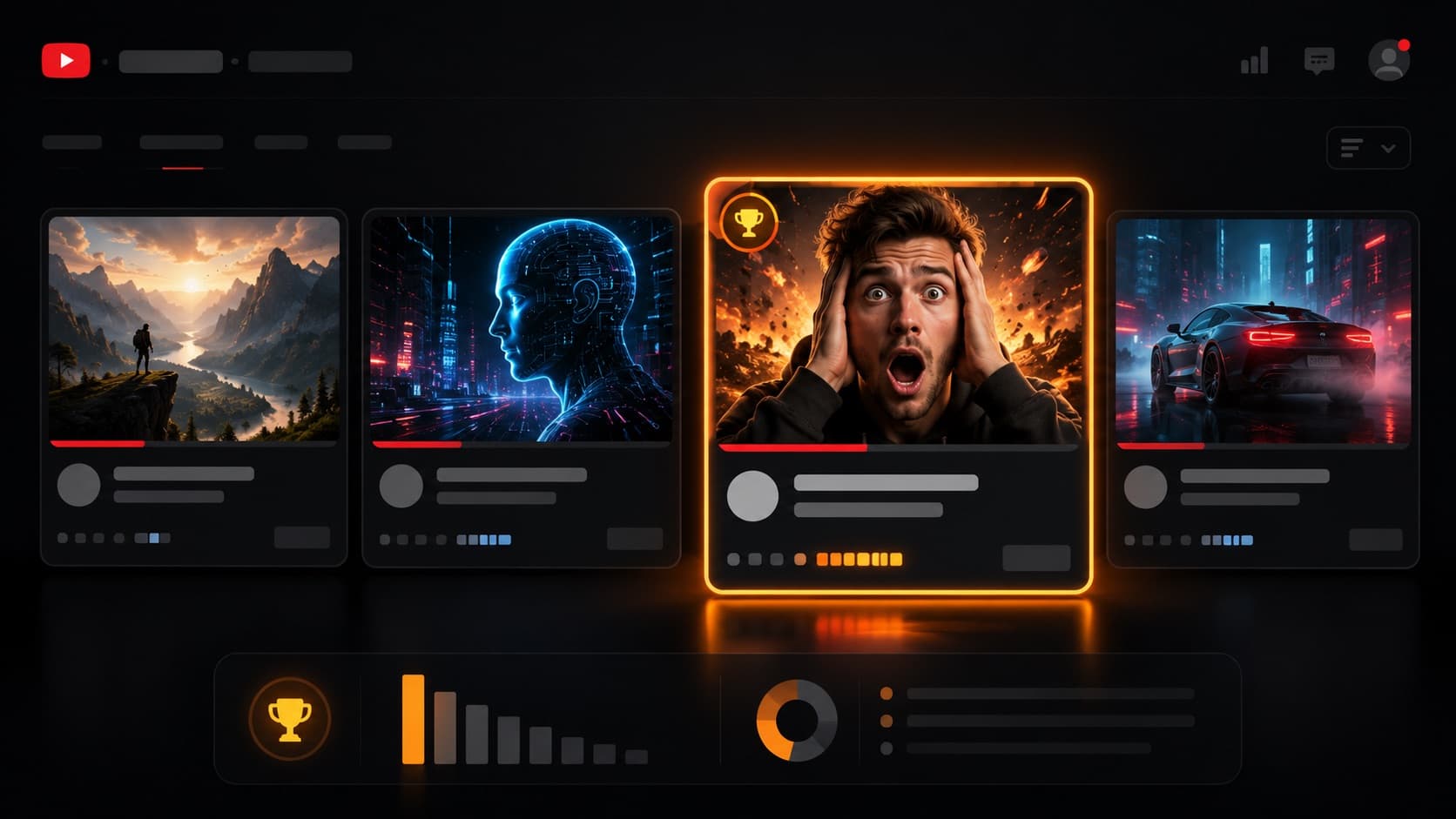
Thumbnails and titles aren't loose pieces — they're a recurring visual system (palette, typography, where the face sits, tone). When a visitor scrolls your grid and recognizes a pattern, the brain “reads” the brand before it reads the words — and that lifts the click and the subscribe. The banner, the photo, and the thumbnails should rhyme. The craft of each thumbnail is in the guide to thumbnail and title.
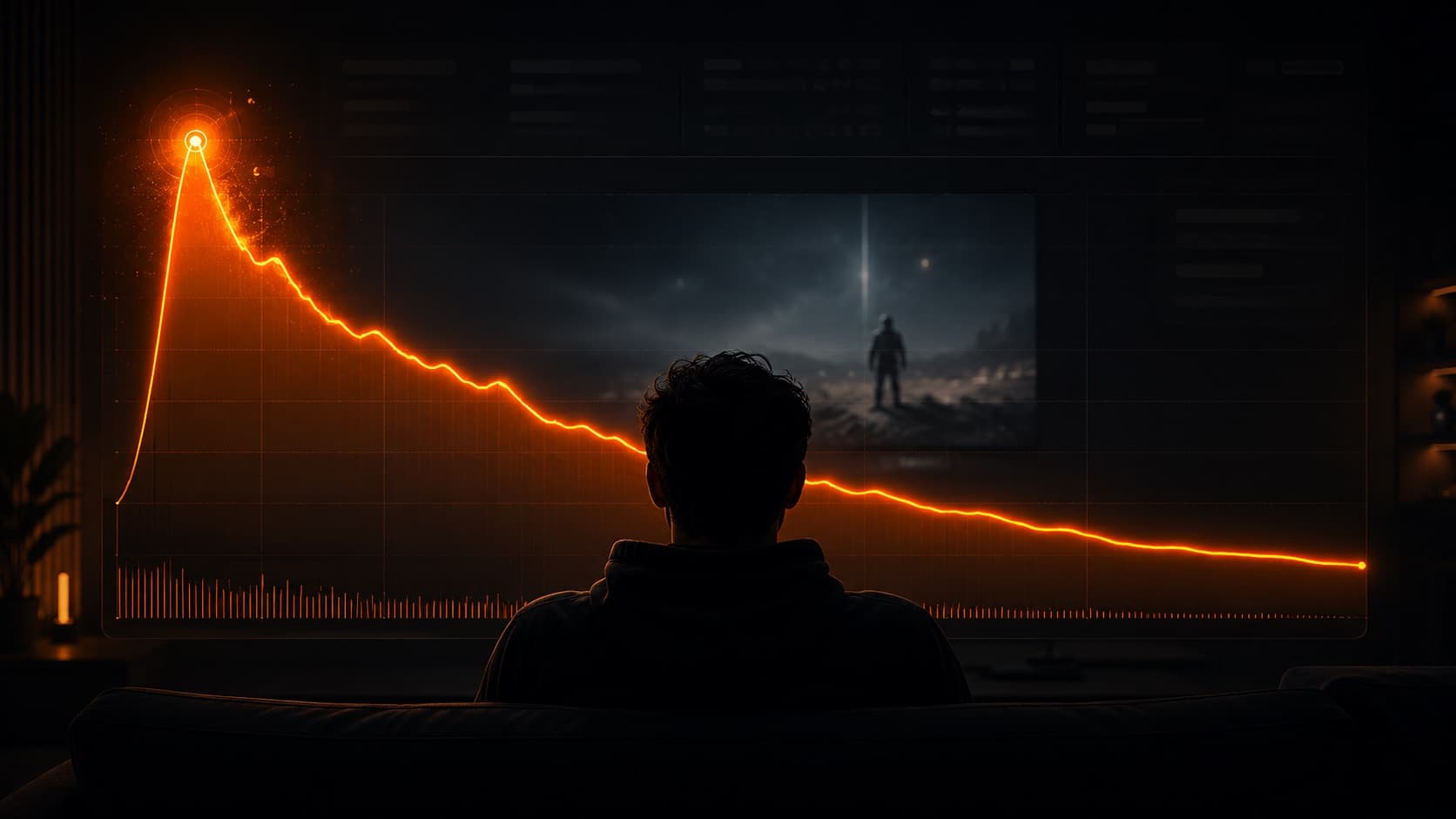
6. The first impression happens in seconds
7. The trick of the trade: what fills the storefront is video
The storefront has two fronts. The static art — banner, photo, the thumbnail system — is design, and that's on you (or a designer). And the videos it shows: the trailer with an edited hook (cutting, pacing, music, captions), the intro/outro, the lower thirds, and the brand finish on every video. It's that video part, done with coherence, that separates an amateur channel from a brand that wins the “subscribe” in the first second.
And it's exactly that part — the trailer and the videos that fill your storefront, to the same standard — that HEY JOE delivers: turning a generic channel into a storefront that converts a visit into a subscriber, and a subscriber into a client.
Quick questions
What's the right size for a channel banner?
Upload it at 2560×1440 px (minimum 2048×1152, 16:9 ratio, up to 6 MB) and keep your logo and text inside the safe central area. YouTube displays the banner differently per device (TV shows the whole thing, phones show only the central strip of ~1235×338 px — the zone guaranteed to appear on every device). The practical rule: artwork fills the full 2560×1440, the important message lives in that 1235×338 core. The profile photo renders at 98×98 px, so a symbol that's legible at tiny size beats a detail-packed portrait.
Are the channel trailer and the featured video the same thing?
No — they're two different slots, for two audiences. The trailer appears for people who are NOT subscribed (it's your welcome pitch); the featured video (Spotlight) appears for returning subscribers (usually your most recent or best video). Setting up the two separately is one of the biggest conversion levers on the channel page.
Do I need a custom URL? How does the @handle work?
Since 2023 the @handle IS your channel's URL (youtube.com/@yourname) — there's no longer that old 100-subscriber requirement. You can change your name and handle up to 2 times every 14 days. Use the same @handle across every platform to make you easy to find and remember.
Where do the links live now?
Links moved off the top of the banner (a 2023 change). Today you can have up to 14 links on the Home tab, and the first one appears highlighted near the Subscribe button. That's why link #1 is precious: for a business, it points to your site/portfolio/quote page, not to a secondary social profile.
Do I need the verified badge?
To apply, you currently need 100,000 subscribers (plus a complete profile and 2-step verification). But heads-up: the badge does NOT give you reach, features, or an endorsement — it only signals authenticity and sets you apart from channels with similar names. It's not a prerequisite for growth. One useful detail: changing your channel NAME removes the badge (you have to reapply); changing just the @handle doesn't.
What makes a visitor subscribe within seconds?
The channel has to communicate three things immediately: who it's for, what the person gets, and how often. If the banner, the trailer, and the first videos don't answer that in seconds, the visitor leaves. Visual coherence (a banner + photo + thumbnails that “rhyme”) lowers the mental effort and speeds up the decision.
Sources
- Customize your channel: photo, banner, watermark (YouTube Help) — official px and file specs.
- Channel layout: sections, trailer, and featured (YouTube Help) — trailer (non-subscribers) vs. Spotlight (subscribers).
- Edit your profile: name, handle, links, contact (YouTube Help) — up to 14 links, with #1 highlighted.
- Channel verification badge (YouTube Help) — requirements and what the badge does NOT give you.
The storefront is the first sentence your channel speaks — and it has to say “I'm serious” in seconds. The static art (banner, photo, the thumbnail system) and the channel SEO are on you; the part that's video — the channel trailer, the intro, and the brand finish on every delivery — is on HEY JOE. The channel trailer is your brand video — it follows the same logic as a brand video or VSL.