Grow on YouTube
Dubbing and subtitles: how your video reaches the world
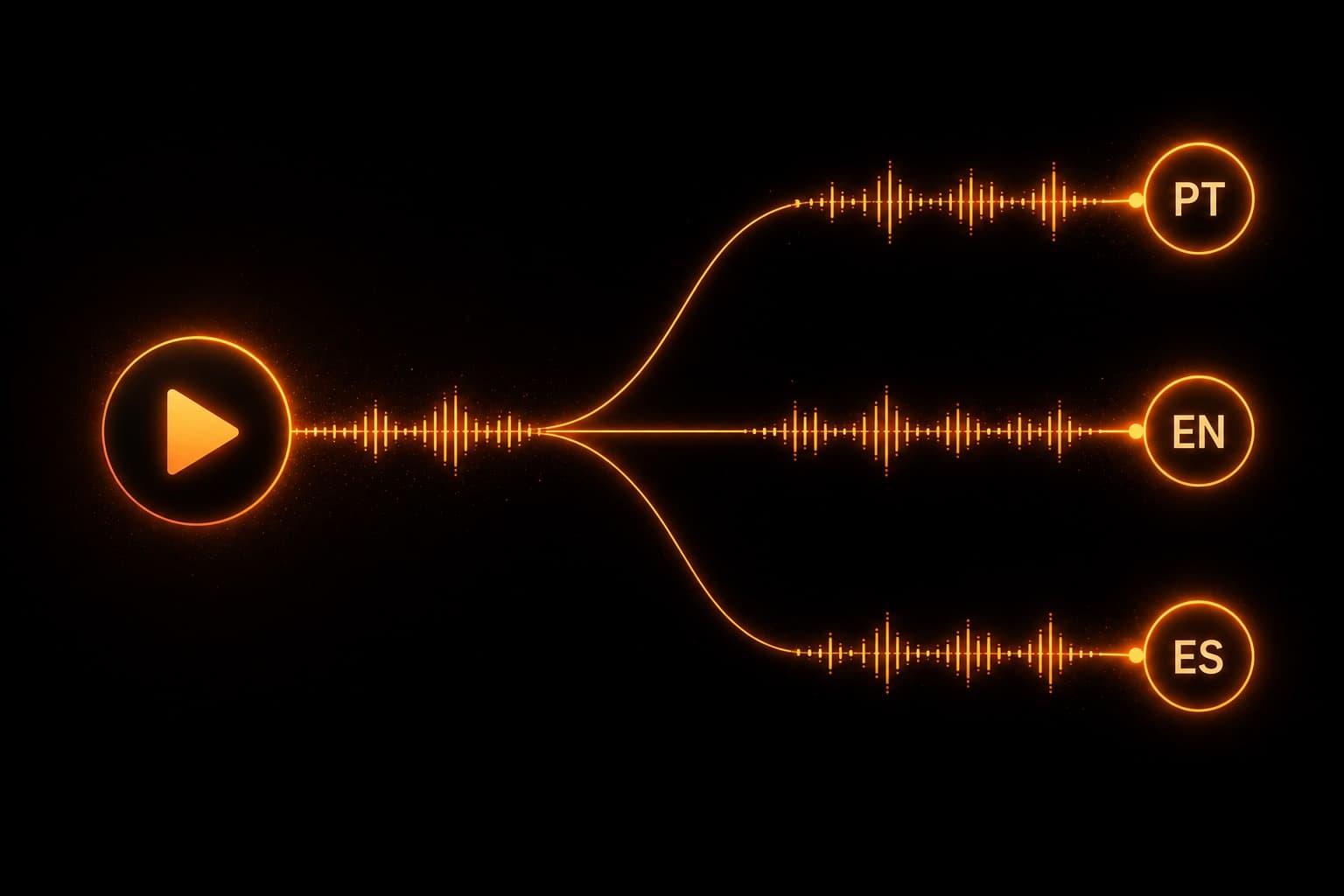
This may be YouTube's biggest recent shift for anyone who wants to grow abroad: a video recorded in one language can be watched natively in several others — with subtitles, a translated title, and even AI dubbing in a voice that mirrors your tone (and between Portuguese, English and Spanish the support is among the best). And here's the part few people know: a good chunk of this is automatic and free. What decides the result is how you prep the material.
~11 min read
1. These are THREE different things (almost everyone mixes them up)
Before anything else, separate the three mechanisms — they stack, they don't compete. A video can have all three:
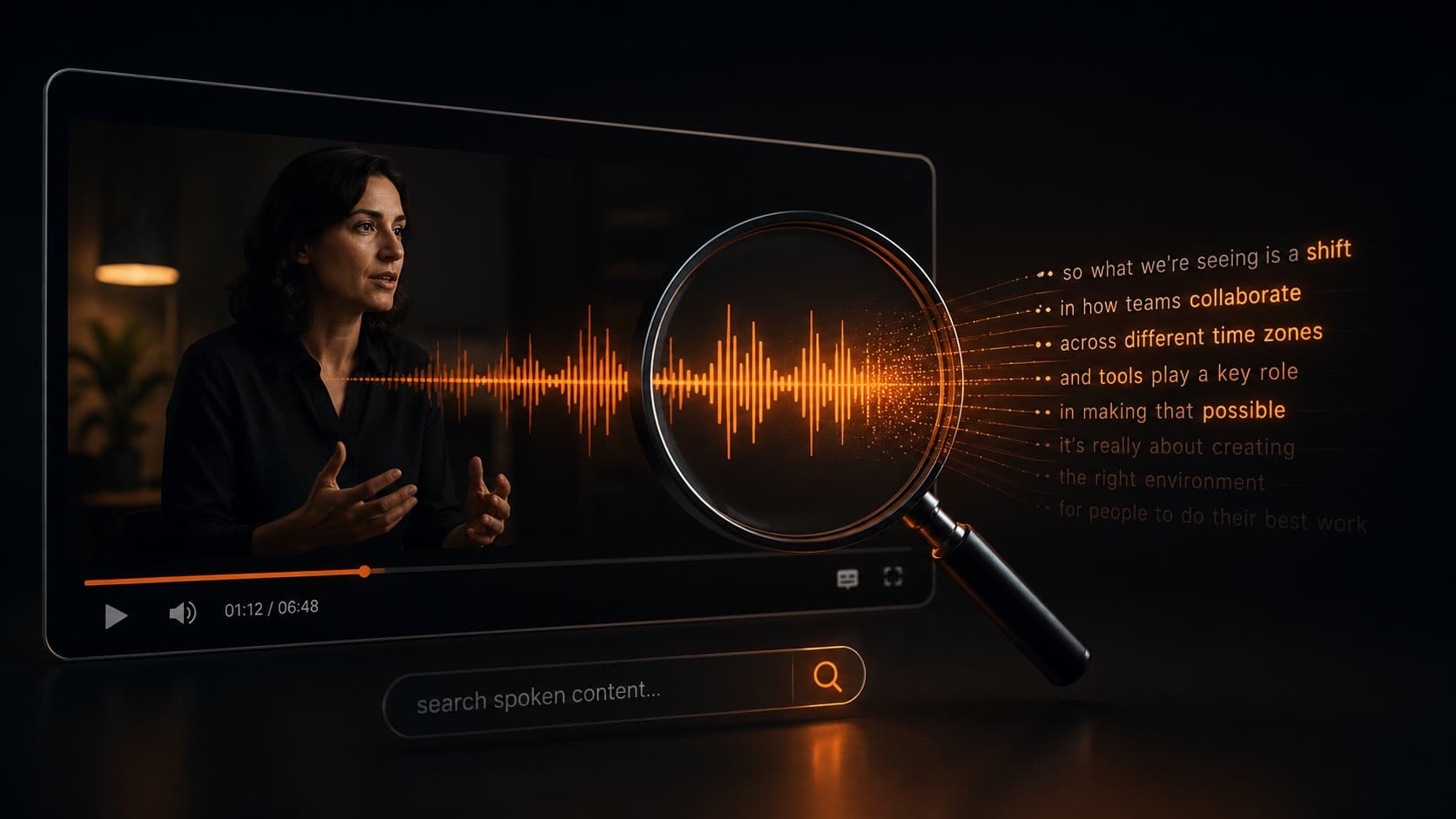
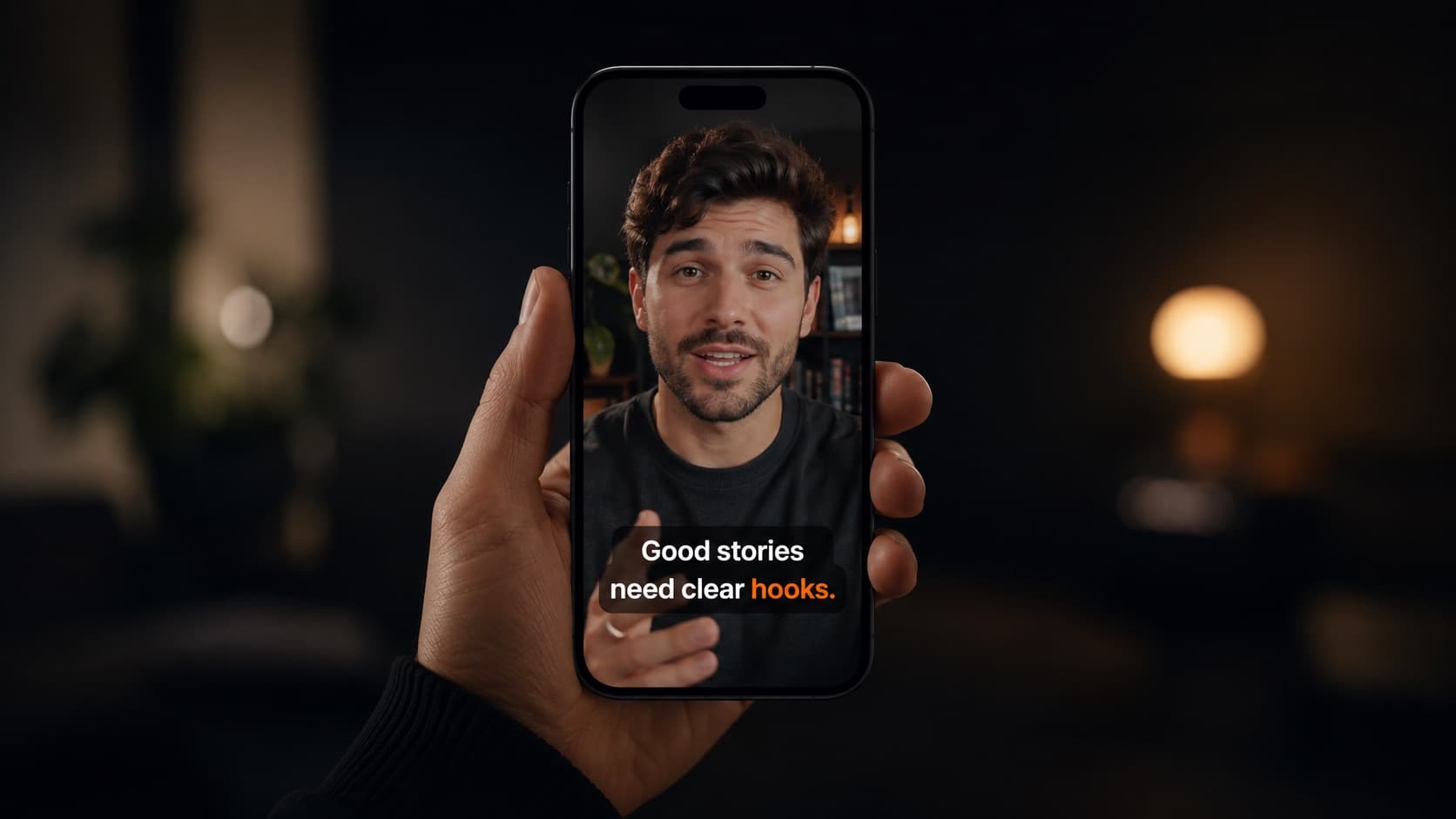
- Subtitles (text on screen) — automatic (YouTube transcribes your speech), uploaded by you (an .srt file), or translated into several languages. The viewer turns them on/picks them in the player.
- Translated title and description — you manually write one version per language. It's what gets the video FOUND when someone searches in that language — the lever of international discovery.
- Dubbed audio — an audio track spoken in another language. Here there are two flavors people often confuse (sections 2 and 4): the one the AI generates on its own, and the one you upload yourself.
How translated titles/descriptions pull search in another language is in the guide on YouTube SEO; the craft of subtitling well is in subtitles.
2. AI dubbing is already turned ON
AI auto-dubbing is done by YouTube itself — it's not an outside app or service. It's automatic and on by default for eligible channels: you don't need to turn it on; if you don't want it, you turn it off. On a normal upload there's nothing special to do — YouTube detects the video's language and creates the versions in other languages.
- Where to turn it on/off — Studio (desktop) → Settings → Channel → Advanced settings → “Allow auto-dubbing.”
- You can review first — check “review dubs before publishing” and approve or reject track by track (language by language) in desktop Studio.
- But you don't edit word by word — the control is to approve/reject the whole track — you can't fix a specific line of the automatic dub.
- Your original audio never disappears — it becomes a selectable track; the video gets an “auto-dubbed” label. Older videos can also be dubbed over time.
3. How to prep the material so it works
There's no mandatory special step — and, importantly: you can't hand the AI a separate dialogue track. It works on the video's already-mixed audio. So the dub's quality depends entirely on how your audio was recorded and edited:
- Clean, clear speech — background noise is cited by YouTube itself as a cause of dub errors. It's the #1 factor under your control.
- Music/noise under the voice hurts — dominant music can even make the video ineligible (a filter detects it and won't dub, to preserve authenticity).
- A calm pace, one speaker at a time — speech that's too fast produces a rushed, bad dub; overlapping voices break even the auto-captions.
- The #1 official step — setting the correct SOURCE language on upload. If it's wrong, detection and the dub come out off.
4. Two different dubs: YouTube's (AI) vs. your own track
- Auto-dubbing — YouTube generates it — done by YouTube itself, inside the platform: free, automatic, fast, with “Expressive Speech” mirroring your tone in PT and ES. Great for broad reach, but you don't control the mix or fix lines.
- Your own track — produced OUTSIDE, sent to YouTube — studio quality: the dub is made elsewhere — with an AI tool like ElevenLabs (or a human voice actor) — and you upload the finished file through the multi-language audio track, with music and effects preserved. Full control of the mix — the route when the client wants the best.
- When to use each — YouTube's to scale for free; your own track for flagship videos, where the dubbed mix has to be flawless.
5. Languages, honest quality, and the viewer's experience
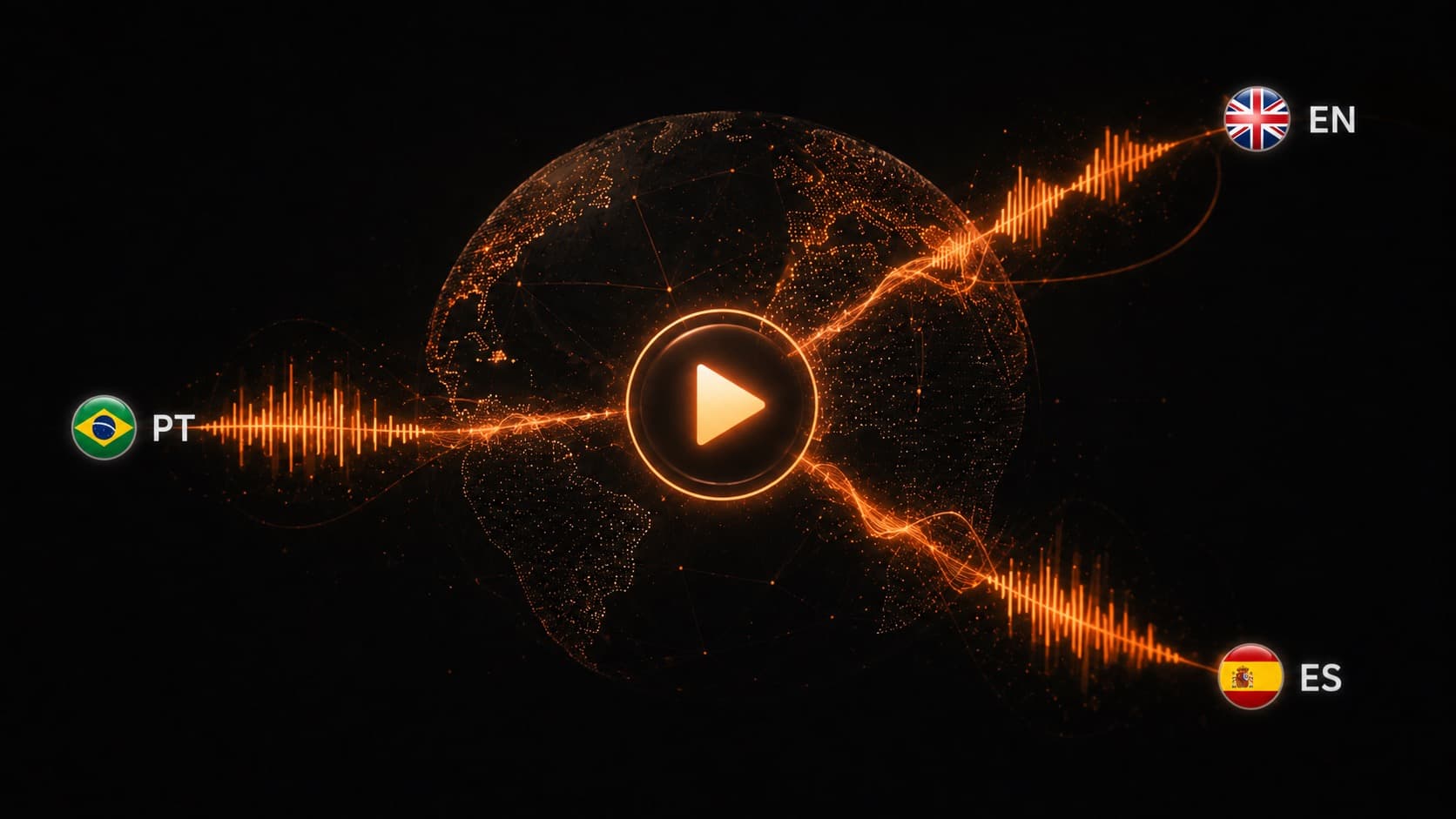
- Coverage — 27 languages announced; PT, EN and ES confirmed. The catalog is organized around English (language X → English, and English → language Y); the direct PT→ES pair, without passing through English, isn't yet officially confirmed by YouTube. “Expressive Speech” (the voice that mirrors tone/energy) covers 8 languages, including Portuguese and Spanish.
- Honesty — YouTube admits the AI “isn't always perfect” and that quality varies by language. That's why the “auto-dubbed” label exists — and why human review makes a difference.
- The viewer — switches the audio track in the player's gear menu; YouTube picks the default language from the person's preferred languages. Anyone on the video's original language hears your real voice; anyone in another market may get the version dubbed into that language.
- The proof — creators with multi-language tracks saw more than 25% of watch time come from the non-original language; Jamie Oliver's channel tripled its views. Analytics shows views and time by language.
6. The trick of the trade: YouTube dubs whatever you give it
Put the pieces together: YouTube does the dubbing and the captions for free, but the quality depends entirely on the audio you hand over — and there's no technical shortcut for separating voice from music afterward. In other words: the competitive edge in international reach isn't in a hidden button, it's in the prep of the material.
That's exactly where HEY JOE comes in — on the part that's editing. In the edit, you can prep the spoken audio clean and separated: the isolated voice on one side, the music and effects on the other. That's the material that makes the dub sound good — with the isolated voice in hand, the version in another language comes out clean in an AI tool like ElevenLabs (or with a voice actor), and the preserved music and effects come back on top without the audio sounding “washed out.” And anyone going with YouTube's own auto-dub (for free) also depends on that same clean audio to sound good.
Publishing stays yours: you upload the video (or the already-dubbed track) with the correct source language and metadata in Studio.
Quick questions
Is YouTube's auto-dubbing really automatic, or do I have to turn it on?
It's ON by default for eligible channels — you don't turn it on, you turn it off if you don't want it (Studio → Settings → Channel → Advanced settings → “Allow auto-dubbing”). On a normal upload you don't have to do anything: YouTube detects the language and creates the versions. You can check “review before publishing” and approve/reject per language.
Do I need to prep the material in some special way before uploading?
For auto-dub there's no mandatory special step — and you can't hand the AI a separate dialogue track to dub: auto-dubbing works on the video's already-mixed audio. (Uploading your OWN dub, finished and complete, is a different thing — that's the multi-language audio feature, in section 4.) But quality depends heavily on the audio: clean speech, little noise/music under the voice, a calm pace, one speaker at a time. And the official step that matters most: setting the correct SOURCE language on upload. Audio edited well at the source is what decides a good dub.
Are subtitles and dubbing the same thing?
No. Subtitles are text on screen (in the original language or translated); dubbing is an audio track spoken in another language. They're separate and stackable features — a video can have subtitles, a translated title AND dubbing all at once.
Does AI dubbing erase my original audio?
No. The original becomes a selectable track — anyone who wants to can hear your real voice. Videos with auto-dubbing get an “auto-dubbed” label. And you don't edit the dub word by word: the control is to approve or reject the track per language before publishing.
Do Portuguese and Spanish work well?
Yes — PT and ES are among the 8 languages in “Expressive Speech,” the version that tries to mirror your tone and energy (instead of a robotic voice). YouTube still admits it isn't perfect and varies by language, but for PT/ES it's among the best supported.
What breaks auto-dubbing?
A video with no speech / music only (an automatic filter won't even dub it, to preserve authenticity), a wrong or unsupported source language, a video over 120 minutes, audio with Content ID, speech that's too fast, or several overlapping speakers (which throw off even the auto-captions).
How do I get studio-quality dubbing?
When you want full control of the mix, you use the custom audio-track feature (multi-language audio): you upload your own dub, with music and effects preserved — something YouTube's auto-dubbing doesn't allow. The dubbing itself is generated elsewhere (an AI tool like ElevenLabs, or a voice actor); what editing delivers is the input that makes the dub sound good: the isolated, clean voice, plus the music and effects kept separate so you can recombine them afterward.
Sources
- Auto-dubbing (YouTube Help) — on by default, languages, eligibility, review.
- Multi-language audio and translated title/description (YouTube Help) — your own track + per-language metadata.
- Auto-dubbing + Expressive Speech (YouTube blog, Feb 2026) — 27 languages, a voice that mirrors tone, Smart Filtering.
- Add subtitles and translated captions (YouTube Help) — .srt files and per-language tracks.
Reaching the world stopped being expensive — it became a matter of prepping the material the right way. While you take care of multilingual SEO and the subtitles, the part of delivering the spoken audio clean and separated — ready for AI (YouTube's or an outside one, like ElevenLabs) to dub well — is on HEY JOE. And reaching the world is also repurposing one recording into several pieces of content per platform.