Creator business
YouTube strikes & policies: how to keep your channel safe
The fear of “getting a strike” is usually bigger than the real risk — and that fear comes from not understanding the rules. The truth is the system was built to leave room for honest mistakes: a first violation is almost always a warning, not a sentence. What it won't forgive is the repeated pattern and bad faith. Understanding that calmly is what keeps your channel out of harm's way — without the paranoia.
~11 min read
1. There are TWO strike systems (and almost everyone mixes them up)
This is conceptual mistake #1: treating “strike” as one single thing. There are two independent systems, with different causes and even different “schools” (policy training in one case, Copyright School in the other) — and a channel can have both at the same time.
| Community Guidelines | Copyright | |
|---|---|---|
| What it punishes | prohibited conduct (spam, danger, hate…) | a legal removal requested by the rights owner |
| First time | WARNING (not a strike); expires in 90d with training | content removed + Copyright School |
| The ladder | 1st strike = 1 wk · 2nd = 2 wk no posting | each strike removes the content |
| Fatal | 3 strikes in 90 days = channel removed | 3 strikes in 90 days = account removed |
2. A Content ID claim ≠ a copyright strike (the mix-up that scares people most)
It's the confusion that causes the most needless panic — and, ironically, the one that most often pushes a creator to create a strike by reacting the wrong way.
- Content ID claim — automatic, triggered when the video matches something in YouTube's database (usually music). It is NOT a penalty and does NOT affect the channel — it generally just redirects that video's revenue to the owner.
- Copyright strike — a legal removal, punitive, counts toward the 3-in-90-days.
- The escalation trap — disputing a claim WITHOUT a real right invites the owner to file a legal removal — and that removal becomes a strike. Only dispute with a license or a legitimate right.
What counts as a valid license, free material, and fair use is covered in the guides on copyright and music with no Content ID — here the focus is how the platform enforces the rules.
3. What demonetizes a single video vs. the whole channel
- Just the video (yellow icon) — content that breaks the advertiser-friendly guidelines (profanity, violence, a sensitive topic) gets limited ads. Context counts: educational/news handling can touch on sensitive material and still be eligible.
- The whole channel — reused content (reposting with no real transformation) and “inauthentic” content (mass/templated — a rule tightened in July 2025, aimed at repetitive AI). Here the demonetization is channel-wide, not on a single video.
- Self-certification — when you upload, you self-rate the video. Rating accurately and consistently cuts down the yellow icons over time — it's trust you build.
4. Disclosing AI content (since 2024)
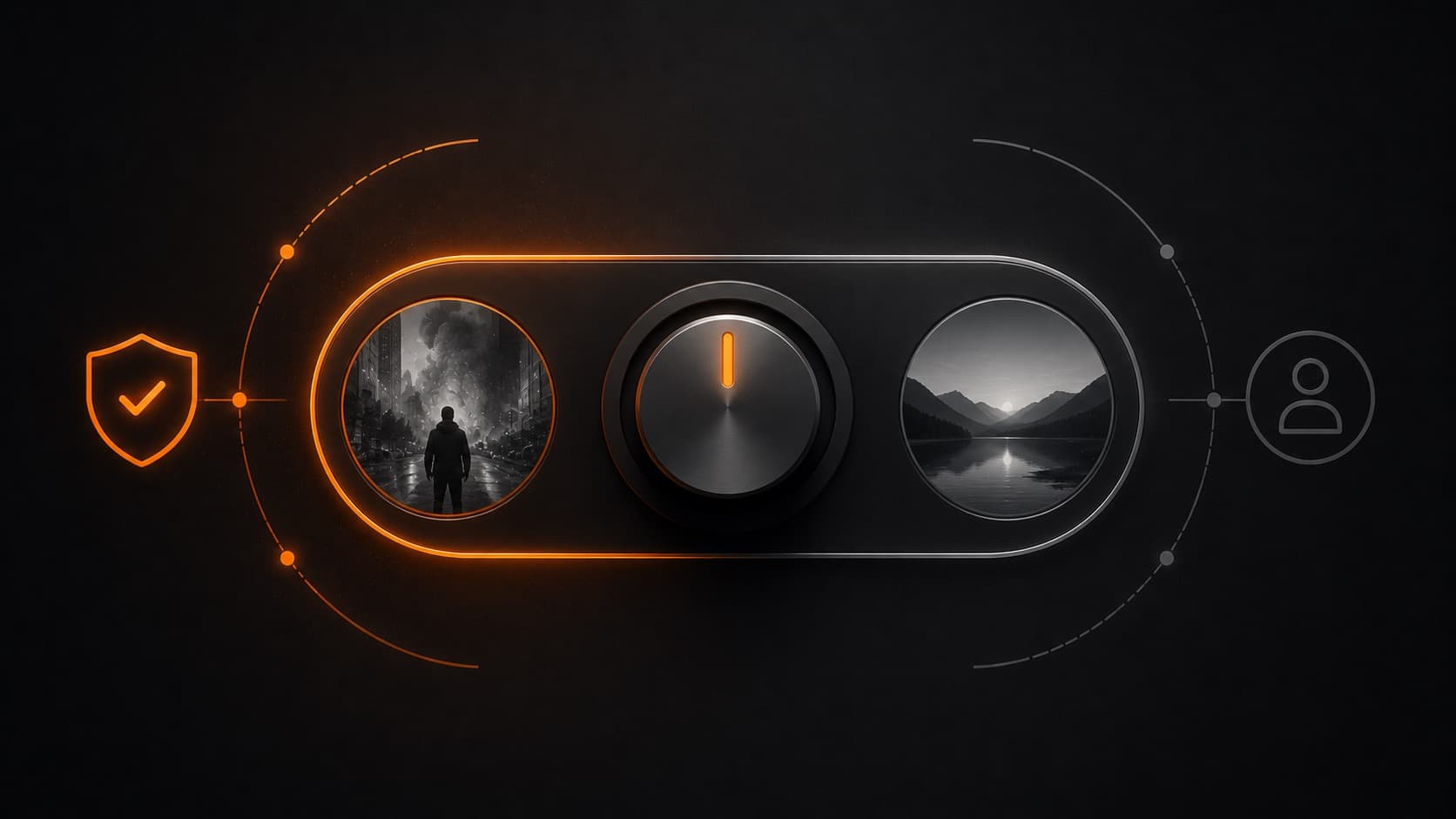
- DISCLOSURE required — realistic content that's been altered or synthetic: making a real person appear to say/do what they didn't, altering a real event, or creating a realistic scene that never happened.
- NOT required — clearly animated content, aesthetic editing (filter, color, upscale, audio repair), and AI as an assistant (script, thumbnail, cloning YOUR own voice).
- The risk — using AI isn't banned; consistently NOT disclosing realistic content is what triggers a penalty (a label applied by YouTube, or even suspension of monetization).
5. How to appeal (with realistic expectations)
- Strike / removal — in Studio → the “Channel violations” card → Appeal. It goes to review (not automated), the answer comes by email, with no extra penalty if denied. Deadlines: up to 6 months (strike) / 1 year (removal). Each strike can only be appealed once — make the appeal count.
- The trap — deleting the video does NOT remove the strike — and you also lose the right to appeal.
- Yellow icon — you can appeal; a human reviewer takes another look, and it works best on videos with traffic. Accurate self-certification matters more than the case-by-case appeal.
6. The “safe channel” checklist
- Original, authentic content — your own editing with voice/narrative; no identical replicated templates.
- Licensed or owned music and footage — avoids claims and, above all, strikes (how to license → the copyright guide).
- Don't dispute a claim you have no right to — the baseless dispute is what escalates into a strike.
- Disclose realistic AI + frame sensitive topics — educational/in-context handling preserves monetization.
- 2-step verification + no strikes + monitor your Account Status — in Studio, know your real standing before you find out from a notification.
7. The trick of the trade: a pro is a safety layer
A professional editor/producer isn't just aesthetics — they're a layer of protection for the channel. Licensed or owned assets (zero risk of a strike from carelessness), original editing (stays clear of the “inauthentic” filter), correct AI disclosure, and advertiser-friendly handling of sensitive topics. The result: the channel stays monetizable and is never one bad upload away from deletion.
For a brand, three strikes in 90 days can wipe out years of audience. That's exactly the kind of risk a professional production partner exists to eliminate — and it's what HEY JOE does.
Quick questions
Does a strike delete my channel on the spot?
No. The first Community Guidelines violation is usually a WARNING, not a strike. It takes 3 strikes in 90 days to remove a channel (the exception is a single severe abuse, which can end it with no warning). Each strike comes with temporary posting restrictions and expires 90 days after it's issued.
Will getting a Content ID claim give me a strike?
No — they're different things. A Content ID claim is automatic and is NOT a penalty: it usually just redirects that video's revenue to the music/content owner. A copyright strike is a legal removal and counts toward the 3-in-90-days. The trap: disputing a claim WITHOUT a real right can prompt the owner to file a legal removal — and that becomes a strike. Only dispute if you hold a license or a legitimate right.
Why did my video get the yellow icon (limited ads)?
It was judged “not suitable for all advertisers” under the advertiser-friendly guidelines (profanity, violence, a sensitive topic, etc.). That demonetizes THAT video, not the channel — and context counts: educational or news content handled properly can touch sensitive topics and still be eligible. You can appeal.
What demonetizes the WHOLE channel (not just a video)?
Mainly reused content (reposting other people's material with no real transformation) and “inauthentic” content (mass-produced/templated — a rule tightened in July 2025, aimed at the flood of repetitive AI videos). Reactions, compilations, and clips can monetize, as long as they add significant original value (your commentary, editing, voice).
Do I have to disclose that I used AI?
It depends. You have to disclose realistic content that's been altered or generated by AI (making someone appear to say what they didn't, creating a realistic scene that never happened). You do NOT have to disclose aesthetic editing (filter, color, upscale) or AI as an assistant (script, thumbnail, cloning your own voice). Consistently not disclosing realistic content can lead to a penalty.
How do I appeal a strike or a demonetization?
In YouTube Studio, on the “Channel violations” card, there's an Appeal button — the case goes to human review and the answer arrives by email, with no extra penalty if it's denied. Watch out for one trap: deleting the video does NOT remove the strike, and it also costs you the right to appeal.
Are 5-second clips always fair use?
No — there's no magic length rule. Fair use is a case-by-case legal analysis, and it varies by country. What counts as a valid license and what counts as fair use is in our copyright guide; here the focus is how the platform enforces the rules.
Sources
- Community Guidelines strikes (YouTube Help) — the warning, the ladder, and the 3-in-90-days.
- Understand copyright strikes (YouTube Help) — legal removal, Copyright School, expiration.
- How Content ID works (YouTube Help) — automatic, non-punitive claim.
- Disclose altered or synthetic content (YouTube Help) — what requires an AI notice and what doesn't.
Understanding the rules takes the fear away and protects your work. While you handle the copyright side and the safe music side, the part about keeping the channel original, clean and monetizable — editing that never leaves you one upload away from deletion — is on HEY JOE. It's also why working with a pro is a safety layer for the channel.